

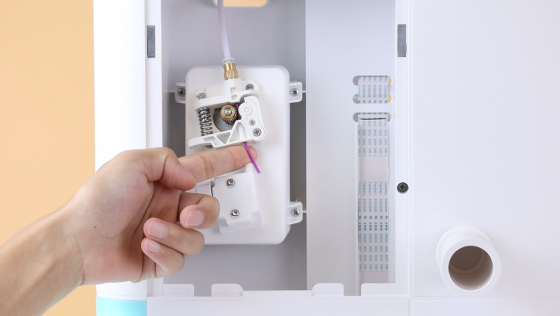
Filament Detection
This video is a guide to the filament detection and how to unload and load filaments. Pliers are needed in this demonstration.
Filament Detect function allows the printer to detect when the filament runs out. Click OK. Setting-Filament-Unload. Use pliers to cut the filament first while the nozzle is heating up, then pull the rest out of the detector and wait for auto unloading.
Once the auto unloading begins, pull the filament aside to facilitate unloading.
Then load the filament. Click Load.
Note that Filament Detect is turned on by default.
Watch the video below. You’ll find it out!




Further reading
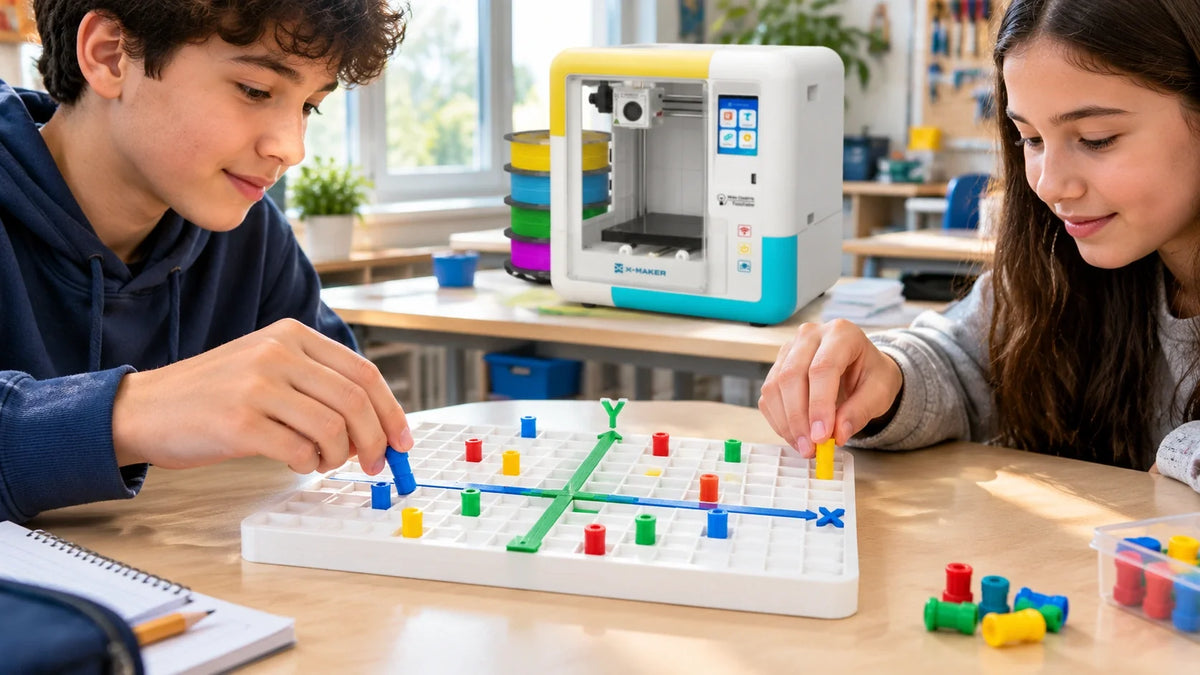
3D Printed Cartesian Plane Lesson Plan: Math and Technology Integration for Grades 5 to 8
Ordered pairs trip up a lot of students for one simple reason. On paper, a point is just a dot, and a dot in the wrong square looks almost the same as a dot in the right one. A 3D printed Cartesian...

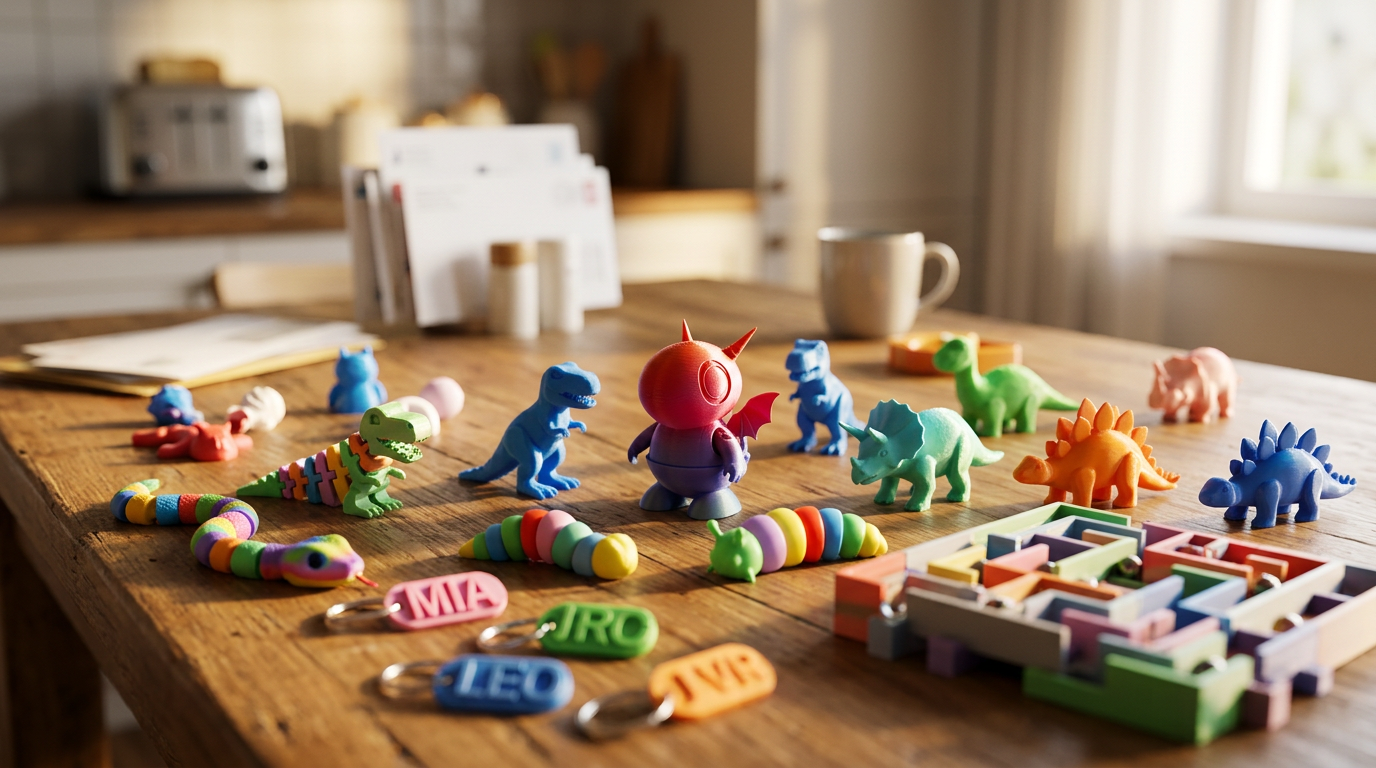
STEM Education for Kids: What It Means and How Parents Can Support It at Home
A paper airplane that keeps veering left. A block tower that falls at the same height every time. A kid asking why the ice in their juice melted faster than the cube on the counter.
Small questions...

Small Gifts for Kids: Party Favors and Little Presents Kids Can Make
A small gift for a child does not need a big price tag. A bookmark they drew, a lump of clay, a pocket card game. Kids hold on to the things they can use, make, or play with again.
Party favors wor...

Christmas Gifts for Kids Who Love to Build and Create
Some kids open a finished toy, play for ten minutes, and wander off. Others ignore the toy and build something out of the box it came in. If you are shopping for the second kind, start here.
This l...


