Kids' 3D Printer vs 3D Pen: 10 Buying Differences for Parents
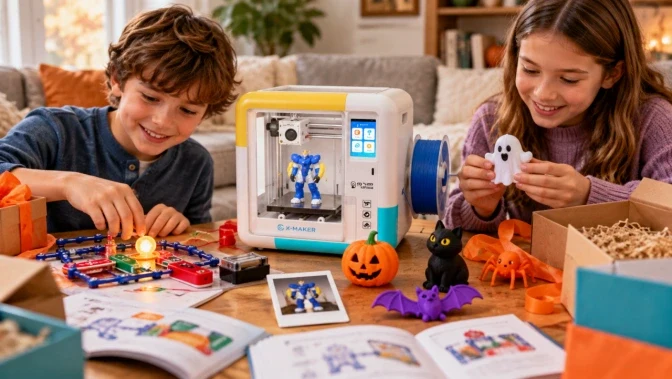
Choose a 3D pen for short, freehand drawing in plastic; choose a kids' 3D printer for repeatable models, fitted parts, and a design-test-revise workflow. Neither category is automatically safer, easier, or better for every child.
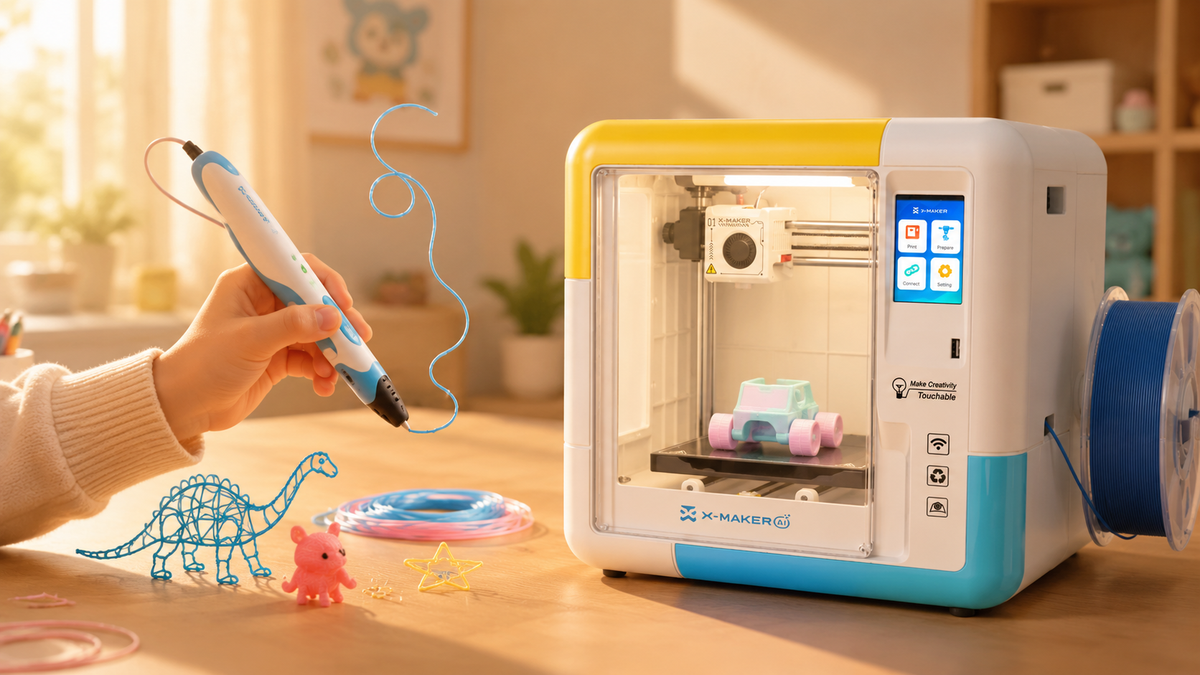
A 3D pen places the extrusion tip in the user's hand, while a printer follows a prepared digital toolpath automatically. Automation removes hand-guided extrusion but does not permit unattended use: follow the exact age label and manual for setup, supervision, placement, exposure controls, monitoring, cooling, and part removal.
Compare the child's interest in freehand making versus digital planning, the length of a typical session, repeatability, precision, required adult steps, current device price, compatible material cost, maintenance, and the projects the family will actually repeat.
The 10 differences below lead from a quick choice to the safety, cost, learning, project, and long-term-use conditions that should decide the purchase.
Which One Fits Your Child
|
If this sounds like your child |
Start with |
Why |
|
Enjoys freehand drawing and wants immediate manual feedback |
3D pen |
No model file is required, and the child controls the shape directly |
|
Enjoys planning, digital models, and waiting for a repeatable result |
Kids' 3D printer |
Supports a design, preview, print, test, and revise workflow |
|
Wants fitted parts or several matching pieces |
Kids' 3D printer |
The same prepared file can be printed repeatedly, subject to calibration |
|
May lose interest before a long print finishes |
3D pen or a very short test print |
Keeps the first activity brief while you evaluate interest |
|
Two children prefer different kinds of making |
Try the lower-commitment workflow first |
Observe whether they prefer hand control or digital planning before buying more equipment |
What Is Actually Different Between a 3D Pen and a Kids' 3D Printer

Both produce three-dimensional plastic shapes, but they offer different kinds of control and require different kinds of patience. That difference matters when choosing a tool for a child.
How a 3D pen works
Filament feeds through the body of the pen. Heat softens it. It leaves the tip as a thin line and stiffens as it cools. Your child moves their hand, and the line becomes the object.
Some child-focused pens use PCL at lower processing temperatures than common PLA/ABS pens, but operating and accessible-surface temperatures vary by product. Follow the exact age label and manufacturer instructions, supervise use, and treat the tip and fresh material as potentially hot unless the manufacturer’s verified guidance states otherwise.
How a kids’ 3D printer works
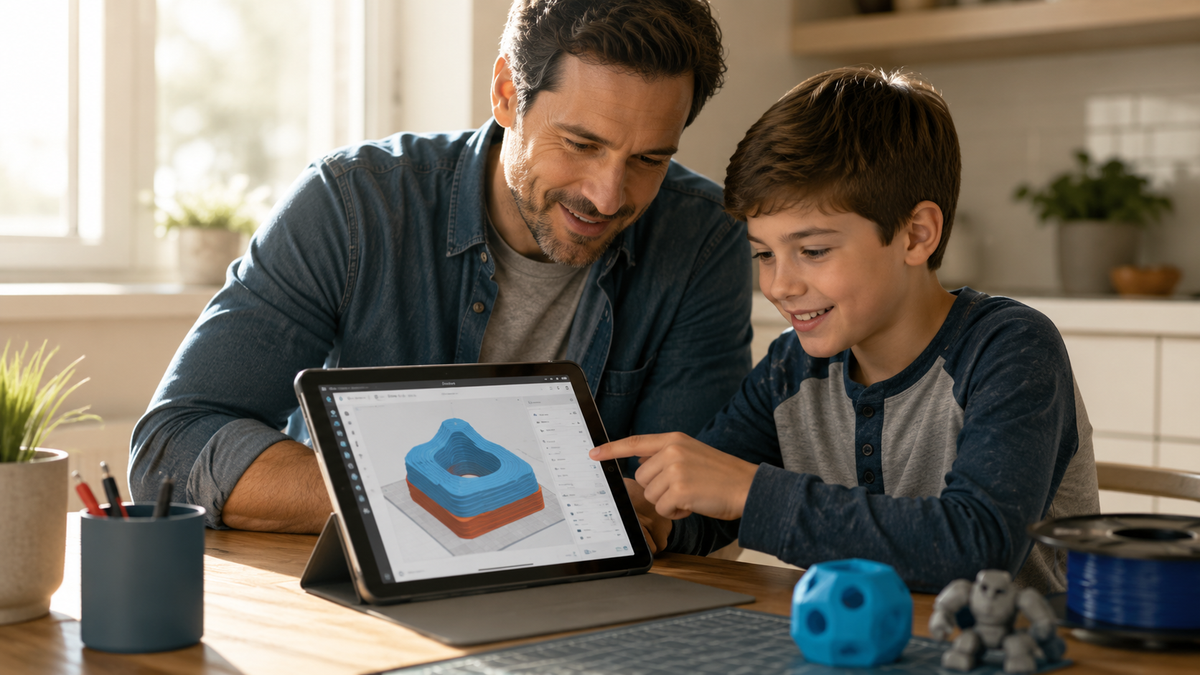
A printer needs a file before it needs plastic. Additive manufacturing builds an object one thin layer at a time, following a digital design rather than a hand. The file gets sliced into those layers, the machine follows the instructions, and nobody touches the shape while it forms.
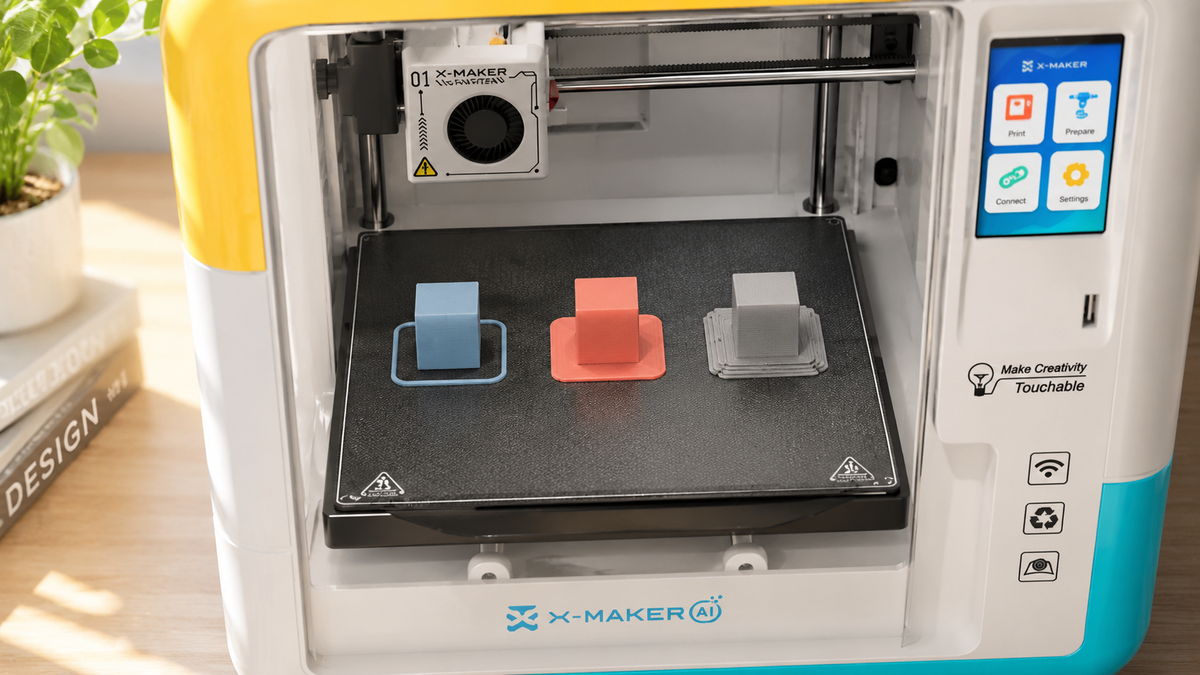
Some kid-focused printers simplify setup with tested models and guided controls, but the exact workflow varies. Verify whether leveling, file preparation, material loading, support removal, and failed-print recovery require an adult. The main trade-off is that a printer creates the object automatically but may take substantially longer than a short freehand pen activity.
Freehand control versus a repeatable file

A pen gives the user direct control over the extruded line, so speed, angle, and hand motion affect the result. A printer can reproduce the same digital toolpath with much greater dimensional consistency than freehand drawing, provided the machine, material, profile, and environment remain controlled.
That single difference drives most of the ten below.
|
QUICK TEST Ask your child to describe the thing they want to make. If the answer is a picture, lean pen. If the answer is a function, lean printer. |
The 10 Buying Differences, Side by Side
No single row settles it. Read down the list and notice which rows you keep caring about.
|
# |
What to compare |
3D pen |
Kids' 3D printer |
|
1 |
Readiness |
Manual control and heat rules |
Model selection, waiting, and machine rules |
|
2 |
First activity |
Load the approved material and draw |
Choose or prepare a file, review the preview, and start |
|
3 |
Main safety control |
Hot tip remains in the hand |
Hot and moving parts may be enclosed; verify the exact design |
|
4 |
Cost comparison |
Check the current kit, material, and replacement-tip prices |
Check the current printer, filament, parts, and optional-service prices |
|
5 |
Material supply |
Short strands, sticks, or refill packs |
Spools or cartridges, depending on the exact printer |
|
6 |
Creative style |
Freehand and immediate |
Planned, previewed, and repeatable |
|
7 |
Dimensional control |
Depends heavily on hand control |
Depends on the model, slicing, calibration, and material |
|
8 |
Learning path |
Spatial drawing and manual coordination |
Digital design, scale, orientation, slicing, and testing |
|
9 |
Common troubleshooting |
Feeding, clogs, and inconsistent lines |
Adhesion, supports, profiles, and maintenance |
|
10 |
Long-term fit |
Short craft sessions and freehand repair |
Repeatable projects and iterative engineering |
Differences 1 to 4: age, ease, safety and price
1. Age and readiness. Follow the manufacturer's age label and supervision instructions, then assess whether the child can follow heat, movement, material, and waiting rules. Readiness varies within an age group, so do not infer suitability from a birthday alone.
2. Ease of use. A pen gives immediate manual feedback, while a printer shifts more work into model selection, setup, and waiting. After a family learns a guided printer workflow, repeat prints may require fewer hand movements, but the result depends on the printer, the file, and who handles troubleshooting.
3. Safety exposure. A pen places a heated tip and fresh plastic in the user's hand. Some enclosed printers reduce access to hot and moving parts, but enclosure design, interlocks, emissions controls, monitoring, and supervision vary. Neither category is automatically safer.
4. Purchase price. Pens generally require a lower upfront purchase than desktop printers, but current prices vary by region, safety design, included materials, and accessories. Compare the total first-year cost using today’s product pages, compatible refills, replacement parts, and expected project volume.
Differences 5 to 7: materials, creativity and precision
5. Refill cost. Both tools consume plastic, and printers may also use support material or repeat a failed job. Compare compatible refills, pack or spool size, replacement tips or nozzles, proprietary restrictions, and the likely project volume before buying.
6. Creative style. A pen supports immediate freehand drawing, while a printer supports planning, modeling, printing, testing, and revision. Both can support creativity when the activity remains open-ended and a caregiver participates; the device is a material for play, not a substitute for engagement.
7. Precision. A printer follows a digital model and can produce repeatable dimensions when the file, profile, calibration, material, and machine are controlled. A pen follows hand motion, so matching parts and controlled tolerances are more difficult; that may be acceptable for decorative work but limiting for a fitted joint.
Differences 8 to 10: STEM depth, troubleshooting and long-term use
8. STEM depth. A pen shows how flat lines can become solid form and develops hand control. A printer adds digital design, scale, orientation, supports, measurement, and iterative troubleshooting. The two tools teach overlapping but different skills.
9. Troubleshooting. Pen issues often appear during extrusion, such as feeding, clogs, or inconsistent lines. Printer issues may involve adhesion, supports, profiles, calibration, material, or maintenance. The time and material cost depend on when the problem is noticed and how large the project is.
10. Long-term use. A pen can remain useful for freehand craft and joining tasks, while a printer can support repeatable models, fitted parts, and iterative design projects. Choose based on the projects the child is likely to repeat, not a promise about how long interest will last.
Which Is Safer for Kids, and What the Research Actually Says
Neither category is automatically safe. Neither is automatically dangerous. Start there. Both melt plastic near a child, and the real differences come down to what your child can reach and what the room can clear.
Hot surfaces
A standard 3D pen uses a heated extrusion tip held by the user. Some child-focused pens process PCL at lower temperatures than common PLA/ABS systems, but operating temperature, accessible-surface temperature, age labeling, and protective design vary by product. Treat the tip and fresh material as potentially hot unless verified instructions state otherwise.
A well-designed enclosure can reduce access to hot and moving parts, but it does not remove thermal or emission risks. Check the exact product for door interlocks, ventilation or validated filtration, temperature controls, fault protection, and responsible-adult supervision requirements.
Particles and fumes

A NIOSH study measured particle and organic-vapor emissions from two toy 3D pens and one toy 3D printer under chamber conditions. The results show that neither category should be assumed emission-free; measured yields varied with nozzle conditions, filament type and color, and extrusion speed. Apply the product instructions and appropriate ventilation or other exposure controls to the actual room and use pattern.
Use only manufacturer-approved materials and settings, choose the lowest effective print temperature, and apply effective exposure controls based on current NIOSH and manufacturer guidance. PLA formulations can still emit particles and VOCs; material name and an open window are not proof of low exposure.
Moving parts and enclosures
A printer may include belts, rails, fans, and a moving toolhead. Verify which hot and moving components are enclosed, how the door or lid behaves during operation, and what maintenance exposes those parts. Place the device according to the manual and room-safety guidance, not in a bedroom by default.
A pen has a feed mechanism and a hot extrusion tip, while the user's hand directly controls placement. Keep fingers and flammable materials clear of the tip, use only approved material and temperature settings, and let an adult handle jams and maintenance as instructed.
|
SUPERVISIONAn enclosure, lower-temperature material system, or guided app may reduce specific risks, but none removes the need to follow the manufacturer's age label, heat and movement rules, ventilation guidance, maintenance instructions, and required adult supervision for the exact product. |
What the Age Label on the Box Really Tells You

An age label identifies the manufacturer's intended age positioning; it does not prove that every child in that range can use the product independently or that every hazard has been removed.
The U.S. Consumer Product Safety Commission's 2020 Age Determination Guidelines describe how staff assess product characteristics against children's abilities, interests, and play behavior, and the revision includes a technology-play category. The guidance supports age classification; it does not show that every child at the labeled age can use a heated tool independently.
An age label indicates the manufacturer’s intended age positioning and influences which requirements may apply; it is not, by itself, proof of every test or of suitability without supervision. Review the exact product’s compliance documents, warnings, and instructions.
What Kids Can Actually Make With Each One
Project type is a useful decision criterion because a pen and a printer solve different making tasks. Match the tool to the projects the child already wants to try, then verify the required supervision and supplies.
|
Project type |
3D pen |
Kids' 3D printer |
|
Freehand art and lettering |
Direct and freehand; results vary with hand control |
Possible, but a file has to exist first |
|
Traced templates and flat shapes joined into solids |
Common beginner starting point |
Not how the workflow runs |
|
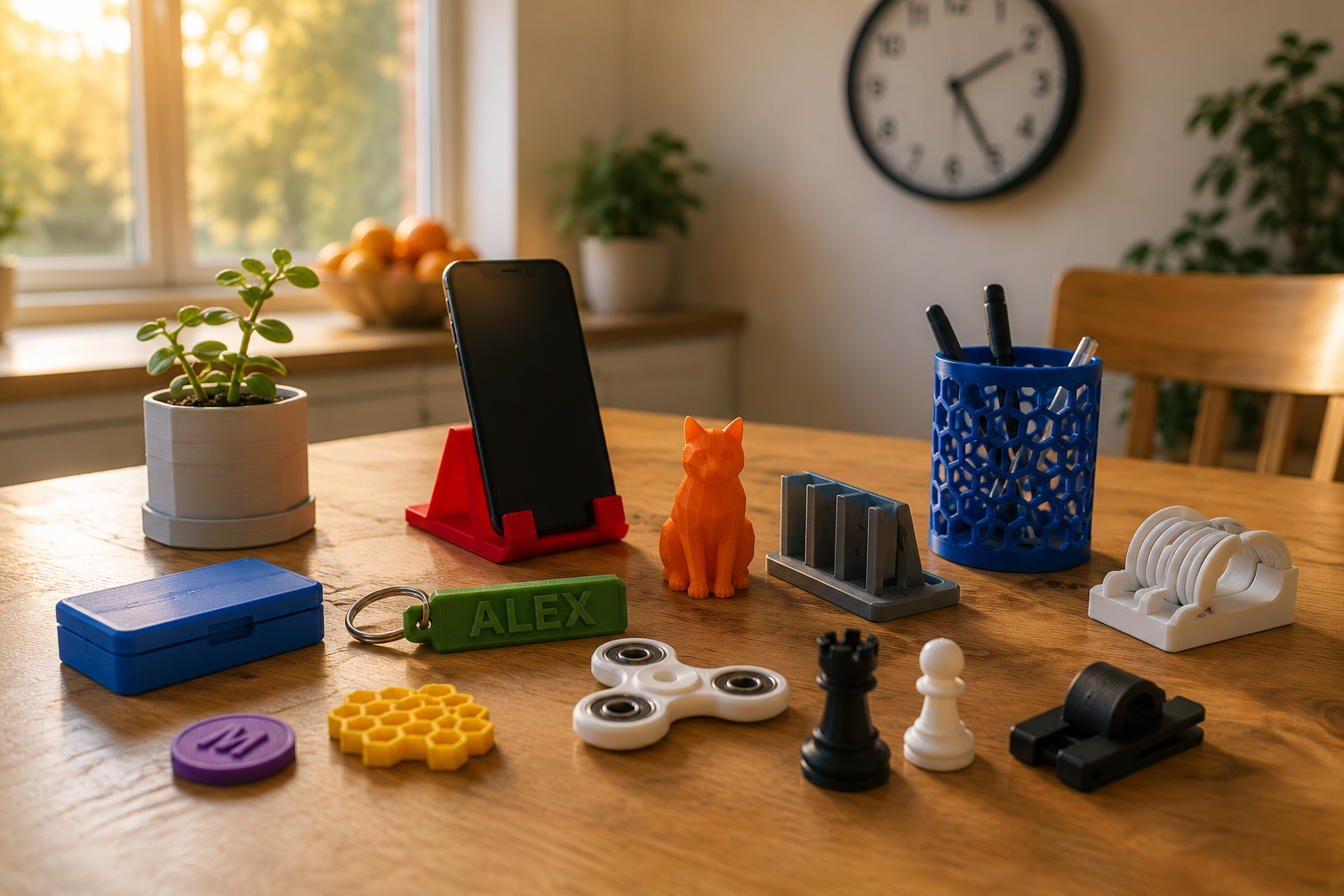
Toys and figures |
Freehand and variable; durability depends on design and technique |
Repeatable; durability depends on model and print settings |
|
Game pieces and matching sets |
Difficult to match consistently by hand |
Repeatable from the same file |
|
Parts that must fit together |
Difficult to control precisely |
Well suited when tolerance is planned |
|
Repairing or joining printed plastic |
Useful companion tool |
Not designed for it |
|
School demonstrations |
Immediate manual construction; duration depends on the project and user |
Slower; useful when repeatable dimensions matter |
|
Gifts |
Charming and clearly handmade |
Repeatable personalization when the design tool and file support it |
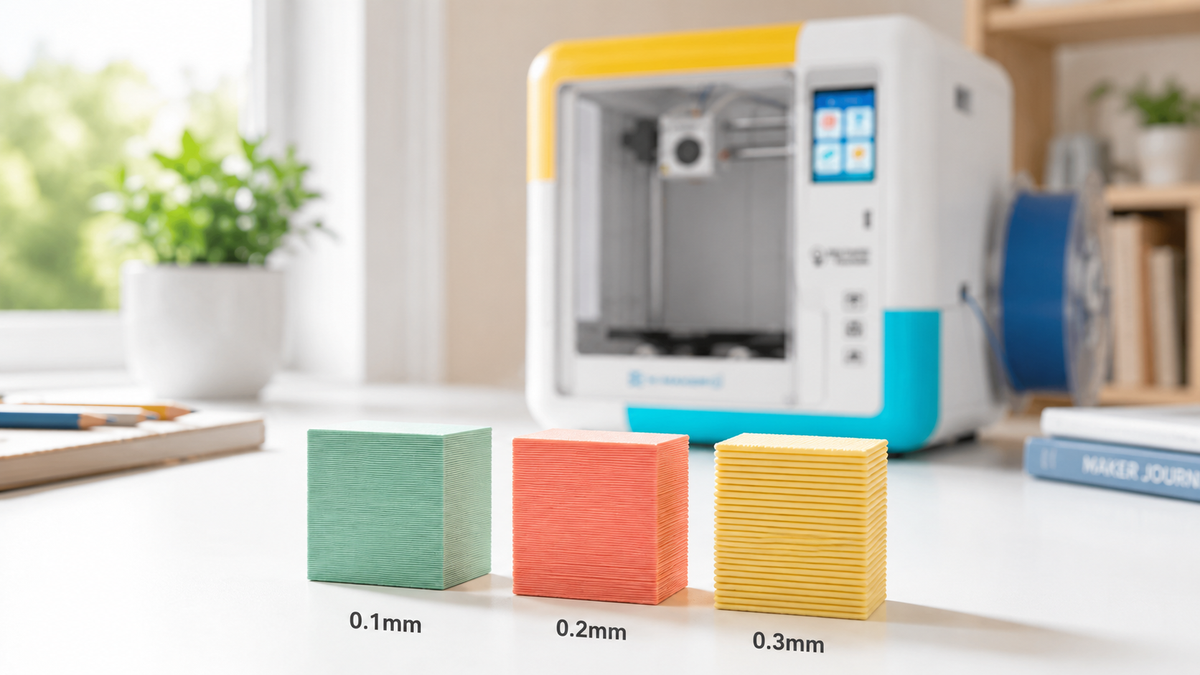
Print time is an important difference. A pen project can begin immediately and progress at the child's hand speed, while a printer may run from minutes to many hours depending on model size, layer height, supports, and speed. Check the slicer estimate before promising when a project will be ready.
If you prefer the printer workflow, compare the exact current models using the manufacturer’s official product page and manual. Verify age and supervision guidance, app or device requirements, enclosure and interlock features, approved materials, model-preview controls, and adult-only steps. Do not assume ABS support unless the manual specifies the required operating, ventilation, and responsible-adult controls.
When to Choose a Pen and When to Choose a Printer
Match the tool to the child's preferred way of making and to the adult support available. A longer feature list is not useful if the family will not repeat the workflow.
Choose a 3D pen when:
- Your child draws, paints or sculpts already and wants that feeling in three dimensions.
- Sessions need to be short, and a finished object has to appear before attention runs out.
- You are testing whether the interest is real and want a lower-commitment first workflow after comparing current device, refill, and supervision costs.
- Nobody in the house wants to open design software.
- The projects are decorative: ornaments, name signs, jewellery, frames, sculptures.
Choose a kids' 3D printer when:
- Your child asks how things are made and likes taking them apart.
- The projects need to work: parts that fit, pieces that match, a toy with moving components.
- You want access to repeatable projects and a design-test-revise workflow, and you have confirmed that the model source, software, and supplies remain usable over time.
- You want the child doing the creative work while an adult handles filament, supervision, and maintenance. An app-led printer may reduce setup steps, but verify the age guidance, parent controls, local file options, and the actions required when a print fails.
- Waiting is acceptable, and a failed print reads as a puzzle rather than a disaster.
The tools can complement each other: a printer can make repeatable base parts, while a pen can add decoration or assist with simple joins when the materials and product instructions allow it. There is no need to buy both before the child has tried one workflow.
Conclusion

There is no universally better tool here, only a better match. A pen suits short freehand making and direct hand control. A printer suits repeatable models, fitted parts, and a design-test-redesign workflow when the child is willing to wait for the machine and an adult can handle the required supervision.
If you choose a printer, compare the exact current model by setup and leveling requirements, model-library access, replacement parts, supported materials, and adult-supervision needs. Before buying, verify the current regional price, package contents, age and supervision guidance, warranty, return terms, and software or library scope on the manufacturer’s current product page, manual, and policies.
FAQs
Which is better for kids: a 3D printer or a 3D pen?
Choose a 3D pen for short freehand art sessions and immediate manual control. Choose a 3D printer for repeatable models, fitted parts, and a deeper design-to-test workflow; age labels and adult supervision still apply to both.
What age is appropriate for a 3D pen or kids' 3D printer?
There is no single age that fits every child. Follow the manufacturer's age label, check whether the child can follow heat and movement rules, and plan direct adult supervision whenever the instructions require it.
Are 3D pens safer than 3D printers?
Not automatically. Both heat plastic and can introduce hot surfaces, moving components, and emissions.
- Use the material and temperature specified by the manufacturer.
- Provide ventilation appropriate to the room and product instructions.
- Keep fingers, hair, and loose clothing away from hot or moving parts.
- Let an adult handle maintenance, jams, and sharp post-processing tools.
Can a 3D pen make functional parts?
It can make simple repairs, joins, and freehand structures, but repeatable dimensions are difficult by hand. If parts must fit, match, or carry a predictable load, a printer driven by a designed file is usually the more controllable process.
Which costs more to keep using?
A printer usually has a higher upfront equipment price, but ongoing cost varies by product, compatible material, project volume, failed prints, replacement parts, optional services, and electricity. Compare a dated first-year estimate rather than only the starter-kit price.
- 3D pen: filament, tips or nozzles, templates, and protective work surfaces
- 3D printer: filament, nozzles, build surfaces, maintenance parts, electricity, and optional files or services
- For either tool, compare compatible material prices rather than only the starter-kit price
Can a 3D pen and a 3D printer be used together?
Yes. A printer can produce repeatable base parts, and a pen can add decoration, bridge a small gap, tack pieces before a stronger joint, or help demonstrate how extrusion works. Keep all repair and heat steps within the material and product instructions.
Sources
- CDC / NIOSH, “3D Printing (Additive Manufacturing)”
- CDC / NIOSH, “Approaches to Safe 3D Printing: A Guide for Makerspace Users, Schools, Libraries, and Small Businesses”
- National Institute of Standards and Technology, “What is Additive Manufacturing?”
- U.S. Consumer Product Safety Commission, “Age Determination Guidelines: Relating Consumer Product Characteristics to the Skills, Play Behaviors, and Interests of Children”
- American Academy of Pediatrics, “The Power of Play: How Fun and Games Help Children Thrive”


Further reading
Art Gifts for Kids: Supplies, Kits and Ways to Turn Drawings Into Objects
Gift Ideas for Boys Who Love to Build, Invent and Take Things Apart

Experience Gifts for Kids: Activities, Classes and Maker Projects to Do Together