

8 Print-and-Play Interactive 3D Printed Games for Kids Aged 4–12

There is a specific kind of pride that comes from winning at a game you made yourself.
I watched my 9-year-old figure this out the first time we played his printed stacking tower on a Sunday evening. He had spent Saturday printing the blocks, counted them out carefully, stacked them up, and then spent the next 45 minutes beating everyone at the kitchen table. The game got a name that night. Not its model name. His name. 'Can we play Daniel's tower game?' No store-bought game in our house gets called that.
This is what 3D printed games offer that toy buying doesn't: a game night built from something the child created. The making and the playing are the same project. Eight games follow — each age-appropriate for 4 to 12, printable in a single session, and genuinely fun for the whole family.
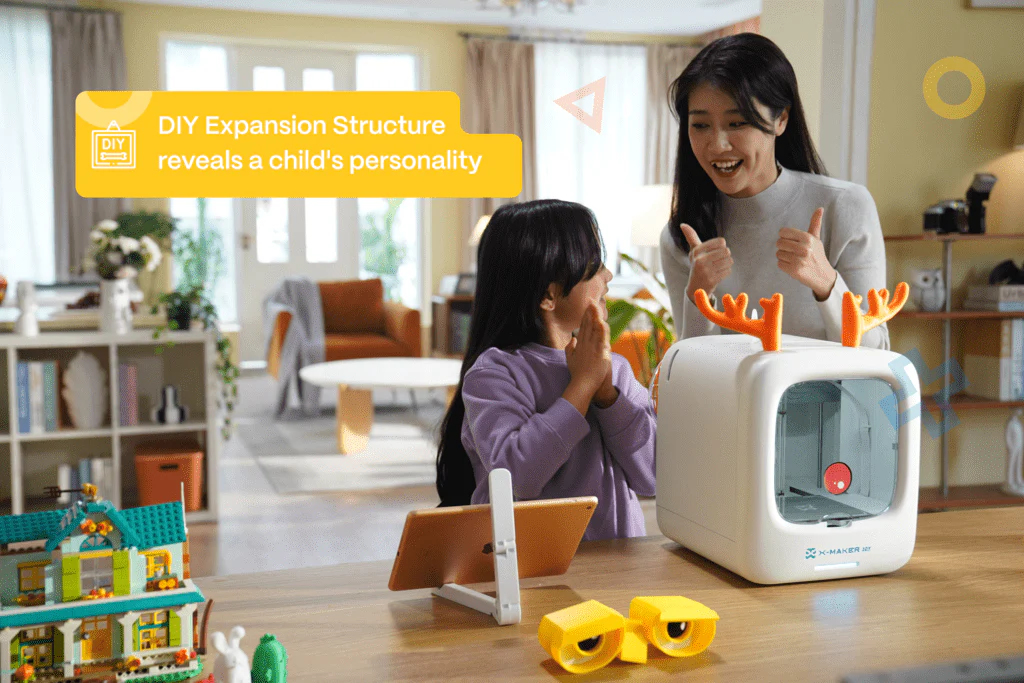
At AOSEED, this exact idea — print it, play it the same day — shaped how the X-MAKER product line was built. The AOSEED X-MAKER JOY lets a child browse game models in the app, choose colors, and start printing with minimal adult help — which means the game night can genuinely belong to them from start to finish.
Why 3D Printed Games Hit Different

Most families have a stack of board games somewhere in a cupboard. Some get played regularly. Most do not. The ones that do tend to have a story attached — found on a trip, received as a meaningful gift, or made by someone at the table.
A 3D printed game always has the last kind of story. The child chose the colors. They decided how many tokens to print. They placed the pieces on the build plate themselves. When they play it with their family, they are playing something that exists partly because of decisions they made — and that makes them far more invested in the outcome.
There is a practical benefit too: 3D printed games are repairable. Lose a token? Print another. Break a piece? Replace it in 15 minutes. The game never becomes unplayable because of a missing component — which, for games that get genuinely played, matters more than it sounds.
What Makes a Good Print-and-Play Game for Kids
Not every 3D printable game is right for the 4–12 age range. The best ones share these five characteristics.

|
Characteristic |
Why It Matters for Kids |
|
Rules explained in under 2 minutes |
Children invest in a game only when they understand it. Simple rules = faster first game = more fun |
|
Printable in one afternoon |
Making and playing should happen the same day — the wait between print and play is part of the excitement |
|
2 to 4 players minimum |
Family games need at least a parent-child match. Games for 2 to 4 work for most family sizes |
|
Safe for all ages at the table |
Mixed-age play works best when the youngest player can follow along. No reading required for the youngest group |
|
Physically satisfying to handle |
Flicking, stacking, rolling, sliding — tactile interaction is what makes a physical game better than a screen game |
Every game on this list meets all five. That is the only selection rule used here.
The 8 Games — Print Saturday, Play Saturday Night
01. Mini Puck Flicker Game

A small tabletop launcher that flicks a disc across a smooth surface toward a printed goal at the other end. Load the disc, pull back the spring plate, release. The skill is in calibrating how hard to flick — too hard and it flies off the table, too soft and it falls short. Two players take turns flicking five discs each, scoring by landing inside the goal.
This works particularly well for siblings with a big age gap. Skill and randomness are both factors, which means a 5-year-old and a 9-year-old are roughly competitive. That balance is rare in physical games and worth choosing for.
|
Ages |
Players |
Print Time |
Skill Developed |
|
4+ |
2–4 |
45–90 min |
Aim, turn-taking, gentle competition |
02. Stacking Tower (Jenga-Style Blocks)

54 identical rectangular blocks stacked into an 18-tier tower. Players take turns removing blocks one at a time and placing them on top. Eventually the tower falls. The player who causes the collapse loses.
Printing 54 blocks in batches of 6 to 8 per print means this takes 3 to 4 hours total — good to start in the morning for an evening game. The experience of playing a tower that was printed and stacked by a child, then toppled by a parent, is satisfying for everyone at the table. This is the most replayable game on this list. Setup is simple, each game takes 10 to 20 minutes, and it never plays the same way twice.
|
Ages |
Players |
Print Time |
Skill Developed |
|
5+ |
2–4 |
3–4 hours total |
Patience, steady hands, risk assessment |
03. Custom Dice Tower + Personalized Dice Set

A printed ramp that tumbles dice through an internal staircase and drops them onto a catching tray — ensuring genuinely random rolls. The child can print dice in different colors, one per player, so everyone has their own die. The tower itself takes 60 to 90 minutes and becomes a permanent fixture for any game that uses dice.
Print extra dice in each player's favorite color and they have a set that belongs to them. A wide range of tower designs and dice styles are available among printed game pieces for kids on Pinshape — a good source for game accessories alongside the major platforms.
|
Ages |
Players |
Print Time |
Skill Developed |
|
5+ |
1–6 |
60–90 min (tower) + 15–25 min per die |
Creative personalization, randomness in games |
04. Spinning Top Battle Arena

A shallow printed ring — the arena — and 2 to 4 spinning tops, each in a different player's color. Players spin their tops into the ring simultaneously. The last top spinning wins the round. First to win five rounds wins the match.
This game generates the most noise in our house. A 7-year-old and a parent are equally matched because spinning a top consistently is a skill that does not scale with age in the way most dexterity games do. The arena takes 30 to 40 minutes to print. Each top takes 15 to 20 minutes. The full set for four players is ready in an afternoon.
|
Ages |
Players |
Print Time |
Skill Developed |
|
5+ |
2–4 |
~90 min total |
Coordination, competitive play, physics |
05. Ring Toss Set

Three to five printed posts of graduated heights in a weighted base, and 10 to 12 printed rings in two player colors. Players take turns tossing rings onto posts — higher posts score more points. First to 20 wins. This works indoors on a kitchen table or outdoors on a flat surface.
The physical act of tossing a ring you printed yourself onto a post you designed and made is different from a plastic ring toss from a toy shop. You can find printable game models for kids on Cults3D at printable game models for kids on Cults3D — including several ring toss variations with different post configurations and ring sizes.
|
Ages |
Players |
Print Time |
Skill Developed |
|
4+ |
2–4 |
90–120 min total |
Aim, distance judgment, simple scoring |
06. Sliding Tile Puzzle (15-Puzzle)

The classic 4x4 grid with 15 numbered tiles and one empty space. Slide tiles around to order the numbers 1 to 15 in sequence. One player completes it as fast as possible while another times them. The competition is against your own best time, which eliminates the age gap entirely.
Printing the frame and tiles takes 2 to 3 hours for the full set. The puzzle works best with a slight tolerance between tiles and frame so they slide smoothly without falling out. This is a project where the child discovers print tolerance as a real engineering concept through making — they learn it by testing, not by reading about it.
|
Ages |
Players |
Print Time |
Skill Developed |
|
6+ |
1 (timed) |
2–3 hours |
Spatial reasoning, patience, logic |
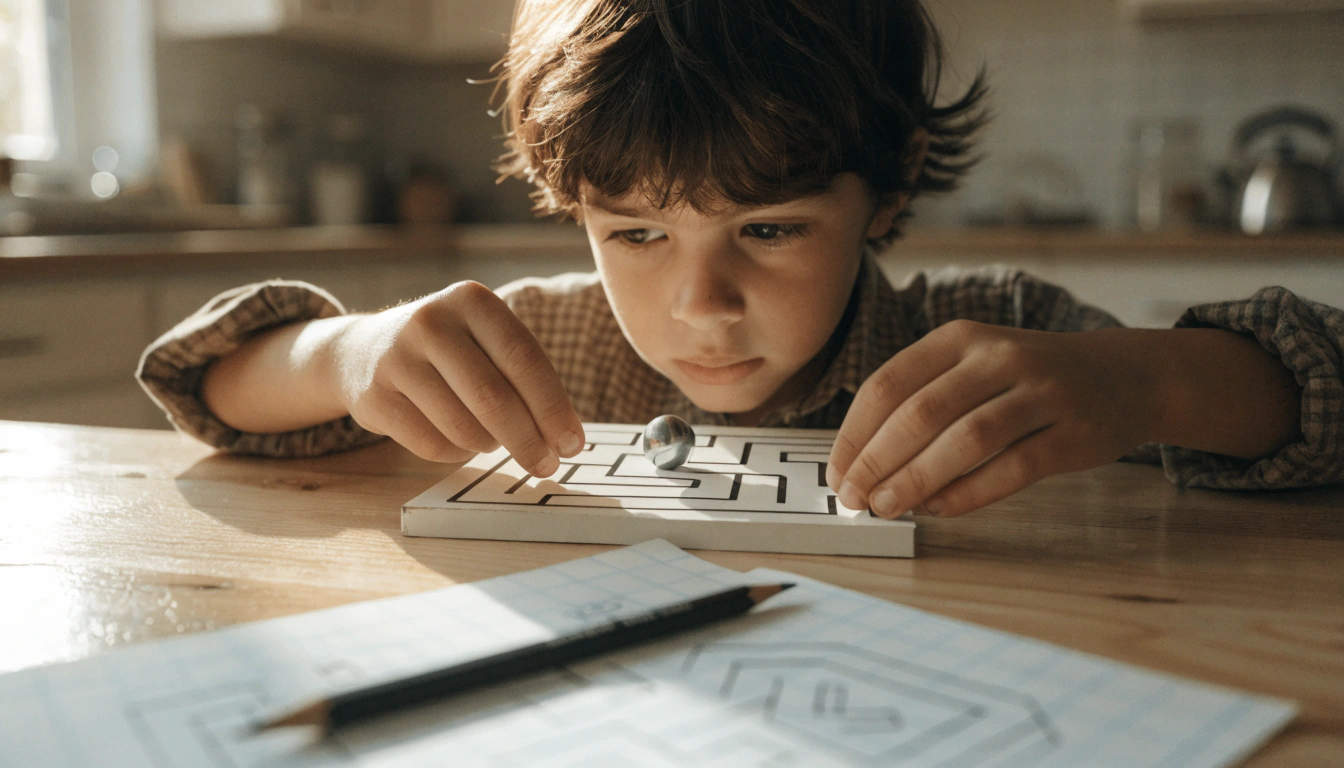
07. Maze Tilt Board

A shallow tray with printed wall channels forming a maze, and a small ball that navigates through by tilting. Hold the board level, then tilt gently to roll the ball from start to finish without dropping into the holes at the dead ends. For younger children this is a patience game. For older children it becomes competitive — two boards, two players, first to complete the maze wins.
The maze layout is one of the best creative design opportunities on this list. An older child who wants to design their own maze can start with a simple straight-path layout and add dead ends and deceptive turns across multiple printing sessions. The game literally grows in complexity as the child's design skills do.
|
Ages |
Players |
Print Time |
Skill Developed |
|
5+ |
1–2 |
2–3 hours |
Spatial awareness, patience, balance, design thinking |
08. Custom Tic-Tac-Toe Tokens

A classic 3x3 grid board with five tokens per player in contrasting colors. The game is Tic-Tac-Toe, which every child knows immediately. The value is in the personalization: the child can shape the tokens however they like — star vs. circle, dinosaur vs. spaceship, their initial vs. their sibling's initial. The tokens become a permanent named set.
Extend the game by printing a 4x4 or 5x5 board for 'four in a row' rules as children grow into it. The same set gets reprinted in slightly different configurations across multiple sessions. The game grows with the family.
|
Ages |
Players |
Print Time |
Skill Developed |
|
4+ |
2 |
50–75 min total |
Strategy, pattern recognition, turns |
All 8 Games — Quick Reference
|
# |
Game |
Ages |
Players |
Print Time |
Best For |
|
01 |
Mini Puck Flicker |
4+ |
2–4 |
45–90 min |
Fast competitive play across age gaps |
|
02 |
Stacking Tower (Jenga-Style) |
5+ |
2–4 |
3–4 hours |
Classic game night — most replayable on this list |
|
03 |
Dice Tower + Custom Dice |
5+ |
1–6 |
60–90 min |
Permanent accessory for any dice-based game |
|
04 |
Spinning Top Battle Arena |
5+ |
2–4 |
~90 min |
Skill-balanced, genuinely equal across ages |
|
05 |
Ring Toss Set |
4+ |
2–4 |
90–120 min |
Indoor and outdoor, youngest-child-friendly |
|
06 |
Sliding Tile Puzzle (15) |
6+ |
1 (timed) |
2–3 hours |
Solo timed challenge, self-improvement, logic |
|
07 |
Maze Tilt Board |
5+ |
1–2 |
2–3 hours |
Patience and design — can be self-designed |
|
08 |
Custom Tic-Tac-Toe Tokens |
4+ |
2 |
50–75 min |
Immediate playability, grows with age |
How to Host a Print-and-Play Game Night
The format that works best in our family is a Print Saturday, Play Saturday Night structure. Here is how it runs.
|
Time |
What Happens |
|
Saturday morning |
Child prints two or three games. Chooses models, selects colors, loads filament, starts each print. Games build up throughout the day. |
|
Saturday afternoon |
While the final print runs, they write the rules on a card. For known games the rules are already there. For new games, they invent their own scoring. This is genuinely creative work and children take it seriously. |
|
Saturday evening |
Family sits down, the child introduces their game, explains the rules, and the game starts. This runs differently from a bought game — the child has ownership, which changes the entire evening. |
🏆 The Game Tournament FormatIf you want to run a full family game night, print 3 to 4 games and run a simple tournament. Each game is played twice, with each person going first once. Keep a running score on paper. Award the child who designed and made the games a host bonus of 1 point regardless of how they play. This structures the evening, involves everyone, and gives the child-maker a moment of recognition that is separate from winning or losing. |
Where to Find These Game Files
All eight games above are available as free models on open platforms. You do not need to design anything from scratch to get started.
For AOSEED printer owners, the AOSEED Toy Library is the first place to look — game pieces, tokens, dice, and interactive builds are updated weekly alongside the standard models. Components in the library are optimized for default printer settings, which means reliable first prints without adjusting anything.For broader game model search, these platforms have the strongest collections for kids' games.
|
Platform |
Best For |
Notable Strength |
|
Thingiverse |
Largest library — search 'print and play' or 'kids game' |
Full stacking tower sets, ring toss designs, dice towers |
|
Cults3D |
Tabletop game accessories and token designs |
Strong maze and strategy game section |
|
MyMiniFactory |
Complete printable board game sets for children |
Good children's board game section |
|
Printables |
Newer platform — detailed tags including print time |
Difficulty rating per model, useful for first-time downloads |
|
Pinshape |
Game piece variety — dice, tokens, custom rings |
Good for game accessories and component sets |
When downloading from any platform, filter for models tagged 'no supports' and check the comments for notes on the required print gap size between moving parts — this matters for puzzles and maze boards where tolerance affects how smoothly pieces interact.
For Older Kids: Design Your Own Game

Children aged 9 and up who have been printing for a few months often reach a natural point of interest in designing rather than just printing. Designing a game is one of the most complete creative challenges at this age: the child has to think about rules, fairness, physical mechanics, aesthetics, and player experience all at once.
A good starting brief for a child who wants to design their own: pick one of the eight games above as a foundation, then change one rule and design one new piece. A stacking tower with a twist rule. A ring toss with different ring sizes for different point values. A maze with a double-level board.
The AOSEED X-MAKER handles the precise tolerances needed for game pieces that interact mechanically — maze walls that are exactly the right height, puzzle tiles that slide but do not fall out, tokens that stack without slipping. Pair it with Tinkercad for basic design work and a child who enjoys making can build an original, playable game in a weekend.
Tips for Printing Game Models Well

Most of the games above are straightforward to print. A few specifics make a meaningful difference to the finished result.
|
Tip |
Detail |
|
Use PLA for all game pieces |
PLA is plant-based, non-toxic, and robust under normal play. It handles the repeated physical interaction of games well without special settings. |
|
Print no-supports models only |
Game pieces with overhangs that need supports produce rough surfaces on the underside — this affects how pieces slide, stack, or interact. No-supports models give cleaner results. |
|
Raise infill to 30–40% |
Default infill of 15–20% is fine for display objects. For game pieces that get handled repeatedly, 30–40% infill significantly improves durability without much extra material. |
|
Test tolerances before printing full sets |
For puzzles and maze boards, print one tile first and check the fit. The tolerance — the gap between pieces — varies by printer. A 0.3mm gap may slide too easily on one machine and too stiffly on another. |
|
Batch print small pieces |
Dice, tokens, and ring-toss rings can all be batched in one print job. Arrange multiples on the build plate and print them together — this reduces total print time significantly. |
|
Label pieces by player color |
Print each player's pieces in a specific filament color. It removes any ambiguity during gameplay and gives each player a sense of ownership over their pieces. |
The Game That Stays on the Shelf

Most store-bought games go into a cupboard. Games a child made tend to stay on the shelf where they can be seen — and where they get brought out. The dice tower for cousins visiting. The ring toss for outdoor afternoons. The stacking tower for quiet Sunday evenings.
This is what 3D printing as a creativity tool actually looks like in a family home. Not a collection of objects on a windowsill, but things that get used, played with, replaced when pieces break, and improved when the child has a new idea. Games are the clearest example of this in the world of home 3D printing.
If you are choosing a printer and want one designed specifically for family-home use for ages 4 to 12, both the AOSEED X-MAKER JOY and X-MAKER are shown side by side at AOSEED 3D printers for kids with current pricing, age guidance, and features — a useful comparison if your children are different ages or you are buying for more than one child.
FAQs
What 3D printed games can kids aged 4 to 6 actually play?
For the youngest age group: ring toss, tic-tac-toe with custom tokens, and spinning top battle. These three require no reading, have rules explainable in one sentence, and do not penalize younger children for slower reaction times. The puck flicker game also works from around age 5 since the aiming component makes skill roughly equal across ages.
How long does it take to print a game for family game night?
Most games in this guide can be fully printed in one afternoon — 3 to 5 hours. The quickest options: the tic-tac-toe set takes about 75 minutes total, the spinning top arena and four tops takes about 2 hours. The longest is the stacking tower at 3 to 4 hours for 54 blocks. Start printing in the morning and most games will be ready by evening. Batch printing small pieces together — dice, tokens, rings — reduces total print time significantly.
Are 3D printed game pieces safe for young children?
With PLA filament, yes. PLA is plant-based, non-toxic, and safe to handle. For very young children under 3, avoid very small pieces that could be mouthed. For children aged 4 and up, standard PLA game pieces are safe for regular play. Use a fully enclosed printer to ensure the printing process itself is safe regardless of who is in the room. Finished PLA pieces can be cleaned with a damp cloth.
Can kids design their own 3D printed board game?
Yes, from around age 8 to 9 with basic Tinkercad experience. The best approach is to start with an existing game from this list and modify one element — custom token shapes, a different maze layout, or a modified board size. Full original game design is possible but benefits from first printing and playing several existing games, so the child understands how pieces need to interact mechanically. This is a genuinely enriching creative and engineering challenge for older children.
What is the most family-friendly 3D printed game to start with?
The stacking tower is the single most universally playable option. It requires no explanation beyond 'remove a block and put it on top', works for ages 5 to adult, scales naturally from 2 to 4 players, and produces a real climactic moment — the tower falling — that everyone at the table reacts to equally. It is also the most replayable game here. Setup is simple, each game takes 10 to 20 minutes, and it never plays the same way twice.
How do 3D printed games fit into family screen-light time?
3D printed games are one of the most effective screen-light activities available because they provide the same kind of engagement — competition, interaction, strategy — without a screen. The making process adds a second layer: the child has already invested time and creative decisions in the game before the first player takes a turn. That investment changes how they engage with the game and with each other. For families looking for calmer, more structured play together, printing and playing a game is a complete afternoon activity with no screen required.
Where can I find free 3D game models to print?
Thingiverse and Printables are the two largest free model platforms. For kids' games specifically, search 'stacking blocks', 'dice tower', 'ring toss', 'maze board', 'spinning top arena', or 'print-in-place puzzle'. Cults3D has a strong section for game accessories. MyMiniFactory has complete printable board game sets. When choosing any model, check the comments for real-world print results — particularly for models with moving parts where tolerance between pieces matters.
Do 3D printed games hold up under regular play?
PLA game pieces are robust for regular family use. Standard stacking tower blocks survive hundreds of games without deformation. Dice towers, ring toss sets, and spinning top arenas are all durable under normal play conditions. The main failure mode is impact stress — a dice tower dropped repeatedly on a hard floor will eventually crack. The advantage of a printed game is that any broken piece can be reprinted in minutes. Pieces can also be printed at 30 to 40% infill rather than the default 15 to 20% for better durability in high-use games.
Can 3D printed games be used in a classroom?
Yes — several games on this list work well in classroom settings. The sliding tile puzzle is a good individual challenge activity. The maze tilt board works for pair activities. Custom token games work for small groups. The most useful classroom application is the game design project itself: students design and print a game, write the rules, and run a class tournament. This covers design thinking, engineering constraints, technical writing, and cooperative play in one project.
Sources
- YouMagine — 3D Print Game Pieces and Toy Games, Find interactive 3D printed games for kids on YouMagine, 2025.
- All3DP — Best 3D Printable Board Game Pieces, Explore the best 3D printable board game pieces on All3DP, 2025.
- MatterHackers — Easy 3D Print Projects with Game Pieces, Discover easy 3D print projects with game pieces on MatterHackers, 2025.
- ForwardEDU — 20 3D Printer Classroom Projects and Games, Check out 20 classroom projects with 3D printed games from ForwardEDU, 2025.



Further reading

Thanksgiving STEM Activities for Kids: Table Projects and Simple Engineering Challenges

Halloween STEM Activities for Kids: Spooky Builds That Teach Real Science

STEM Crafts for Kids: Build, Decorate and Test



