

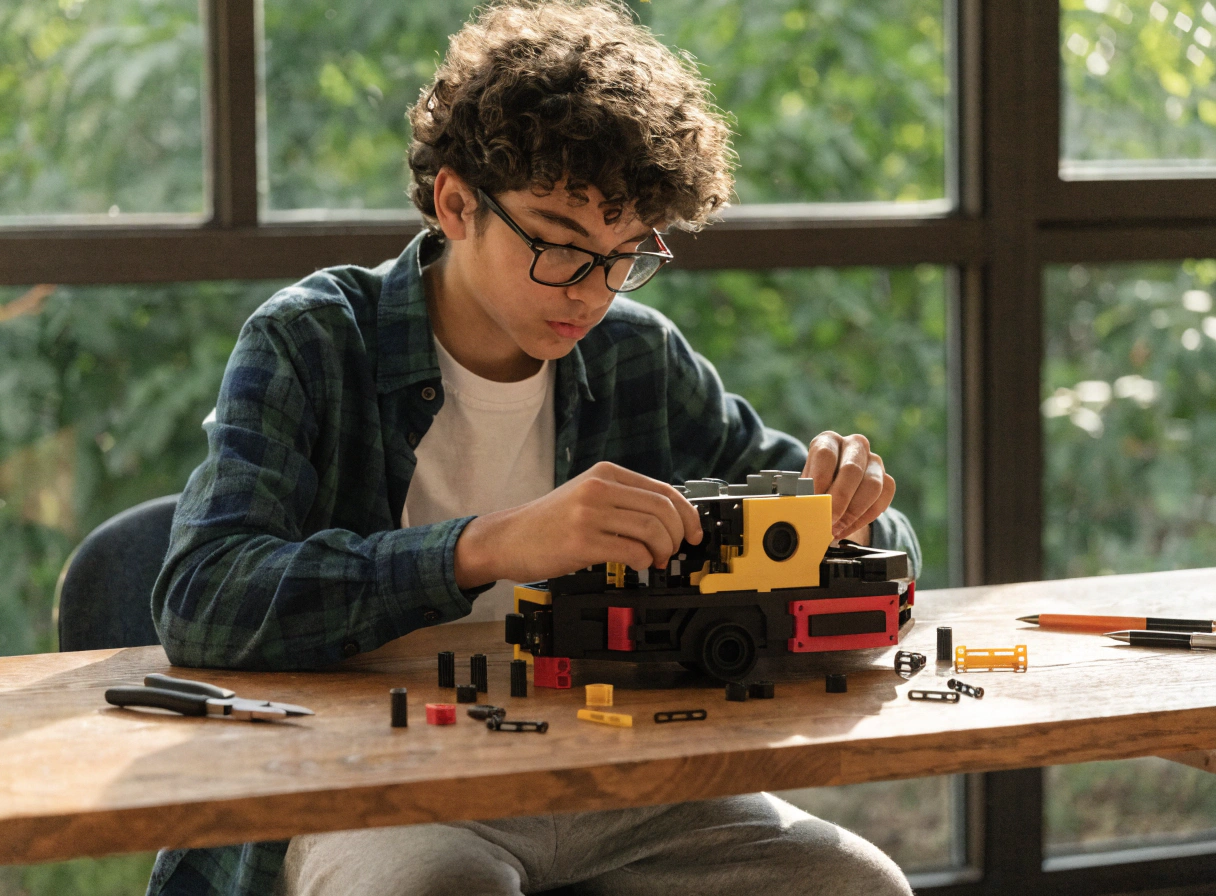
Best 3D Printer for Teens Who Want More Than a Toy

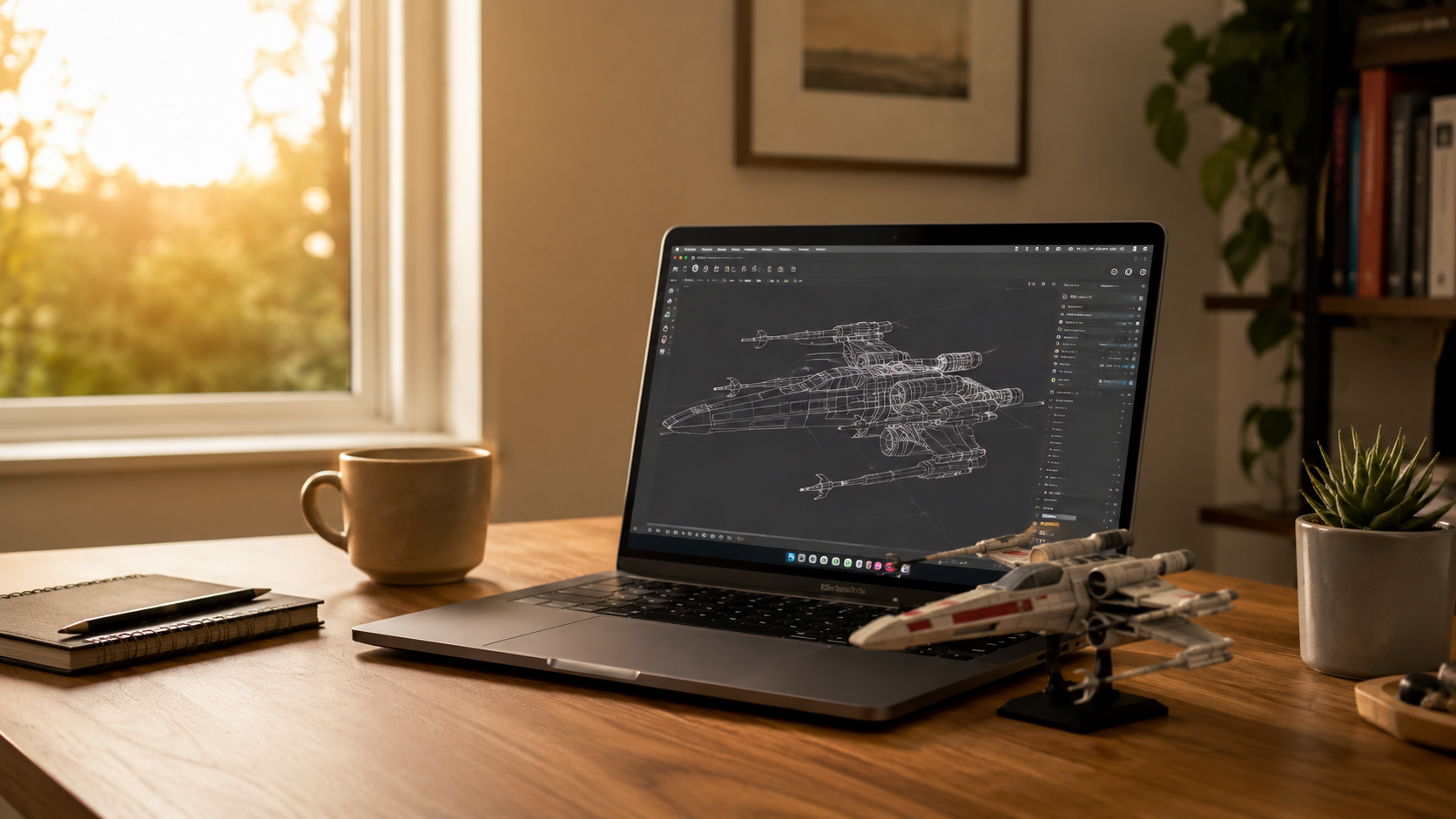
My nephew is fifteen. He spent two months watching YouTube videos about 3D printing before he told his parents. When he finally did, he was very specific: he didn't want a kids' printer. He wanted something he could actually learn on — something that would let him design his own parts, not just print things from someone else's library.
His parents panicked slightly. They'd heard about open-frame printers, exposed nozzles, and hot build plates. They asked me what to get him.
That conversation is the reason this guide exists. There's a real difference between a printer designed for young children and a printer designed for teenagers. Too basic, and a creative 15-year-old loses interest within weeks. Too complicated, and parents spend every weekend troubleshooting.
At AOSEED, the AOSEED X-MAKER was designed for ages 9 to 16 — genuinely built for teens, not just marketed at them. This guide covers five printers that come up consistently for this age group, what each one actually does, and which teen it is right for.
|
5 Printers compared |
9–16+ Age ranges covered |
$269–$399 Price range covered |
30 min Avg. setup time |
💡 Three Types of Teen 3D Printer UsersType 1 — The Designer: wants to model their own objects and learn CAD. Needs the best design tools and highest precision. Type 2 — The Maker: wants to build functional things like RC vehicles, robots, and mechanical builds. Needs creation kit compatibility and reliable precision. Type 3 — The Collector: wants to print figures, props, and gifts. Needs a large library and reliable quality. Most teenagers are a mix of two or all three — which is why the design ecosystem matters as much as the hardware. |
What Makes a 3D Printer Good for Teens?

Most buying guides evaluate printers on specs that don't map to how a teenager actually uses one. These five factors are what actually determine whether a printer stays on a desk or migrates to a shelf.
Performance and Precision
A teen designing their own objects needs a printer that can execute what they designed. Layer resolution around 0.05 to 0.1mm means parts designed to fit together will actually fit together. This separates a STEM tool from a toy factory. A printer with 0.2mm resolution is fine for display models. It will frustrate a teenager trying to build a working gear mechanism.
|
Resolution |
What It Means |
Best For |
|
0.05 mm |
Parts designed to fit together do fit together |
Engineering builds, creation kits, functional objects |
|
0.1 mm |
Good surface quality, reliable for most projects |
Design projects, school builds, modifications |
|
0.2 mm |
Acceptable for display models and simple objects |
Library downloads, figures, gift items |
|
0.3mm+ |
Visible layer lines, less precision |
Basic toys and quick prints only |
Build Volume and Capability
Teenagers build larger things than younger children. A 76mm cube limits every meaningful project. A 150mm cube handles most teen builds. Above 180mm, the teen has enough space for cosplay prop sections, large mechanical assemblies, and full-size functional objects.
|
Build Volume |
What Fits |
Who It Suits |
|
76 × 76 mm |
Small toys, keychains, basic objects |
Ages 5–9 — too small for teen projects |
|
120 × 120 mm |
Most teen builds — RC car parts, robots, props |
Ages 9–14 — plenty for most projects |
|
150 × 150 mm |
Larger assemblies, cosplay sections, functional builds |
Ages 10–16 — good for ambitious projects |
|
180 mm+ |
Full-size props, structural models, large assemblies |
Teens 14+ wanting maximum size flexibility |
|
220 mm+ |
Professional-scale builds, full-size components |
Advanced teens and adult hobbyists |
Advanced Features Teens Will Appreciate
Automatic bed leveling removes the single most common frustration in 3D printing. WiFi control means the teen sets up and monitors prints from their phone without needing a parent to manage the computer. A touchscreen on the printer itself gives them direct machine control — they're not entirely dependent on an app for every decision.
|
Feature |
Why It Matters for Teens |
|
Auto bed leveling |
Removes the most common first-print failure — teen calibrates nothing |
|
WiFi + app control |
Teen manages everything from their phone — true independence |
|
Touchscreen on machine |
Direct printer control without a computer or app for quick adjustments |
|
Compatible slicing software |
Teens ready for more control can use Cura, PrusaSlicer, or Bambu Studio |
|
Multicolor capability |
Unlocks painted figures and color-layered builds — popular for older teens |
Room to Grow
The best teen printers grow with the teenager. Upgradeable hotends for different materials, compatibility with third-party filaments without voiding warranties, and a design ecosystem that introduces new concepts as the teen's skills develop. A printer that hits its ceiling in month three will be replaced within the year.
STEM and Creative Learning Potential
The question that separates a STEM tool from a toy is whether the teen can design their own things. Guided design apps, creation kit pathways, AI tools that generate printable models from photos or prompts, and compatibility with beginner-friendly CAD tools like Tinkercad are all meaningful here. The kids and teens printer guide from Tom's Hardware identifies design ecosystem depth as one of the key differentiators for educational value at this age.
Best 3D Printers for Teens: Top Picks in 2026
Five printers come up most consistently in teen-focused 3D printing discussions. Each suits a different type of teen user and a different family situation.
Creality Ender 3 S1 Pro

The Creality Ender 3 S1 Pro is the most common entry point for teenagers who want to learn 3D printing from the technical side up. It is affordable, has a strong community behind it, and the dual-gear direct-drive extruder handles a wider range of filaments than most printers in this price range.
The trade-offs are real. It is an open-frame printer — the nozzle and build plate are exposed during printing, which is a safety consideration for any shared family space. There is also no dedicated teen design app or creation kit ecosystem. A teenager using this printer will need to learn basic slicing concepts using Creality Print or a third-party slicer, which is part of the learning curve for a technically curious teen.
For a 14 or 15-year-old with their own desk who wants to understand how printers work from the inside out, and who has a parent willing to work through the initial setup together, this is a strong affordable starting point.
|
Specification |
Details |
|
Target Age |
14+ years — own room recommended |
|
Build Volume |
220 × 220 × 270 mm — generous working space |
|
Layer Resolution |
0.05 – 0.35 mm — good precision for design projects |
|
Print Speed |
Up to 150 mm/s |
|
Filament |
PLA / PETG / ABS / TPU — standard 1.75mm |
|
Enclosure |
Open frame — no enclosure |
|
Interface |
4.3-inch color touchscreen + Creality Print software |
|
Connectivity |
USB + optional WiFi via add-on |
|
Auto Bed Leveling |
Yes — CR-Touch probe |
|
Community |
Largest mod and tutorial community of any printer |
|
Price (approx.) |
~$239 – $299 |
|
✓ Reasons to Buy |
✗ Reasons to Avoid |
|
Excellent value — good performance at a genuinely affordable price |
Open frame — exposed nozzle and build plate, not safe for shared family spaces |
|
Largest online community — tutorials and mods for almost every situation |
No dedicated teen design ecosystem or creation kit pathway |
|
Dual-gear feeder handles flexible and specialty filaments well |
Requires a computer for slicing — more setup friction than app-led alternatives |
|
Good auto bed leveling — reliable first layers without manual calibration |
Adult guidance recommended for first setup and initial configuration |
|
Highly upgradeable — hot end, fans, and components can all be improved |
Open-source community means support quality varies — not one-stop help desk |
|
✓ Best For Technically curious teens aged 14+ with their own dedicated workspace who want to learn how printers work from the ground up. Adult involvement recommended for initial setup. |
AOSEED X-MAKER

The X-MAKER is the printer that bridges the gap between a beginner family printer and a serious maker tool. It is the only enclosed option in this comparison with a full design ecosystem built specifically for teenagers — not adapted from adult software or a simplified kids' toy.
The 3.5-inch touchscreen gives the teen direct machine control without always needing a phone. AI design tools like AI MiniMe and AI Doodle generate printable models from photos or typed prompts, which is a powerful creative starting point for a teenager who wants to make personal objects rather than just download from a library.
The creation kit pathway is what genuinely sets it apart for STEM learning. RC cars, robots, music boxes, and articulated arms all require the teenager to understand tolerances, gear ratios, and assembly sequences. These are the projects that make a teenager feel like an inventor rather than a consumer.
|
Why It Works for Teens |
What It Means in Practice |
|
Fully enclosed with door sensor — safe in bedrooms and shared spaces |
No safety compromise even in a family home |
|
3.5-inch touchscreen — direct control without app dependency |
Teen operates independently from day one |
|
AI design tools — generate models from photos or text |
Creative starting point without prior CAD experience |
|
Creation kits — printed parts become working RC cars and robots |
Real engineering challenges, not just printing |
|
0.05mm precision — designed parts actually fit together |
STEM builds work as intended, not just display pieces |
|
Weekly Toy Library updates — thousands of models to browse |
Always a next project — engagement lasts years |
|
Specification |
Details |
|
Target Age |
9 – 16 years |
|
Build Volume |
150 × 150 × 150 mm |
|
Layer Resolution |
0.05 – 0.4 mm — best precision in this comparison |
|
Print Speed |
Up to 300 mm/s |
|
Filament |
PLA / PETG / ABS — standard 1.75mm spools |
|
Enclosure |
Fully enclosed with door safety sensor |
|
Interface |
3.5-inch touchscreen + companion app |
|
AI Features |
AI MiniMe / AI Doodle / MiniMakie |
|
Creation Kits |
RC cars, robots, music boxes, articulated arms, more |
|
One-Press Print |
Yes — from tablet, phone, or touchscreen |
|
Connectivity |
WiFi + USB |
|
Price (approx.) |
$369 (was $509) |
|
✓ Reasons to Buy |
✗ Reasons to Avoid |
|
Only enclosed teen printer in this comparison with a built-in design ecosystem |
150mm build volume requires splitting very large single-part prints |
|
AI design tools generate personal models without prior design experience |
Higher price reflects the design ecosystem depth |
|
Creation kits provide real engineering challenges — STEM, not just printing |
Native design app — transitioning to professional CAD is a separate step |
|
0.05mm precision — multi-part builds and mechanism designs actually work |
|
|
Door-open sensor, fully enclosed — safe for bedrooms and shared family spaces |
|
|
Supports PETG and ABS for functional builds as teen skills develop |
|
|
Weekly Toy Library updates — sustained engagement over years of use |
|
✓ Best For Teens aged 9 to 16 who are new to 3D printing and want a safe enclosed printer with a design ecosystem that grows with their skills. The best choice for a shared family space. |
Bambu Lab A1 Mini

The Bambu Lab A1 Mini consistently earns top marks in hardware reviews, and the performance is genuinely excellent. It is the fastest printer in this comparison, print quality is near-professional, and the MakerWorld content library is one of the largest free model resources available to any printer owner.
The open frame is the reason it sits at number three rather than number one for most family buyers. There is no enclosure. The nozzle operates above 200°C and is fully accessible during printing. For a mature 14 or 15-year-old in their own room, this is manageable with basic safety awareness. For a printer in a shared space with younger siblings present, it is the wrong choice.
The software — Bambu Studio — is adult-oriented but genuinely beginner-friendly compared to professional slicing tools. A teen with technical curiosity will find the learning rewarding. For a teen who wants to print things without configuration friction, the setup barrier is higher than with app-led alternatives.
|
Specification |
Details |
|
Target Age |
14+ years — own room required |
|
Build Volume |
180 × 180 × 180 mm |
|
Layer Resolution |
0.05 – 0.35 mm |
|
Max Print Speed |
500 mm/s — fastest in this comparison |
|
Filament |
PLA / PETG / ABS + specialty filaments |
|
Enclosure |
Open frame — NO enclosure |
|
Interface |
Touchscreen + Bambu Studio app |
|
Library |
MakerWorld — very large, free, growing |
|
Multicolor |
Optional with AMS Lite add-on |
|
Teen Design App |
No — adult software only |
|
Price (approx.) |
~$299 (~$459 with AMS Lite) |
|
✓ Reasons to Buy |
✗ Reasons to Avoid |
|
Best pure print quality in this comparison — near-professional output |
Open frame — hot components exposed, not safe for shared spaces or under-12 proximity |
|
Fastest printer here — great for iterative design and impatient teens |
No teen-focused design ecosystem or creation kit pathway |
|
MakerWorld library has hundreds of thousands of free models |
Adult-oriented software — steeper learning curve for first-time teen users |
|
Optional multicolor printing at this price — unique capability |
Best experience requires Bambu Studio on a computer — not fully app-led |
|
Active community and reliable hardware with strong resale value |
|
✓ Best For Teenagers 14+ with their own room and desk, interested in the technical side of printing, and willing to learn Bambu Studio. Not for shared family spaces. |
Prusa Mini+

The Prusa Mini+ has a particular appeal for STEM-passionate teenagers: it is trusted by professionals and makers worldwide, the hardware quality is exceptional, and Prusa's 24/7 support is the most responsive in the category. For a teenager building a portfolio of engineering projects or preparing for a STEM program, this machine carries real credibility.
The kit version of the Prusa is itself a STEM project — assembling the printer from components teaches how 3D printers work at a mechanical level. This is a meaningful experience for a mechanically curious teenager who wants to understand the technology, not just operate it.
The trade-off is setup complexity and price. PrusaSlicer is powerful but has a learning curve, and there is no dedicated teen design app or creation kit ecosystem. This is a printer for a teenager who is ready to engage with 3D printing as a serious technical skill, not a first printer for someone just getting started.
|
Specification |
Details |
|
Target Age |
14+ years — serious hobby or school use |
|
Build Volume |
180 × 180 × 180 mm |
|
Layer Resolution |
0.05 – 0.25 mm — professional-level precision |
|
Max Print Speed |
Up to 200 mm/s |
|
Filament |
PLA / PETG / ASA / Flex + more |
|
Enclosure |
Open frame — NO enclosure |
|
Interface |
LCD touchscreen + PrusaSlicer software |
|
Assembly |
Semi-assembled or full DIY kit option |
|
Support |
24/7 support — best customer service in category |
|
Community |
Large open-source community and documentation |
|
Price (approx.) |
~$429 – $549 |
|
✓ Reasons to Buy |
✗ Reasons to Avoid |
|
Kit assembly teaches printer mechanics — genuine educational experience |
Open frame — not safe for shared family spaces or proximity to under-12s |
|
Excellent print quality and long-term hardware durability |
Complex assembly requires significant adult involvement for initial setup |
|
Outstanding 24/7 support — fastest resolution when things go wrong |
PrusaSlicer has a steep learning curve for first-time users |
|
Large open-source community — solutions for almost every challenge |
Most expensive option in this comparison |
|
Professional-grade output — builds a credible portfolio for STEM applications |
No dedicated teen design ecosystem or creation kit pathway |
|
✓ Best For STEM-passionate teenagers 14+ who want to learn printer mechanics and build a serious project portfolio. Not for first-time printers or shared family spaces. |
MakerBot Method / Replicator+
 MakerBot machines have a long history in school and library maker programs for a reason: they are designed to be used out of the box by someone with no 3D printing background. The guided print workflow, curated material profiles, and reliable hardware make them the default choice for classroom deployments where the teacher cannot be a 3D printing expert.
For a home setting, the value proposition is harder to justify. MakerBot printers are among the most expensive in this comparison, and the ecosystem is more limited than alternatives at similar price points. Teens who want design depth will find the software less capable than Bambu Studio or PrusaSlicer.
The best use case for a MakerBot in a teen context is a home school setting where a parent wants absolute simplicity and is willing to pay for it, or where the teen already uses one at school and wants to continue the same workflow at home.
|
Specification |
Details |
|
Target Age |
13+ years — school or structured home use |
|
Build Volume |
Large — varies by model (up to 375 × 325 × 400 mm on Method) |
|
Layer Resolution |
0.1 – 0.4 mm — standard quality |
|
Filament |
MakerBot PLA and specialty materials |
|
Enclosure |
Partially enclosed — front partially open on some models |
|
Interface |
Touchscreen + WiFi + MakerBot Print software |
|
School Features |
Fleet management, classroom profiles, USB and WiFi |
|
Support |
Dedicated school and enterprise support tiers |
|
Price (approx.) |
$549 – $799+ depending on model |
|
✓ Reasons to Buy |
✗ Reasons to Avoid |
|
Extremely straightforward plug-and-play workflow — minimal learning curve |
Highest price point in this comparison — premium for simplicity |
|
Built for school environments — fleet management and classroom features |
Limited design ecosystem compared to alternatives at similar price |
|
Reliable hardware with dedicated support options |
Proprietary materials on some models — higher ongoing cost |
|
Good for students who already use MakerBot in school settings |
Less community and modification support than open-source alternatives |
|
WiFi and USB connectivity — flexible classroom deployment |
Design tools are less capable than Bambu Studio or PrusaSlicer for advanced teens |
|
✓ Best For School environments, home schooling setups where simplicity is the priority, and teens already familiar with MakerBot from classroom use. |
Side-by-Side: All 5 Printers at a Glance
|
Ender 3 S1 |
X-MAKER |
Bambu Mini |
Prusa Mini+ |
MakerBot |
|
|
Best Age |
14+ |
9–16 ✓ |
14+ |
14+ |
13+ |
|
Enclosure |
Open ✗ |
Full ✓ |
Open ✗ |
Open ✗ |
Partial |
|
Teen Design App |
No |
AI tools ✓ |
No |
No |
Basic |
|
Creation Kits |
No |
Yes ✓ |
No |
No |
No |
|
STEM Growth |
Good |
Strong ✓ |
Good |
Excellent |
Basic |
|
Shared Space |
No ✗ |
Yes ✓ |
No ✗ |
No ✗ |
Partial |
|
Price |
~$269 |
$369 |
~$299 |
~$479 |
$549+ |
How to Choose the Right 3D Printer for a Teen

Once you have looked at the options, four practical questions narrow the choice down quickly.
Compare Build Volume vs. Project Needs
Ask the teen what they actually want to make. A teenager who wants to print figures and desk accessories does not need a 256mm build volume. A teen who wants to print RC car frames and cosplay prop sections does. Build volume is not about bigger is always better — it is about whether the printer fits the project, and whether the teen would rather make more small prints or fewer large ones.
Evaluate Software Compatibility and Skill Growth
An app-led printer with guided design tools is the right starting point for most teens. As skills develop, compatibility with Cura, PrusaSlicer, or Bambu Studio opens up more control. The best 3D printers guide from All3DP covers the software ecosystems around each major printer category in useful detail for families thinking about long-term skill development.
Budget vs. Long-Term Value
A $200 printer that frustrates a teenager into giving up after month two is not cheaper than a $350 printer they use for three years. The key investment is not the hardware alone — it is the hardware plus the design ecosystem plus the content. A printer with no content ecosystem needs the teen to source, evaluate, and configure every model independently. An enclosed printer with a guided app and a weekly content library significantly reduces the barrier to regular use.
|
Budget Level |
What to Expect |
Best Option |
|
Under $250 |
Entry hardware, open frame, minimal ecosystem, requires technical engagement |
Ender 3 S1 — for tech-curious teens 14+ with own room |
|
$250 – $350 |
Good hardware, mix of open and enclosed, larger libraries |
Bambu A1 Mini — for performance-focused teens 14+ |
|
$350 – $450 |
Full ecosystem, enclosed, AI design tools, creation kits |
AOSEED X-MAKER — for guided, safe, multi-age teen use |
|
$450 – $600 |
Professional-grade hardware, open frame, advanced software |
Prusa Mini+ — for serious teen makers building a portfolio |
|
$600+ |
School-grade hardware, curated workflow, premium support |
MakerBot — for school/homeschool structured settings |
Materials Teens Might Want to Use
Most teen projects are fine with PLA. It is non-toxic, easy to print, and available in a wide range of colors. As teenagers develop their skills, PETG is a natural step up — stronger and more heat-resistant, good for functional parts that need to handle stress or outdoor use. ABS is harder to print and requires ventilation, but adds heat resistance for parts near motors or electronics.
|
Material |
Properties |
Best Teen Projects |
Safety Notes |
|
PLA |
Easy to print, non-toxic, biodegradable, wide color range |
Figures, props, gifts, desk accessories, school models |
Safe for all ages — low odor at normal temps |
|
PETG |
Stronger than PLA, moisture resistant, flexible under stress |
RC car parts, outdoor objects, functional components |
Safe — slightly higher temp, minimal odor |
|
ABS |
Heat resistant, durable, sandable, good for mechanical parts |
Motor mounts, heat-exposed parts, engineering builds |
Needs ventilation — print in a well-aired space |
|
TPU |
Flexible and durable — returns to shape after deforming |
Phone cases, grips, shock-absorbing parts, wearables |
Safe — slow print speed, requires tuning |
Teens' Favorite Projects to Make With a 3D Printer

Teen projects cover a much wider range than most parents expect. Here is what the actual progression looks like across skill levels.
|
Level |
Project Type |
What the Teen Learns |
|
Starter |
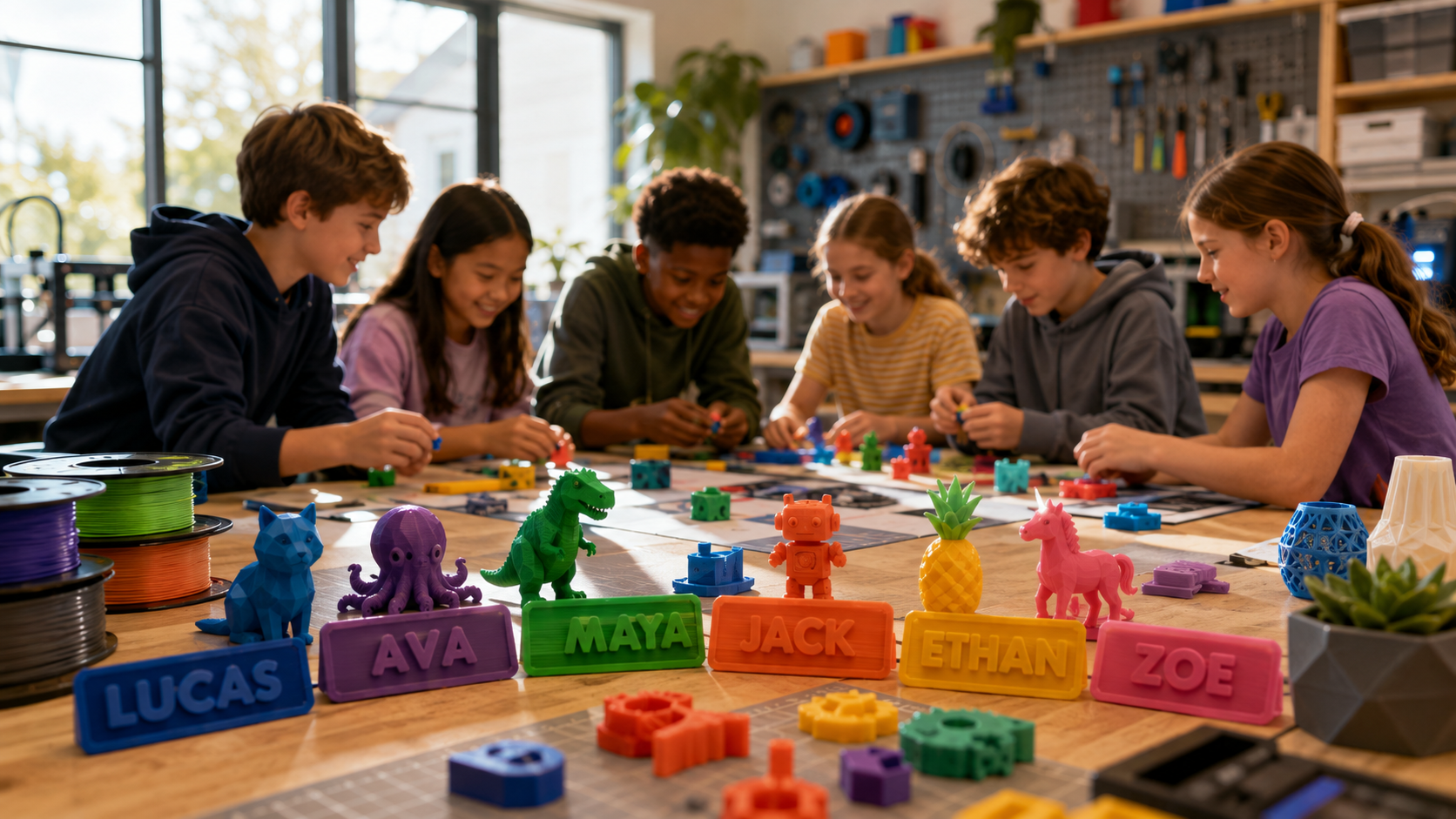
Custom phone stands, desk organizers, personalized name tags, keychains, game pieces |
File management, print settings, understanding layer resolution and print time trade-offs |
|
Building |
Cosplay props and accessories, model engineering components, precision gears for science fair, custom robotics chassis |
Tolerance and fit, material selection, multi-part assembly, basic CAD modification |
|
Advanced |
Working RC cars and robots from creation kits, functional STEM project builds, original designs from scratch, cosplay armor sections |
Full design cycle: concept, CAD, print, test, iterate. Engineering principles applied to real functional objects |
The AOSEED Toy Library continues to be useful at every stage — not just as the source of finished prints, but as a starting point for modification. A teen who needs a specific gear system for a school project can find a close starting point and adapt it rather than designing every component from scratch.
|
Favorite Teen Projects |
Skill Used |
Printer Requirement |
|
Custom phone stand or desk organizer |
Basic design modification |
Any — simple geometry |
|
Model engineering parts for science fair |
Precision and tolerance |
0.1mm resolution minimum |
|
Cosplay prop sections |
Large-format design |
180mm+ build volume ideal |
|
Robotics chassis for competition |
Engineering and precision |
0.05mm resolution, PETG |
|
Small furniture fittings or replacement parts |
Practical measurement |
Standard precision + PETG |
|
Precision gears for STEM demonstrations |
Mechanical design + tolerancing |
0.05mm resolution required |
|
RC car frame from creation kit |
Assembly and electronics |
Creation kit compatible printer |
Conclusion

The right 3D printer for a teenager is the one that grows with their curiosity rather than capping it. That means good precision, room to design their own objects, and a content ecosystem that keeps generating reasons to print past the first month.
|
Teen Profile |
Top Recommendation |
Why |
|
First-time teen in a shared family space |
AOSEED X-MAKER |
Enclosed, guided, AI tools, creation kits — grows with skill |
|
Tech-curious teen 14+ with their own room |
Creality Ender 3 S1 Pro |
Best value for hands-on technical learning |
|
Performance-focused teen 14+ wanting max quality |
Bambu Lab A1 Mini |
Best hardware and library for print-focused teens |
|
Serious teen maker building a project portfolio |
Prusa Mini+ |
Professional-grade quality, best support, open-source |
|
School or homeschool structured environment |
MakerBot Replicator+ |
Plug-and-play simplicity, school-grade support |
If you are still deciding between a first teen printer and a more advanced option, AOSEED 3D printers for kids shows current pricing and age guidance for both AOSEED models side by side — useful if your teen is between the X-MAKER JOY and X-MAKER in terms of experience and age.
FAQs
What is a good 3D printer for a teen?
For most teens starting out — especially in a shared family home — the AOSEED X-MAKER strikes the right balance. It is fully enclosed for safety, has a 3.5-inch touchscreen for independent control, AI design tools and creation kits to sustain creative engagement, and targets ages 9 to 16 with room to grow. For older teens aged 14+ with their own space who want maximum hardware performance, the Bambu Lab A1 Mini or Creality Ender 3 S1 are strong alternatives based on their specific priorities.
Can a teen use a 3D printer safely?
Yes — with the right printer and basic safety habits. A fully enclosed printer puts all hot components behind a closed chamber, making it safe in any family setting. For open-frame printers, the practical rule is: if the printer lives only in the teen's own room and no child under 12 has unsupervised access to that room, an open frame is manageable. If the printer might be anywhere else in the house, an enclosed design is the right call. PLA filament — the default for most printers — is non-toxic and produces minimal odor at normal printing temperatures.
Do teens need an expensive 3D printer?
Not necessarily — but cheap printers have real limitations that can frustrate a teenager into giving up. The most important investment is not the hardware price alone; it is the hardware plus the ecosystem plus the content library. A $200 bare-bones printer that requires adult involvement every session and runs out of project ideas in month two is effectively more expensive than a $350 printer the teen uses for three years. Mid-range options between $250 and $400 hit the sweet spot for most families.
What filaments are best for teen projects?
PLA is the right starting material for most teen projects — easy to print, non-toxic, biodegradable, and available in a wide range of colors. As skills develop, PETG is the natural step up for parts that need to be stronger or more heat-resistant, such as RC car components or outdoor accessories. ABS handles heat and mechanical stress well but requires ventilation during printing. For flexible parts like phone cases or grips, TPU is the right choice — it just prints more slowly and requires some tuning.
Is it worth buying a 3D printer for a teen?
For a teenager who is interested in making, designing, coding, or engineering, absolutely. A good printer with the right ecosystem becomes a long-term creative and educational tool. The design cycle — concept, CAD, print, test, iterate — is the same process engineers use professionally, and a teenager who works through it repeatedly is building skills that translate directly to STEM education and careers. The key is choosing a printer with a design ecosystem, not just hardware. A bare printer with no content support goes unused within months.
Can a teen design their own 3D models?
Yes, and this is where 3D printing gets genuinely exciting. AI design tools generate printable models from photos or text prompts with no prior experience required. Guided design apps in the AOSEED ecosystem introduce 3D modeling concepts through structured challenges. For teens ready to go further, free browser-based tools like Tinkercad offer a solid introduction to proper CAD. A teenager with a few months of printing experience is typically designing at least some of their own objects.
What age is appropriate for a 3D printer?
With a fully enclosed printer and a guided app workflow, children can start independently from around age 8 to 10. The AOSEED X-MAKER JOY is designed for ages 4 to 12. Teenagers can handle the full feature set of any printer, and some are ready for professional-grade tools. The real limiting factor is not age — it is the safety design of the printer and whether it matches the environment it will live in.
How long does it take to 3D print things?
Small objects like custom keychains, game pieces, or desk accessories take 20 to 45 minutes. Medium builds — action figures, phone stands, mechanical components — take 1 to 3 hours. Large builds like cosplay prop sections or full structural models can take 6 or more hours. The upside for teenagers: most printers can run unsupervised overnight, so a teen can start a large print before bed and find it finished in the morning.
Sources
- Reddit — Teen Friendly Beginner Printer Discussion, Teen Friendly Beginner Printer, 2025.
- Parents.com — Best 3D Printers for Kids and Teens, Best 3D Printers for Kids and Teens, 2025.
- STL Motherhood — Six 3D Printers Perfect for Kids, Six 3D Printers Perfect for Kids, 2025.
- Best3DPrinter.co.uk — Best 3D Printers for Kids UK Tested, Best 3D Printers for Kids UK Tested, 2026.
- Flashforge Blog — Best 3D Printers for Kids 2025, Best 3D Printers for Kids 2025, 2025.
- Busy Mommy Media — Best 3D Printers for Kids Beginner-Friendly, Best 3D Printers for Kids Beginner-Friendly, 2025.



Further reading

Thanksgiving STEM Activities for Kids: Table Projects and Simple Engineering Challenges

Halloween STEM Activities for Kids: Spooky Builds That Teach Real Science

STEM Crafts for Kids: Build, Decorate and Test



