

How to Fund a Classroom 3D Printer: Grant Budget and Proposal Checklist
A fundable classroom 3D printer request is a program plan, not a shopping request. Reviewers need to see the learning problem, the students served, the courses and projects involved, the staff owner, the safety and training plan, the full first-year budget, and the source of recurring funds after the grant ends. If any of those pieces is missing, the printer can look like an unsupported device rather than instructional capacity.
Build the budget in two columns. Startup costs include the printer, shipping, setup, essential tools, initial material, training, and any required ventilation or site preparation. Annual costs include filament, replacement parts, storage, maintenance, staff time, and project consumables. Use vendor quotes, label optional items, and tie every line to a project or operating requirement.
This guide gives you a line-item budget structure, allowable-cost checks, funding routes, a need-statement formula, curriculum evidence, sustainability math, and an apply-now decision checklist. Start with the quick-pick route below, then draft the budget before the narrative so the proposal never promises more than the operating plan can support.
Quick pick: which funding route fits your situation
|
If this is your situation |
Start here |
What you need ready first |
|
No budget, one teacher championing it |
District innovation fund or school foundation mini-grant |
One-page need statement and a printer quote |
|
You already teach an engineering or design unit |
A broader STEM or career-education grant |
Unit plan, student count, project rubric |
|
Your school qualifies as a federal applicant |
Federal opportunity search, then the funder rules |
Applicant type, cost-share capacity, full budget |
|
A local manufacturer employs CAD or engineering staff |
A direct sponsorship request for one line item |
A specific ask, in dollars or in spools |
|
You want proof before committing |
A short printer loan or a single-unit pilot |
A place to put it, one teacher to run it |
What a Classroom 3D Printer Program Actually Costs

Budget the year, not the box. Filament, tools, teacher time, spare parts and shipping all sit behind the printer on the product page. Reviewers know that already.
Split the request in two before writing anything. One-time purchases go in the startup column. Recurring costs go in the annual column. That split becomes your sustainability answer later.
One-time startup costs
Hardware leads. Price alone should not pick the machine. A cheap unit that needs constant setup burns staff hours, and those hours never show up in a budget. So name what the school requires. Tie each requirement to a classroom condition. An enclosure. Automatic bed levelling. Simple controls. Quiet operation.
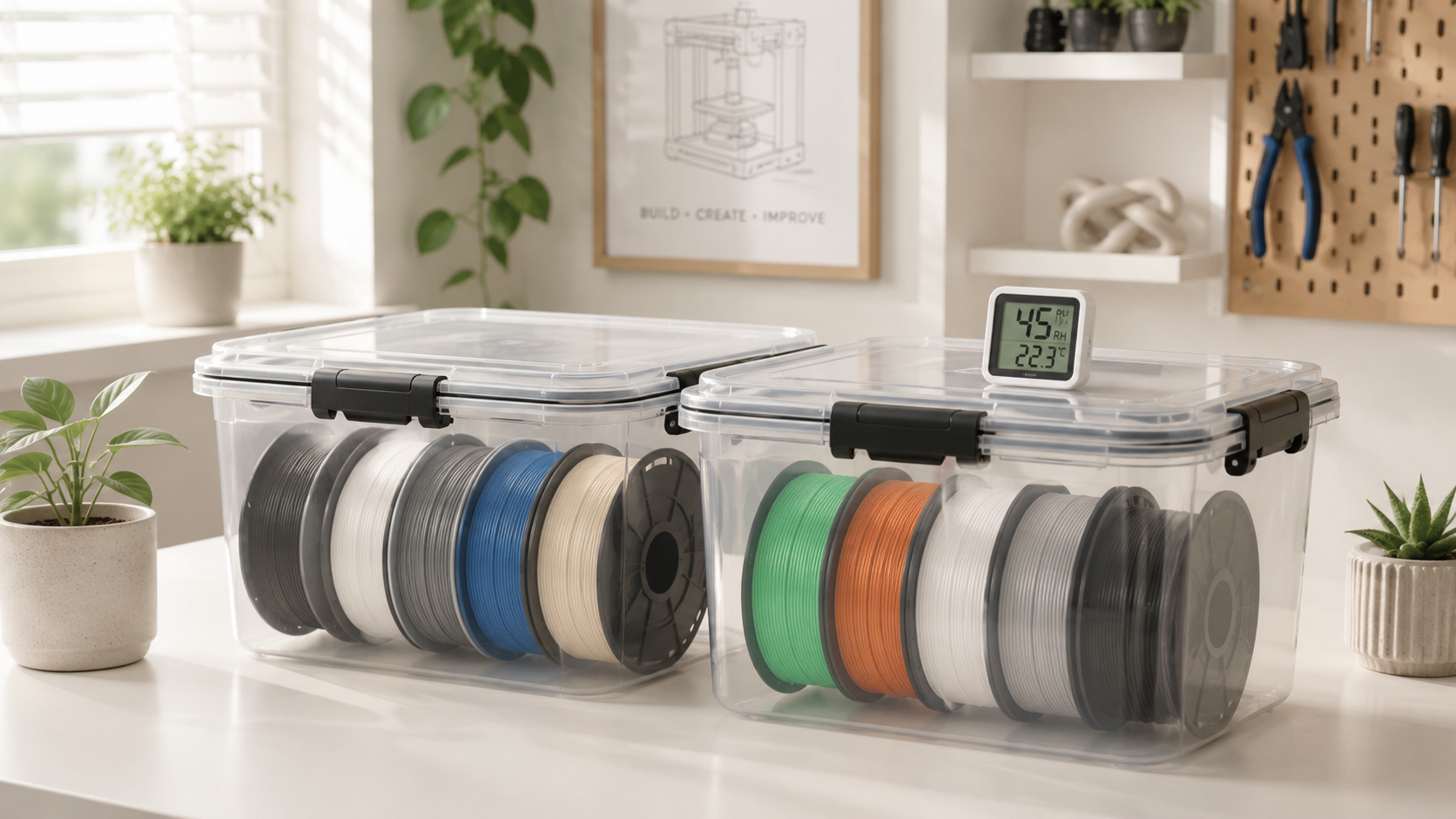
Then add what makes it usable on day one. Removal tools, a dry box, spare build plates. Calipers too, if students will measure prints against their calculations.
Recurring annual costs
Filament is the line schools underestimate. Count planned projects, team size, demos, calibration prints, and the failures that teach something. Eight to twelve spools is a reasonable first-year band for one unit. Treat that as an assumption. It is not a quote.
Nozzles wear. Build surfaces wear too. Both are cheap. Both stop a program dead when nobody budgeted for them. Budget for them.
First-year cost versus ongoing annual cost
|
Cost area |
First-year (startup) |
Annual (recurring) |
Planning note |
|
Printer hardware |
Yes |
No |
Use a live vendor quote, not a range from a blog |
|
Filament |
Yes |
Yes |
8 to 12 spools is a starting assumption for one unit |
|
Tools and storage |
Yes |
Partly |
Dry boxes last, blades and adhesives do not |
|
Build plates and nozzles |
Partly |
Yes |
Small, predictable, easy to forget |
|
Teacher training |
Yes |
Refreshers only |
Check whether the award already includes onboarding |
|
Software or cloud accounts |
Sometimes |
Sometimes |
Free education tiers exist. Do not pad this line |
|
Shipping and setup |
Yes |
No |
An in-kind award may already cover delivery |
|
Planning assumption, not a quote. Every dollar band here is for drafting. Replace each with a current vendor quote before submission. Reviewers check totals against the narrative, and a stale figure reads as carelessness. |
Build the Grant Budget Line by Line

A strong budget reads like a plan. Not a shopping list. Give every item a purpose, a quantity, a unit price, and a visible link back to the project.
One format carries most applications. Item, times quantity, times unit price, equals requested amount. Add a one-line note whenever an expense will not be obvious to somebody outside your department.
Equipment and hardware
List the printer and whatever it needs to run in the room you named. Avoid one vague line called 3D printing equipment. Reviewers distrust it. Separate the printer, extra build plates, filament storage, the approved work surface, and measurement tools. A laptop belongs there only if the workflow needs one.
Filament and consumables
State the assumption, not just the number. Ten one-kilogram spools will support six design units, teacher demonstrations and prototype revisions in year one. That version can be checked. A bare figure cannot.
Training, software and maintenance
Training justifies itself when it leads straight into implementation. Name who gets trained. Name the unit they use it in. Then name the date. Two teachers learning setup, slicing, basic maintenance and one curriculum workflow before the first student project is a fundable sentence.
Software often costs nothing at school level. Check first. If a paid tool is truly required, say what it adds. Flag the renewal as a future expense.
|
Budget note worth stealing. Beside the maintenance line, write: itemised wear parts for one FDM unit, year one. Reviewers reject undefined repair funds far more often than small itemised ones. |
What Grant Money Can and Cannot Cover

No single allowable-cost list covers every school grant. Some hand over a printer in kind. Others give cash for equipment, materials, professional development or a defined project. Federal awards share one rule set. The cost principles in 2 CFR Part 200, Subpart E set the test every expense has to pass first.
The short version. A cost must be necessary, reasonable, allocable to the award, treated consistently, documented, and not already counted toward a cost-share requirement elsewhere. Six tests. Every line faces them. The Department of Education keeps a plainer guide to the same rules, which is the faster read when you are checking one line late at night.
Commonly allowable costs
Equipment, project materials, and professional development that puts the equipment into use are standard requests where the program permits them. Student instruction can qualify too. It depends on the funder.
Commonly excluded costs
Salaries, unrelated operating expenses, construction, food and debt appear on exclusion lists repeatedly. Read the exact guidelines anyway. Exclusions do not travel. Check each program.
Allowable versus excluded, and what to do about it
|
Budget line |
Usually allowable |
Often excluded |
If excluded, cover it with |
|
Printer and required hardware |
Yes, or awarded in kind |
Rarely |
District technology funds |
|
Filament for planned projects |
Yes, when tied to the project |
Sometimes, as routine supplies |
Department budget or a local sponsor |
|
Teacher professional development |
Yes, when it enables use |
Sometimes |
Free manufacturer onboarding |
|
Student workshop or instruction |
Sometimes |
Sometimes |
A partner visit at no cost |
|
Room changes, power, ventilation |
Rarely |
Often, as facility costs |
Facilities budget, confirmed in writing |
|
Staff salaries and general operations |
Rarely |
Usually |
Not the grant. Say where it comes from |
|
Contingency |
Sometimes, 5 to 10 percent |
Sometimes |
Current quotes instead of a buffer |
Matching funds need their own check. Cash is not always required. Donated goods and third-party volunteer services can count instead, and the federal cost-sharing rule sets out how those contributions must be valued and evidenced. Confirm what counts before listing it. Get it in writing. A match disallowed after the award is worse than none at all.
Where to Find a 3D Printer Grant for Schools

Searching the exact phrase misses most of the money. Printers get bought through STEM, engineering, technology, career-education, library and makerspace grants. The machine is one line in a project budget. The Grants.gov opportunity search filters federal listings by eligibility, so you can screen out programs your school cannot apply to before reading any guidance.
Private and local money needs a different door. Community foundations, education foundations and corporate giving programs fund classroom technology without ever using the words 3D printing. Search the purpose, not the product. Grants.gov keeps a list of non-federal funding directories, including a locator for regional grant-makers. That is usually the fastest route to a funder who already cares about your county.
Manufacturer programs exist as well. Several printer makers run donation schemes, education discounts or funding guides. Ask directly. A few bundle hardware with teacher onboarding and a student session instead of shipping a box alone. Those cycles open and close quietly. Treat any program page as a lead and confirm the window yourself.
Do not skip the closest source. Ask the district grants office, the curriculum office, the career-education coordinator and the school foundation what internal funds already exist. Internal money moves faster. A small award can land months before a national competition closes.
|
Verify before you calendar it. Grant roundups age badly. Several programs in circulation this year list cycles that already closed, and at least one funding route has an agency closure scheduled. Confirm the deadline, award, eligibility rules and applicant type on the funder’s own current page first. |
Write the Need Statement and Curriculum Plan

Students would enjoy a 3D printer is not a need. It is a wish. A funder needs to know what students currently cannot do. Then why this purchase changes it.
Name the learning gap
Open with the student problem. Keep the machine out of the first sentence. Our Grade 8 engineering students can design prototypes in CAD but have no way to fabricate and test them. That line names the group, the existing skill and the missing capability. The last of those is the heart of the request. It turns an equipment ask into an access problem.
Use evidence you already hold. Course enrolment, teacher observations, project files, the absence of any fabrication equipment in the building. Keep the problem narrow. One printer has to be able to fix it. That is the test.
Tie the printer to existing courses
Reviewers trust projects that fit classes already on the timetable, so there is no need to invent a course purely to justify the equipment, and no need to promise more than the first year can deliver. Pick two or three high-value uses. Let expansion wait.
Then get specific about reach. The printer will serve 120 students across Grade 7 science and Grade 8 engineering in year one. That is checkable. The whole school will benefit is not. Drop it.
Subject, project, and the evidence it produces
|
Subject |
Year-one project |
Evidence for the grant report |
|
Geometry |
Design a container to a target volume |
Calculations, CAD file, measured print, error margin |
|
Science |
Scaled model of a system, with the scale justified |
Labelled model plus a written scale rationale |
|
Engineering |
Bridge or bracket to a fixed constraint |
Design log across at least two revisions |
|
Robotics |
Custom mounts, spacers and housings |
Dimension and clearance notes tied to a fix |
|
Art and design |
Product-design cycle with peer critique |
Sketches, prototype, critique notes, final piece |
|
Cross-curricular |
Scaled historical structure with a written brief |
Research, scale maths, design reasoning |
Outcomes should be countable. Students served, classes reached, projects finished, teams that revised after testing, teachers who ran a printer-based unit. Say how you will collect each one. A rubric named in the application becomes your final report later.
Prove the Program Will Last After the Award
Reviewers ask one quiet question near the end. What happens when the free filament runs out? Answer it first, in writing.
Sustainability math
Show the annual number and name its source. Filament, build surfaces, wear parts and one teacher refresher add up to a modest recurring figure for a single unit. Small numbers get approved. Name the department, the foundation or the club fund carrying it. Name a partner only once support is confirmed.
Sharing the machine helps twice. A printer used across maths, science, engineering and art reaches far more students without a second equipment request, and it spreads the recurring supply cost across several budget holders who each gain something from the purchase. Coordinate the timetable first.
Staffing and safety readiness
Name a program lead and a trained backup. One absence should not stop the program. Then handle what facilities staff will raise before they raise it, because placement and air quality are the two objections most likely to delay approval after the money is already secured. Federal occupational-safety researchers measured printer emissions in real school and makerspace settings and published recommended controls for schools, libraries and makerspaces, covering enclosure, placement, ventilation and simple administrative rules. Enclosed machines in a supervised, ventilated spot are the practical answer. Write both into the proposal. Retrofitting later costs more.
Equipment choice can reduce some setup work, but it cannot replace staff training or a facilities review. Compare enclosure, levelling workflow, supported materials, build volume, noise, maintenance, ventilation guidance, warranty terms, and the availability of a trained backup operator.
|
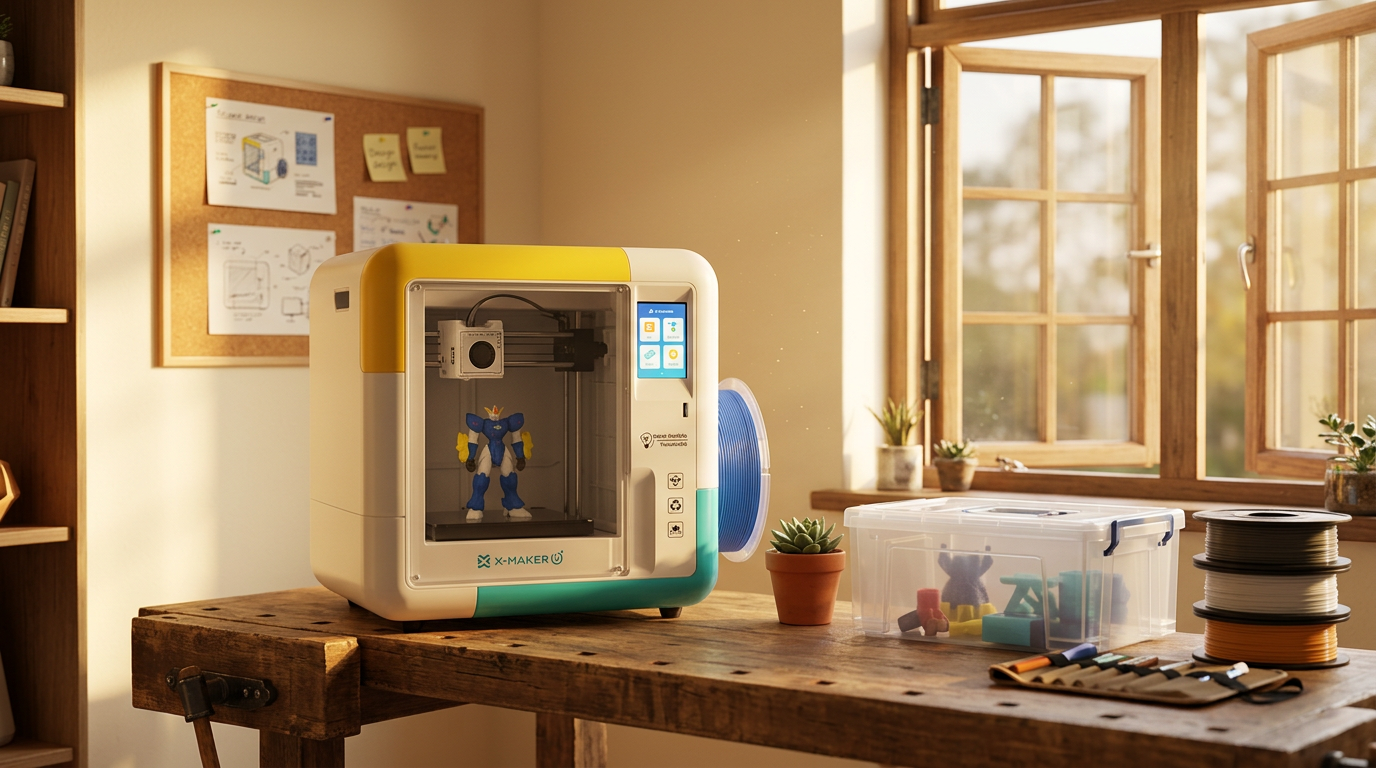
CHOOSING THE MACHINE BEFORE THE GRANT? MATCH THE PRINTER TO THE AGE GROUP AND TO HOW MUCH CONTROL STUDENTS SHOULD HAVE, THEN QUOTE THAT EXACT MODEL. Start with the AOSEED lineup and compare kid-friendly 3D printers by age and level of control. Enclosed build areas, PLA tested to EN 71-3, ISO 10993 and ISO 16000, operation under 50 dB, and app-guided workflows that let students do the creative work while staff step in at clear moments. |
When to Apply Now, and When to Wait
Not every open cycle deserves your evening. Two lists. One decision.
Apply now when:
- The funder’s mission already matches a unit you teach, with no stretching of the wording.
- You can name the classes, the student count and the teacher who leads it.
- You hold a current quote, or the award is in-kind hardware.
- School type, grade level and geography clear the eligibility rules outright.
- You know who pays for filament in year two, and you can name them.
Wait, or pick another route, when:
- The eligibility page is ambiguous about whether a teacher or the district applies.
- A required partner has not agreed to a defined role yet.
- The match depends on money the school does not have.
- The only cycle you can find has closed, with no new window posted.
- Nobody on staff has agreed to run the machine after delivery day.
A rejection is not a verdict on the project. Programs routinely have more qualified applicants than awards. Reapply. Your budget, curriculum plan, outcomes and implementation detail all transfer to the next request. Nothing you wrote is wasted.
Conclusion: Fund the Program, Not the Purchase
Fund the program rather than a single purchase.
A strong proposal connects a defined learning need to a complete budget, staff ownership, safety controls, measurable outcomes, and a realistic plan for recurring costs after the award ends.
FAQs
How Can a School Get a 3D Printer at No Direct Cost?
A fully funded printer is possible, but it is never cost-free to operate.
1. Check district foundation, parent association, library, and local business mini-grants.
2. Search current public and private grant databases for STEM, career education, makerspaces, and accessibility funding.
3. Ask vendors or community partners about equipment donations only after confirming maintenance and support costs.
4. Prepare a complete budget and sustainability plan; a free machine can still create recurring expenses.
Is 3D Printing Expensive for a Classroom?
It depends on program size and scope. A single PLA printer used for small group projects can be modest; a lab with several machines, advanced materials, paid software, ventilation changes, and frequent replacement parts costs much more. Budget startup and annual operating costs separately.
How Much Does It Cost to Run a 3D Printer for One Hour?
There is no reliable flat hourly figure. Calculate it from the planned model and local costs.
- Filament used during the hour, including supports and purge waste.
- Electricity at the school's local rate.
- A share of nozzles, build surfaces, maintenance, failed prints, and staff time.
How Are Schools Using 3D Printers?
- Engineering prototypes and design challenges
- Geometry, graphs, maps, and physical data models
- Science models and lab equipment adapters
- History, art, and museum-object studies
- Assistive devices and accessibility projects
- Career and technical education workflows
What Are Good 3D Printing Projects for Schools?
Choose projects with a clear learning objective, short print time, and a second-version opportunity.
- A measured nameplate or desk organizer for beginners
- A bridge or tower tested against a defined load
- A geometry solid with volume and surface-area calculations
- A replacement clip or adapter designed from real measurements
- A student prototype revised after a documented test
What Should Schools Look for in a 3D Printer?
The best fit is the machine that meets the curriculum and operating plan, not the one with the longest feature list.
- If beginners will operate it, prioritise a controlled workflow, enclosure, clear recovery steps, and available support.
- If advanced materials are required, confirm temperature, enclosure, nozzle, and ventilation requirements.
- If the printer will serve several classes, compare queue management, maintenance access, noise, warranty, and total operating cost.
- If grant rules require quotes, use the exact current configuration and avoid promotional list prices that may change.
Sources
- U.S. Government, “Grants.gov: Search Grants”
- U.S. Government, “Grants.gov: Grant Programs and Non-Federal Funding Directories”
- U.S. Office of the Federal Register, “2 CFR Part 200, Subpart E: Cost Principles”
- U.S. Office of the Federal Register, “2 CFR 200.306: Cost Sharing”
- U.S. Department of Education, “Uniform Administrative Requirements, Cost Principles, and Audit Requirements for Federal Awards”
- National Institute for Occupational Safety and Health, “Approaches to Safe 3D Printing: A Guide for Makerspace Users, Schools, Libraries, and Small Businesses”


Further reading

AI-Generated 3D Models for Kids: 9 Printability Checks Before You Print
How to Fund a Classroom 3D Printer: Grant Budget and Proposal Checklist
Kids' 3D Design Apps and Privacy: 15 Questions Parents Should Ask


