

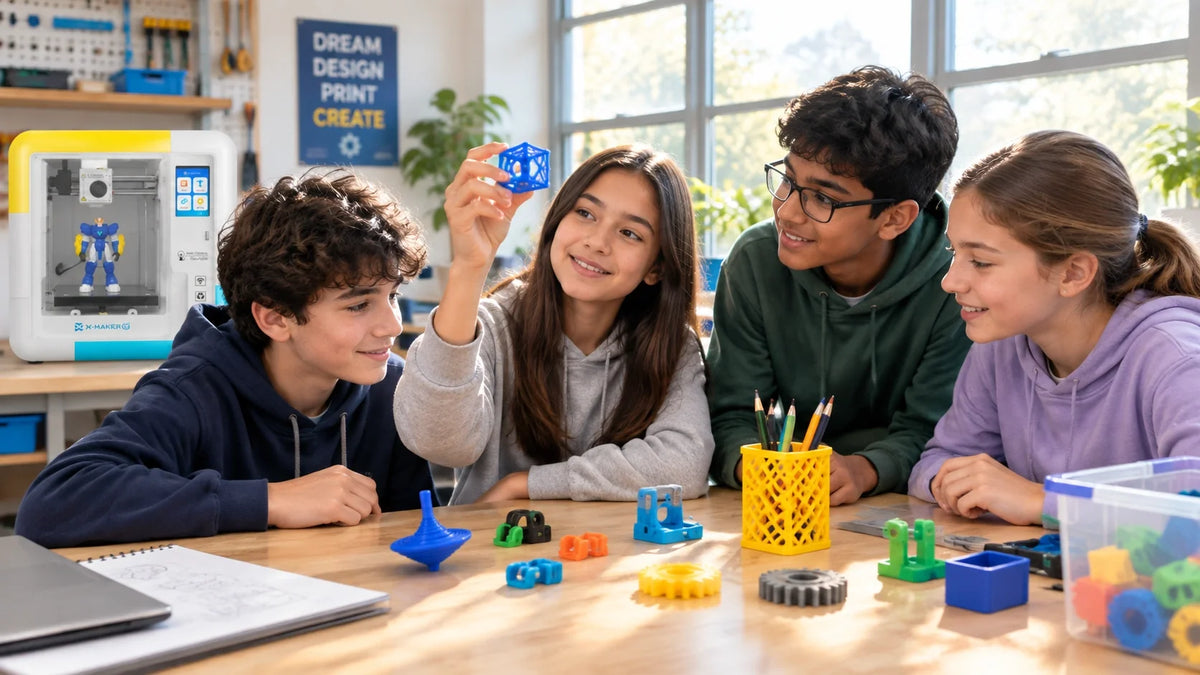
3D Printing Projects for Students: Classroom Ideas by Grade Level
A student designs a pencil holder. It prints overnight. In the morning, the pencils fall straight through the bottom because she forgot to add a floor. That failed print teaches more about 3D design than a flawless downloaded model ever could.
The best 3D printing projects for students work this way. They give a clear goal, a size limit, and a way to test the result. Below you will find project ideas sorted from elementary school to college, a classroom workflow you can reuse, a grading rubric, and the safety steps schools should put in place before the first print.
Quick Picks: One Starter Project per Grade Band
Short on planning time? Start here. Each project prints in about an hour or less when kept to the suggested size.
|
Grade band |
Starter project |
Skill it builds |
Suggested size limit |
|
K to 2 |
Name tag with raised letters |
Placing shapes, text depth |
60 x 25 mm |
|
3 to 5 |
Spinning top race |
Symmetry, balance, recording data |
40 mm diameter |
|
6 to 8 |
Cable clip that fits a real cable |
Measuring, tolerance, revision |
30 mm long |
|
9 to 12 |
Snap fit box without glue |
Clearance, multi part design |
60 mm cube |
|
College |
Tolerance test coupon before an assembly |
Fit testing, design for manufacture |
Under 15 minutes print |
What Makes a Good Student 3D Printing Project
 A good project is not the most impressive object on the shelf. It is one where students make decisions they can defend. Looks come second. Before you assign anything, check it against four questions.
|
Question |
Why it matters |
Weak version |
Strong version |
|
Is there a requirement? |
Gives students something to test against |
Make a phone stand |
Hold a phone at 60 degrees with the cable plugged in |
|
Is there a constraint? |
Forces trade offs |
Any size |
Fits in 80 x 80 mm, under 45 minutes |
|
Can it fail visibly? |
Failure becomes data |
Decorative figurine |
Clip that grips or slips |
|
Is there time for version two? |
Iteration is the lesson |
One big print per student |
Two small prints per student |
|
Teacher tip If a project cannot fail in a way students can see and measure, it is a craft activity. That is fine for a Friday, but it will not teach design. |
Premade Models vs Student Designs
Downloaded models still have a place. A printed fossil, landform or historic artifact gives a class something to hold during a lesson. The Smithsonian 3D Digitization program notes that educators use its 3D collection data to send students on quests of discovery, which makes it a strong source for science and history models.
The learning shifts when students design. A useful path is download, then modify, then create from scratch. Students learn how the printer behaves first, without making someone else's file the final goal.
How to Run a 3D Printing Project in the Classroom
 Use the same cycle for every grade. Younger students do fewer steps on their own; older students own all of them. For software, most schools start with Tinkercad, a free browser tool, and its Tinkercad learning lessons cover the basic moves: place, size, align, group and cut holes. Teachers can also set up Tinkercad classes and assignments so younger students join without separate accounts.
|
Step |
What students do |
Evidence to collect |
|
1. Define |
Write one sentence: what must the object do, for whom |
Problem statement |
|
2. Constrain |
List size, time and material limits |
Requirement list |
|
3. Sketch |
Draw two ideas on paper with key measurements |
Sketches with dimensions |
|
4. Model |
Build the chosen idea in CAD and check every dimension |
CAD screenshot |
|
5. Print |
Teacher or student slices and prints a small prototype |
Print time, settings used |
|
6. Test |
Check the print against each requirement |
Pass / fail notes, photos |
|
7. Revise |
Change one or two things based on the test |
Version log |
|
8. Present |
Show version one, version two and what changed |
Short talk or poster |
Step 7 is where most classes cut corners. Protect it. Always. Two short design cycles teach more than one long print that nobody can change.
|
Classroom safety before the first print NIOSH has published guidance on safe 3D printing for makerspaces, schools and libraries. It covers ultrafine particle and chemical emissions, and it asks schools to plan controls before printing starts. • Put the printer in a room with good general ventilation, away from where students sit for long periods. • Choose lower emission materials and an enclosed printer where possible, and follow the filament maker's temperature settings. • Set rules for who can open the printer, remove prints and clean the bed. • Keep hot ends and heated beds off limits to younger students. The NIOSH Science Bulletin on safe 3D printing explains these steps using the hierarchy of controls, with protective equipment as the last layer, not the first. |
3D Printing Projects for Elementary Students (Grades K to 5)
Keep goals simple and models small. Students should spend most of the lesson designing, not learning menus.
|
Project |
What students learn |
Print time |
Difficulty |
|
Name tag or bag tag |
Text depth, placing holes |
20 to 30 min |
Easy |
|
Custom keychain |
Thin parts break, thick parts hold |
15 to 25 min |
Easy |
|
Spinning top |
Symmetry, balance, fair testing |
20 to 40 min |
Easy |
|
Geometric solids set |
Faces, edges, vertices |
30 to 60 min |
Easy |
|
Fraction blocks |
Parts must add up to a whole |
40 to 60 min |
Medium |
|
Pencil holder for exactly 12 pencils |
Hollow shapes, wall thickness |
45 to 75 min |
Medium |
Name Tags With a Size Limit
Give every student the same box: 60 by 25 millimeters. Letters must be raised at least 1 millimeter and the key ring hole must sit inside the border. Students discover fast that long names need smaller fonts. Tiny letters blur. Thin borders snap. That is scaling and resolution taught in one lesson.
The Spinning Top Experiment
 Each student designs a top, then the class times how long each one spins. Record results on the board. Why did the wide, flat top beat the tall one? Students change one variable, reprint, and test again. It is a science fair method hidden inside a toy.
Fraction Blocks That Must Add Up
Students design halves, thirds and fourths of a 120 millimeter bar. If four quarter pieces come out longer than the whole bar, something went wrong in the math or the model. The error is visible on the desk, so nobody needs to be told they made a mistake. They can see it.
3D Printing Projects for Middle School Students (Grades 6 to 8)
Middle school is where “make an object” becomes “make an object that meets these requirements.” Students start measuring real items with a ruler or calipers and designing around them.
|
Project |
Requirement to set |
Core concept |
|
Desk organizer |
Holds 10 pencils and a sticky note pad inside 100 x 100 mm |
Measuring, layout |
|
Phone or tablet stand |
Screen at a set angle, cable still plugs in |
Angles, center of mass |
|
Cable management clip |
Grips a specific cable, removes by hand |
Tolerance |
|
Water bottle holder |
Stops tipping, fits two bottle sizes |
Stability, adjustable fit |
|
Molecular model kit |
Atoms connect with printed pegs |
Modular design |
|
Articulated model |
Joints move straight off the printer |
Clearance |
|
Bridge challenge |
Spans 150 mm, under a set weight |
Load paths, structures |
The Cable Clip Tolerance Challenge
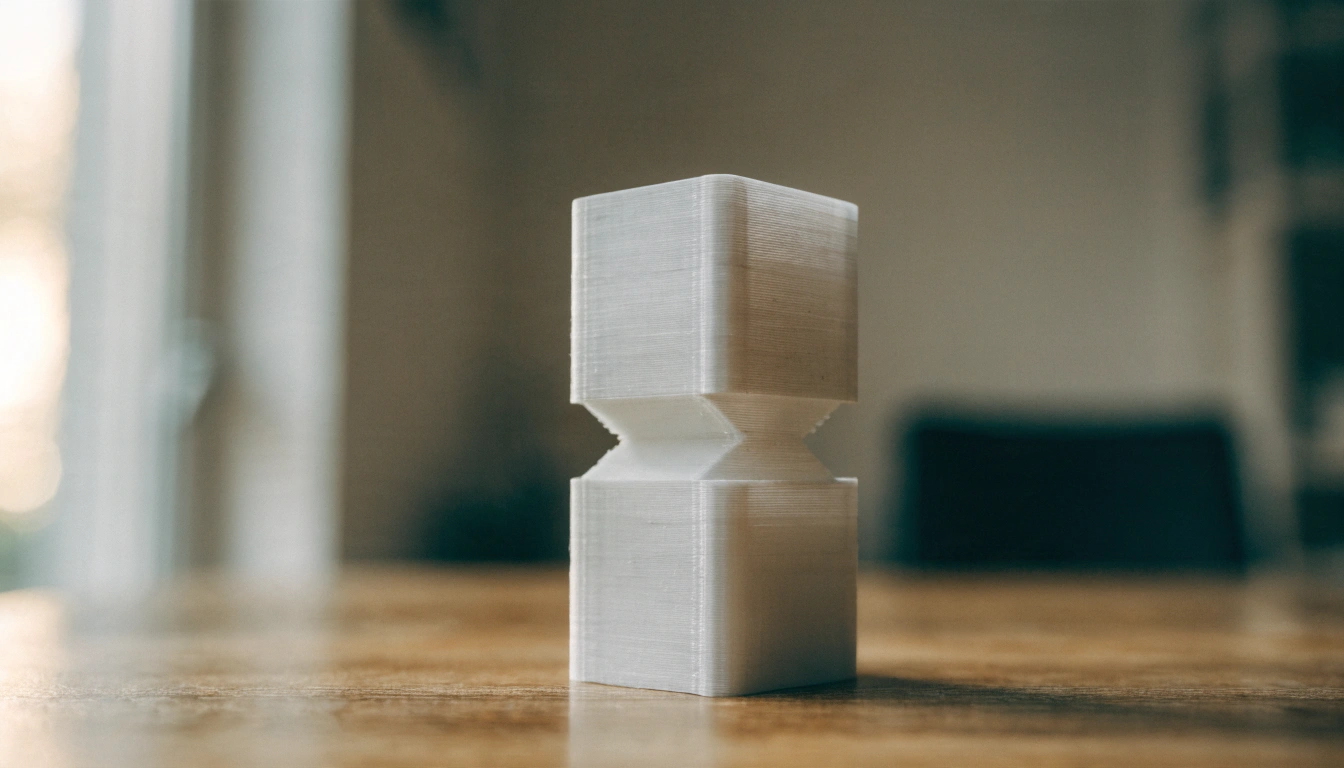
This one is small, quick and almost guaranteed to fail the first time. That is the point. Students measure a charging cable, design a clip, and print it. Too tight and the cable will not go in. Too loose and it slides out. Most students need two or three versions. Each one adjusts the opening by a fraction of a millimeter. By the end, the word tolerance means something.
The Bridge Load Test
Set a fixed span, a maximum print weight and a controlled testing method, such as adding coins to a cup hung from the center. Students predict the load first. Then they test. Afterward, compare where each bridge bent or snapped. Triangles, thicker bottom beams and shorter spans start showing up in version two without anyone lecturing about trusses.
Choosing a Printer for Middle Grades
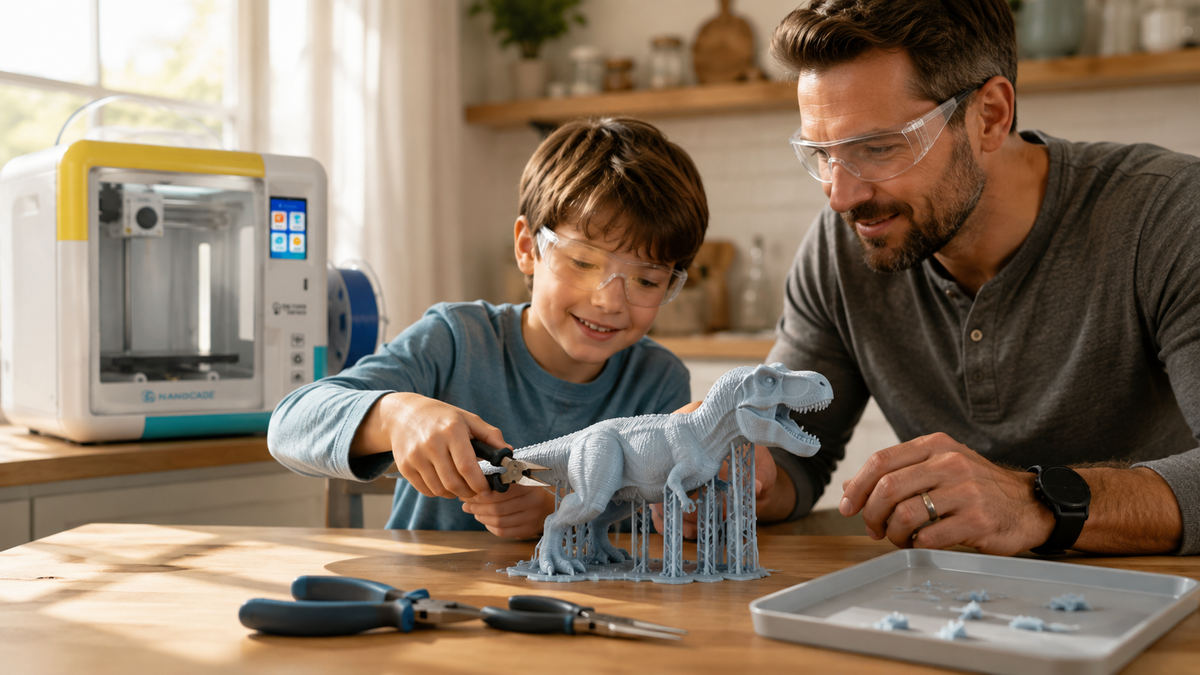
By sixth grade, students outgrow keychains and want to print organizers, stands and moving parts. A larger build area and more design tools help. An educational 3D printer for tweens and teens such as the AOSEED X-MAKER is built for ages 9 to 16, with a 150 x 150 x 150 mm build volume, 0.05 mm layer resolution and an enclosed build area. It runs under 50 dB, quiet enough to print during a lesson, and its app pairs guided design games with free 3D design tools, so students can move from ready models to their own parts.
3D Printing Projects for High School Students (Grades 9 to 12)
High school projects can include assemblies, moving parts and real hardware. Expect students to explain every design choice, not only show the result. A small snap fit box can demand more careful work than a large decorative print.
|
Project |
What makes it advanced |
Connects to |
|
Robotics chassis |
Must fit real motors, wheels and a controller |
Engineering, robotics club |
|
Gears and simple mechanisms |
Moving parts need clearance and alignment |
Physics |
|
Snap fit enclosure |
No glue, no screws; fit must be exact |
Product design |
|
Classroom replacement part |
Copy dimensions from an existing object |
Measurement, reverse engineering |
|
Assistive grip or holder |
Designed with feedback from a real user |
Design thinking, empathy |
|
Architectural scale model |
Real dimensions converted to a fixed scale |
Math, architecture |
|
Alignment jig or fixture |
Must make a task more repeatable, and prove it |
Manufacturing |
Robotics Chassis Around Real Parts
 Hand a team the motors, wheels and controller first. The chassis has to fit those parts, not the other way around. Teams split the work: one measures, one models, one wires, one tests. When the first chassis cracks at a screw hole, they add material there and reprint only that section.
Assistive Grip Designed With a Real User
Pair students with a classmate, teacher or family member who finds a daily tool awkward to hold, like a pencil, fork or key. Students interview the person, prototype a grip, and collect feedback after each version. They learn a hard lesson. An object that prints perfectly can still be useless to the person it was built for. Keep these projects to everyday comfort aids, not medical devices.
|
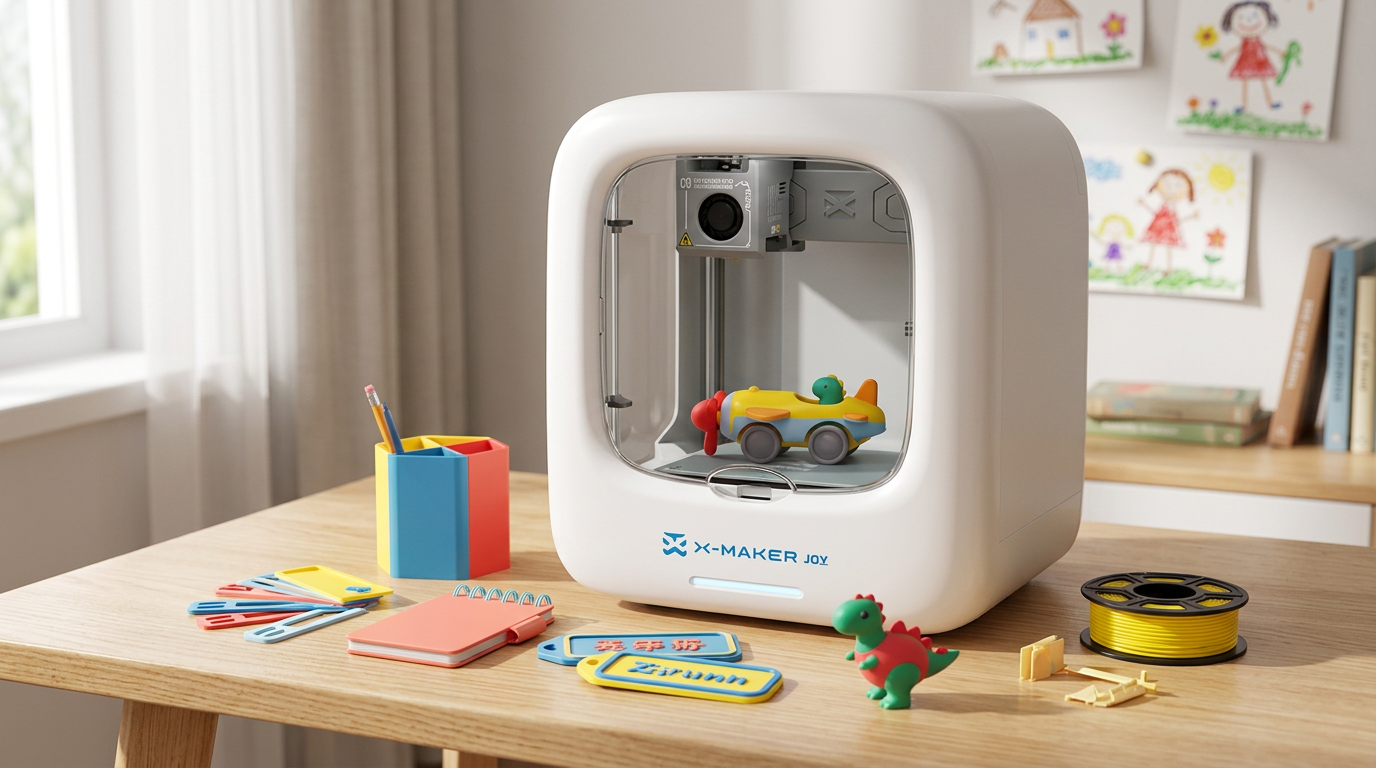
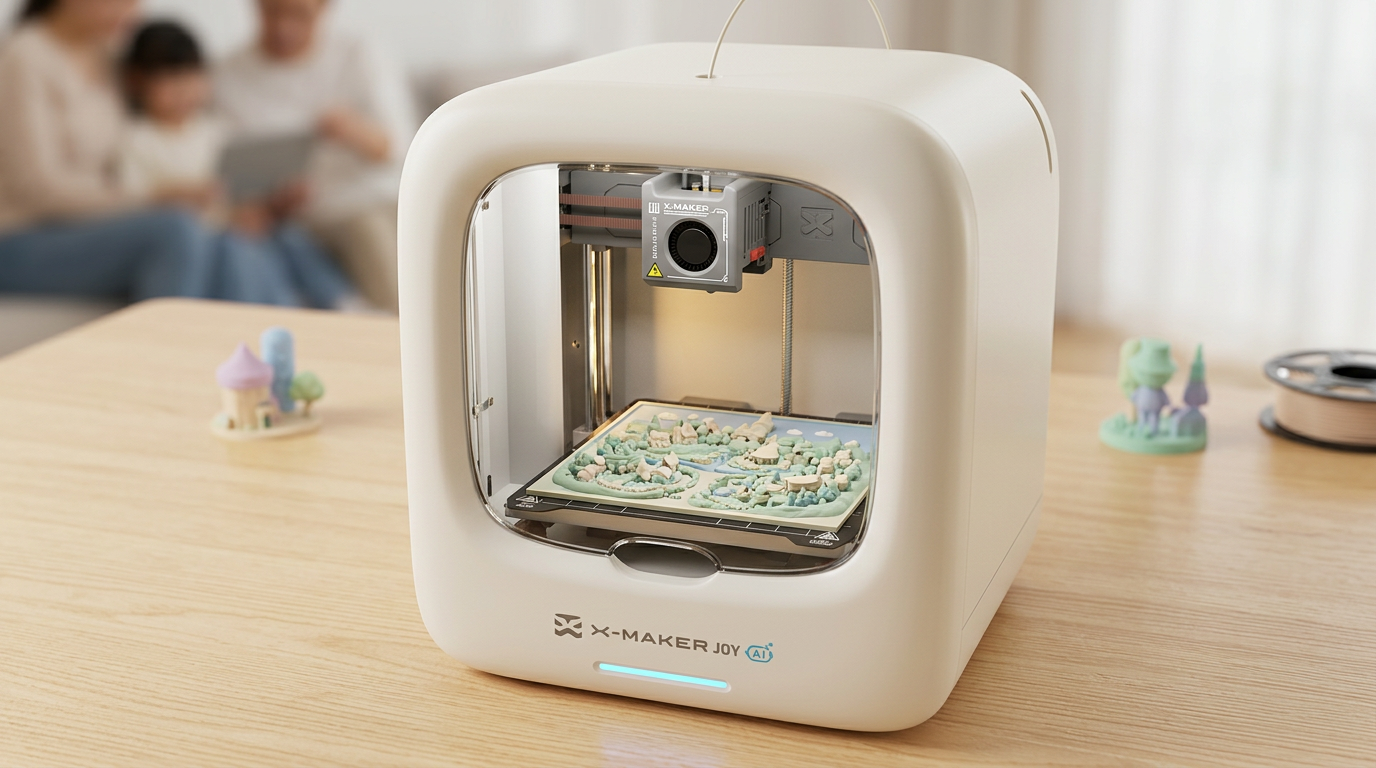
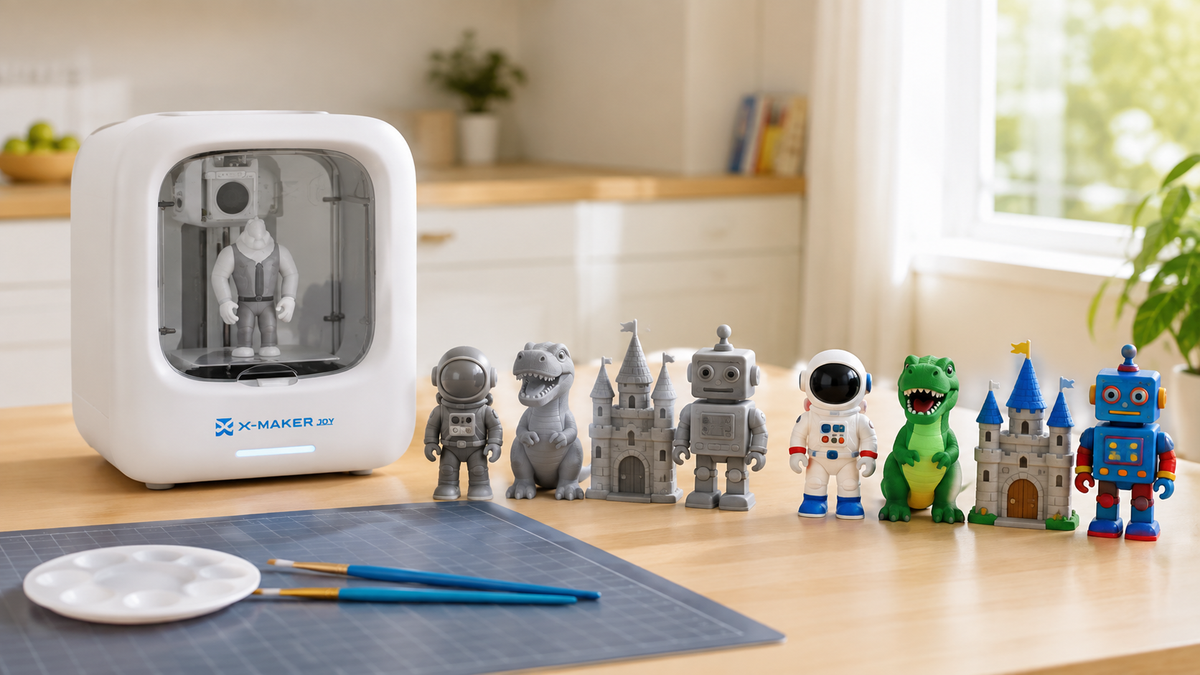
PICKING A PRINTER FOR THE CLASSROOM OR A STUDY CORNER AT HOME A project list only helps if the printer keeps up. Younger students do best with a guided, simple starting point. Older students need more space and more design control. You can compare kids' 3D printers by age and project style side by side before you decide. • X-MAKER JOY ($239): a guided first printer for younger beginners and first projects. • X-MAKER ($359): more room and more control for ages 9 to 16, STEM units and bigger builds. • Both: one AOSEED app with thousands of ready to print models, themed design games and free design tools, plus creation kits that turn prints into cars, music boxes and toys. |
3D Printing Projects for College and Engineering Students
At this level, the printed part is rarely the whole project. It usually serves a bigger design problem: a housing, a fixture, a test piece or a proof of concept.
|
Project |
Test it against |
|
Robot or drone frame (prototype only unless cleared by the lab) |
Mass, stiffness, component placement |
|
Electronics enclosure |
Ports line up, lid closes, screws bite |
|
Functional mechanical assembly |
Shafts turn freely, gears mesh without binding |
|
Custom engineering fixture |
Accuracy or speed compared with the old method |
|
Structural load test series |
Same material limit, different geometry, recorded failure point |
|
Capstone product prototype |
User feedback and documented revisions |
|
Print the interface first Before committing six hours to an enclosure, print only the corner with the connector cutout. A 15 minute test piece catches the 0.4 mm error that would have ruined the full part. |
3D Printing Project Ideas by School Subject
A printer does not belong only in the engineering room. These projects slot into regular lessons.
|
Subject |
Project idea |
What students practice |
|
Math |
Solids with a set volume; coordinate plane tiles |
Volume, surface area, scale |
|
Science |
Molecules, cell cross sections, landform models |
Structure, labeling, scale |
|
History |
Scale replicas of artifacts from museum scans |
Context, primary sources |
|
Geography |
Topographic tiles from elevation data |
Contours, vertical exaggeration |
|
Art |
Sculpture that stands without a base in a set volume |
Form, balance, negative space |
|
Technology |
CAD skill badges: holes, alignment, grouping |
Precise digital modeling |
Real World Design Challenges Students Can Own
The strongest projects start with “what needs to work better?” instead of “what should we print?” Ask students to walk the classroom and list small frustrations. Pencils roll off desks. Headphone cables tangle. Shared markers go missing. Each one can become a design brief.
|
Broad brief vs testable brief Broad: “Design a desk organizer.” Testable: “Design an organizer that holds 10 pencils and one pad of sticky notes inside a 100 by 100 mm area and prints in under 45 minutes.” The second version tells students exactly how their work will be judged. |
Good challenge prompts to rotate through the year:
• Fix a small classroom problem with an object under 80 mm.
• Replace a missing plastic part, such as a cap, label holder or spacer.
• Improve one feature of an everyday object: grip, storage or stability.
• Design a tool for one specific person and test it with them.
• Prototype a fix for a school or community organization problem.
|
Keep student prints away from safety critical jobs Printed replacement parts should never carry loads, touch electricity, protect people or hold anything overhead. A failed student prototype should cause an inconvenience, not a hazard. Screen every replacement part request before students start. |
When to Use Premade Models and When to Require Original Designs
Use premade or modified models when:
• The lesson is about the subject, not design (a fossil in biology, an artifact in history).
• Students are printing for the first time and need to see how the machine behaves.
• Class time is short and the print is a teaching aid, not the assessment.
• You are testing printer settings before a larger unit.
Require original student designs when:
• The grade depends on problem solving, measurement or engineering skills.
• Students have already completed at least one guided CAD task.
• There is time for at least two print and test cycles.
• The object has to fit or work with something real.
How to Grade 3D Printing Projects
 Grade the thinking, not the finish quality. A rough version two that fixed a real problem shows more learning than a glossy first print. This four part rubric works from middle school up; simplify the language for younger grades.
|
Criterion |
Beginning |
Proficient |
Advanced |
|
Requirements |
Object made, requirement unclear |
Meets most stated requirements |
Meets all and explains trade offs |
|
Measurement |
Dimensions guessed |
Key dimensions measured and used |
Tolerances planned and tested |
|
Iteration |
One version only |
Two versions with one change |
Changes tied to test evidence |
|
Communication |
Shows final object |
Explains what changed |
Explains why, with photos and data |
Conclusion
The printer is the easy part. The lesson lives elsewhere: in the requirement, the test and the second version. Start with a name tag or spinning top for younger students, move to cable clips and bridges in middle school, then let older students work with real hardware, real users and real tolerances.
Keep projects small. Print twice. Grade the reasoning, not the polish. Put safety rules in place before the first print. If you are setting up a classroom or a study corner at home, AOSEED's creative tech platform for young makers pairs a guided app and a steady supply of project ideas with printers sized by age. For students 9 to 16 working on STEM projects, the X-MAKER is currently $359.
FAQs
What are some cool 3D printing projects I can do?
Start with keychains, spinning tops, phone stands, cable clips and articulated models. Each teaches something different: a keychain teaches thickness, a stand teaches balance, a clip teaches tolerance. Then move to multi part builds like a snap fit box. Tip: pick something small enough to print twice.
What are some good 3D printing projects for engineering students?
Electronics enclosures, gear or hinge assemblies, load test series, jigs and fixtures, and capstone prototypes. The best ones have a measurable requirement, such as ports that must line up or a load the part must hold. Log every revision and the test that caused it. Tip: print tolerance test pieces before the full assembly.
Is 3D printing hard to learn?
The basics are easy. Most students print a simple name tag in their first lesson. Parts that fit and function take longer, because measurement, material and settings all matter. Failed prints are normal and useful. Tip: start with a single part model that prints in under 30 minutes.
What is the easiest 3D printing program for beginners?
Tinkercad. It is free, runs in a browser, and its free lessons cover the core moves. Printer apps help too; AOSEED's adds design games and ready models for younger students. Older students can later move to parametric CAD. Tip: teach place, size, align, group and hole before open challenges.
Can ChatGPT make 3D models for 3D printing?
Partly. AI tools can brainstorm ideas, calculate dimensions, explain CAD steps and write model code such as OpenSCAD scripts. The output still needs checking, because thin walls, tight holes and failed overhangs look fine on screen. Treat AI as an assistant, not the designer. Tip: give it exact dimensions and your printer's build size.
What are some good 3D printed things to sell at school?
Small original items: name tags, bookmarks, keychains, plant markers and school spirit pieces. Confirm your school allows sales, and never sell prints of files you did not design without checking the license. The U.S. Copyright Office explains how useful articles are treated. Tip: price by filament cost plus print time.
What am I not allowed to 3D print?
There is no single list. Law, licenses, school rules and safety policy all set limits. Most schools ban weapon parts, copied branded characters, and parts that carry weight or touch electricity. Schools should also follow the NIOSH guidance for schools and makerspaces. Tip: when in doubt, check the license and ask your teacher.
Why is my 3D print failing?
Usual causes: a dirty or unlevel bed, overhangs with no support, walls thinner than the nozzle, parts with zero clearance, or damp filament. Where it failed tells you why: at the start means adhesion, halfway up means overhang or layer shift. Tip: clean the plate, add a brim and run a quick test piece first.


Further reading

STEM Building Toys for Kids: Blocks, Kits and Printers Compared

Toy 3D Printer: What to Look for in a Printer That Makes Toys at Home

Personalized Gifts for Kids: Name Tags, Keepsakes and Custom Toys You Can Design


