Does PLA 3D Printing Need Ventilation? 8 Home Controls
PLA is the easiest filament to print at home. It still releases something when it melts. Heating it through a hot nozzle puts ultrafine particles and volatile organic compounds into the room, and both are invisible.
That does not mean you need ducting and a fume hood. One printer, run now and then in a decent-sized room, is usually fine with a window and some distance. The picture changes with long jobs, small closed rooms, daily use, and more than one machine. Here is how to tell which situation you are in, and eight controls that fix it.
Quick pick by room
|
Your setup |
What you actually need |
|
One printer, occasional, large room |
Open window, printer a few feet from you |
|
Long prints, small closed room |
Window fan or vented enclosure, leave during the job |
|
Daily printing, home office |
Enclosure near an exhaust point, HEPA and carbon |
|
Bedroom |
Move it out. If you cannot, vent the enclosure outdoors |
|
Several printers at once |
Enclosed rack or shared outdoor exhaust |
|
Kids or pets in the room |
Enclosed machine, out of reach, PLA only |
Does PLA Need Ventilation, or Not?

The short answer
Yes, some airflow helps. No, you do not need an industrial system for one printer.
The point is to stop emissions collecting in the room and reaching the spot where you breathe. NIOSH recommends local exhaust, printer enclosures, HEPA filtration, and gas or vapor filters for filament printers in its 2018 review of 3D printing emissions and controls.
When a window is enough
One printer, a short job, a big room, nobody sitting next to it. Open a window or door so fresh air comes in and moves through. Keep the machine a few feet from your chair or bed. Distance does more than people expect.
|
Quick check: hold a strip of tissue near the open window during a print. If it barely moves, the room is not exchanging air, and you need a fan instead. |
When it is not enough
Long prints change the math. So does a printer that runs most days, or a room where somebody sits for hours. A small bedroom fills up faster than a garage.
NIOSH lists local exhaust and enclosed ventilated racks as useful engineering controls, and calls them out specifically for rooms running several printers (CDC/NIOSH, 2018). Capture at the source beats a fan that only stirs the air.
What PLA Actually Releases

Particles you cannot see
Ultrafine particles are under 100 nanometers. No dust sensor at a normal price will catch them.
One chamber and office study measured a PLA ultrafine emission rate near 2.1 billion particles per minute for the printer tested (PubMed, 2016). Hardware and filament vary a lot, so treat that as a signal, not a spec. Invisible is not the same as absent.
VOCs, color, and additives
PLA gives off a different mix than ABS. ABS is the one linked to styrene. A lab study heating common printing plastics found ABS more toxic than PLA, and it did not call PLA clean (PubMed, 2017).
Color matters more than most people think. Particle counts differ between colors of the same filament. A plain PLA spool tells you nothing about a silk, glow, or wood-filled blend. Treat those as separate materials.
Nozzle temperature
Heat drives emissions. Research on filament printers found nozzle temperature can affect particle output more than print duration under some conditions (NIH/PubMed Central, 2023). Start at the spool's range. Drop it in small steps while extrusion stays smooth.
8 Home Controls for PLA Printing
Stack them, do not pick one
These work as layers. Placement and airflow first. Containment and filtration when printing gets frequent.
1. Move it away from your chair
Not beside your face, your bed, or the dinner table. A 2025 study reported total VOC concentrations falling 71 to 84 percent when the sampling point moved from 0.5 to 2 meters (NIH/PubMed Central, 2020). Distance is free.
2. Open a window and a door
One opening dilutes. Two openings create a path. Wind, weather, and window size all change the result, so a window that feels open may move almost nothing on a still day.
3. Use a window fan, pointed out

A fan gives air a direction. Push room air outdoors, let replacement air come in behind the printer, and keep the machine between the two. Do not aim it at the build plate. That cools the first layers and lifts corners.
4. Do not sit through long prints
A six-hour print next to your desk is six hours of contact. Start it, watch the first layers go down, then walk away. Remote monitoring covers the rest. It does not replace fire safety.
5. Run the lowest reliable temperature
Hotter is not better. Extra heat brings stringing, soft detail, and more emissions. Print a temperature tower. Take the lowest setting that still bonds properly. Going too low just causes failed prints, which means more heating overall.
6. Add an enclosure

An enclosure slows the spread and creates a small pocket of air you can filter or vent. A loose fabric tent is not the same thing. Containment alone is not removal, though. A sealed box with no fan just holds the emissions until somebody opens the door.
7. Vent that enclosure outdoors
A fan pulls enclosure air through a sealed duct to the outside. Keep slight negative pressure so air leaks inward at the gaps. NIOSH testing measured a custom ventilated enclosure cutting print-room particle concentrations by 99.7 percent (CDC/NIOSH health hazard evaluation, 2017). Do not vent into an attic, a crawl space, or an attached garage.
8. HEPA for particles, carbon for gases

Two filters, two jobs. Put the intake next to the printer or inside the enclosure. A purifier across the room cleans air after it already passed you. NIOSH recommends HEPA-filtered local exhaust for particles, and gas or vapor filters when VOCs are the concern (CDC/NIOSH filament printing guidance). Look for a real carbon bed, not a thin pad.
Enclosures, Heat Creep, and the PLA Catch
Why enclosed helps here
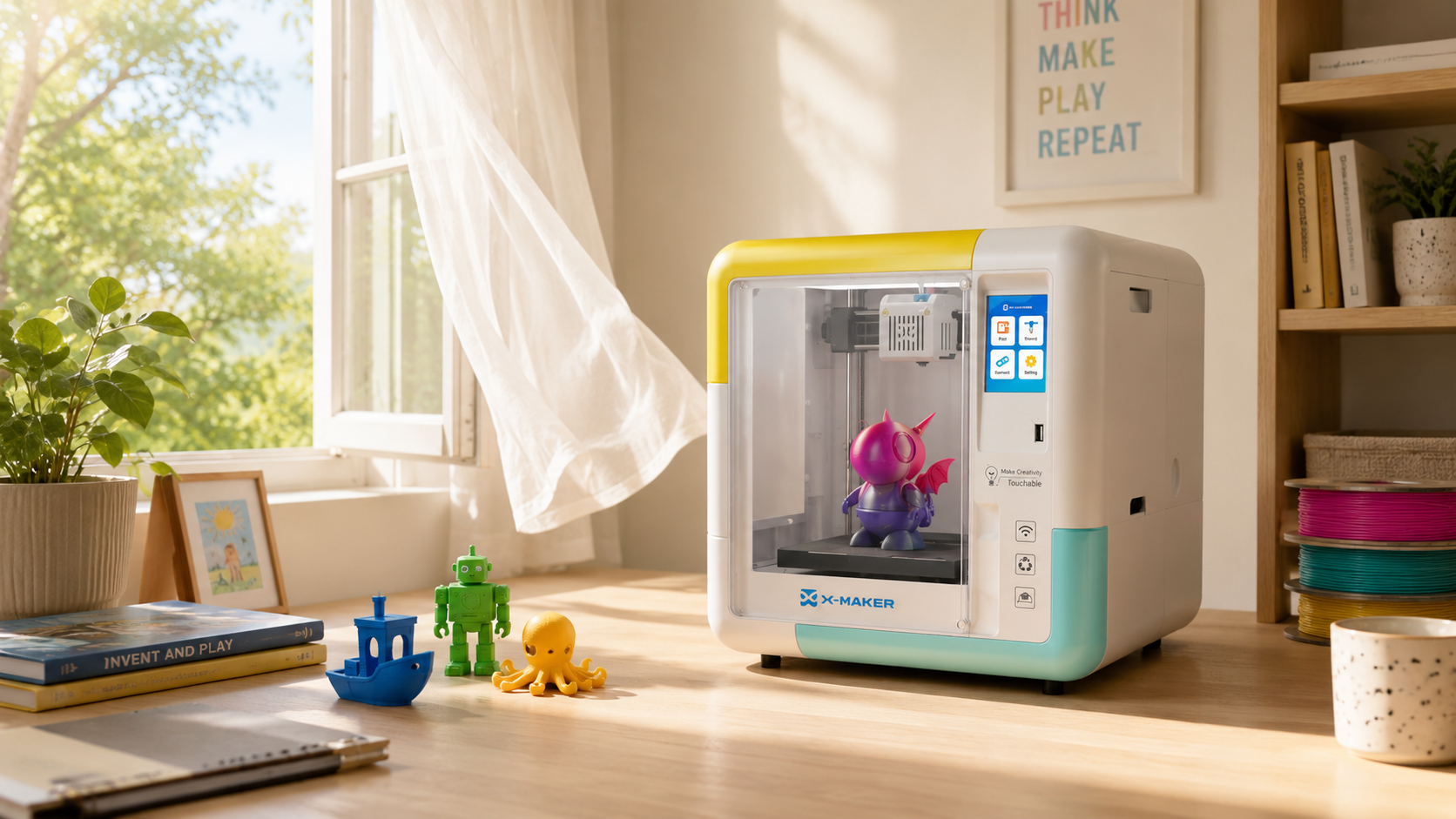
An enclosed chamber limits leak paths, which makes any filtration you add work better. It also keeps hands off the hot end. For a machine in a family room, that second point matters as much as the first.
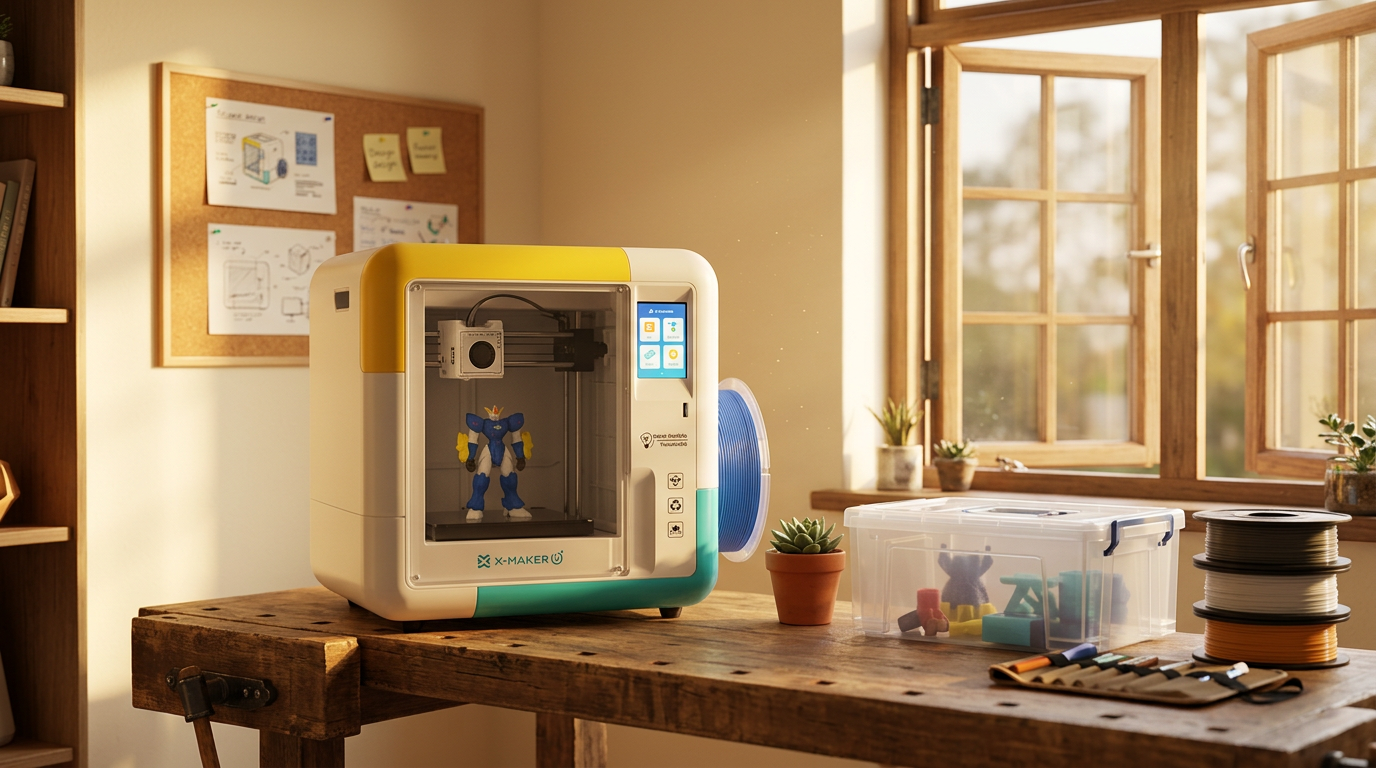
Filament choice does the other half. A machine locked to PLA never puts you in the position of deciding whether the room can handle ABS. If you are buying a first printer rather than fixing an existing one,a printer that only runs PLA and stays closed while it prints settles both questions at purchase, which is the easier place to settle them.
|
ENCLOSED, PLA-ONLY, BUILT FOR A FAMILY ROOM Most ventilation worry comes from materials that need it most. A machine that only runs PLA and stays closed while it prints removes the ABS and resin question before it starts. AOSEED builds kid-safe enclosed 3D printers around that idea, with a full enclosure and non-toxic PLA rather than an open frame in a bedroom. |
Heat creep, the PLA-specific problem
Here is the trade-off. PLA softens at a lower temperature than engineering filaments, so a hot sealed box lets heat climb above the melt zone and soften filament early. That shows up as grinding, weak extrusion, or a clog. Prusa notes that printing PLA in a fully closed, unventilated enclosure is likely to cause heat creep (Prusa Research).
|
Heads up: fully sealed and good for PLA pull against each other. You want a vented enclosure, not an airtight one. Sealing everything shut trades a fume worry for a clog problem. |
Around children and pets

Put it where small hands cannot reach the nozzle, bed, or wiring. That also cuts the hours they spend near the source. NIOSH advice runs the same way, reduce exposure through enclosure, local exhaust, and filtration rather than assuming a low-odor material needs nothing (CDC/NIOSH, 2018). A closed door with no airflow just concentrates what builds up.
Airflow Versus Print Quality

Two fans, two jobs
The part-cooling fan sets freshly extruded PLA. A room or exhaust fan moves a much bigger volume. Do not swap one for the other. Room airflow across the bed cools one side faster than the other, and corners lift.
Put the exhaust behind or above the machine. Air should pull away from you and away from the print. After any change, watch the next couple of prints for lifting or temperature errors.
Mistakes That Look Like Solutions
Five to skip
- Plant-based means clean. PLA comes from corn starch. Heating it still makes UFPs and VOCs.
- A desk fan. It moves odor around the room. The path has to end outside or at a filter.
- Trusting your nose. Smell flags some VOCs. It misses particles completely.
- Purifier across the room. Move the intake to the printer.
- Forgetting filters. Clogged HEPA chokes airflow. Saturated carbon stops working. Track print hours.
One more. A PLA plan does not cover ABS, nylon, or resin. Those run hotter, smell different, and in the case of resin involve uncured liquid chemicals (PubMed, 2017).
Which Setup Fits You?
Pick the row that matches your week
Two paths. Most homes land in the first one.
- Stay basic when: you print a few times a month, the room is large, a window opens, and nobody sits beside the machine for hours. Distance and fresh air cover it.
- Go stronger when: prints run overnight, the door stays shut, the room doubles as an office or bedroom, you run more than one printer, or someone in the house has a breathing condition. Add an enclosure, then exhaust or filtration.
For scale on that second case, a NIOSH-linked study ran 20 printers in a simulated makerspace. Particle counts approached 20,000 per cubic centimeter uncontrolled, and stayed near a 1,000 background with controls running (NIH/PubMed Central, 2020). One small purifier cannot do that job.
Conclusion
PLA is the low-emission end of home 3D printing. It is not zero. Heating it releases ultrafine particles and VOCs, and the amount shifts with filament, color, temperature, room size, and how long you run it.
Most people do not need ducting. Distance, fresh air, and a clear path out of the room handle occasional printing. Long jobs, closed rooms, daily use, and multiple machines are what justify an enclosure, local exhaust, HEPA, and carbon.
If you are choosing hardware rather than retrofitting, the material and the enclosure decide most of this for you. The X-MAKER JOY runs PLA only, prints fully enclosed, and sits at $259 at the time of writing, which is why it turns up in family rooms rather than garages. It suits ages 4 to 12. You can see how AOSEED approaches family 3D printing if that framing fits your house. Whatever you buy, catch emissions near the printer before they spread, and keep hard drafts off the build plate.
FAQs
Can you 3D print PLA without ventilation?
It will run. A sealed room is still the wrong setup, because studies measure ultrafine particles and VOCs during PLA prints (PubMed, 2016). A short print in a big airy room is nothing like an eight-hour job in a closed bedroom. At minimum, move it off your desk and give the room somewhere for air to go.
Do I need to vent for PLA?
Some airflow, yes. Industrial exhaust, almost never for one home printer. A window suits occasional printing in a large room. Frequent printing in a small one wants a vented enclosure or local extraction. Capture near the nozzle beats waiting for the room to dilute it, and a desk fan that only recirculates removes nothing.
Is it safe to be in a room with PLA printing?
Sitting through the occasional print is not a crisis. Repeated close exposure is worth avoiding anyway. NIOSH says the health effects of 3D printing emissions are not fully understood, and no exposure limits exist specifically for them (CDC/NIOSH, 2018). Keep a few feet between you and the machine, and step out during long jobs.
Do 3D printers give off fumes with PLA?
Yes, though fumes is a loose word. Researchers separate it into ultrafine particles and gaseous chemicals. Both appear with no visible smoke and very little smell. Brand, color, additives, and temperature all change the mix, so odor is a bad test. Set up the airflow before you print.
Is it okay to 3D print in a cold room?
PLA handles cool rooms better than ABS does, as long as the printer stays inside its rated range. Cold drafts are the real issue. An open window or AC vent blowing across the bed lifts corners and weakens layers. Keep it clear of doors and vents, and put the exhaust behind or above it.
Is 220C too hot for PLA?
Not automatically. It sits near the top of the range for standard PLA, and some silk or filled blends want exactly that. Others print clean at 190 to 205. Too hot brings stringing, ooze, and heat creep risk, and higher temperatures have been linked to higher particle and VOC emissions (NIH/PubMed Central, 2023). Print a tower, take the lowest setting that bonds well.
Do PLA and PETG need ventilation?
Both, indoors. Neither is emission-free just because it smells milder than ABS. Different formulas, different temperatures, different profiles, so a PETG spool is not covered by a PLA study. Start both the same way, distance and an outward air path, then add enclosure exhaust once printing gets frequent.
Should I use a fan or no fan for PLA?
Both, but they are different fans. Part cooling handles the plastic, usually off or low on the first layer, then up for overhangs. Room exhaust handles the air. Keep the exhaust from blowing across the bed, and do not seal the enclosure completely, since Prusa warns a fully closed unventilated box invites heat creep (Prusa Research). Follow the slicer profile for cooling.
Sources
- CDC/NIOSH, “Characterizing 3D Printing Emissions and Controls in an Office Environment”
- CDC/NIOSH, “Evaluation of 3-D Printer Emissions and Personal Exposures at a Manufacturing Workplace”
- CDC/NIOSH, “3D Printing with Filaments: Health and Safety Questions to Ask”
- CDC/NIOSH, “3D Printing (Additive Manufacturing)”
- PubMed, “Characterization of Emissions from a Desktop 3D Printer and Indoor Air Measurements in Office Settings”
- PubMed, “Is 3D Printing Safe? Analysis of the Thermal Treatment of Thermoplastics”
- NIH/PubMed Central, “Reducing Ultrafine Particulate Emission from Multiple 3D Printers Using a Prototype Engineering Control”
- NIH/PubMed Central, “Parameters Influencing the Emission of Ultrafine Particles During 3D Printing”
- Prusa Research, “Extrusion Stopped Mid-Print: Heat Creep”


Further reading
AI vs CAD for Kids: Which Design Path Fits Each Age?

AI-Generated 3D Models for Kids: 9 Printability Checks Before You Print

How to Fund a Classroom 3D Printer: Grant Budget and Proposal Checklist