

Family Maker Night: 6 Projects Under 60 Minutes

Most weeknight evenings follow the same pattern. Someone wants to watch something. Someone else wants to play a game. The youngest wants someone to play with them, and the adults want to sit down.
Family Maker Night breaks that pattern in about an hour. Everyone sits around the same table. The printer starts. Something gets made. The evening has a result.
3D printing is the right technology for this because it produces visible, immediate results that hold children's attention through the wait and reward them with something real at the end. The six projects below are specifically chosen because they all finish in under 60 minutes — fast enough for a weeknight, satisfying enough that everyone wants to do it again.
At AOSEED, the Toy Library is organized specifically around family use cases — quick prints, longer projects, seasonal builds, and creation kits that turn printed parts into working toys. Every project in this guide comes from the same principle: if it can be printed before bedtime and played with immediately, it belongs on the list.
|
6 Projects to choose from |
<60 min Every project finish time |
Ages 4+ No minimum age needed |
1 printer Whole family, one machine |
Why Family Maker Nights Are Perfect for 3D Printing Projects

There is a qualitative difference between an evening spent on screens and an evening spent making something. The object on the table at the end is evidence of time well spent — and children know it.
|
Typical Screen Night |
amily Maker Night |
|
Everyone watches something different |
Everyone contributes to the same project |
|
Passive — content is consumed not created |
Active — something real gets made |
|
Nothing to show for the evening |
A printed toy on the table at the end |
|
Kids' ideas stay digital |
Kids' ideas become physical objects |
|
Interest resets tomorrow morning |
Each session builds on the last one |
The Benefits of Family Involvement in Creative Projects
When families work together on a maker project, the process does more than produce a physical object. Children who participate in the design and printing decisions develop a sense of ownership over the outcome. They also practice the communication skills involved in collaborating on a shared goal — explaining what they want, negotiating which color to use, and deciding together what to print next session.
For parents, maker sessions are one of the most efficient ways to spend meaningful time with children on a weeknight. The printer does most of the work. The conversation around the table is the real product.
How 3D Printing Enhances Family Fun
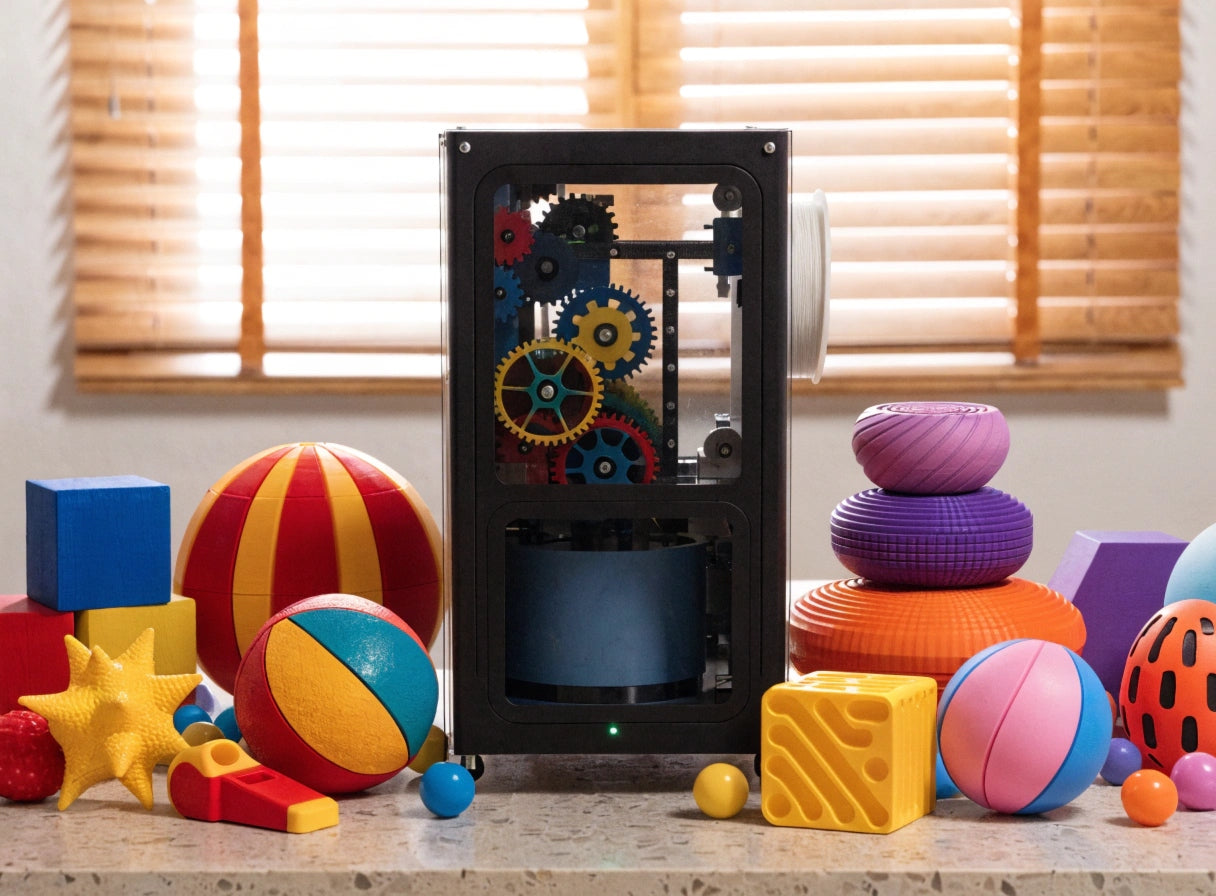
The unique quality of 3D printing for a family evening is the 'reveal' moment. Watching a toy appear layer by layer through the observation window of an enclosed printer like the AOSEED X-MAKER JOY turns the wait into part of the entertainment. Children narrate what they think is being built. They check on it. They call grandparents over to see the progress. The print time is not dead time — it is the buildup to the reveal.
Modern family-oriented printers also remove the adult technical burden that used to make this kind of evening feel like a project rather than a relaxed activity. App-led workflows let a child browse, choose, customize, and start a print without parental involvement in every step. The parent's job is to be present, not to operate the machine.
Best Easy 3D Printed Toys for Family Maker Night

These six projects are ordered loosely by print time — from the quickest wins to the slightly longer sessions that benefit from older children's patience. All six finish in under 60 minutes.
|
How to Read These Project Cards Each card shows the print time and difficulty level alongside a description and a specific model link. Choose one project per evening, or let the child choose two quick ones and race the printer. |
Project 1: Spinning Top

|
⏱ 2–5 min · ⭐ Beginner |
|
The spinning top is the single fastest meaningful print in family 3D printing. Two to five minutes of print time, and the child is spinning it on the kitchen table before anyone has finished tidying away the dinner things. Race two tops printed in different colors. Time them. Declare a winner. Print a rematch. Model to use: 2min 3D Printed Spinning Top What it teaches: Physics observation (spin time, balance) — motor skills — immediate satisfaction |
Project 2: Ring Whistle

|
⏱ 20 min · ⭐ Beginner |
|
A ring that produces a real whistle sound when blown through. Print it, put it on a finger, and the child now has a wearable musical instrument they made in 20 minutes. It proves to children very quickly that 3D printing is not just about display objects — it can make things that work. Model to use: Ring Whistle What it teaches: Functional thinking (why does this produce sound?) — wearable craft — gifting |
Project 3: Personalized Keychain

|
🔑 ⏱ <20 min · ⭐ Beginner |
|
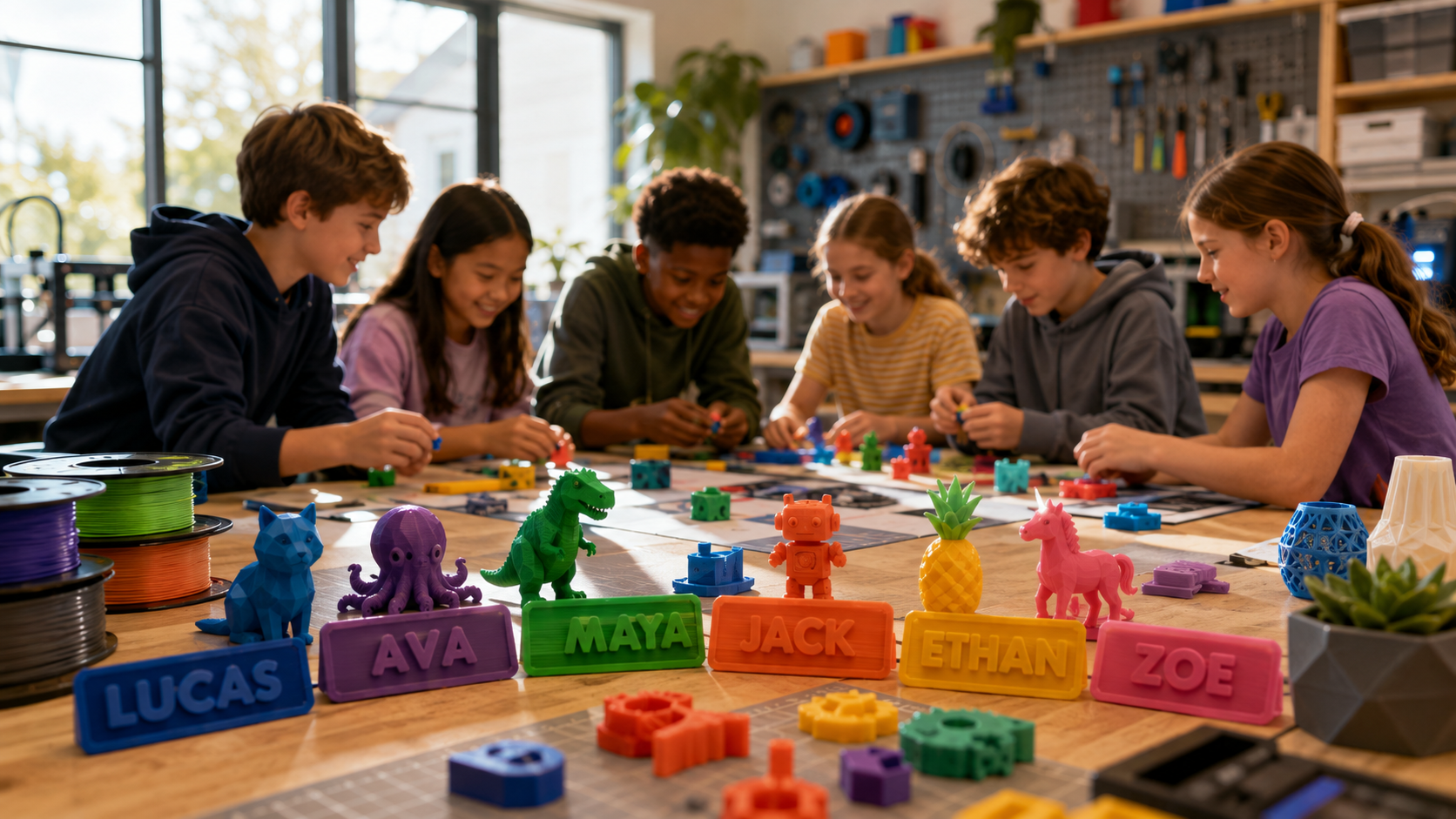
A custom keychain printed in the child's name or with their room number. Each one takes less than 20 minutes and uses under 4 grams of filament. Print one for every family member in their chosen color during the same evening. This is also the most gifted 3D print in family-making contexts — children hand them out at school, to grandparents, and to their friends. Model to use: Simple Keychain for Every Room What it teaches: Personalization — gifting thinking — pride of making something useful for others |
Project 4: IC Puzzle

|
⏱ ~30 min · ⭐⭐ Intermediate |
|
A print-in-place puzzle that comes off the build plate already in puzzle form. No assembly, no lost pieces. The challenge is solving the puzzle after it prints — which gives the second half of the evening a focused, quiet activity after the excitement of watching the print. Good for children who enjoy working through a problem independently. Model to use: IC Puzzle What it teaches: Spatial reasoning — independent problem-solving — calm play after an active print session |
Project 5: Mini Race Car

|
⏱ 45–60 min · ⭐⭐ Intermediate |
|
A small rolling race car sized to race on a smooth floor. Print one per child and race them across the kitchen in under an hour. The print time becomes the anticipation phase — children design a course, find a start line, and argue agreeably about whose color will win. When the print finishes, the game starts immediately. Model to use: Spinning Top Up to 1min Spinning Time What it teaches: Motion and physics — sibling competition — understanding that printed objects can be functional |
Project 6: STEM Ball Maze

|
⏱ 30–50 min · ⭐⭐ Intermediate |
|
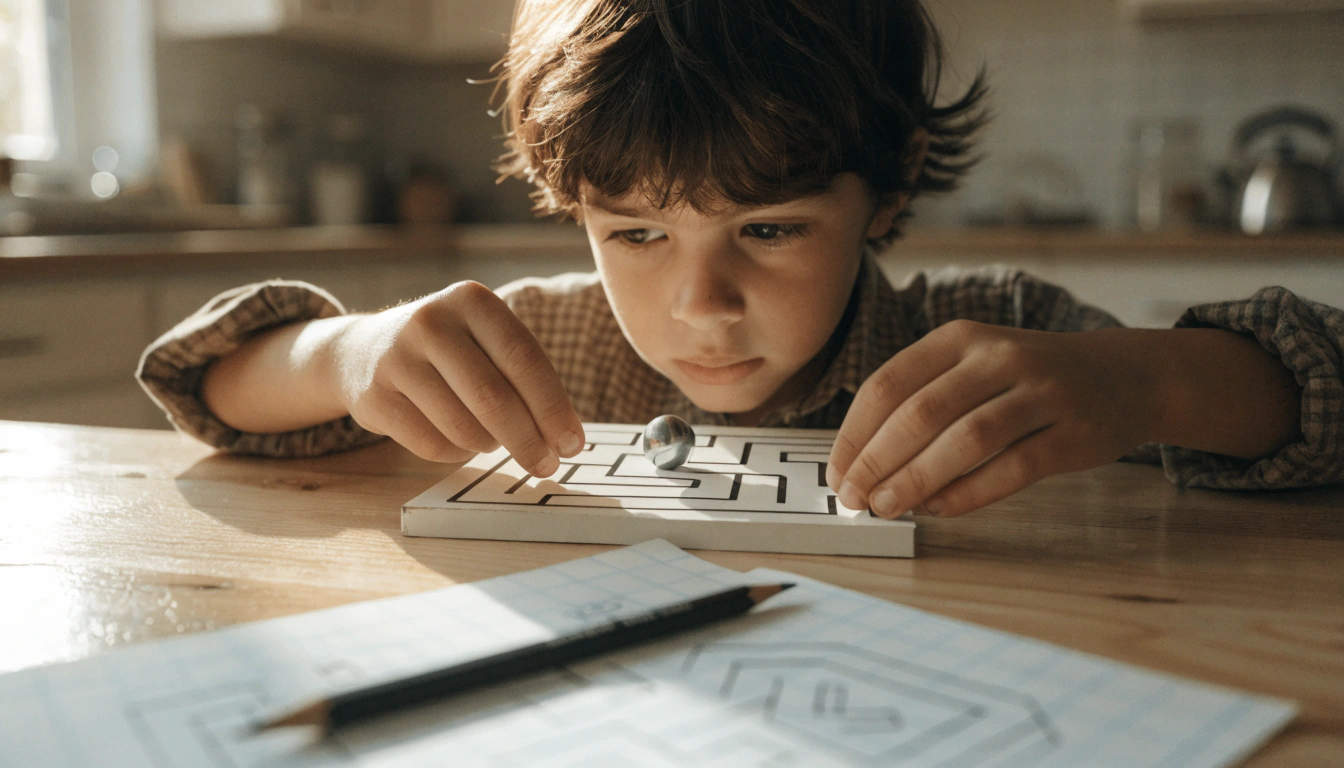
A printed maze where a small ball is guided through internal channels. When the print comes off the bed, the child has a puzzle they designed together — tilt it one way, the ball rolls left; tilt the other way, it rolls right. This is the most educational project on the list, and also the one children demonstrate most enthusiastically to anyone who walks into the room. Model to use: Optimized Dual Chamber Whistle What it teaches: Engineering thinking — gravity and balance — cause and effect — collaborative play |
Maker Night Menu — Quick Reference
|
Project |
Print Time |
Best For |
Difficulty |
|
1. Spinning Top |
2–5 min |
Quick win, any age, races |
⭐ Beginner |
|
2. Ring Whistle |
~20 min |
Functional toy, gifting |
⭐ Beginner |
|
3. Personalized Keychain |
<20 min |
Personalizing, gifting to others |
⭐ Beginner |
|
4. IC Puzzle |
~30 min |
Calm play, older children |
⭐⭐ Intermediate |
|
5. Mini Race Car |
45–60 min |
Sibling competition, floor play |
⭐⭐ Intermediate |
|
6. STEM Ball Maze |
30–50 min |
Educational, older children |
⭐⭐ Intermediate |
The AOSEED Toy Library holds over 1,500 additional models organized by print time and age group. When the six projects above feel familiar, browse the vehicles, animals, and seasonal builds section to find the next family Maker Night project without needing to search the wider internet.
How to Choose the Right 3D Printing Projects for Your Family

The right project for a 4-year-old and the right project for an 11-year-old are not the same. Use this table to match the evening's project to the children at the table.
|
Age |
Best Project Type |
One Session Goal |
Next Step After |
|
Ages 4–6 |
One-piece prints, spinning tops, chunky cars, simple keychains |
Finish one project before bedtime — hold the object before sleep |
Decorate the print with markers the following evening |
|
Ages 7–9 |
Puzzles, cars with rolling parts, ring whistles, race sets |
Solve the puzzle or race the car before the evening ends |
Print a second model to race against the first one |
|
Ages 10–12 |
Ball mazes, STEM models, creation kit components, custom designs |
Design or modify a model and see it print successfully |
Build a creation kit RC car or robot over two Maker Nights |
|
Ages 13+ |
Full STEM builds, creation kit electronics, custom CAD designs |
Print and assemble a multi-part mechanism in one evening |
Independent project: design, print, test, improve |
Ages 4 to 6: Chunky Shapes, Big Parts, and Easy Assembly
For the youngest makers, the goal for Maker Night is simple: have a finished object in hand before they go to bed. Stick to prints under 20 minutes for this age group. The spinning top at 2 to 5 minutes is perfect — it prints before they finish their dessert, and they are spinning it at the table before the machine cools down.
Let them choose the filament color and press the start button. Those two things — the choice and the activation — are where the creative ownership lives for a 4-year-old. The rest is the printer's job.
Ages 7 to 9: More Complex Models with Moving Parts
Children in this range have patience for 30 to 45-minute prints and the fine motor skills to interact with mechanisms and puzzles. The IC Puzzle and the ball maze are both excellent choices. This is also the prime age for the race car — the child who waits 45 minutes for a car to print is strongly motivated to race it the moment it cools. The anticipation is part of the experience.
Ages 10 and Up: Customizable, STEM-Focused Builds
For older children, the most engaging projects are the ones where they made a decision that changed the output. Guided design apps let children modify an existing model before printing — adjusting a name, a size, or a detail. The AOSEED X-MAKER creation kits are particularly good for this age: printed parts combined with motors and electronic components that turn a Maker Night project into a working RC car or robot. These sessions usually run across two evenings and produce objects that stay in regular use for months.
Tailoring Projects to Kids' Interests
|
Loves Speed |
Loves Puzzles |
Loves Making |
Loves Science |
|
Mini race cars and spinning top competitions — let them design a course and time each other's tops |
IC Puzzle and ball maze — calm, focused, independent play after the print excitement settles |
Keychain with name — quick to print, immediately decorated, and given to someone they love |
STEM ball maze and creation kit builds — tilt mechanics, gear ratios, and cause-and-effect experiments |
Safety Considerations for 3D Printed Toys for Kids

A well-designed family printer removes most of the safety concerns parents have before their first session. Here is the complete picture.
|
✓ |
PLA filament — safest choice for all ages: Plant-based, non-toxic, biodegradable, minimal odor at standard printing temperatures. The correct default material for every family Maker Night project in this guide. |
|
✓ |
PETG for more durable toys: Strong, impact-resistant, safe for home use. A good step up for toys that need to survive repeated dropping or outdoor play. Requires a slightly higher print temperature and a heated bed. |
|
⚠ |
ABS — for ventilated spaces only: Tougher than PLA, but emits more fumes during printing. Use in a well-ventilated space. Not the right choice for a kitchen or shared living room during a family evening. |
|
✗ |
Resin — not for family Maker Night: Photosensitive chemicals require gloves, eye protection, and a dedicated wash-and-cure station. Safe only for adults with proper PPE. Never the right choice for a session involving children under 16. |
Inspecting Toys for Safety
Before handing a finished print to a child, spend about 60 seconds on a safety check. Run a finger along all surfaces. Check where support material was removed — this is where sharp edges most commonly appear. Use fine-grit sandpaper on any rough spots before handing the toy to a child under 7. For children under 3, verify that no printed part is smaller than 25mm in any dimension.
Why an Enclosed 3D Printer Is Safer for Kids
The nozzle on any 3D printer reaches above 200°C during printing. An enclosed design keeps all hot components inside a sealed chamber. Children observe through a clear window. Their hands stay outside. The CDC / NIOSH safe 3D printing guide and the Washington State Department of Health's 3D printers in schools guidance both recommend enclosed printers with PLA as the standard setup for environments where children are present. The same recommendation applies to a family kitchen or living room.
An enclosed printer also produces more consistent print quality for Maker Night projects — the stable internal temperature means the spinning top prints round, the puzzle pieces fit together, and the car base stays flat. Safety and quality benefits point in the same direction.
How to Make 3D Printing Fun and Easy for Kids

A good Maker Night runs on preparation, not improvisation. These five setup steps take about 10 minutes before the first session and make every session after that smoother.
|
1 |
Choose the project before the evening starts Browse the Toy Library or model sites with your child after school. Having the model chosen before dinner removes the decision paralysis that turns an excited child into a frustrated one. |
|
2 |
Prepare the filament color in advance Letting the child choose the color is an act of creative ownership. Do this step before dinner — the color decision is made and loaded before anyone sits down at the table. |
|
3 |
Set the printer at eye level in a visible spot The printer should be somewhere the family can see the observation window from the table. The printing process is part of the entertainment — do not hide it in a corner. |
|
4 |
Have the decoration supplies ready Non-toxic acrylic paint markers, regular markers, and small sticker sheets. Set these out before the print finishes so the decoration phase begins immediately when the object cools. |
|
5 |
Have the next project identified before the current one finishes The gap between 'this one is done' and 'what do we print next' is where interest drops. The next project should be chosen and ready to start by the time the current print cools. |
Start with Easy-to-Assemble Projects
For first-time Maker Nights, choose from projects one, two, or three in this guide. All three finish in under 20 minutes. The child holds something real before their usual bedtime routine starts. That first successful print is the foundation of everything that follows — it is the memory that makes the child ask 'can we do Maker Night again this week?'
Encourage Creativity with Customization
After the print comes off the build plate, the creative session continues at the table with decoration supplies. A white or light-colored PLA print is the ideal canvas — children can paint it, draw on it, add stickers. This turns a 20-minute print session into a 45-minute creative evening, and the child takes away an object that looks like nothing you could buy.
Set Up a Dedicated Printing Area
Give the printer a permanent place at a height where the child can see the observation window without needing to be lifted. Keep a small labeled box of filament spools nearby. Keep the decoration supplies in a nearby drawer. This removes the logistical friction that can make an evening feel like work rather than play.
Conclusion
Family Maker Night is not a significant commitment. It is one evening, one project, and one object on the table at the end. The spinning top that printed in four minutes. The keychain with the child's name that went into their backpack the next morning. The race car that lost every race but got printed again the following Thursday in a different color.
The value of these evenings is not the individual objects. It is the habit of making something together. A family with a functioning Maker Night tradition is a family that regularly sits around the same table, talks about what to build next, and has a shelf of things they made themselves.
Start with one of the six projects in this guide. Have the project chosen before dinner. Let the child press start. Browse the full range of family printer options at AOSEED 3D printers for kids to find the printer that fits how your family makes.
FAQs
Can kids play with 3D printed toys?
Yes. 3D printed toys made with PLA filament and inspected for smooth edges are safe for play. PLA is non-toxic, biodegradable, and the standard material for every family-oriented printer on the market. Inspect finished prints for any rough support-removal marks before handing to a young child, and verify no part is smaller than 25mm for children under 3.
What are some simple family project ideas?
For a Maker Night in under 60 minutes: a spinning top in 2 to 5 minutes, a personalized keychain in under 20 minutes, a ring whistle in 20 minutes, or an IC puzzle in 30 minutes. These four projects print quickly, produce something immediately usable, and require no assembly. All four can be found in the sources section of this guide with direct model links.
What is the best material for 3D printed toys?
PLA is the right default for all children's toy projects. It is non-toxic, made from renewable plant materials, produces minimal odor at standard printing temperatures, and is available in a wide range of bright colors. For toys that need extra durability — outdoor play, active floor toys, repeated dropping — PETG is a safe and effective step up.
Is a 3D printer suitable for a 7-year-old?
Yes. A 7-year-old can safely browse a model library, choose a design, select a filament color, and start a print with an app-led printer. Adult involvement is most useful for loading filament before a session and removing the cooled print at the end. Most 7-year-olds manage the full printing workflow independently after two or three guided sessions.
How long do 3D printed toys last?
PLA toys used for normal indoor play last for years. The material can become brittle if stored in direct sunlight for extended periods, and it softens slightly above 60°C — so it should not be left in a hot car. For toys that will be used outdoors or handled roughly, PETG holds up better to environmental stress and repeated impact.
What is a 3D family tree?
A 3D family tree is a creative project where families design and print a tree structure with removable 'leaf' charms that each represent a family member or ancestor. The printed pieces can be arranged and rearranged, similar to a physical felt board. It is a hands-on way to make family history tangible for children who are learning about their grandparents and great-grandparents.
How do you create a family fun day?
Start with a theme the whole family agrees on — racing, building, animals, or making gifts for someone they love. Use 3D printing as the backbone of the day: print something in the morning, decorate it after lunch, and use it in a game or competition in the afternoon. The printed objects become the artifacts of the day — something the family made together and can point to the following week.
Sources
- Printables — Optimized Dual Chamber Whistle (2 min, 1.15g filament), Optimized Dual Chamber Whistle, 2024.
- Printables — Simple Keychain for Every Room, Customizable (under 20 min, <4g), Simple Keychain for Every Room, 2024.
- Printables — IC Puzzle (~30 min print, great for puzzle play), IC Puzzle, 2024.
- Thingiverse — Spinning Top, Up to 1 Minute Spinning Time, Spinning Top Up to 1min Spinning Time, 2022.
- MakerWorld — Ring Whistle (4g filament, 20 min print), Ring Whistle, 2024.
- MakerWorld — 2min 3D Printed Spinning Top (quick family project), 2min 3D Printed Spinning Top, 2024.
- CDC / NIOSH — Approaches to Safe 3D Printing (schools, homes, libraries), Approaches to Safe 3D Printing, 2023.
- TeachEngineering — Creative Engineering Design Tinkercad 3D Design EV Concept Car Workshop, Creative Engineering Design EV Concept Car Workshop, 2024.



Further reading

Thanksgiving STEM Activities for Kids: Table Projects and Simple Engineering Challenges

Halloween STEM Activities for Kids: Spooky Builds That Teach Real Science

STEM Crafts for Kids: Build, Decorate and Test



