

3D Printing Ideas for Siblings to Make Together

Most sibling activities are competitive by nature. Who wins, who gets more, who finishes first. These are fine as far as they go. But some of the most useful time children spend together is working toward a shared goal — not racing each other but building something together.
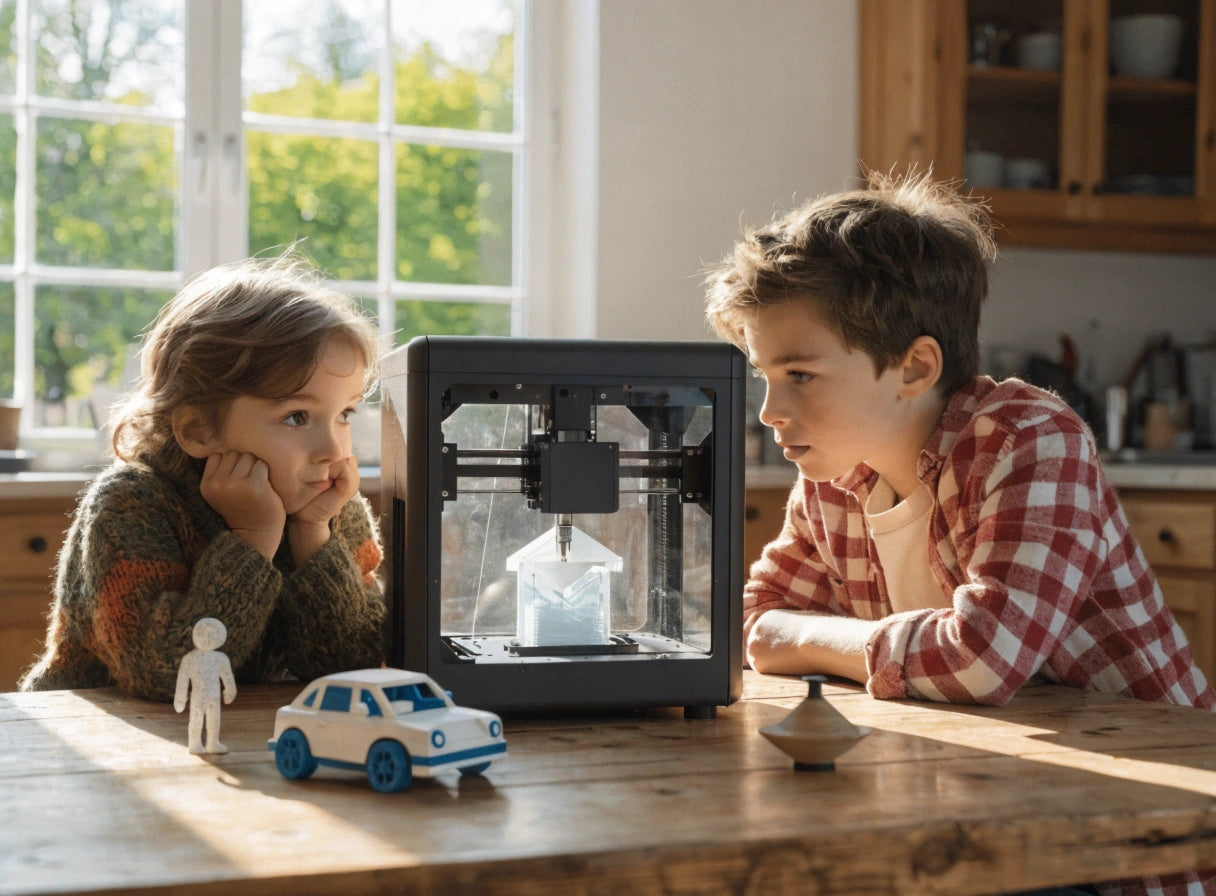
3D printing is one of the best vehicles for that kind of collaborative play because the project requires multiple decisions. What to print. What color. How to assemble it. Who does which part. These are genuine negotiation opportunities wrapped inside a creative activity, and children do the negotiating naturally without needing to be told.
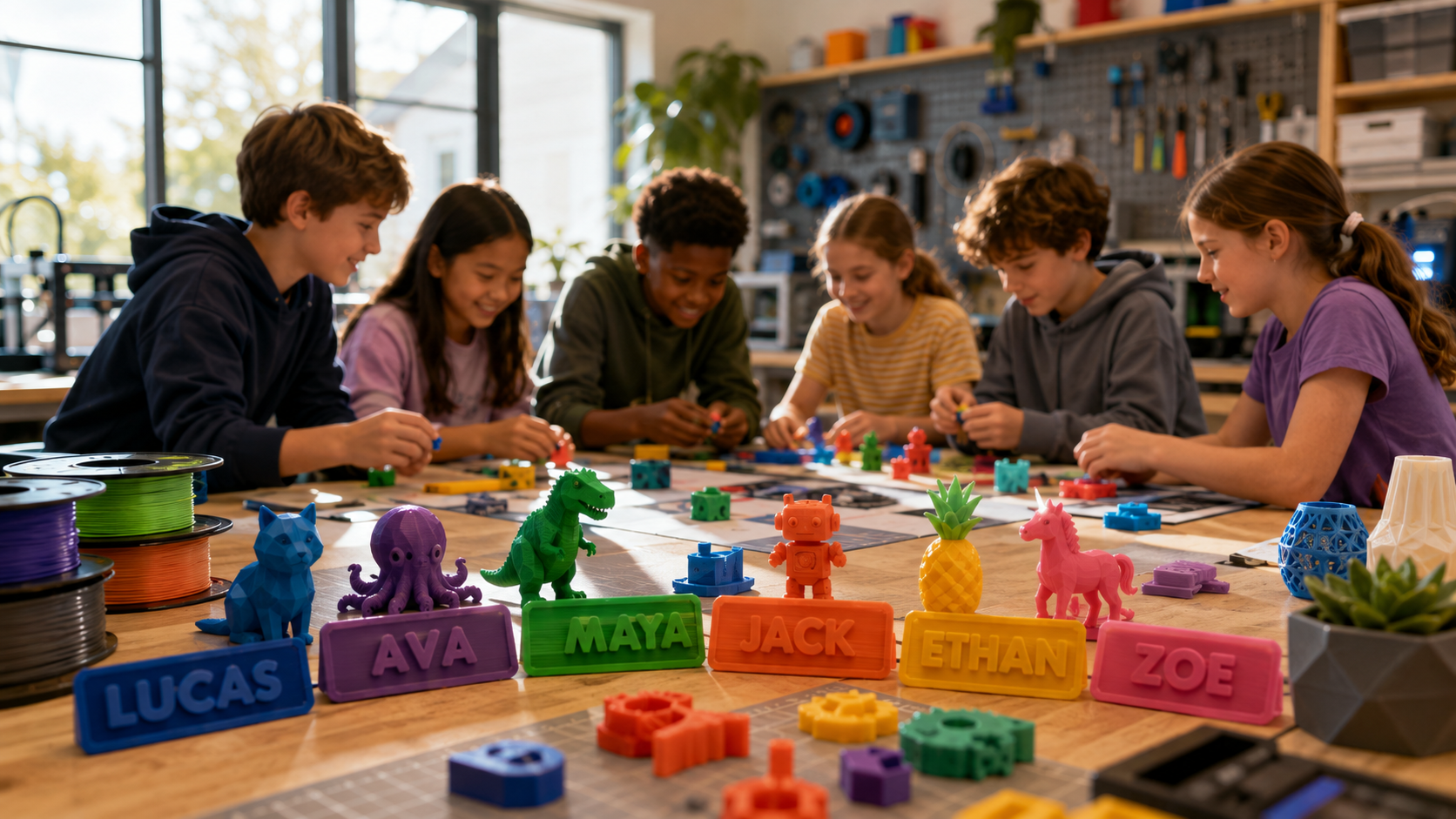
At AOSEED, the projects that generate the most sibling sessions are the ones where each child has a distinct role — one browses the library, one chooses the color, one assembles, one decorates.
This guide covers six project categories organized around exactly that dynamic.
|
6 |
2+ |
4–13 |
∞ |
Why 3D Printing Is Great for Siblings to Work on Together

A shared 3D printing project does something most sibling activities cannot — it produces an object that belongs to both children equally. Neither sibling won it. Neither received it as a gift. They made it together, and they both know it.
|
👤 Printing Alone |
👥 Printing With a Sibling |
👥 Printing With a Sibling |
|
Decisions made |
One child chooses |
Both children negotiate, discuss, decide together |
|
What is built |
What one person wanted |
A project that belongs to both of them |
|
Skills developed |
Design and patience |
Design, patience, communication, negotiation, and teamwork |
|
Who plays with it |
The child who printed it |
Both — each has ownership and investment in the result |
|
Session memory |
I made a thing |
We made a thing together |
Building Teamwork and Communication

|
🤝 Shared Decisions |
💬 Communication Practice |
🏆 Shared Ownership |
|
Every 3D printing session requires choices that siblings make together — what to print, which color, how to decorate. These low-stakes decisions build negotiation habits that carry into more important sibling dynamics. |
Explaining what you want a toy to look like, or why you think the blue filament is better than the green one, builds vocabulary and expressive confidence in both children. The younger sibling learns from the older; the older practices explaining clearly. |
A toy that both children made is less likely to become a source of conflict than a toy that belongs to one of them. Shared creation creates shared investment — and shared investment is the foundation of cooperative sibling relationships. |
Encouraging Creativity and Imagination
Siblings bring different creative instincts to the same project. An older child who wants precision and functionality works alongside a younger child who wants bright colors and the funniest-looking animal. The result is usually more creative than either would have produced alone. Inspiration Laboratories notes in its activities for siblings to play together guide that collaborative creative activities are among the most effective for building imaginative flexibility — the ability to adapt a creative vision to incorporate someone else's ideas.
Developing Problem-Solving Skills
When a print does not come out the way siblings imagined, the problem-solving conversation that follows is genuinely educational. Two children working out together why the puzzle piece does not fit or why the car wobbles rather than rolls straight are applying design thinking in real time. Verywell Family's research on benefits of sibling relationships shows that shared problem-solving activities between siblings consistently improve cooperation skills and mutual respect — outcomes that extend well beyond the specific project.
Best 3D Printing Projects for Siblings to Make Together
|
👫 How to Read These Project Cards Each project card shows what the older sibling does, what the younger sibling does, and what both learn from the session. The dual-role format is the key to a successful sibling project — when each child has a clear, age-appropriate contribution, cooperation happens naturally. |
Mini Race Cars and Tracks

|
🚗 Mini Race Cars and Tracks · Ages 5+ (both) · ⏱ 30–60 min |
|
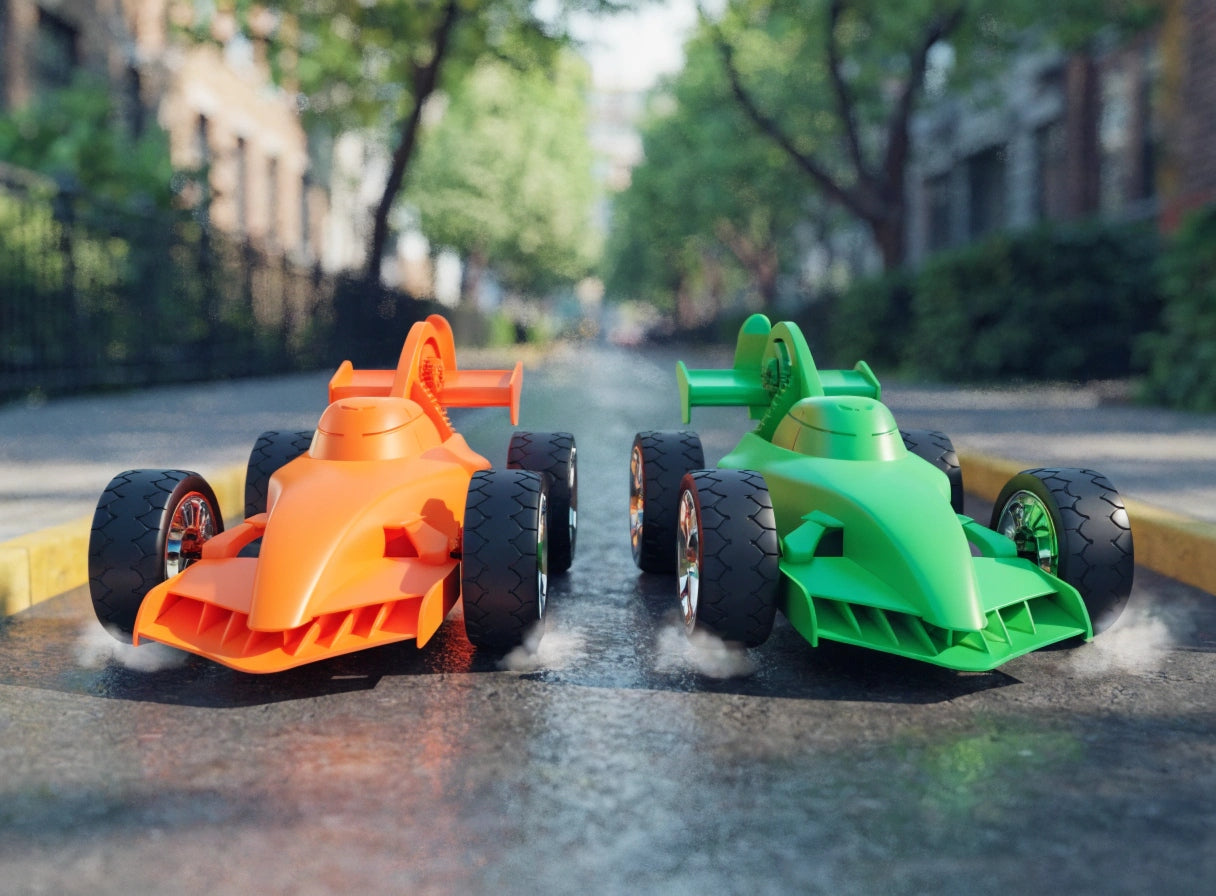
Each sibling prints their own race car in a chosen color. The older sibling manages the print settings and builds the ramp from cardboard or printed sections. The younger sibling chooses their car color and sets up the starting line. The race happens the moment both cars cool down. If one car loses, the sibling who lost goes back to the printer to improve their design. The natural improvement cycle is built into the competition. |
|
Older sibling: Manages print settings, builds ramp, explains why design changes improve speed Younger sibling: Chooses color, sets up course, declares race winner Find it: Toys and Games STL Models Skills built together: Engineering iteration, friendly competition, shared project ownership |
Building Blocks and Interlocking Shapes

|
🏗️ Building Blocks and Interlocking Shapes · Ages 5+ (both) · ⏱ 25–45 min per piece |
|
One session prints a set of blocks in multiple colors. Siblings divide them by color or by shape. What gets built with the blocks is negotiated between them — sometimes one sibling designs the structure and the other adds details. The blocks grow session by session: print five on Saturday, five more the following weekend. The sibling construction set becomes a long-term shared project. |
|
Older sibling: Plans the structure, decides what to build, manages the build sequence Younger sibling: Chooses block colors, adds decorative elements, contributes their own structure sections Find it: Toys and Games STL Models Skills built together: Spatial reasoning, creative planning, cooperative construction |
Animal Figurines and Action Figures

|
🦊 Animal Figurines and Action Figures · Ages 4+ (both) · ⏱ 30–60 min each |
|
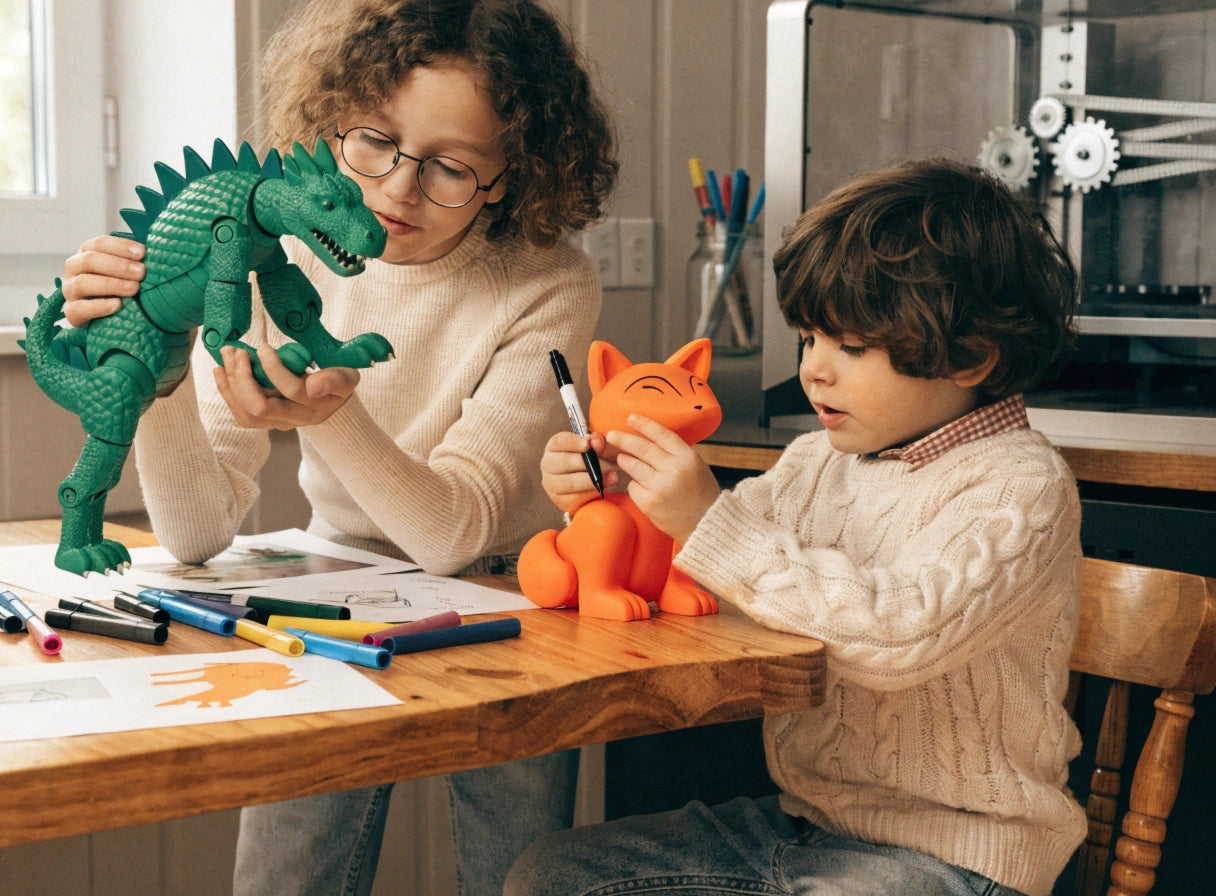
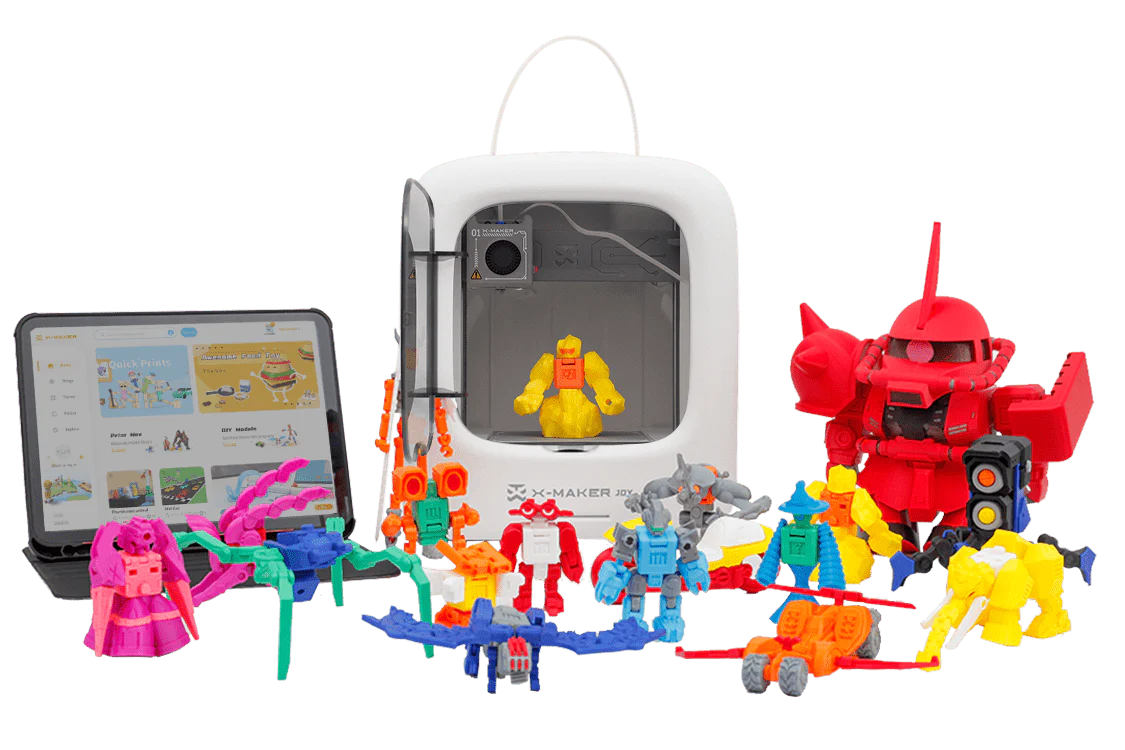
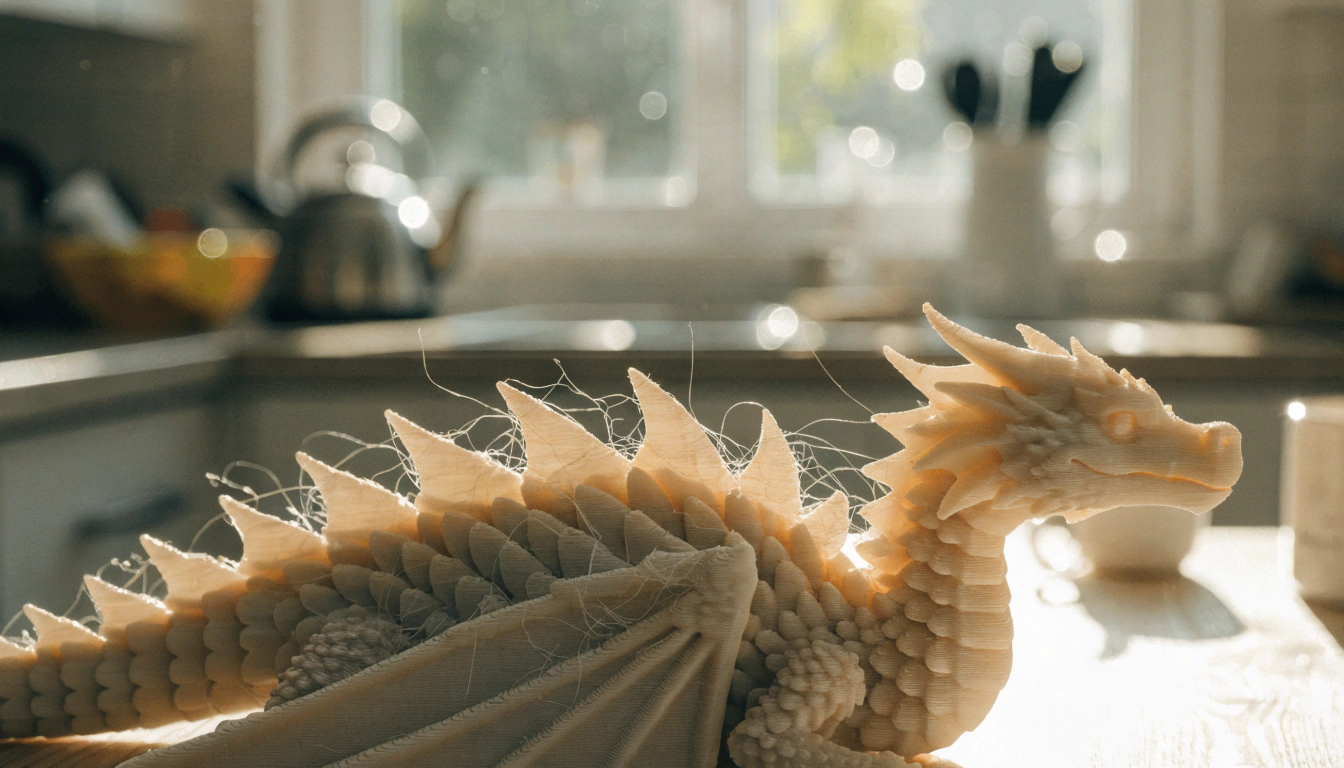
Each sibling picks an animal or character that matters to them. The older sibling may choose a more complex model — an articulated dragon with bending joints. The younger sibling picks a chunky, single-piece animal. Both print in the same session. Both decorate with paint markers at the table together. The result is a set of characters that becomes the cast of whatever story they invent together that afternoon. |
|
Older sibling: Chooses articulated model, manages print, explains joint mechanism to younger sibling Younger sibling: Chooses species and color, decorates their figurine, names the character Find it: Toys and Games STL Models Skills built together: Collaborative storytelling, creative ownership, peer mentoring |
Puzzles and Brain Games

|
🧩 Puzzles and Brain Games · Ages 6+ (both) · ⏱ 20–40 min |
|
Print-in-place puzzles come off the build plate already assembled and ready to solve. Siblings can race to solve the same puzzle type in different colors, or take turns helping each other through the challenge. For mixed-age siblings, the older child can explain the solving strategy to the younger — which reinforces the older child's own understanding while giving the younger child a patient, low-pressure learning environment. |
|
Older sibling: Solves faster, explains strategy to younger sibling, introduces complexity Younger sibling: Learns solving approach from older sibling, contributes their own observations Find it: Learn 3D Design with Projects Skills built together: Cooperative problem-solving, peer teaching, patience and communication |
Board Games and Interactive Toys

|
🎲 Board Games and Interactive Toys · Ages 6+ (both) · ⏱ 15–45 min per piece |
|
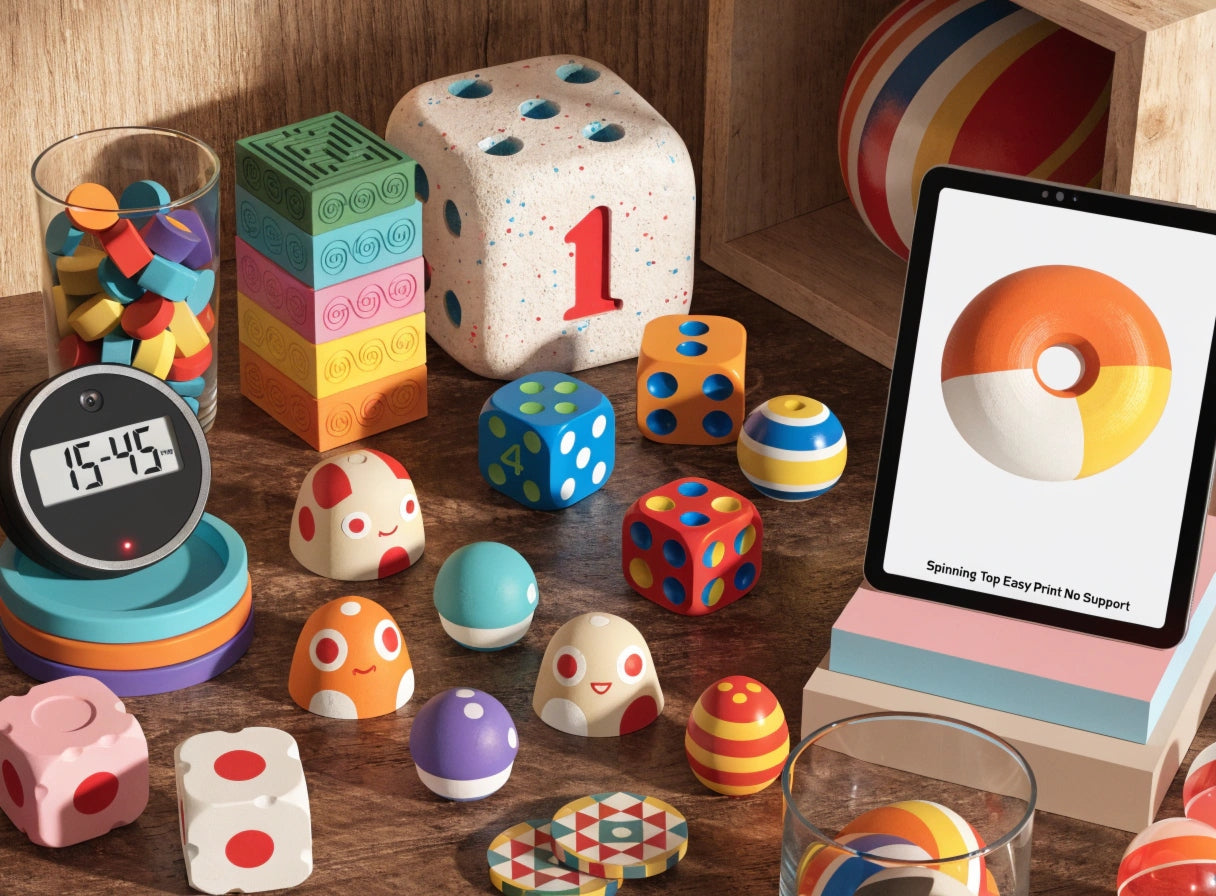
Print custom dice, game tokens, and character pieces for board games the family already owns. The older sibling customizes the token designs using the app. The younger sibling chooses which character they want to be and picks the colors. When game night arrives, the custom pieces are already on the table. The siblings who printed those pieces are more invested in the game than they would be with factory components. |
|
Older sibling: Designs token variations using app tools, explains design choices Younger sibling: Picks characters and colors, tests pieces to make sure they work in the game Find it: Toys and Games STL Models Skills built together: Creative collaboration, shared game ownership, design thinking |
Educational STEM Models

|
⚙️ Educational STEM Models · Ages 8+ (older) + 5+ (younger) · ⏱ 30–60 min |
|
Gear sets, lever mechanisms, and simple machine models give older siblings a STEM challenge while younger siblings engage at a different level. The older child assembles the mechanism and explains how it works. The younger child tests it, asks questions, and usually finds the most interesting way to describe what the mechanism does. The explanation the older sibling gives to the younger one is among the most effective forms of learning consolidation available. |
|
Older sibling: Assembles mechanism, understands gear ratios and mechanical principles, teaches younger sibling Younger sibling: Tests the mechanism, asks questions, describes what they observe in their own words Find it: Learn 3D Design with Projects Skills built together: Engineering principles, peer teaching, scientific observation |
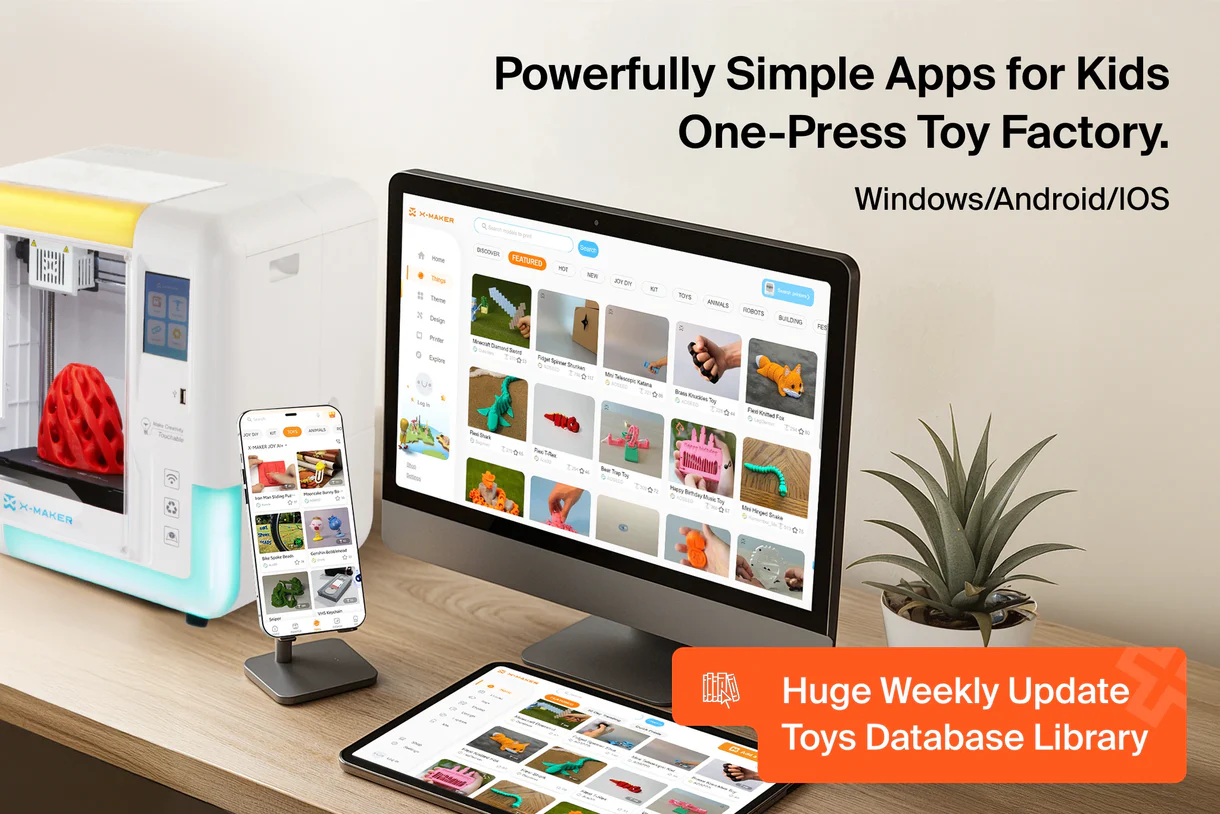
The AOSEED Toy Library organizes models by age and category with weekly updates — useful for sibling sessions where an older child's project and a younger child's project need to be found and started in the same browsing session.
Sibling Project Quick Reference
|
Project |
Time |
Ages |
Why Siblings Love It |
|
30–60 min |
5+ |
Each sibling prints their own — competition is instant and built into the project |
|
|
25–45 min |
5+ |
Grows session by session — the sibling collection expands every weekend |
|
|
30–60 min |
4+ |
Each child picks their own species and decorates — different enough to be personal, shared enough to be collaborative |
|
|
20–40 min |
6+ |
Older teaches younger to solve — the teaching deepens the older child's own understanding |
|
|
15–45 min |
6+ |
Upgrades a game both children already love — family game night becomes a maker event |
|
|
30–60 min |
8+ |
Older assembles and explains — younger tests and describes — natural peer teaching dynamic |
How to Choose the Best 3D Printing Projects for Your Kids

Siblings at different developmental stages bring different strengths to a shared project. The table below matches common sibling pairings to project types and role distributions that make the session genuinely collaborative rather than one child helping a younger one.
|
Sibling Pairing |
Best Project Type |
Who Leads What |
What Both Learn |
|
Ages 4 + 7 |
Spinning tops, figurines, simple cars |
Older chooses model / younger picks color |
Turn-taking, patience, shared ownership |
|
Ages 6 + 10 |
Race cars, animal sets, puzzle pairs |
Older manages print settings / younger decorates |
Responsibility sharing, complementary roles |
|
Ages 7 + 11 |
STEM models, board game pieces, building blocks |
Older designs / younger assembles and tests |
Design iteration, peer mentoring, collaborative testing |
|
Ages 9 + 13 |
Creation kits, multi-part builds, custom projects |
Older engineers / younger personalizes and narrates |
Engineering thinking, creative independence, mutual respect |
How to Choose the Best 3D Printing Project for Your Kids
Ages 4 to 6: Simple Designs with Large Parts
For the youngest siblings in a sibling pair, the primary contribution is choice. They choose the color, choose the species, choose which print gets done first. These decisions are genuine creative contributions even if the younger child cannot manage the print settings or assembly. An older sibling who explains 'now you pick the color' is creating a real collaborative dynamic, not just performing one.
Ages 7 to 9: More Intricate Designs with Moving Parts
- Children in this range can manage snap-fit assembly, pull-back mechanisms, and simple puzzle structures independently.
- A sibling pair with a 7 and a 9-year-old can split a race car project genuinely: one manages the print settings, one sets up the track.
- The session has two distinct roles that the children can rotate next time.
Ages 10 and Up: Complex, Customizable Designs
Older siblings are ready for design-level decisions.
Guided apps let them modify a model before printing — which gives a genuine contribution that a younger sibling cannot replicate yet.
The AOSEED X-MAKER creation kits are well-suited for siblings with an age gap: the older sibling engineers the RC car chassis and electronics, the younger sibling decorates the body and assigns the car a name and racing number.
Both contributions are real. Both children recognize each other's role in the finished object.
Tailoring Projects to Kids' Interests
|
🏎️ Both Love Speed |
🦊 Different Interests |
🧩 Both Love Puzzles |
⚙️ STEM + Storytelling |
|
Two cars, one ramp. Each sibling designs their own car and the competition begins the moment both prints cool. |
Each prints what they want — animals for one, vehicles for the other. Both decorate and both contribute to the shared play session. |
Print two of the same puzzle in different colors. Race to solve, or team up to solve the other sibling's version. |
Older builds the gear mechanism. Younger invents a story about why the machine exists. Both contributions are valid and valued. |
Safety Considerations for 3D Printed Toys and Games for Kids

Sibling projects typically span a wider age range than solo projects. Safety considerations need to cover the youngest child in the pair, not just the older one.
|
✓ |
PLA for all sibling projects: Non-toxic, biodegradable, minimal odor at standard temperatures. The right material for every project in this guide regardless of the siblings' ages. |
|
✓ |
PETG for active or competitive toys: More durable and impact-resistant. Good for race cars that will be crashed repeatedly during sibling racing competitions. |
|
⚠ |
Safety check before younger sibling handles: Run a finger along all surfaces. Sand any rough edges from support removal. For siblings under 3, verify no part is smaller than 25mm. |
|
✗ |
Resin and ABS — not for sibling sessions: Resin requires PPE and chemical handling. ABS requires ventilation. Neither is appropriate in a shared family space with children of any age present. |
Safety Considerations for 3D Printed Toy and Games for Kids
What Materials Are Best for Kids' 3D Printed Toys?
PLA is the correct default for sibling projects at any age gap. It handles the full range of projects in this guide — from chunky animal figurines for 4-year-olds to gear mechanisms for 11-year-olds — without ventilation requirements or safety precautions beyond normal post-print inspection. When siblings will be using printed toys for active competition (race cars, spinning tops, repeated collision play), PETG's higher impact resistance makes it a useful upgrade.
Inspecting Toys for Sharp Edges and Small Parts
The safety standard for the youngest sibling in the pair applies to every object in a shared session. If a 5-year-old is playing alongside a 9-year-old with shared 3D printed objects, every object in the session needs to meet the 5-year-old's safety standard — not just the objects specifically printed for them. One quick inspection before any sibling play session takes about 90 seconds and covers this completely.
Why an Enclosed 3D Printer Is Safer for Kids
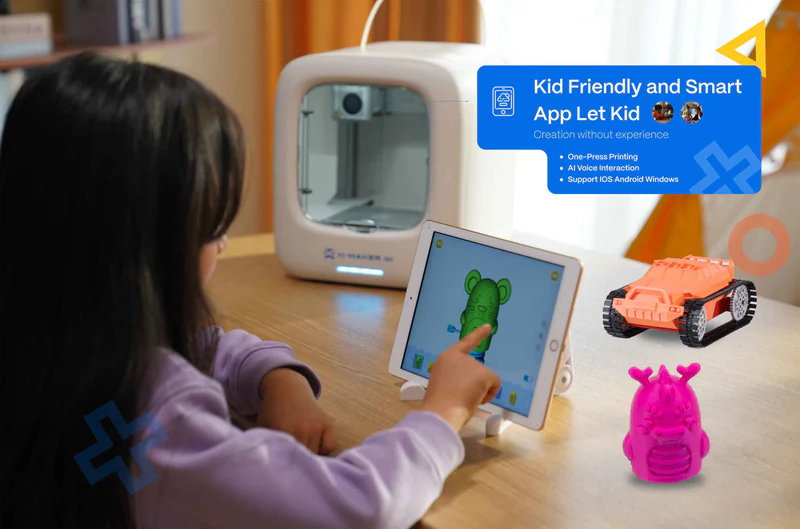
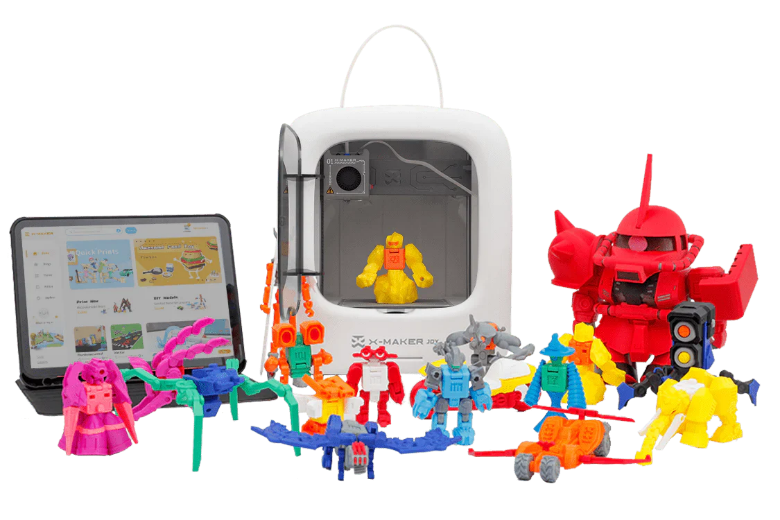
For sibling projects, an enclosed printer is not just a safety feature — it is a practical one. The AOSEED X-MAKER JOY's door sensor pauses the print automatically if the chamber opens during a session. When a younger sibling's curiosity about what is happening inside the machine exceeds their patience, the auto-pause means that curiosity is safely handled rather than hazardous. Both siblings can stand at the window and watch the print together without any risk.
How to Make 3D Printing Fun and Easy for Kids
The best sibling printing sessions have a structure that gives each child a clear role from the beginning. These five steps take about five minutes before the first session and make every subsequent sibling session smoother.
|
1 |
Let both siblings contribute to the project choice Browse the Toy Library together before the session. Each sibling picks one option. If they cannot agree, alternate — whoever did not choose last time chooses this time. |
|
2 |
Assign clear roles before the printer starts Older sibling: manages settings and monitors the print. Younger sibling: chooses color and announces when the print is done. These roles are explained before the printer starts, not during. |
|
3 |
Plan the post-print activity before the print begins A race, a game, a story, a gift for a grandparent. Both siblings know what they are building toward before the printer starts. The anticipation is part of the collaboration. |
|
4 |
Keep decoration supplies ready for both children Two sets of paint markers or two trays of stickers. Equal access removes a common source of sibling friction during the decoration phase. |
|
5 |
Alternate who leads the next session The sibling who had less control this session leads the next one. This rotation is explained before the first session ends, which gives the less-dominant sibling immediate ownership of the next project. |
Start with Easy-to-Assemble Projects
For a first sibling session, choose a project where both contributions are genuinely visible. A spinning top race where each child prints their own top is the simplest version of this — the older child manages the print settings, the younger child chooses the colors, and both race their tops immediately when the prints cool. The session has a clear winner, a clear rematch, and a clear reason to print again.
Encourage Creativity with Customization
Decoration time is the most naturally collaborative phase of any sibling printing session. Both children sit at the table with their printed objects and their paint markers. Neither child is in charge. Neither has better skills in a way that creates hierarchy. They share ideas, comment on each other's choices, and produce two unique objects from the same session. This is the phase parents most often describe as the best part of the afternoon.
Set Up a Dedicated Printing Area
A permanent creation station where both siblings know the printer lives, the filament is stored, and the decoration supplies are kept removes the setup friction that can turn a good sibling activity into a frustrating one before it starts. Children who know where everything is can initiate a sibling printing session independently — which is the highest form of success for any family activity.
Conclusion
The best sibling activities produce something that neither child could have made alone. Not because the project was too complex for one person, but because the decisions that shape the finished object — what to make, what color, what role each person plays — belong to both of them equally.
A 3D printing session does this naturally. The printer handles the technical work. The siblings handle the creative decisions. The object that comes off the build plate is evidence that the afternoon was spent together in a way that counted.
Start with two spinning tops in two different colors. Race them. Print a rematch. By the third session, the siblings will have a project rhythm that does not require adult organization — which is the most useful outcome any family activity can produce.
For families choosing their first family printer, AOSEED 3D printers for kids shows both current models with age guidance and pricing — useful for families with a wide sibling age gap deciding which model best serves the full range of children in the house.
FAQs
What are some questions to ask siblings during a 3D printing project?
The most productive questions open up creative decisions rather than testing knowledge. 'Which animal should we print next?' leads to negotiation. 'What color should yours be?' creates ownership. 'What do you think would make the car faster?' opens up engineering thinking. 'Can you show me how you solved that puzzle?' gives the younger sibling a teaching moment from the older one. These questions keep the collaborative session active without requiring adult facilitation.
What is a sibling project?
A sibling project is any activity where both siblings make genuine creative contributions to a shared outcome — not one child helping the other, but both children owning the result. In 3D printing terms, a sibling project is one where each child had a decision that shaped what was made. The older sibling chose the model. The younger sibling chose the color. Both printed in the same session. Both decorated. Both played with the result. That is a sibling project.
What activities can I do with my siblings?
3D printing works particularly well for siblings because it scales to different ages and skill levels naturally. The older sibling takes the more technical role; the younger sibling takes the more expressive one. Beyond 3D printing: building with the printed blocks both children contributed to, playing the board game with the custom tokens both children designed, racing the cars both children printed in different colors. The printed objects become the starting points for extended sibling activities.
What are good family projects?
The best family projects produce something visible that every participant contributed to. 3D printed building block sets that grow over multiple sessions, creation kit RC cars that older and younger siblings build together, custom board game piece sets for games the whole family plays — these work because each family member's contribution is part of the permanent result. The finished object is a record of collaboration.
What games can siblings play?
For siblings with a 3D printer: spinning top races where each sibling prints their own top in a chosen color, race car competitions where each sibling designs and prints their own car, puzzle races where both siblings solve the same print-in-place puzzle design, and family board games upgraded with custom-printed tokens and dice. The advantage of printed games over bought ones is that the siblings who print the game components are more invested in the games they play with those components.
What are 10 indoor games?
Ten indoor sibling activities that work well with 3D printing: spinning top racing, race car tracks, print-in-place puzzle solving, custom board game nights, animal figurine storytelling, building block construction, gear mechanism testing, creation kit building sessions, sibling art challenge (same model, different decoration), and mystery build (one sibling chooses the model without telling the other — both decorate without seeing the other's result).
How can siblings work together on 3D printing projects?
The most effective structure is role division before the printer starts. Older sibling: manages the technical decisions, monitors the print, explains the mechanism. Younger sibling: chooses creative elements, announces milestones, tests the finished object. These roles can rotate with each session. After three or four sessions, siblings typically develop their own project rhythm without needing parent assignment.
Sources
Sources
Crafty Kids at Home — Sibling Projects Category (collaborative crafts), Sibling Projects Category, 2026.
Inspiration Laboratories — Activities for Siblings to Play Together, Activities for Siblings to Play Together, 2026.
KidKraft Blog — 6 Activities for National Sibling Day, 6 Activities for National Sibling Day, 2025.
Printables — Toys and Games STL Models (curated, frequently updated), Toys and Games STL Models, 2026.




You may also like

4er Color PLA Filament Set for X-MAKER/X-MAKER JOY

X-MAKER JOY

Further reading
Structured Hands-On Activities for Kids Who Prefer Predictable Routines
Screen-Free Creative Activities for Kids Who Like Making
10 Gifts Kids Can 3D Print for Family and Friends
Spring Break Screen-Free 3D Printing Projects for Kids


