

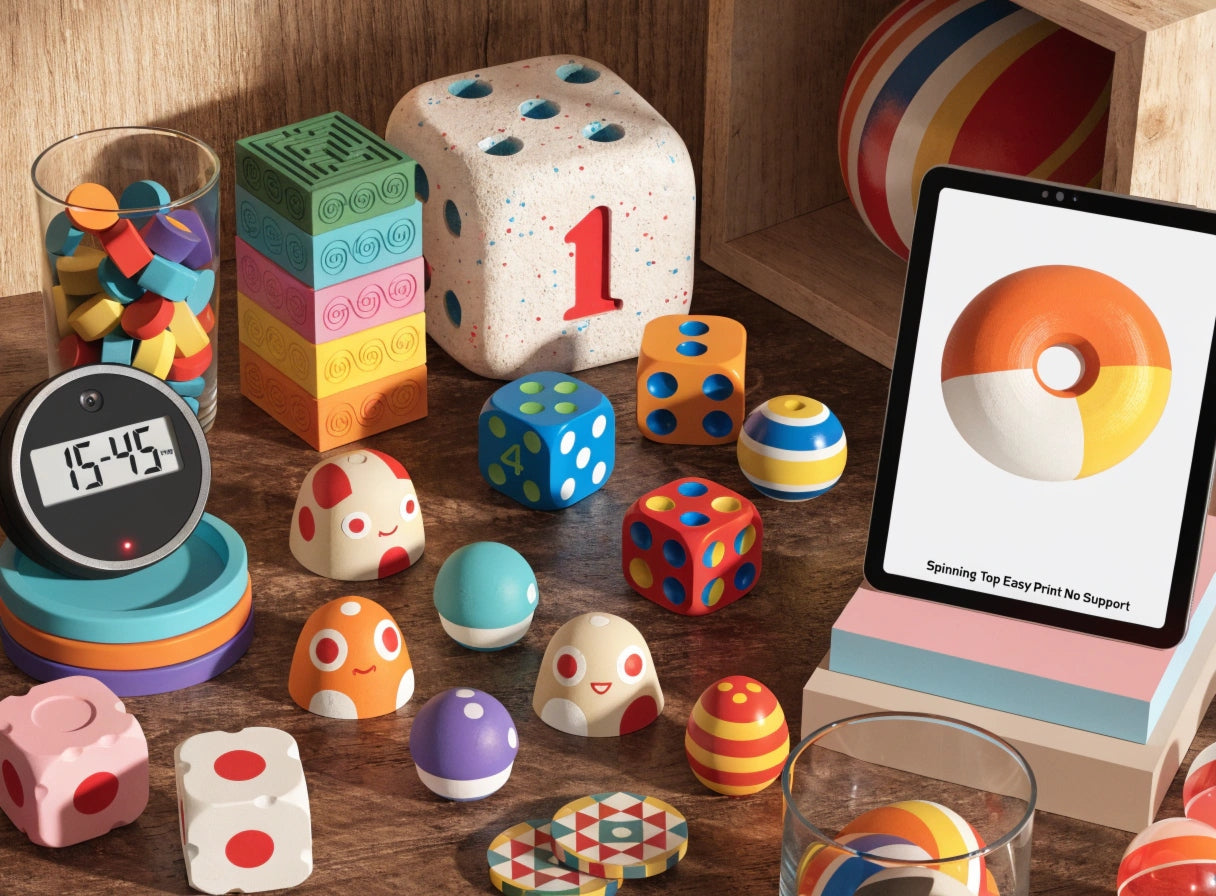
Screen-Free Creative Activities for Kids Who Like Making

Some children want to build something. They are not satisfied watching or consuming — they want to produce. They are the ones who rearrange the furniture to make a fort, take apart objects to see how they work, and lose track of time when something needs figuring out.
For these children, screen-free time is not a hardship. It is an opportunity — as long as there is something real to make. The challenge for parents is finding activities that match the creative ambition these children actually have. Crafts that feel too simple lose them immediately. Activities that require too much preparation become a parent project, not a child one.
3D printing sits in exactly the right position. The child makes genuine creative decisions. The printer handles the technical execution. The result is a physical object that did not exist before the session started. At AOSEED, the children who engage most deeply with the printer are almost always the ones who were already looking for something to make — they just needed the right tool. This guide is for them.
|
6 Making project categories |
Ages 4+ Full age range covered |
<60 min Most projects complete |
0 Screens needed to play |
Why 3D Printing Is a Great Screen-Free Activity for Kids

The word 'screen-free' is often used to describe activities that simply remove a screen from the picture. 3D printing does something more useful — it replaces the screen with a creative output loop that children find more satisfying than passive consumption, not just different.
|
Screen-Based Play |
3D Printing + Making |
|
|
Physical output |
None — no object at the end |
A printed toy, tool, or gift ready to use |
|
Child's role |
Consumer — content is produced by others |
Creator — every decision belongs to the child |
|
Problem-solving |
Minimal — choices are pre-set |
Constant — design, material, color, assembly |
|
Repeatability |
Diminishing — novelty fades |
Growing — each print session reveals a new option |
|
After the session |
Child looks for the next screen |
Child plans what to print in the next session |
Hands-On Creativity and Learning
|
Design and Decide |
Watch and Understand |
Make and Customize |
|
From the first tap in the model library to the moment the print cools, the child makes every creative decision — what to make, what color, how to decorate. These decisions are genuine, and the child knows it. |
Layer-by-layer printing through a clear observation window is one of the most naturally educational experiences available to a young child. Questions about how it works emerge without prompting, because the process is visible and fascinating. |
Every printed object is a canvas. Paint markers, stickers, permanent markers — the decoration phase extends the making session and produces an object that looks like the specific child who made it, not a generic product. |
Fostering Problem-Solving Skills
A child who prints a spinning top and then discovers their top spins for a shorter time than their sibling's will ask why and start testing ideas. A child whose puzzle piece does not fit exactly will want to understand the tolerance. These are real problem-solving moments, and they happen naturally without a lesson plan. PBS Parents' 101 easy activities for kids identifies hands-on making activities — building, crafting, and problem-solving with physical materials — as consistently producing higher levels of sustained engagement than passive alternatives.
A Screen-Free Alternative to Traditional Play
The reason 3D printing works as a screen-free activity — rather than just a screen-reduced one — is that the play itself happens away from any screen. The printer runs. The child watches through the window, talks about the print, plans the next one, and eventually decorates the finished object at the table with paint and markers. The AOSEED X-MAKER JOY's app-led workflow means the only screen contact in a full printing session is the brief moment the child browses and selects their model — typically two or three minutes. The other 45 to 90 minutes of the session is entirely hands-on.
How 3D Printing Compares to Other Making Activities
|
Activity |
What Child Makes |
Skills Developed |
Replayable? |
|
3D Printing |
Custom toy, animal, gift, STEM model |
Design, engineering, patience, creativity |
Yes — new model every session |
|
Painting/Drawing |
2D art on paper or canvas |
Fine motor, color theory, expression |
Yes — unlimited paper |
|
Clay/Sculpting |
3D shape by hand |
Tactile creativity, patience, form |
Limited — materials run out |
|
Building blocks |
Temporary structure |
Spatial reasoning, architecture |
Yes — but resets each time |
|
Baking/Cooking |
Edible creation |
Measurement, chemistry, patience |
Yes — and produces something useful |
|
Sewing/Crafts |
Fabric or paper object |
Fine motor, planning, following steps |
Limited — materials run out |
Best 3D Printing Projects for Kids Who Like Making
|
The Maker's Test for Each Project Every project here passes the same test: the child makes a real decision, the printer responds to that decision, and the result is something the child can use, play with, or give to someone. None of these projects produce shelf ornaments by default — they produce tools, toys, and functional objects. |
Mini Race Cars and Tracks

|
⏱ 30–60 min |
Mini Race Cars and Tracks Ages 5+ |
|
MAKESKILL |
A pull-back car that actually races is one of the most satisfying quick-win prints for child makers. The pull-back mechanism means the physics are built in — the child winds it, releases it, and gets immediate feedback on whether the design works. Two cars in different colors produce a competition. A ramp printed in the next session extends the project. This is the print that most often leads directly to the question of what else can be made. Maker skill developed: Mechanical understanding — iterative design — competitive testing Model link: Spinning Top Easy Print No Support |
3D Printed Puzzles and Brain Games

|
⏱ 20–40 min |
Puzzles and Brain Games Ages 6+ |
|
MAKESKILL |
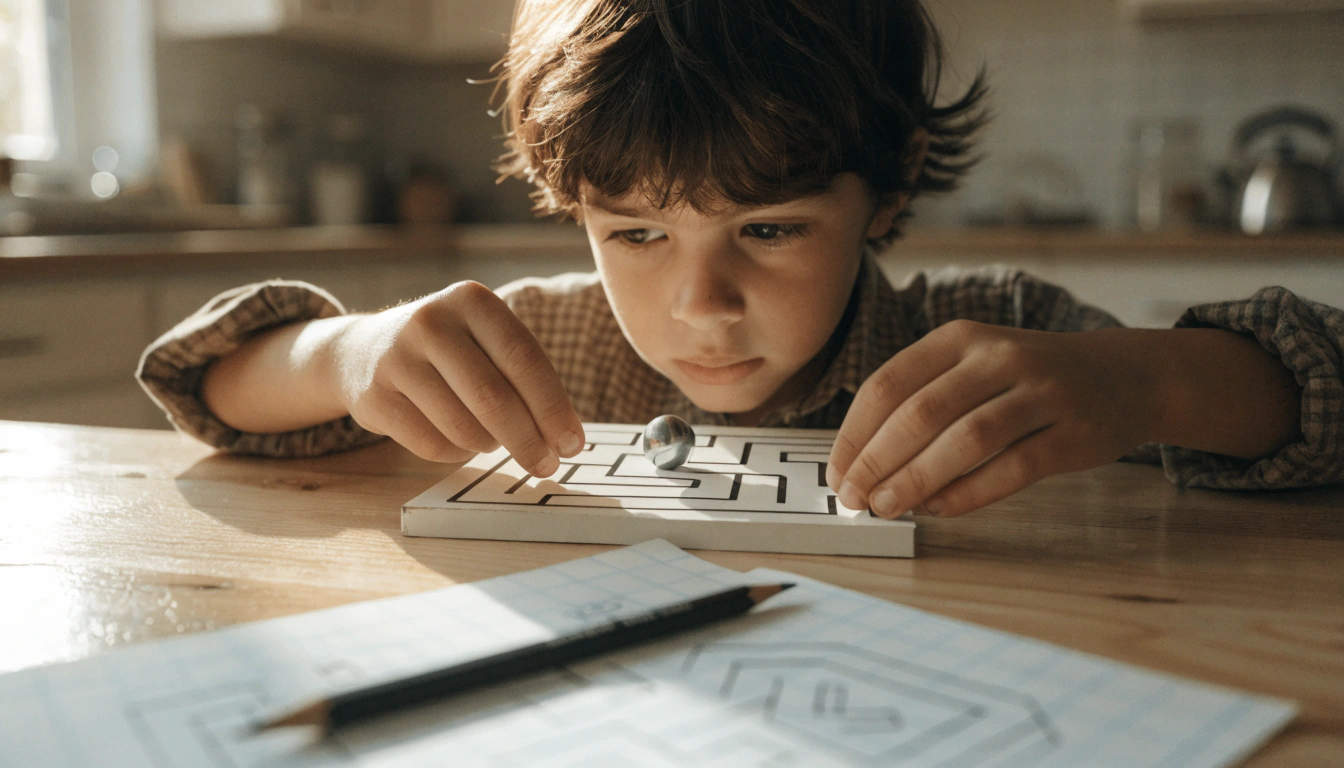
Print-in-place puzzles come off the build plate already assembled and require no post-print work. The child solves the puzzle the moment the print cools. The puzzle cube is particularly good for makers because it has a mechanical logic — it can be solved in multiple orientations, and the child who discovers this independently has had a genuine insight. Print two in different colors and the puzzle becomes a timed challenge. Maker skill developed: Spatial reasoning — logical thinking — discovery without instruction Model link: Puzzle Cube Print-in-Place |
Board Games and Interactive Toys

|
⏱ 15–45 min per piece |
Board Games and Interactive Toys Ages 6+ |
|
MAKESKILL |
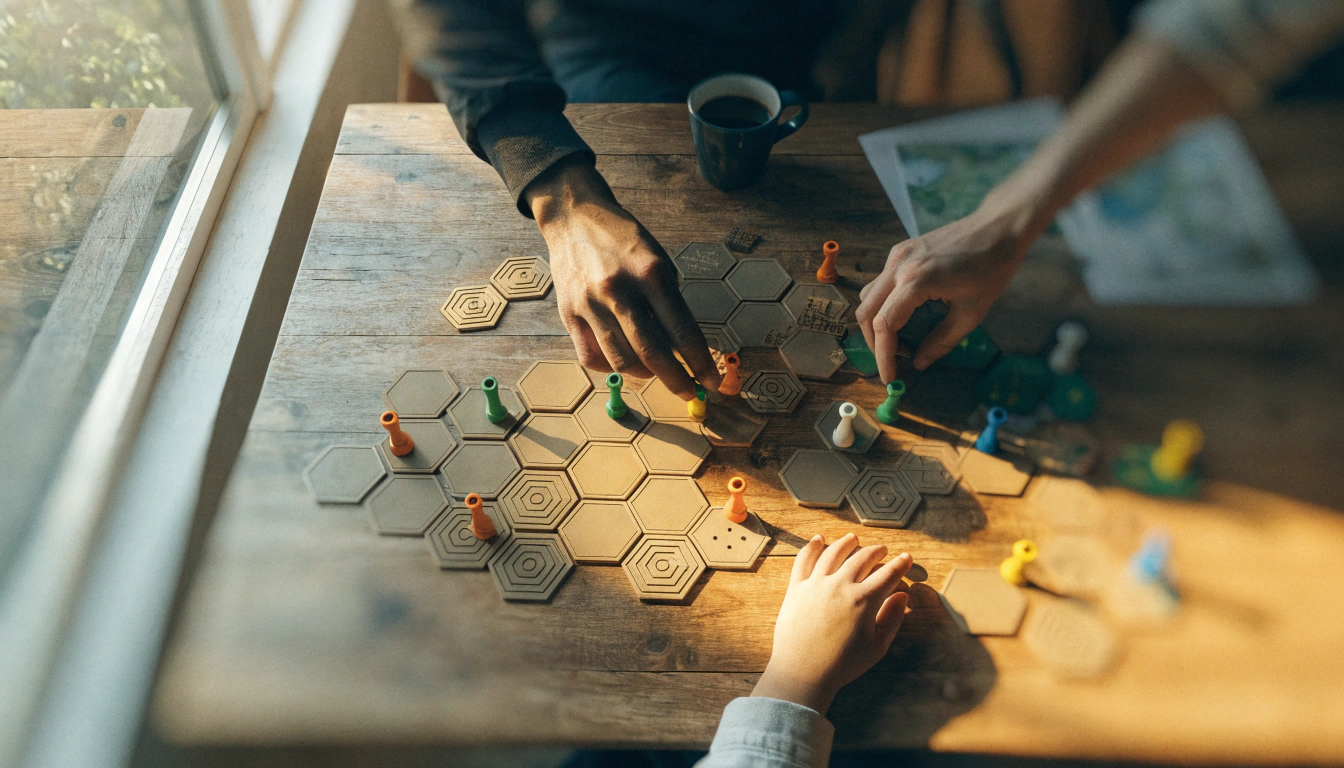
Custom game pieces for board games the family already owns produce two things: a making session and a better game night. The child who designed their own game token is more invested in the game they play with it. Print custom dice, character tokens, and replacement pieces across several sessions. Over time, the family's board game collection becomes partly hand-crafted — which changes the relationship the children have with those games. Maker skill developed: Creative design — functional thinking — social play enhancement Model link: Spinning Top Easy Print No Support |
Animal Figurines and Action Figures

|
⏱ 30–60 min |
Animal Figurines and Action Figures Ages 4+ |
|
MAKESKILL |
Articulated flexi animals print in one session with no assembly required — the joints move immediately when the print comes off the plate. Child makers are drawn to these because they combine a technical challenge (how do the joints work?) with immediate tactile reward (the animal bends in their hand). Print a collection of animals across several making sessions. Each session adds to a set the child increasingly considers their own work. Maker skill developed: Form understanding — decoration skill — narrative creation Model link: Ring Whistle |
Educational STEM Models

|
⏱ 30–60 min |
Educational STEM Models Ages 8+ |
|
MAKESKILL |
Gear sets, lever mechanisms, and simple machine models are the highest-engagement prints for children who already identify as 'makers' or 'builders.' These are the projects where a child's natural engineering curiosity gets a direct physical outlet. The gear that turns another gear, the lever arm that moves a load — every mechanism produces a moment of recognition that is more memorable than any textbook diagram. Maker skill developed: Engineering principles — cause and effect — scientific observation Model link: Simple 3D Design Projects for Kids |
Building Blocks and Construction Sets

|
⏱ 25–45 min per piece |
Building Blocks and Construction Sets Ages 5+ |
|
MAKESKILL |
A custom building block set printed incrementally across multiple sessions is one of the best long-term making projects for children because it grows. Print five blocks on Saturday, five more the following week. The set develops its own character across sessions — colors chosen week by week, shapes added based on what the child wants to build. Makers appreciate that the collection they are building is genuinely theirs. Maker skill developed: Spatial reasoning — creative construction — long-term project management Model link: Optimized Dual Chamber Whistle |
The AOSEED Toy Library organizes models specifically for child makers — quick builds under 20 minutes, longer challenge builds, and creation kit components that extend into multi-session engineering projects. Weekly additions keep the library current so every making session has new options.
Project Quick Reference — All Six at a Glance
|
Project |
Time |
Age |
Why Makers Love It |
|
2–5 min |
5+ |
Fastest maker win — immediate competition, immediate physics lesson |
|
|
~30 min |
6+ |
Mechanical logic the child discovers independently — no instruction needed |
|
|
~20 min |
5+ |
Functional wearable — proves 3D printing makes things that work |
|
|
~2 min |
5+ |
Quickest functional print — child holds a working instrument in minutes |
|
|
30–60 min |
8+ |
Engineering curiosity fully engaged — physical machine to operate |
|
|
25–45 min |
5+ |
Long-term growing project — each session expands the maker's own set |
How to Choose the Right 3D Printing Projects for Your Kids

Matching a project to the child's age and attention span is the difference between a session that ends with a proud maker and one that ends with frustration before the print finishes.
|
Age |
Best Making Project |
Print Time Goal |
How They Contribute |
|
Ages 4–6 |
Spinning tops, animal figurines, chunky cars |
Under 20 minutes |
Choose color, press start, decorate after |
|
Ages 7–9 |
Pull-back cars, whistles, puzzles, ring toy |
20–45 minutes |
Browse library, choose model, assemble parts |
|
Ages 10–12 |
STEM gear sets, creation kits, custom prints |
30–60 minutes |
Modify model in app, manage full print session |
|
Ages 13+ |
CAD designs, creation kit builds, gifts |
45–90 minutes |
Independent session — full design to print cycle |
Ages 4 to 6: Chunky Shapes and Easy Assembly
The youngest makers need a result they can hold before their interest moves elsewhere. Under-20-minute prints with visible, satisfying shapes work best. A spinning top, a chunky animal, a whistle — all print fast and produce an immediately usable object. The child's contribution is the color choice and the press of the start button. Both are real contributions, and the child knows it.
Ages 7 to 9: More Intricate Designs with Moving Parts
Children in this range have the patience for 30 to 45-minute prints and the mechanical curiosity to engage with moving parts. The puzzle cube, the pull-back car, and the ring whistle all have mechanisms the child wants to understand. This age group typically asks the most questions during a print session and gets the most satisfaction from the moment they first interact with the finished mechanism.
Ages 10 and Up: Customizable, Complex Projects
Older child makers are ready to move from choosing a model to modifying one. The jump from selecting a library model to adjusting its size, adding a name, or designing a custom detail before printing is where making becomes genuine design work. The AOSEED X-MAKER creation kits are the natural home for older child makers — multi-part chassis builds with motors and electronics that produce working vehicles and robots. These are not just prints; they are engineering projects the child directs from first decision to final test.
Tailoring Projects to Kids' Interests
|
Natural Engineers |
Natural Collectors |
Competitive Makers |
Creative Decorators |
|
Gear sets, lever models, creation kit builds. This is the child who wants to know why the gear turns the other gear. |
Animal figurine series — a new species each session. The collection grows and so does the making habit. |
Spinning tops and race cars. Print two, race them, improve the design, race again. The competition is the driver. |
Any project with a decoration phase — animals, figurines, whistles. The making continues at the table after the print finishes. |
Safety Considerations for 3D Printed Gifts and Toys

For child makers, the safety rules are simple and cover the full session — from pressing start to playing with the finished object.
|
✓ |
PLA — right for all making projects: Non-toxic, biodegradable, minimal odor, available in every color a child might want to choose. The standard material for all six projects in this guide. |
|
✓ |
PETG — for active or competitive toys: More impact-resistant than PLA. Good for race cars and spinning tops that will be crashed or dropped repeatedly during sibling competitions. |
|
⚠ |
Inspect the print before play: 60-second surface check after every print: run a finger along all surfaces, sand any rough support-removal points, verify part sizes for young children. |
|
✗ |
No resin or ABS in making sessions: Resin requires PPE and chemical handling. ABS requires ventilation. Neither is appropriate for a child maker working in a shared family space. |
What Materials Are Best for Kids' 3D Printed Gifts?
PLA is the correct default for all child maker projects. It is plant-based, non-toxic, produces minimal odor at standard temperatures, and is available in the bright colors that make printed objects feel like intentional creative work rather than raw material. Make Magazine's overview of 10 simple maker activities for kids places 3D printing alongside paper circuits and woodworking as one of the most accessible entry points to real maker culture for children — and PLA is the material that keeps the entry point safe for the youngest makers in the room.
Inspecting Toys for Sharp Edges and Small Parts
A making session ends when the child plays with the finished object. The inspection between 'print finished' and 'ready to play' takes under 90 seconds and covers the full safety check: surface, support removal points, part size for the youngest child present. Sandpaper on any rough spots. For children under 3, every part of the finished print must exceed 25mm in any dimension.
Why an Enclosed 3D Printer Is Safer for Kids
Child makers want to be close to the printer. The observation window is part of the experience — watching the object appear layer by layer is one of the most reliably engaging parts of the session. An enclosed printer means the child can stand at the window for the entire print without any proximity risk. The nozzle, heated bed, and moving belts are all inside a sealed chamber. The child's curiosity and the machine's safety requirements are both fully served at once.
How to Make 3D Printing Fun and Easy for Kids

A child who likes making needs a setup that gets out of their way. The fewer logistical obstacles between an idea and a printed object, the more making happens. These five steps establish the conditions for that.
|
1 |
Keep the printer accessible at the child's eye level The printer should be somewhere the child can see and reach independently. When the printer lives in a cupboard or on an adult's desk, making sessions require adult initiation. When it lives at the child's level, the child initiates. |
|
2 |
Keep a 'what to print next' list Encourage the child to write down or save models they want to print next. The list means the next session can start immediately without browsing from scratch — important for makers who lose momentum during decision gaps. |
|
3 |
Let the child manage the full session independently After the first two or three guided sessions, step back. The maker identity develops fastest when the child discovers they can run the process themselves. Adult involvement should respond to specific requests, not preempt them. |
|
4 |
Keep decoration supplies always available The making session does not end when the print finishes — it continues at the decoration table. Markers, paint pens, and stickers always available means the session flows naturally from printing to customizing without a gap. |
|
5 |
Celebrate the made object, not just the process Display printed objects. Show them to visiting family. Let the child explain how they made it. The social recognition of having made something real is one of the strongest motivators for repeat making sessions. |
Conclusion
The child who likes making does not need activities that fill time. They need activities that match their ambition. A spinning top that prints in four minutes and can be raced immediately. A gear mechanism that takes an afternoon and still raises new questions at the end of it. A building block set that grows across weeks because the child keeps deciding what to add to it next session.
3D printing is the right tool for these children because it scales. The 5-year-old who presses start and watches the printer is using the same machine as the 12-year-old who is modifying a model in the design app before printing. The creative ceiling is genuinely high, and the entry point is genuinely low.
For families finding the right first printer for a child who likes making, AOSEED 3D printers for kids shows both current models with age guidance and what each one enables as the child's making ambitions grow.
FAQs
Are 3D printed toys safe for children?
Yes. 3D printed objects made with PLA filament and inspected for smooth edges and appropriate part sizes are safe for children from age 4 upwards. PLA is non-toxic, biodegradable, and the standard material for children's 3D printing. Perform a quick surface inspection before any young child plays with a finished print, and verify that no part is small enough to present a choking hazard for the youngest child in the household.
What can you make with a 3D printer?
For child makers: spinning tops for immediate racing competition, functional whistles that produce real sound, puzzle cubes with mechanical logic, articulated animal figurines that move, gear mechanisms and STEM models, custom building block sets, board game tokens, and name keychains. For older children and adults: creation kit RC cars and robots, engineering tools, custom home accessories, and replacement parts for broken objects. The range grows with the child's ambition.
What are the benefits of 3D printing for kids?
Children who regularly use a 3D printer develop design decision-making (what to make, how to make it), spatial reasoning (how the 2D file becomes a 3D object), mechanical curiosity (why the spinning top spins, why the gear turns), fine motor skill during decoration, and the deep satisfaction of having produced something real. These benefits compound — each making session builds on the skills developed in previous ones.
Is a 3D printer a good gift?
For children who like making, a 3D printer is among the highest-value creative gifts available because the output is not fixed. A drawing kit produces drawings. A 3D printer produces anything the child chooses to make — today a spinning top, next month a gear mechanism, a year from now a creation kit RC car. The gift grows with the child's ambition and interest.
What is the 20 toy rule for kids?
The 20 toy rule is a parenting philosophy suggesting that limiting a child's accessible toys to around 20 items produces deeper engagement and more creative play than a large collection. 3D printing fits this framework well — a maker child can 'retire' a print when they have extracted all the interest from it and print something new, keeping the collection intentional and the making habit active.
What are the 7 types of 3D printing?
The seven main 3D printing technologies are FDM (fused deposition modeling), SLA (stereolithography), SLS (selective laser sintering), DLP (digital light processing), LOM (laminated object manufacturing), EBM (electron beam melting), and binder jetting. For child makers at home, FDM is the only relevant type — it produces safe PLA objects, runs in any family space, and produces results visible through the observation window that children find genuinely compelling to watch.
What are some cool things kids can 3D print?
The coolest prints for child makers are the ones that do something. A spinning top that spins for over a minute. A whistle that actually whistles when you blow through it. A pull-back car that races across the kitchen floor. A gear mechanism where turning one gear turns all the others. These functional prints are consistently more satisfying for maker-minded children than decorative objects because they prove the printer made something that works.
Sources
- Printables — Puzzle Cube Print-in-Place (~30 min, hands-on brain game), Puzzle Cube Print-in-Place, 2022.
- Printables — Optimized Dual Chamber Whistle (2 min, real functional print), Optimized Dual Chamber Whistle, 2024.
- Thingiverse — Spinning Top Easy Print No Support (classic making challenge), Spinning Top Easy Print No Support, 2022.
- MakerWorld — Ring Whistle (~20 min, wearable functional print), Ring Whistle, 2024.
- Tinkercad — Simple 3D Design Projects for Kids (Autodesk Education), Simple 3D Design Projects for Kids, 2026.



Further reading

Thanksgiving STEM Activities for Kids: Table Projects and Simple Engineering Challenges

Halloween STEM Activities for Kids: Spooky Builds That Teach Real Science

STEM Crafts for Kids: Build, Decorate and Test



