

Creative Birthday Gift for Kids Who Like Making Things
You buy the toy. Played for a week. Under the bed by month two.
Maker gifts dodge that fate. A 3D printer keeps printing. A clay kit keeps getting kneaded. A robotics set gets rebuilt on Saturday mornings until the parts wear out. The reason isn't magic — these gifts give kids something to do, not just something to own.
This guide walks through the best creative birthday picks by age, with a closer look at iPad-compatible 3D printers and the design apps that turn screen time into hands-on making. Eight FAQs at the bottom cover the questions parents search for most.
Why Maker Birthday Gifts Actually Get Used
There's a simple test for any creative gift: how many times does the kid come back to it after week one?
Most plastic toys fail. They're built for one game, one scene, one character — and once the novelty fades, that's the end of the story.
Maker gifts pass because the kid keeps inventing new reasons to use them. A new model. A different color. A friend's birthday gift that needs printing. A school project that needs a custom piece.
Parents notice the side effects too. Kids on a 3D printer or a sewing kit spend less time scrolling. Teachers see the same pattern with project-based learning — engagement goes up because the work has a physical output the kid can hold.
|
The replay test beats the unboxing test. A gift opened with a scream of joy but ignored by February didn't win. |
Match the Birthday Gift to the Kid: A Quick Age Guide

Patience matters more than age, but age is still the easiest first filter. A 6-year-old will quit a CAD app within ten minutes. A 12-year-old will quit a paint-by-numbers kit just as fast. The right gift fits the kid's patience level, not their grade.
|
Age |
What Works |
What to Skip |
Sample Gifts |
|
5–7 |
Sensory, visible, quick finish |
Long instructions, tiny parts |
Clay kits, marble runs, paint sets, enclosed kids' 3D printer |
|
8–10 |
Step-by-step builds, visible payoff |
Open-ended CAD with no examples |
Robotics kits, kid-friendly 3D printer, Tinkercad |
|
11–13 |
Real tools, real results |
Anything that looks "babyish" |
Mid-tier 3D printer, electronics, design tablet |
|
14+ |
Open-ended, skill-building |
Closed kits with one outcome |
Arduino, drone kits, sewing machine, advanced printer |
Ages 5–7 — Short attention, strong hands, wants results now
Sensory and visible. Clay you can shape. Paint you can splash. Blocks that stack into something the kid recognizes by lunch.
Long instructions kill momentum. Sets that need an adult for one step are fine. Sets that need an adult for ten steps get abandoned. Good picks: pottery painting sessions, big-piece marble runs, sticker stations, playdough kits, beginner gardening sets.
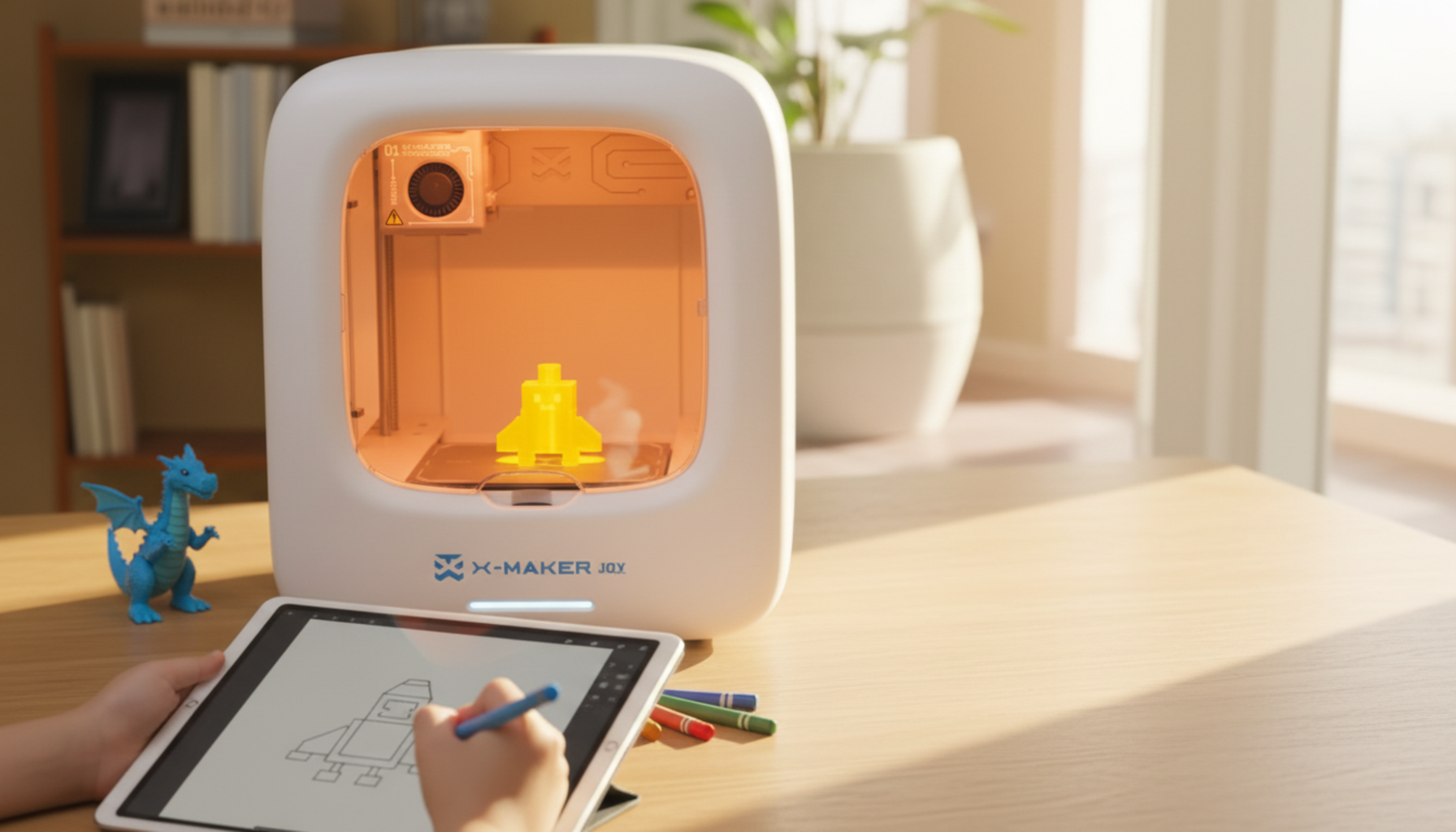
For early printing interest, a beginner-friendly 3D printer for kids with an enclosed chamber and an app-led workflow lets a five-year-old start printing without anyone reaching near the heated parts.
Ages 8–10 — Independent enough to follow instructions, still wants to play
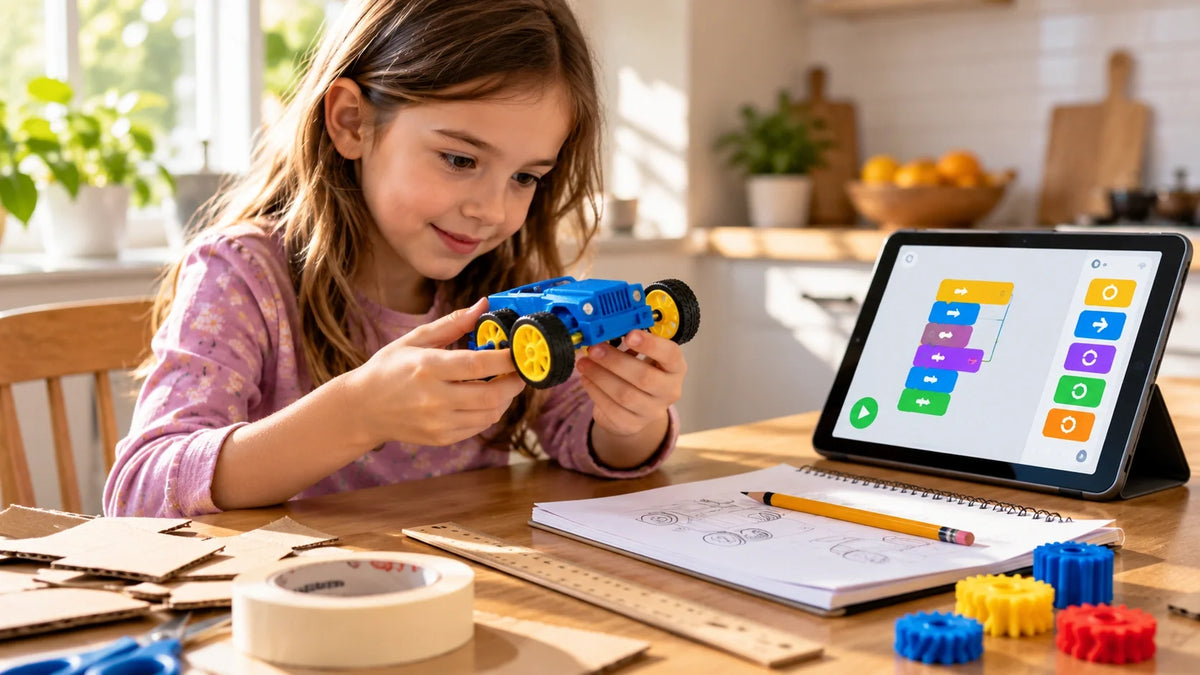
The sweet spot for beginner STEM. Robotics kits with color-coded snap parts. Paper engineering. Simple coding apps. Science kits that fizz, glow, or grow.
3D printing starts working here. Most kids can pick up Tinkercad with light help and design their own keychain within an afternoon. Teachers in iPad-based classrooms have been doing this with second- and third-graders for years.
Ages 11–13 — Cares about looking grown-up, wants tools not toys
Tweens want gifts that don't feel babyish. A 3D printer they can drive themselves. An animation tablet. A starter electronics kit. Coding projects start clicking because the kid can troubleshoot now — logic, sequencing, debugging.
Custom prints get personal. A phone stand. A keychain with the kid's initials. A printable mini for a tabletop game. Things they made themselves and want their friends to see.
Teens — Hates condescension, wants the real thing
Teen makers want gifts that point toward real skills. Photography workshops. Advanced sewing machines. Laser engraving classes. Drone kits. Some teens turn this into income — selling stickers, custom 3D prints, or jewelry.
Open-ended tools beat closed kits. Anything that can be used for projects the teen hasn't thought of yet.
The Best iPad 3D Printer Birthday Gift for Kids

iPad-based printing fixes the biggest barrier to home 3D printing: the desktop. Older hobby printers expected the user to learn a slicer like Cura on a Mac or PC. That ruled out most kids — and many parents.
The current crop of kids' printers connects straight to an iPad. The child opens an app, picks a model, taps Print, watches it come out. No drivers. No SD cards. No file conversions.
Three names cover most of the market: Toybox for the very young, the AOSEED X-MAKER family for ages 4–12, and the Bambu Lab A1 Mini for tweens and teens. Families browsing the AOSEED kids 3D printer lineup get the printer plus an app, a weekly-updated model library, and a help center — which extends how long the machine stays in active use.
|
Printer |
Best Age |
iPad Workflow |
Enclosed? |
Standout |
|
Toybox |
5–8 |
Curated toy catalog app |
Partial |
Simplest setup |
|
AOSEED X-MAKER JOY |
4–12 |
Themed mini-apps + AI doodle |
Yes |
Grows with the kid |
|
AOSEED X-MAKER |
9–16 |
Same app, more design depth |
Yes |
STEM-ready |
|
Bambu Lab A1 Mini |
10+ |
Bambu Handy + MakerWorld |
No (open frame) |
Speed and quality |
|
Before you buy: open the App Store and check the printer brand's official app rating. A clunky control app sinks the whole experience even when the hardware is great. Look for 4 stars or higher with reviews from within the last six months. |
||||
Toybox — Best for Under 8
Tiny printer, tiny prints, tiny learning curve. Toybox runs on a curated app where kids scroll through cartoon-style toys and tap to print. The library skips anything age-inappropriate, which parents like.
The catch is the ecosystem. Toybox prints can't be saved as standard STL files, so when a kid outgrows the curated catalog — usually around age 8 — they have to start over on a different printer. Third-party filament voids the warranty too.
AOSEED X-MAKER JOY — Best All-Rounder for Ages 4–12

This is the printer most families default to when they want one machine that lasts more than a year. The X-MAKER JOY pairs an enclosed build chamber with a kid-led app that includes themed design mini-apps, an AI doodle tool that turns iPad sketches into 3D models, and a steady stream of new templates pushed weekly.
The enclosure matters. A 5-year-old can sit two feet from the machine while it's running without anyone worrying about hot parts. For most prints, the parent only steps in to load filament and remove the finished piece.
AOSEED X-MAKER — Best for STEM-Minded Older Kids

Same family as the JOY, scaled up. Bigger build volume. More advanced settings. Support for harder filaments like PETG. Kids who started on a JOY can graduate to a guided STEM 3D printer for older kids without learning a new app or ecosystem.
Schools and home STEM clubs pick this one because it handles classroom-scale projects without losing the kid-friendly software layer. Tom's Hardware's review of the X-Maker called out the enclosed design and "walled garden" of safe models as the standout features.
Bambu Lab A1 Mini — Best for Tweens and Teens

Not made for kids. Made well enough that older kids prefer it. The A1 Mini prints faster than most kid-specific printers and gives sharper results, which matters once a teenager starts caring how the print looks.
It connects to MakerWorld, a library with thousands of community-designed models. Setup takes a few minutes. The open frame is the trade-off — no door over the hot parts. For ages 11 and up, that's usually fine. For younger kids, stick with an enclosed model.
What Kids Actually Print
Three months in, the prints look surprisingly similar across households. Articulated dragons. Fidget toys. Name tags. Pencil holders. Card stands. Mini catapults. Dinosaurs.
Dragons show up everywhere because they print in one piece and come off the build plate already movable. To a 7-year-old, that looks like magic.
The second wave is where the real value shows up: replacement parts for broken toys, custom pieces for school projects, gifts for friends, small mechanical builds. That's when the printer stops being a toy and starts being a tool.
iPad Apps That Let Kids Design Their Own Models
Browsing pre-made models is fine for the first few weeks. The real shift happens when a kid opens a design app and makes their own thing. Touchscreens help — drag-and-drop on glass feels more natural than wrestling with a mouse.
Tinkercad is the standard. Free, browser-based, drag-and-drop. Pull shape blocks onto a workplane, combine them, hollow them out, export. Within two hours, most beginners can make a keychain. The browser version of Tinkercad works fine on iPad with a free Autodesk account.
Nomad Sculpt feels more like clay than CAD. Push, pull, smooth, paint with the Apple Pencil. Kids who like drawing usually take to Nomad faster than to Tinkercad. Best for monsters, animals, characters, and tabletop figurines.
Other Apple Pencil-friendly picks: Procreate (texture painting), Feather 3D (drawing in 3D space), Shapr3D (real CAD for older students), Putty 3D (simple character builds). For step-by-step tutorials, design tips and getting-started guides at the AOSEED Learning Center walk new families through the app-to-print workflow.
Other Creative Gift Ideas Beyond 3D Printing
3D printing isn't the answer for every kid. Some don't care about machines. Some love mess and texture more than precision. Some just want to build a fort and hide in it.
Craft and Art Kits
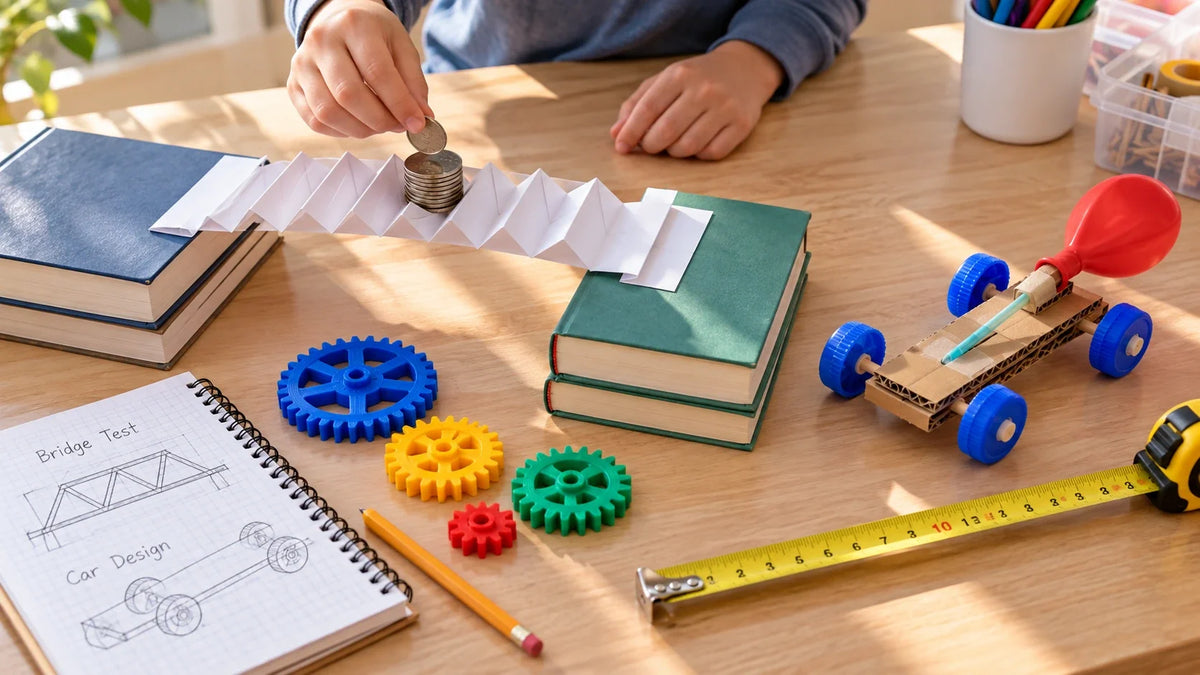
Air-dry clay. Pottery wheels. Beginner sewing kits. Weaving looms. Origami sets. These projects work because the kid finishes something the same afternoon they start. Pottery wheels especially — watching clay spin under your hands is a different kind of attention. Quieter. Slower. Almost meditative.
STEM and Coding
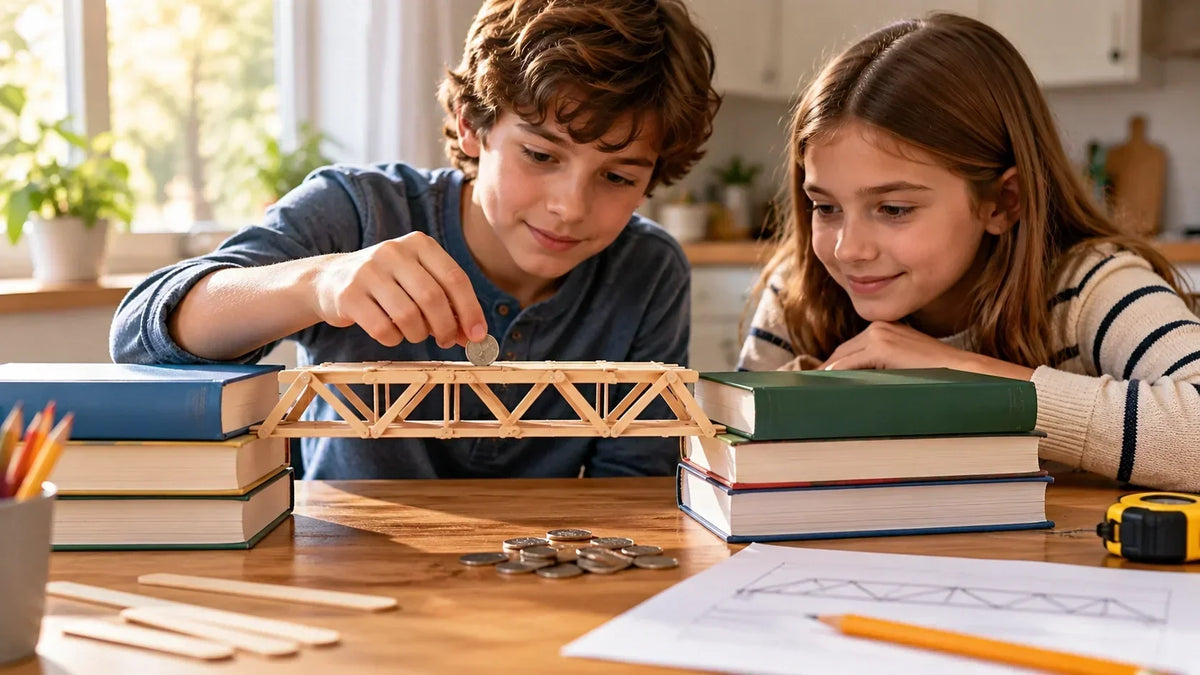
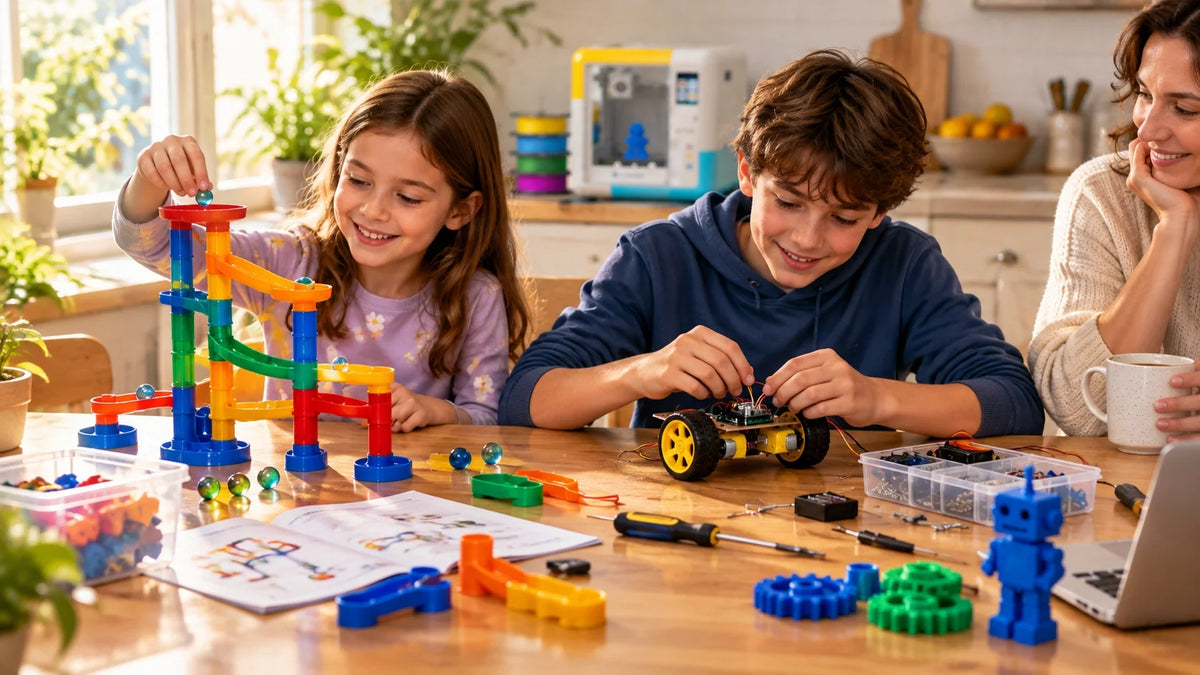
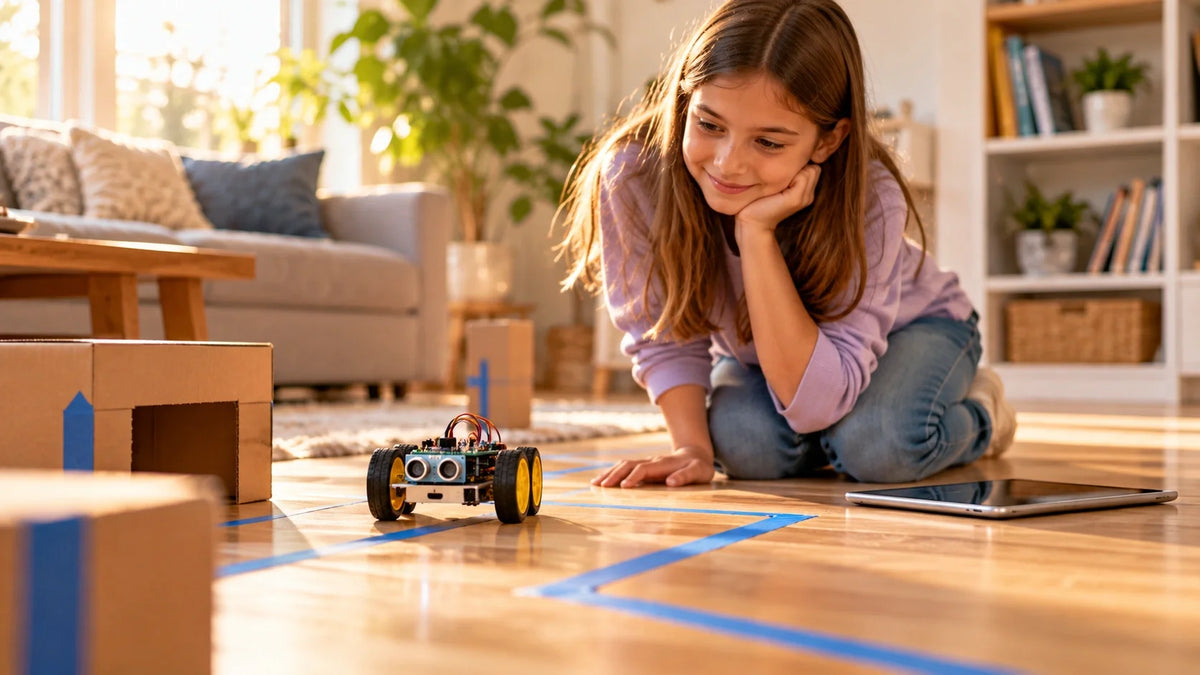
Robotics kits combine engineering, creativity, and code. Beginner sets use snap-together parts and drag-and-drop coding. Older kids move to Arduino or Raspberry Pi. Coding games like Scratch turn programming into a puzzle game. Marble runs teach physics without sounding like physics — slope, momentum, gravity.
Pretend Play and Storytelling
Puppet kits. Dollhouse builds. Cardboard construction sets. Costume DIYs. These gifts invite stories instead of finishing them. Kids who love to pretend to play often like to make projects that build props for it — printable swords, fabric capes, paper crowns.
Safety Checklist Before You Buy

Most maker gifts are safe. The few that aren't are unsafe in fairly obvious ways: hot parts, sharp tools, strong chemicals, fine fumes. Five minutes of reading the product page catches most of it.
|
Skip resin 3D printers around young kids. The chemicals irritate skin and lungs. Stick to PLA on an FDM printer until the child is old enough to wear gloves, work in ventilation, and follow chemical-safety steps. |
Manufacturers don't slap age ratings on for fun. Small parts mean choking risk. Heating elements mean burn risk. Long instructions mean frustration. Buying down or up by one tier usually works. Buying down by three tiers ends in tears.
PLA is the default filament for kids — cornstarch-based, prints at lower temperatures than ABS, releases fewer ultrafine particles. CDC/NIOSH's 40-page school and makerspace guide still recommends ventilation during printing even with PLA. Washington State's Department of Health goes further, recommending fully enclosed printers as the top protection for kids.
A room with a window or a fan running is fine. A study nook, a garage corner, or a family room near an open window beats a kid's closed bedroom for long sessions. The first three or four prints with a new 3D printer: sit with the kid. After that, kids 8 and up can usually run a kid-focused printer on their own. Younger kids still need an adult around for the heated parts.
How to Pick: A Simple Decision Framework
If you're stuck between options, work backward from the kid's existing habits.
|
If the kid likes… |
Try… |
|
Screens and tablets |
App-led 3D printer + iPad design apps |
|
Mess and texture |
Clay kit, pottery class, beginner sewing |
|
Machines and moving parts |
Robotics kit, marble run, electronics starter |
|
Stories and characters |
Puppet kit, costume DIY, printable mini figures |
|
Math and logic |
Coding game, electronics kit, engineering set |
|
Drawing and sketching |
Digital art tablet, Nomad Sculpt, Procreate |
Two rules of thumb. Open-ended beats closed-ended — a clay set you can shape into anything keeps producing months after a kit that builds one specific thing gets forgotten. Visible results beat slow burns — kids stay engaged when they finish something within the same session.
Conclusion
The best creative birthday gift isn't the most expensive one — it's the one that gets used six months later. iPad 3D printers tend to pass that test because the kid keeps inventing reasons to print. So do clay kits, robotics sets, and decent paint stations.
Pick the gift that matches the kid's patience and interests. Then leave space — physical and temporal — for them to actually use it. The hardest part of a maker gift isn't the unboxing. It's the second weekend, when the novelty's gone and the kid has to decide if they want to make something. Get the fit right and they will.
AOSEED's family creativity platform — deployed in over 5,000 schools — is built around exactly that idea. The most important thing about a kid's first 3D printer isn't the headline spec. It's whether the printer still gets used six months in.
|
THE REPLAY TEST The best creative gift is the one that gets used six months later. Match the gift to the kid's patience, give them physical space to make a mess, and let the printer or kit live somewhere they can see it. Unboxing is the easy part. The second weekend is what decides whether the gift wins. |
FAQs
What maintenance do 3D printers need?
Wipe the build plate, clear filament scraps, check the bed level weekly, and clean fans monthly. PLA filament and an enclosed printer keep daily upkeep to under five minutes.
Is there a kid-friendly 3D printer?
Yes. Top picks are the Toybox, AOSEED X-MAKER JOY, AOSEED X-MAKER, and Bambu Lab A1 Mini. All but the Bambu are enclosed, app-based, and ready to print within minutes of unboxing.
Will a 3D printer work with an iPad?
Yes. Toybox, AOSEED, and Bambu Lab all have iPad apps that handle browsing, slicing, and printing over Wi-Fi. Older hobby printers usually need a desktop slicer like Cura.
Is a 3D printer appropriate for a 7 year old?
Yes, with supervision and an enclosed printer running PLA filament. Open-frame and resin printers aren't a fit at this age.
What can a 10 year old do with a 3D printer?
Browse and print pre-made models, design simple keychains in Tinkercad, print replacement parts for toys, and build classroom project pieces. By month two they're usually designing their own work.
Can I 3D model on an iPad?
Yes. Tinkercad (free), Nomad Sculpt, Shapr3D, and Putty 3D all run on iPad. Apple Pencil support makes design feel like sketching.
What 3D printing apps are compatible with iPad?
Design apps: Tinkercad, Nomad Sculpt, Feather 3D, Shapr3D, Putty 3D, Procreate. Printer-control apps: Toybox, AOSEED XMAKER App, Bambu Handy.
What are the best 3D prints for kids?
Articulated dragons, fidget toys, name tags, pencil holders, mini catapults, custom keychains, and dinosaurs. The dragons print in one piece with movable joints — instant hit.
Do 3D printers give off toxins?
PLA releases fewer ultrafine particles than ABS or resin, but ventilation still matters. Print near an open window or fan, skip resin around young kids, and follow the CDC/NIOSH school-and-makerspace guidance for anything other than PLA.
Sources
- CDC / NIOSH · 2024 —Read the 40-page guide
- Washington State Department of Health —View the school guidance
- Tom's Hardware · 2026 —Read the buying guide
- Tom's Hardware · 2025 —Browse the gift guide
- Tom's Hardware —Read the independent review



Further reading

Graduation Gifts for Kids: Keepsakes for Kindergarten to Fifth Grade

How to Clean a 3D Printer: A Routine for Families

3D Printer Filament Holder: Options, Setup and a Version You Can Print


