


How to Turn Passive Screen Time Into a Make-and-Play Routine
A tablet pings somewhere in the kitchen. Your eight-year-old grabs it before you can finish your sentence, opens YouTube, and forty minutes later she's watched eleven videos and built... well, nothing. The screen time tracker just says iPad: 40 min. But what actually happened in those forty minutes? Almost no making. Not much real talking. And honestly, not a lot of thinking either.
Here's the thing though. It isn't really the tablet's fault, and it's definitely not the kid's. The feed itself is engineered to keep eyes inside the app: autoplay rolling into autoplay, infinite scroll, those little reward loops that pay for sitting still. So banning the device isn't really the fix you're looking for. What works better, in my experience, is changing what the tablet is actually for.
This piece walks through what I call the watch-make-play routine. It's a simple three-step loop you can run on basically any screen session — videos, games, apps, even social feeds. Works for a ten-minute weeknight block. Works for a longer Saturday build. No timers required, and nobody's fighting at the kitchen table about it either, which to be honest is the biggest win for most families.
Why Passive Screen Time Stops Working
A family screen time plan works best when it replaces passive screen time with short, active screen time that leads into making, moving, or playing together.

The Feed Is Designed to Keep You Inside
Autoplay rolls. The feed keeps refreshing. The next video starts before the brain has even finished processing the last one. Watch a ten-year-old plow through twenty short clips on a Sunday afternoon, then ask them about it on Monday morning — they'll struggle to remember any of them clearly. That's not a memory issue. That's just how the feed works.
And that's not a bug either, by the way. The longer eyes stay inside the app, the more ads get served and the more revenue moves. The screen isn't badly designed at all. It's just designed for somebody else's goal, not yours and not your kid's.
Why Timers Miss the Real Problem
A timer can tell you how long. It can't really tell you what got done. Thirty minutes scrolling Instagram and thirty minutes building something in Scratch are wildly different activities, even though the clock counts them the same way. When we treat them as identical, we end up writing the wrong rules at home.
The American Academy of Pediatrics actually dropped its old "two hours a day" rule years ago. The current guidance looks at healthy habits, content quality, and the rest of the child's day instead of one fixed number.¹ The WHO does still hold a one-hour cap for sedentary screen time in kids ages 2 to 4 specifically, and for the youngest toddlers, basically no screens at all.²
What Replaces the Argument
Purpose, basically. The child says out loud what they're trying to do before the device opens up: "I'm watching this so I can fold a paper boat afterwards." Now there's a built-in finish line, and the whole screen-time argument quietly disappears because the deal got set ahead of time.
It's not really a hack or a clever trick. It's just structure. Most screen-time fights happen at the back end of a session — when the kid is begging for ten more minutes — and that's almost always because nobody agreed at the start about what the end would actually look like.
The Watch-Make-Play Routine
The watch-make-play routine turns passive screen time into a short creative prompt instead of a long scrolling session. Kids watch one idea, make something with their hands, and then use it in real play before the screen comes back on.

Step 1 — Watch With a Goal
Start narrow, like really narrow. One video. One tutorial. One specific moment in a game. One activity inside an app. The child says the goal out loud before pressing play: "Find one animal to draw," maybe, or "Learn one dance move," or "Watch how they fold this thing."
These goals can be tiny, and that's actually the point. Small goals are way easier to finish, and finishing is what trains the underlying habit. Big goals tend to die early, especially with younger kids.
Step 2 — Make Something Real
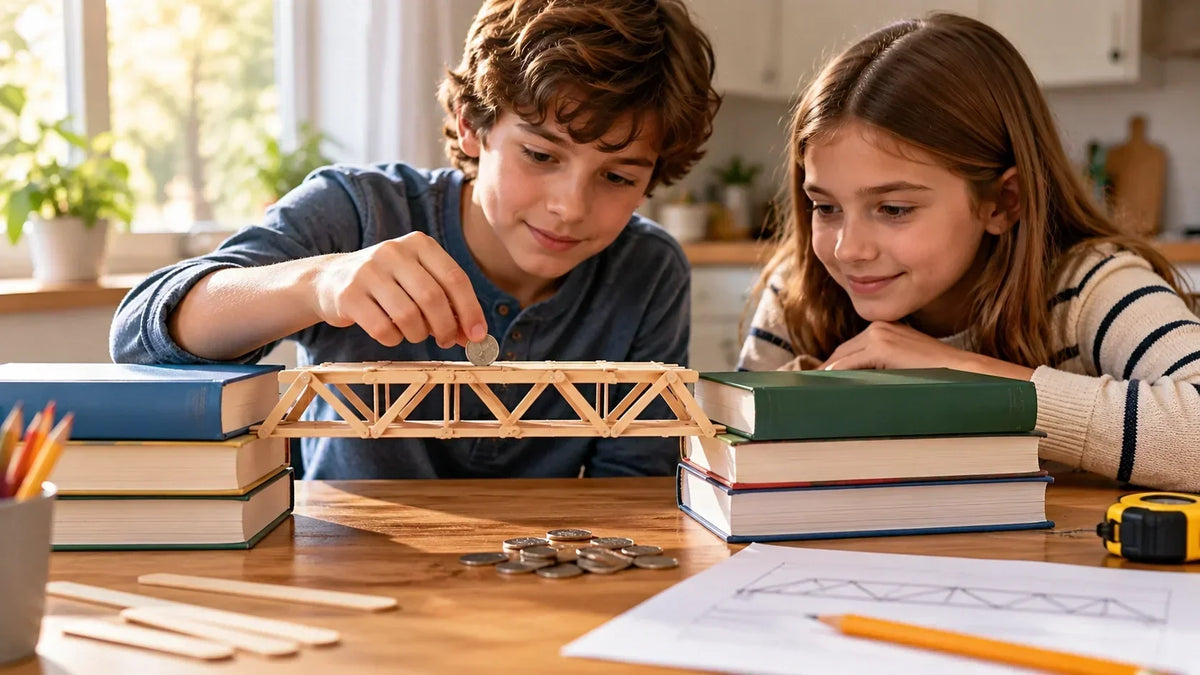
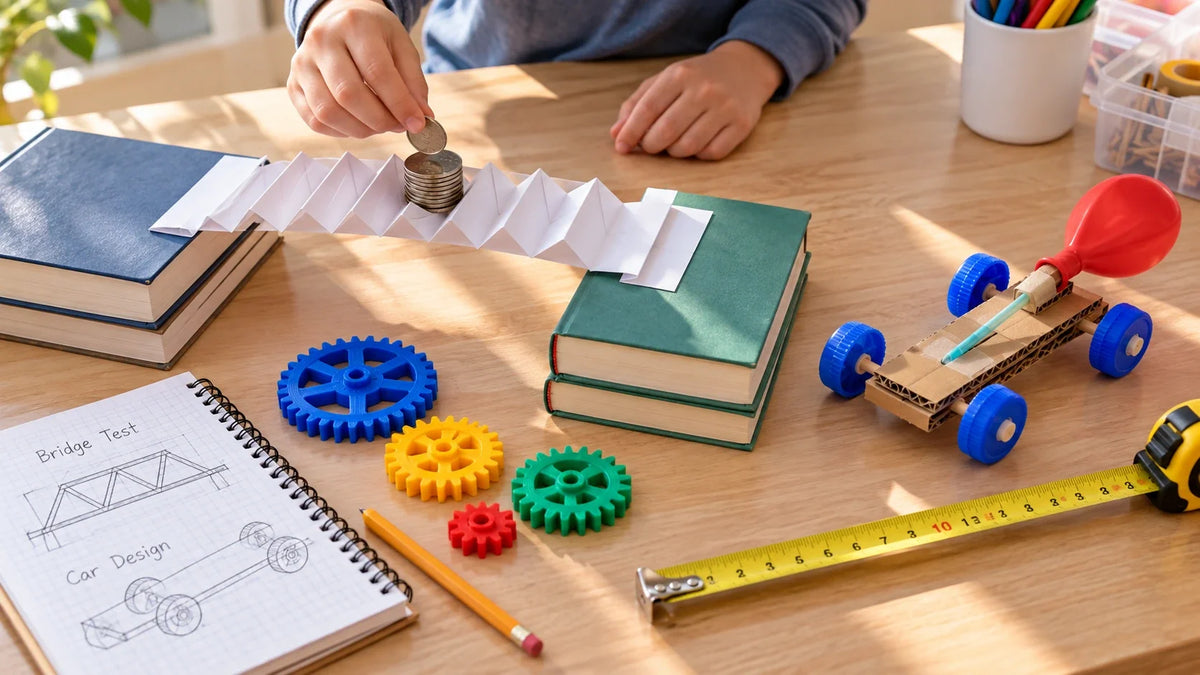
After the watching comes the making. Offline projects are usually the simplest place to start: paper masks, clay figures, a quick LEGO scene, a real recipe, a hand-drawn treasure map. Honestly, the kind of stuff most houses already have supplies for.
On-screen making counts too, as long as the kid is the one actually creating. A digital comic drawn in Procreate. A small game built in Scratch or OctoStudio. A one-minute video stitched together in iMovie. A music loop in GarageBand. The real test is who's running the show. If your kid is choosing, building, and changing things, that's making. But if the app is doing most of the work and they're just tapping along, that's still consumption with a few extra steps.
Step 3 — Play, Test, or Improve It
Finishing isn't actually the last step. Play is. Race the paper cars down the hallway. Put on the puppet show for a sibling. FaceTime grandma and show her the drawing. Spot the bug in the Scratch game and try to figure out what went wrong. That last part, the debugging, is often the part kids love the most, which honestly surprises a lot of parents the first time they see it.
|
ONE-QUESTION RULE BEFORE THE DEVICE OPENS Ask: "What will you make after this?" If the answer is "nothing" or "I don't know," the activity needs a stronger plan — not necessarily a shorter timer. |
Turning Each Screen Type Into a Creative Trigger
Videos Become Hands-On Projects

Pick the video on purpose, not whatever autoplays next. Pause it at the key steps. Hand the kid a tool — paper, markers, dough, a stylus, whatever you've got nearby — and let them try their own version while the tutorial is still fresh in their head.
A seven-year-old watching a paper airplane video should be folding planes within about twenty minutes. Not "later this week," not "after school tomorrow." Same-day finishing is honestly what makes this whole thing stick. Kids lose the thread fast otherwise.
Games Become Design Challenges
Every video game is, kind of weirdly, a working classroom in rules, goals, levels, and pacing. The routine flips a kid from "did I win that round?" to "wait, how does this game actually work under the hood?" — and that second question is where the creativity hides.
Try sketching a new level for Minecraft on graph paper. Turn Mario into a paper maze. Invent a "kindness mission" for Roblox where you score points for fixing things instead of breaking them. The first time someone plays the new version, you'll spot the rules that don't quite work. And that rewrite afterwards? In our house, that's usually the best part of the whole thing.
Apps Become Creative Tools
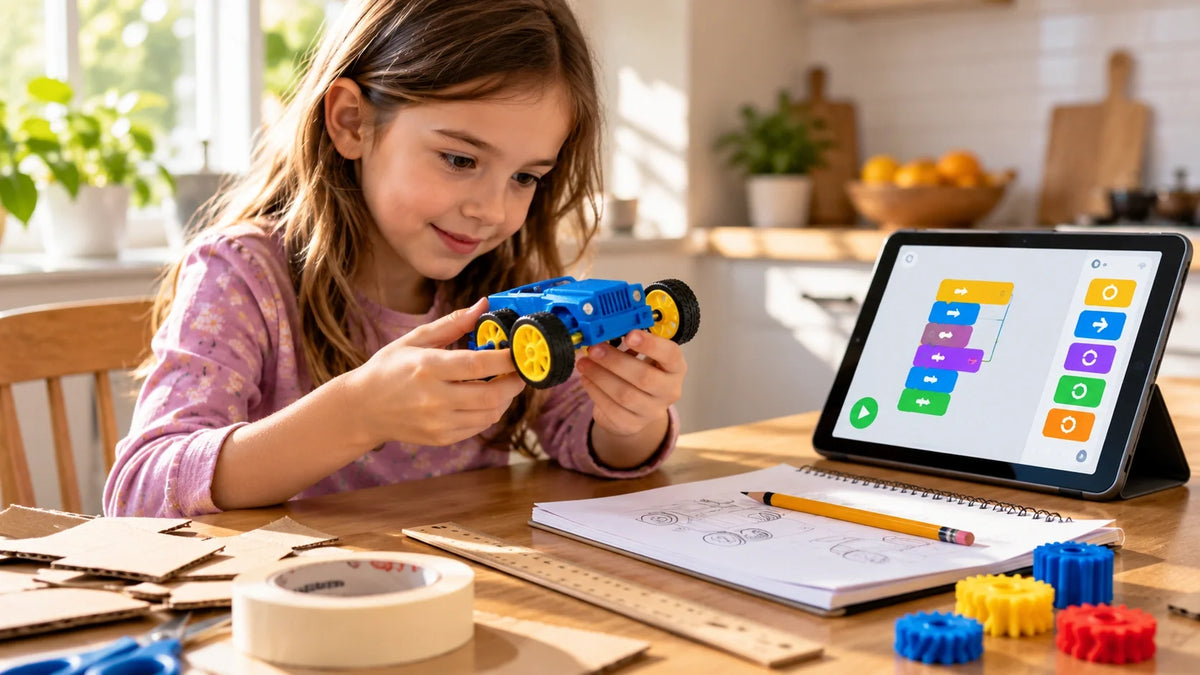
Used this way, creative apps for kids support active screen time because the screen becomes a tool for drawing, music, coding, storytelling, or building instead of passive scrolling. Some apps actually put real creative tools in a kid's hands. For drawing, look at Procreate or Sketchbook. For music, there's GarageBand, BandLab, and Chrome Music Lab right in the browser. For coding, Scratch, ScratchJr, OctoStudio, and Hopscotch are all solid options. Stop Motion Studio for animation. Book Creator for storytelling. None of these are doing the work for the kid — they're just handing over the tools.

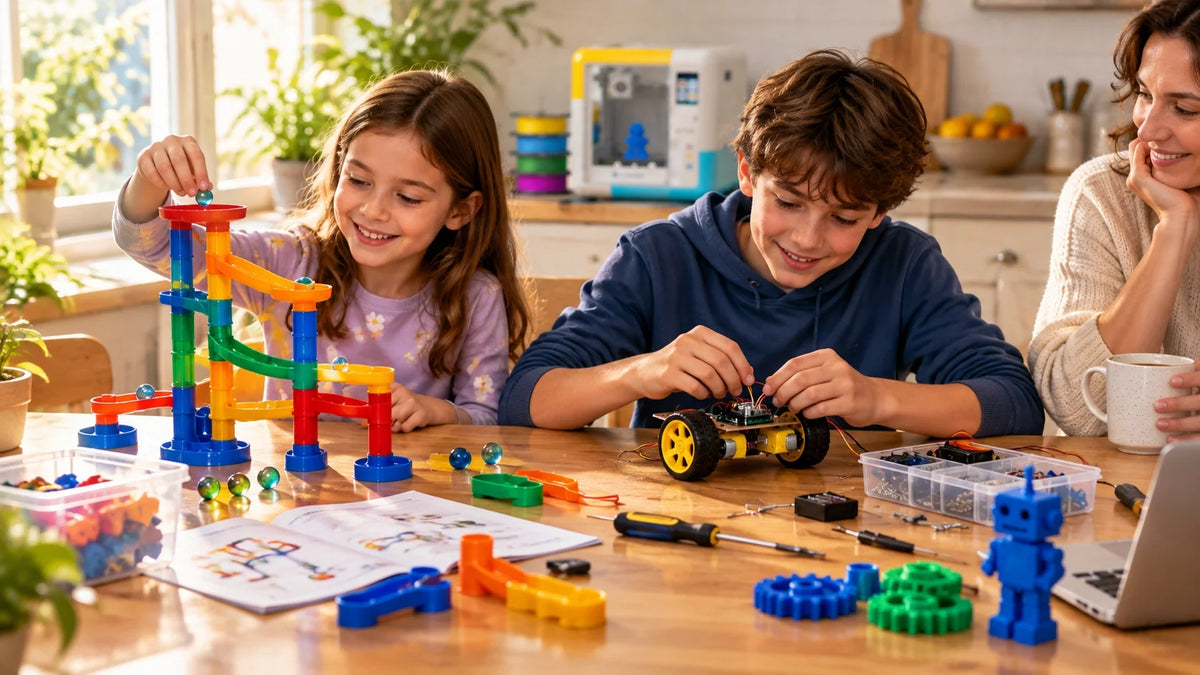
Some of these tools even pair with beginner 3D printers for families, so a sketch your kid draws on the tablet can come off the build plate as a real toy a couple of hours later. For the younger crowd, a guided toy-making printer for younger kids like the AOSEED X-MAKER JOY handles all the fiddly setup steps: model selection, app pairing, one-press printing. The digital design step becomes a physical object by the same afternoon, which is the kind of thing kids find genuinely magical the first few times it happens.
The AAP's "5 C's of Media" framework is worth knowing about here. The 5 C's are child, content, calm, crowding-out, and communication. It gives you a real decision lens for any app, not just one timer number to argue about at dinner.³
Social Feeds Become One-Idea Prompts
Social media is honestly the hardest place to apply this routine, because the whole design fights you on it. So the rule shifts here. Use the feed to find one idea you actually want to try. Save it somewhere. Close the app. That's the deal. One save, one idea, one project to make later.
This approach works best with older kids and teens who are already on social platforms anyway. Younger kids need much tighter adult control around this stuff — TikTok and Instagram weren't really built for nine-year-olds, no matter what your nine-year-old tells you. The thing worth borrowing from these platforms is the skill someone's showing: a clay charm technique, a dance move, a quick paper craft. The skill survives the session. The scrolling doesn't.
|
BORROW THE SKILL, NOT THE LIFESTYLE A child does not need to look like the people they follow. They can copy a skill — a clay charm, a dance, a craft — without copying a body, a home, or a vacation. That distinction is what keeps social media a prompt instead of a comparison machine. |
Building a Weekly Make-and-Play Plan
A Sample Week, Mon to Sun
A plan you can actually repeat beats a daily argument every single time. Weekdays don't need elaborate projects. Weekends can hold something bigger if you've got the time and energy for it. And screen-free pockets — meals, the morning routine, the hour before bed — those really do need to stay sacred. No exceptions on those, in my experience.
|
Day |
Screen time |
Make-and-play example |
|
Mon |
~15 min |
Watch one paper-plane video → fold three planes → race them |
|
Tue |
~15 min |
One drawing tutorial → sketch your own version on paper |
|
Wed |
~10 min |
One science clip → run a quick guess-and-test in the kitchen |
|
Thu |
~20 min |
Code a tiny character animation in Scratch or OctoStudio |
|
Fri |
~30 min |
One cooking video → help cook the recipe for dinner |
|
Sat |
~60 min |
Bigger build — stop-motion scene, board game, or 3D toy design |
|
Sun |
~20 min |
Improve last week's project — the "play" step that was skipped |

10-Minute Weeknight Wins
Weeknights are about quick wins. Watch one short clip, make one small thing, done before bath time. Could be a single drawing. Three paper airplanes. A three-photo story shot on someone's phone. A two-panel comic strip. A tiny tweak to an existing Scratch project. A clay charm. None of these have to be ambitious to actually count.
Keep the supplies within arm's reach. A single bin with paper, tape, markers, scissors, and glue — set up wherever the family screen lives — cuts setup time from "thirty minutes of hunting for the scissors" down to about two. Honestly, that organization step alone is worth doing on a Sunday afternoon.
60-Minute Weekend Builds
Weekends are where the bigger builds live. A stop-motion movie. A cardboard city. A homemade board game. A small coded mini-game. A recipe that takes the entire afternoon and somehow uses every bowl in the kitchen.
Plan it on paper first. List out the supplies. Write the steps down. Name where it ends. "Make one scene" is a much better Saturday goal than "make a whole movie," because small-and-finished basically always beats big-and-abandoned. For setup walkthroughs and project ideas grouped by age, step-by-step project guides are a solid starting point if you're not sure where to begin.
Screen-Free Follow-Up Play
The project doesn't end the second it's finished. Play with it. Act out the story. Race the planes down the hallway. Try out the game and see what's broken. The reward keeps moving into the physical world, and over time the kid starts to learn that the fun actually continues after the screen turns off. Which is the whole point of all of this, really.
Boundaries That Protect Creative Time

Clear Start and Stop Points
Vague rules basically invite negotiation. "Don't be on there too long" is the kind of phrase kids learn to outlast, no question about it. Specific rules end the argument before it can even start: "You can watch one drawing video, then we'll sit down and draw together for fifteen minutes." That kind of specificity does a lot of the work for you.
Younger kids tend to do well with a visual timer they can actually see counting down. Older kids should help pick the stop point themselves before the device opens, so they feel some ownership of it. That ownership matters more than parents usually expect.
Supplies Within Arm's Reach
The cue here is physical, not verbal. A bin of paper, markers, tape, cardboard, clay, scissors, and glue sitting near wherever the family screen lives gives your kid an obvious next step without anyone needing to ask for one.
The setup makes creating physically easier than scrolling all over again. A ready-to-go table is the difference between "I'm bored" turning into a project and "I'm bored" turning into yet another video. Friction wins almost every time, so set the friction in your favor.
Meals, Sleep, and Outdoor Time Stay Sacred
Meals and bedtime are where screen-free rules pay off the most. Mealtime conversation exposes kids to more vocabulary than just about any video can, even the educational ones. And bedtime without a device protects the sleep window that pretty much everything else in the day depends on — mood, attention, school performance, the whole list.
The AACAP actually recommends turning screens off during meals and family time, plus removing them from bedrooms before bed.⁴ Outdoor play does double duty here too. Kids who move around, build stuff, talk, and rest in roughly the right proportions tend to have a much easier time using screens in a healthier way overall.
Conclusion
Screen time stops being the problem the second it leads to action. Watching, all by itself, is just input. The making part is what turns the input into something else: a sketch on the kitchen table, a recipe everyone actually eats together, a paper game, a small coded animation, a story your kid tells at dinner that night.
Watch-make-play gives every screen session a frame around it. The frame works for videos, games, apps, and social feeds. It works for ten-minute weeknight wins and the bigger Saturday builds. It works when the kid is six. And it still works when the kid is sixteen and rolling their eyes at the whole idea.
Nobody needs a perfect plan to start this. One project a week is genuinely enough. Pick a video tonight, make something with it tomorrow, share whatever it is on Saturday afternoon. AOSEED's family creativity platform runs on exactly this rhythm in over 5,000 schools right now — design, print, play, then repeat the whole thing next week. A guided STEM 3D printer for older kids and tweens earns its shelf space because of its tenth project, not its first. That's when the routine actually sticks in a household.
The strongest screen rule isn't "less screen time." Honestly, it's just "use the screen to make something real."
|
THE WATCH-MAKE-PLAY MINDSET Watch on Monday. Make on Tuesday. Play on Wednesday. The screen that earns its space in a family isn't the one with the most apps — it's the one the child uses to make something every week. |
FAQs
What is the 3-6-9-12 rule for kids?
It's a French parenting framework with a pretty simple structure: no personal screens before age 3, no game consoles before 6, no unsupervised internet before 9, no social media until 12. Most families I've seen use it as a rough guide rather than a strict cap.
Is it ADHD or too much screen time?
Screens can definitely cause restlessness, sure. But real ADHD shows up at home, at school, and at play — not just after a long tablet session. Diagnosis is a pediatrician's job, not something to sort out from a TikTok checklist or a quiz on Instagram.
How to override screen time as a kid?
Sneaking around almost always backfires in the long run, and stricter rules tend to follow once a parent catches on. Asking openly with a creative reason attached — something like "I'm finishing my Scratch project" — works much better than the silent treatment.
What is the 10-10-10 rule for screen time?
In a watch-make-play routine, 10-10-10 gives passive screen time a clear boundary: watch for ten minutes, make for ten minutes, then play or tinker for ten minutes. It works really well for younger kids who do better with short, predictable chunks rather than vague open-ended sessions.
Are iPads bad for kids with ADHD?
Not automatically, no. Creative apps for drawing, coding, music, and storytelling actually tend to support attention rather than wreck it. Autoplay feeds and screens close to bedtime are usually the bigger problems for ADHD households, in our experience.
At what age is ADHD at its peak?
There isn't really one single peak age that applies to every kid. Younger kids tend to show more visible hyperactivity, while older kids wrestle more with planning, time management, and remembering routines. School transitions can also sharpen the symptoms for a while.
What are the 7 triggers that make ADHD worse?
The common ones tend to be poor sleep, hunger, stress, loud or chaotic spaces, rushed transitions, weak daily routines, and high-stimulation screen content. None of these actually cause ADHD on their own — they just amplify how it's experienced day to day.
What are the 4 F's of ADHD?
Fight, flight, freeze, and fawn — these describe general stress responses in psychology, not an ADHD diagnosis specifically. Social media sometimes blurs the line between the two, which doesn't really help anyone.
Sources
- Michael Rich, MD, MPH, FAAP, founder and director, Digital Wellness Lab, Boston, Harvard Medical School
- Jenny Radesky, MD, FAAP, director, Developmental-Behavioral Pediatrics, Michigan Medicine;
- Mitchel Resnick, PhD, LEGO Papert Professor of Learning Research and head of the Lifelong Kindergarten research group,
- Lisa Guernsey, MA, senior director of Birth-12th Grade Policy
- Devorah Heitner, PhD, founder, Raising Digital Natives; author of Growing Up in Public and Screenwise;
- Yalda T. Uhls, MBA, PhD, assistant adjunct professor of psychology, UCLA; founder and CEO,




Further reading

Graduation Gifts for Kids: Keepsakes for Kindergarten to Fifth Grade

How to Clean a 3D Printer: A Routine for Families

3D Printer Filament Holder: Options, Setup and a Version You Can Print


