How to Use 3D Printing for Screen-Light STEM Learning at Home
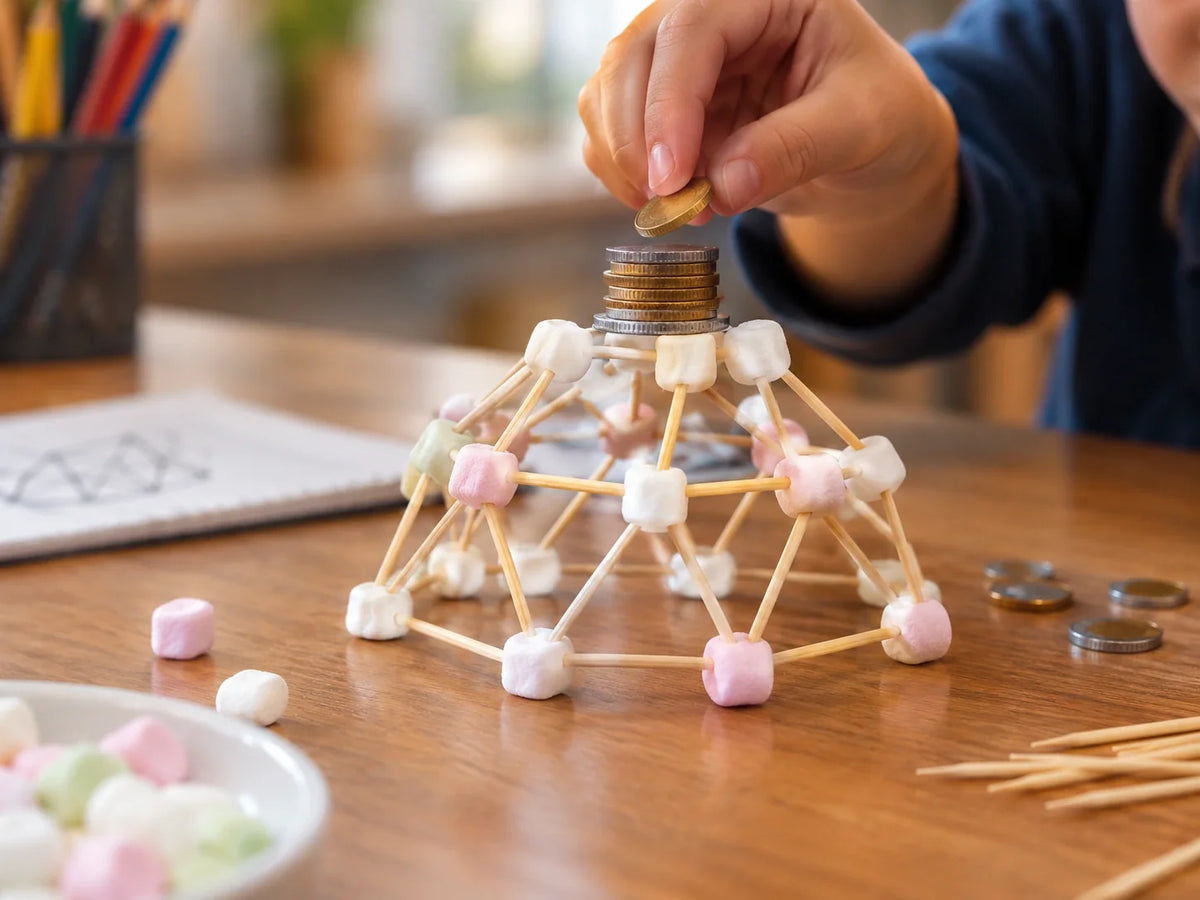
Screen-free STEM activities share one characteristic that separates them from screen time: the child ends the session with something they made. Not a score, not a level, not a badge. An object.
3D printing is the most sustained screen-light STEM activity available to families because it is genuinely open-ended. The child who prints a geometric cube today can print a planetary model tomorrow, a biology cell next week, and a custom design the week after. The same tool, across every STEM subject, with no two sessions identical.
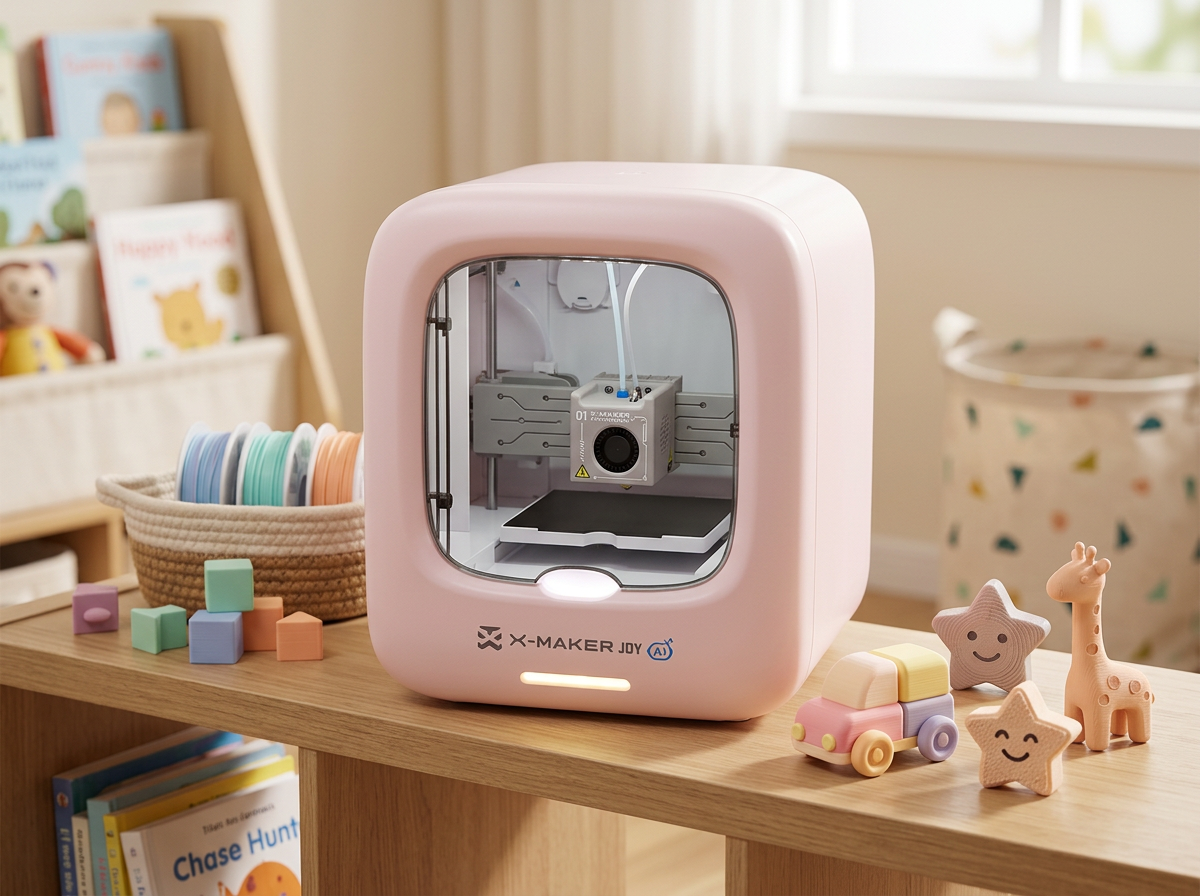
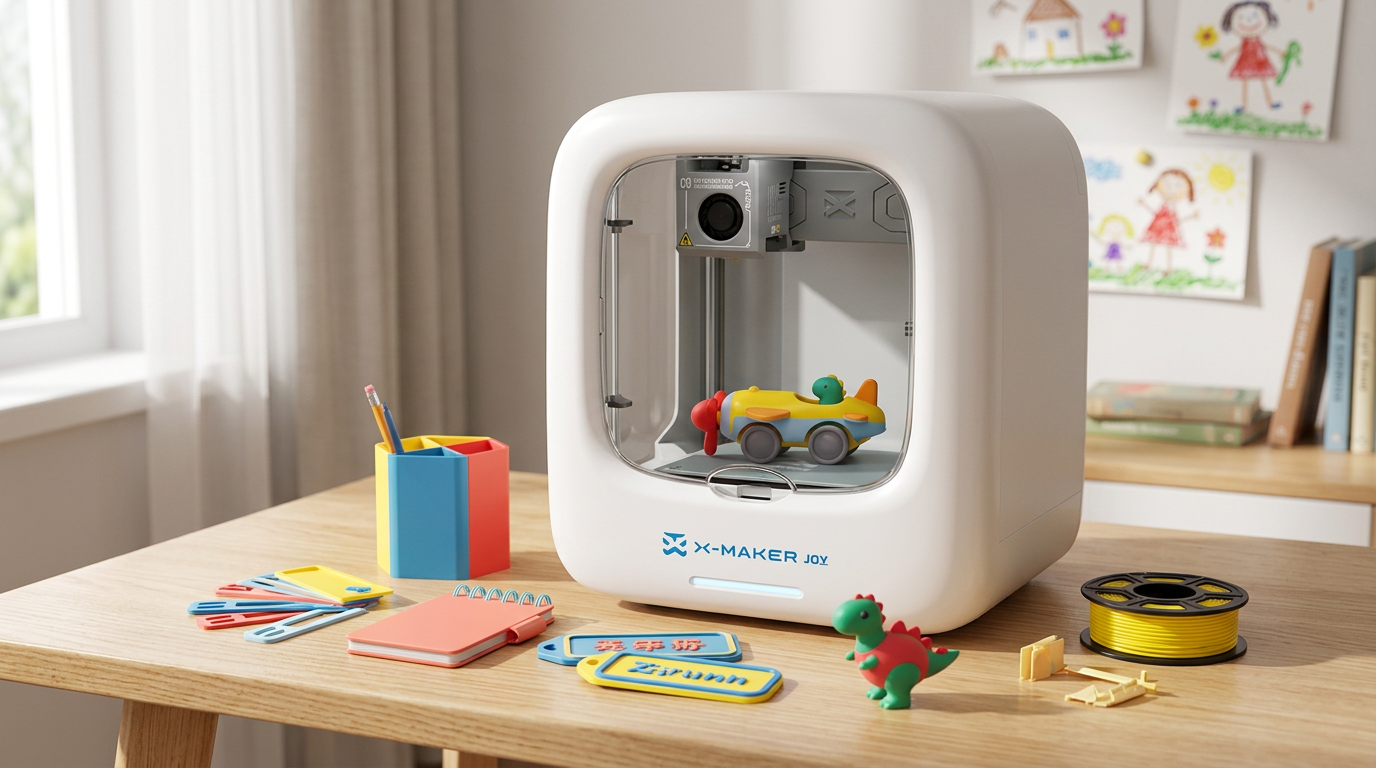
This guide covers what 3D printing actually is in plain language, how it replaces rather than adds to screen time, eight STEM subject ideas for sessions at home, a predictable six-phase session structure for families who prefer calm and organised learning time, and the parent questions most commonly asked before buying. The tool at the center of all of it is the AOSEED X-MAKER JOY — an enclosed, app-led printer designed for families starting from zero.
|
2–5 min App time per session — the printer does the rest |
1500+ 3D printing ideas in the model library — no session is ever the same |
8 subjects STEM subjects served by one printer |
0 fumes PLA is corn-starch based — safe for home use without ventilation |
What Is 3D Printing — A Plain-Language Guide for Parents

'3D printing' is a phrase that sounds technical and complex to parents who have not used the technology. The reality is simple enough to explain in one sentence: it is a machine that melts plastic and deposits it in layers to build a three-dimensional object from the bottom up, guided by a digital design file.
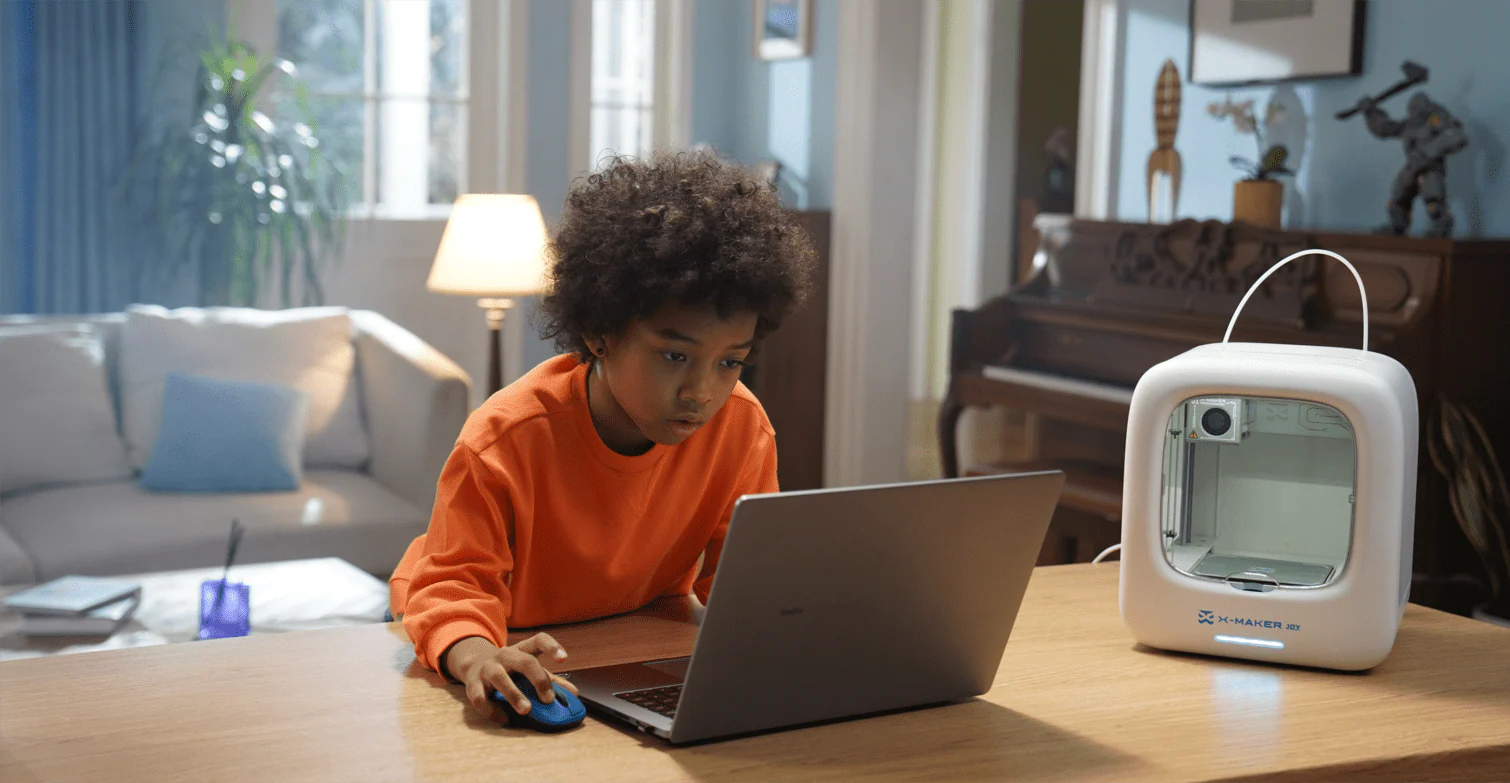
The child does not need to understand how the machine works to use it. They need to know how to browse the model library, select a design, and press start. The technical process runs independently. The learning happens before and after the print — not during it.
5 Parent Questions About 3D Printing — Plain-Language Answers
|
3D printing question |
Plain-language answer |
What it means for home use |
|
What is 3D printing? |
A printer that builds objects layer by layer using melted plastic — like a very precise hot glue gun drawing an object into existence from the bottom up |
At home: the child selects a design and the printer produces a physical object while the family goes about their day |
|
Is it safe? |
FDM printers using PLA filament — the most common type — produce no harmful emissions at standard temperatures. PLA is a corn-starch-based plastic. |
The X-MAKER JOY's enclosed structure means the printing surface, nozzle, and filament path are not accessible during the session |
|
How long does a print take? |
Depends entirely on size and complexity. Small items (keychains, coin holders): 10–20 min. Medium items (phone stands, puzzle pieces): 30–60 min. Large display models: 60–120 min |
The printer runs independently. Parent and child can do other activities while it prints. |
|
What does the child actually do? |
Opens the app, browses models organized by category, selects one, chooses a filament color, and presses start. The rest is waiting and watching through the observation window. |
The technical complexity is handled by the app. The creative complexity is handled by the child. |
|
Does it need an internet connection? |
The app connects to the model library when downloading new projects. The printer itself runs locally from the downloaded file. |
For families without reliable internet: download projects in bulk when connected and print offline. |
|
The 3D Printing Near Me Question Many parents search '3d printing near me' to find a local service before buying a printer. For one-off gift prints, a local service works. For sustained weekly STEM learning, a home printer is the only practical option — because the value of 3D printing for children is in the repetition of sessions, not in any single printed object. The first session teaches the child what the printer does. Sessions 2 through 50 teach STEM. |
Why 3D Printing Replaces Screen Time Rather Than Adding to It

Science Buddies' database of STEM Activities for Learning at Home identifies maker activities as the most effective screen-time replacement category — because they provide the same reward structure (novelty, challenge, visible progress) without the passive consumption loop that makes screen sessions so hard to end.
What Children Actually Want from Screens — and What 3D Printing Provides
|
What the child wants |
What a screen delivers |
What 3D printing delivers instead |
|
Stimulation and novelty |
Infinite new content — always something new to watch or play |
New model selection every session from 1500+ options. The novelty is in what they choose to make. |
|
A reward that feels earned |
Points, levels, streaks — digital metrics that evaporate |
A physical object they made. Still on the shelf next week. |
|
A creative outlet |
Digital art, game creation, virtual building |
Physical design and manufacture — the creative decision becomes a real object. |
|
Something to show others |
Screenshots and social content |
A printed object they can hand to someone — the social moment is physical. |
|
Control over the session |
The device decides the next thing to show |
The child decides the model, the color, the print time, the decoration. |
|
A challenge to master |
Difficulty curves, achievements, unlockable content |
Design iterations — each print reveals what needs to change in the next version. |
The App Question — Is the Printer Still 'Screen-Free'?
The app used to start a print session is open for 2–5 minutes. The child selects a model and presses start. The app closes. The session is then 30–90 minutes of physical observation and waiting — watching the object build layer by layer through the observation window.
The distinction that matters: screen time is passive consumption of content created by someone else. The app session is an active design decision — 'what do I want to make?' — that takes 2–5 minutes and produces 30–90 minutes of non-screen engagement. The app is a remote control for a physical manufacturing session, not a destination.
3D Printing Ideas for Screen-Light STEM at Home — 8 Sessions by Subject

All3DP's 25 Fun 3D Printing Projects for STEM Learning identifies subject-anchored printing projects as the most educationally valuable use of home printers — because the printed object serves a curriculum purpose rather than just being an impressive novelty.
8 STEM Session Ideas — What to Print, What It Teaches, and How Long
|
3D printing idea |
What the child makes |
Screen-light STEM connection |
Session time |
|
Geometry maths set |
Complete set of 3D solids — cube, prism, pyramid, dodecahedron |
Child measures each solid, calculates volume and surface area, verifies Euler's formula |
30–90 min per shape |
|
Solar system planet series |
All 8 planets in correct relative sizes, each a different color |
Scale comparison, orbital period, planetary facts journal page for each print |
20–50 min per planet |
|
Bridge engineering challenge |
Three design iterations — beam, truss, arch — each tested under load |
Structural engineering: which form handles compression and tension most efficiently? |
30–60 min per version |
|
Biology cell models |
Animal and plant cell cross-sections with labeled organelles |
Cell biology: organelle function identified by position and shape in the printed model |
45–75 min each |
|
Creation kit vehicle |
Functional rolling vehicle with printed chassis and working axles |
Physics: force, friction, motion. Engineering: axle tolerance, wheel fit |
45–70 min |
|
Historical artefact replicas |
Roman arch, Greek column, Aztec calendar disk — scale replicas |
History: material culture, architectural engineering, cultural symbolism |
30–60 min each |
|
Personalized art piece |
Custom pendant, organizer, or character — child's original brief |
Design thinking: brief → sketch → design → print → evaluate |
30–60 min |
|
Nature observation tool |
Custom specimen container, leaf press frame, or bug viewer |
Outdoor STEM: connects to botany, biology, environmental science sessions |
20–40 min |
For families building a year-long 3D printing session library, the AOSEED Toy Library organizes 1500+ models by subject, age range, and print time. Weekly additions mean the library grows throughout the year. There is no point in a standard school year where a family runs out of subject-relevant printing ideas.
A Predictable 6-Phase Session Structure for Every Print

The most common parent concern about adding 3D printing to a family's learning routine is not cost or complexity — it is the fear of unstructured time. 'What do we actually do during the hour it prints?' The six-phase session structure below answers this question for every project type.
The structure is identical for every session regardless of subject. The child who learns it once can apply it to geometry solids, solar system planets, biology models, and engineering bridges using the same mental framework. Predictability is the enabler of independent learning.
6-Phase Print Session — What Happens at Each Stage
|
Phase |
Name |
What happens |
Duration |
|
1 |
Choose |
Child opens the app, browses by subject or category, selects a model, and tells the parent why they chose it. |
5–10 min |
|
2 |
Predict |
Before printing: child draws what they think the finished object will look like from the front, top, and side. Writes one question they want the print to answer. |
10–15 min |
|
3 |
|
Filament loaded, print starts. Child and parent do other learning activities. Child checks the first layer at 5 minutes and gives a thumbs-up or reports a problem. |
30–90 min print |
|
4 |
Observe |
Print complete and cooled. Child examines the object, compares to their prediction sketch. What was right? What was different? |
10–15 min |
|
5 |
Measure and document |
Depending on the project type: measurement and calculation (geometry), labeling (biology), load testing (engineering), or painting and display (history/art). |
15–30 min |
|
6 |
Record |
Child writes or draws one thing they learned in their STEM notebook. One sentence is enough. Date and keep. |
5 min |
|
The STEM Notebook Habit The most valuable addition to a 3D printing session library is a dedicated STEM notebook where the child records one prediction before each print and one learning note after it. After 20 sessions, the notebook is a curriculum record of what the child explored. After a year, it is a portfolio that demonstrates learning across 8 STEM subjects with physical evidence (the printed objects) and written documentation (the notebook). This is the most convincing record of learning-from-making that any homeschool assessment could ask for. |
Parent Questions Before Starting — Honest Answers

Every parent considering a home 3D printer for screen-light STEM learning has the same six questions. This table addresses them directly rather than deflecting toward product specifications.
|
What parents ask before buying |
The concern behind the question |
The practical answer |
|
"Is it safe for children at home?" |
Open printers have an exposed hot nozzle — a genuine burn risk with young children nearby |
The X-MAKER JOY is fully enclosed. The printing components are not accessible during the session. No different from a microwave on the counter. |
|
"Will they use it after the first week?" |
Every new toy is exciting. The question is whether there are enough new projects to sustain weekly sessions. |
The Toy Library adds new models every week. There is no point in the year where the child runs out of new things to print. |
|
"How much does it cost to run?" |
Filament cost anxiety — not knowing whether each print is expensive |
A standard 1 kg PLA spool costs $20–30 and produces 300–500 small-to-medium prints. Most sessions cost under $0.50 in material. |
|
"Do I need to be technical to help?" |
Parents without engineering or software backgrounds worry they cannot support the child |
The app guides the session. No slicer software, no command line, no calibration expertise needed. If the child can browse Netflix, they can use the model library. |
|
"What if the first print fails?" |
First print failure is a real risk and a significant source of parent anxiety |
The Learning Center guides through the most common first-print issues. Most failures are first-layer adhesion — resolved in the same session. |
|
"Will this replace screen time or add to it?" |
Parent concern that the app adds another screen to the household |
The app is used for 2–5 minutes per session. The session itself is physical. The object produced displaces screen time by giving the child something to do with their hands after the print ends. |
Three things that make 3D printing screen-light rather than screen-based:
- The session activity is physical: the child watches a physical process through a window, handles physical materials, and produces a physical object. The absence of a screen during 95% of the session is not incidental — it is the design.
- The outcome is permanent: the printed object exists after the session ends. The child has something to carry, show, label, test, and keep. This physical outcome is what makes the session compete with screens on the child's own terms — not because it is forbidden, but because it is more satisfying.
- The next session is always available: the model library provides a new project every session without repetition for years. The child who has a next thing to make always has a reason to choose making over passive consumption.
Screen-Free STEM Activities by Subject — What to Print This Week

The most effective implementation of home 3D printing for screen-light STEM is to pair each print with whatever subject the child is currently studying. The printer follows the curriculum rather than running a separate maker track.
8 STEM Subjects — Screen-Light Activity, Skill Developed, Age Range
|
STEM subject |
Screen-light 3D printing activity |
STEM skill it develops |
Age range |
|
Mathematics |
Print a full set of Platonic solids. Measure each, calculate surface area and volume, verify Euler's formula. |
Spatial reasoning, geometry, formula application — maths as an empirical activity |
8–14 |
|
Physics |
Print and test three bridge types under increasing load. Record deflection at each weight increment. |
Structural mechanics, forces, scientific method — the test IS the lesson |
9–14 |
|
Biology |
Print animal and plant cells. Identify and label each organelle using sticky dot labels. |
Cell biology, comparative anatomy — tactile memory replaces rote memory |
9–13 |
|
Chemistry |
Print 3D molecular models of H₂O, CO₂, and CH₄. Measure bond angles. |
Molecular geometry, polarity, atomic bonding — abstract chemistry made spatial |
11–14 |
|
Earth science |
Print earth cross-sections, topographic map tiles, or volcano cross-sections. |
Geological structure, plate tectonics, formation processes — physical scale model |
8–13 |
|
Astronomy |
Print all 8 planets at relative scale. Calculate the scale factor from actual sizes. |
Scale, proportion, orbital science — the solar system as a table-top reality |
7–12 |
|
Design / STEAM |
Print original design project: custom organizer, jewelry, or character from a current reading book. |
Design thinking cycle: brief → sketch → design → print → evaluate → iterate |
8–14 |
|
History |
Print historical artefact during the relevant curriculum unit. |
Material culture, engineering history, cultural context — artefacts as primary sources |
8–13 |
|
🌿 Starting With Zero STEM Background Parents without a STEM background worry they cannot support the learning conversations around a printed model. The session structure in this guide does not require the parent to be the expert. The parent's role is to ask the two questions that activate learning: 'What do you predict will happen?' before the print, and 'What surprised you?' after it. These questions produce STEM thinking in the child without requiring STEM knowledge in the parent. The printed object is the teacher — the parent is the conversation facilitator. |
Conclusion
Screen-free STEM activities do not need to be elaborate. They need to provide novelty, challenge, and a physical outcome. 3D printing provides all three — reliably, weekly, across a child's full age range from 8 to 14 — without requiring technical expertise from the parent or advanced creative skills from the child.
The child who spends 90 minutes in a 3D printing session has done 5 minutes of model selection, 15 minutes of prediction and planning, and 70 minutes of physical engagement with a printing process and the resulting object. That is a session that started with a creative decision and ended with something real. Screen time does not offer that.
For families choosing between the two AOSEED models for their first screen-light STEM tool, AOSEED 3D printers for kids shows both with a straightforward guide to which is the right starting point for different age groups and learning styles.
FAQs
What is 3D printing in simple terms?
3D printing is a process where a machine melts plastic filament and deposits it in thin layers, one on top of another, building a three-dimensional object from the bottom up. The shape is guided by a digital design file — like a set of instructions the printer follows precisely. FDM printing (Fused Deposition Modeling), which is the type used in home printers like the X-MAKER JOY, uses PLA plastic derived from corn starch. It produces no harmful fumes at standard temperatures and is the safest printing type for home and family use. The child's role is to select the model and press start. The printer handles the manufacturing.
Is a 3D printer a STEM activity?
Yes — and it is the STEM activity with the highest cross-curricular range of any single tool. A 3D printer used consistently at home supports mathematics (geometry solids, measurement, volume), science (biology cell models, earth science cross-sections, molecular models), engineering (structural design, load testing, iteration), technology (design software, manufacturing process understanding), and STEAM art (design thinking, aesthetic decisions, original creative work). No other single home tool covers all four STEM domains plus art in a single sustained practice. The key qualifier is 'used consistently' — the STEM value accumulates across sessions, not in a single print.
What are examples of screen-free STEM activities?
The most effective screen-free STEM activities are those that produce a physical outcome the child keeps and can reference. For 3D printing specifically: geometry solid printing sessions where the child measures and calculates from the printed object; bridge engineering sessions with three design iterations tested under load; solar system printing sessions with an astronomy notebook entry for each planet; biology model sessions where the child labels organelles on the printed cell cross-section. For non-3D printing screen-free STEM: balloon-propulsion vehicles (Newton's third law), crystal growing experiments (supersaturation and crystallisation), bridge-building challenges with craft sticks and tape, and nature collection sessions with a field microscope and identification journal.
What are the 7 types of 3D printing?
The seven main types are: (1) FDM — Fused Deposition Modeling: the most common home type, melts plastic filament, safe for family use; (2) SLA — Stereolithography: cures liquid resin with UV light, requires ventilation, not appropriate for unsupervised child use; (3) DLP — Digital Light Processing: similar to SLA but uses a projector, faster for resin printing; (4) SLS — Selective Laser Sintering: fuses powder with a laser, industrial equipment; (5) MJF — Multi Jet Fusion: commercial powder-based printing; (6) PolyJet: multi-material high-resolution industrial printing; (7) Binder Jetting: inkjet-like heads deposit binding agent onto powder layers. For any family or school screen-free STEM application, FDM is the only appropriate type. All others involve either toxic materials, industrial equipment, or significant post-processing requirements that make them unsuitable for child-supervised home use.
What is the biggest problem with 3D printing for families?
The two most commonly cited issues for families starting with 3D printing are: (1) first print anxiety — the first session is the highest-risk for disappointment. An open-frame printer requiring manual bed leveling, slicer software setup, and calibration has a realistic failure rate on the first session that discourages continued use. A printer with an app-led guided first session significantly reduces this risk; (2) the 'what do we do now?' problem — many families use their printer for one impressive session and then struggle to connect it to their daily learning routine. The solution is the session structure in this guide: predict, print, measure, document. Once the structure is habitual (typically session 3 or 4), the printer becomes a natural part of the week rather than a special event.
How to do STEM at home with a 3D printer — where to start?
Start with the geometry project. It requires no curriculum planning (every family is somewhere in maths), produces a result in under an hour, and connects directly to a subject the child is already studying. The first session gives the family confidence in the process: the child selects a cube from the model library, prints it in 30 minutes, and then measures its surface area with a ruler. This is a complete STEM session. The second session is a triangular prism, which introduces a new shape and a new measurement calculation. By session 6, the family has a complete set of Platonic solids, a measurement record, and a clear rhythm for adding subjects as the curriculum progresses.
Sources
- Science Buddies — STEM Activities for Learning at Home, STEM Activities for Learning at Home, 2025.
- Little Bins for Little Hands — STEM and STEAM Projects for Kids, STEM and STEAM Projects for Kids, 2025.
- NSF — Seven NSF-Supported STEM Resources for Home Learning, Seven NSF-Supported STEM Resources for Home Learning, 2020.
- Bright Horizons — At-Home STEM Activities for Kids, At-Home STEM Activities for Kids, 2023.
- 3D Universe — 3D Printing in STEM Education: Parent Guide, 3D Printing in STEM Education — Parent Guide, 2024.


Further reading
3D Printed Cartesian Plane Lesson Plan: Math and Technology Integration for Grades 5 to 8

STEM Education for Kids: What It Means and How Parents Can Support It at Home
Small Gifts for Kids: Party Favors and Little Presents Kids Can Make