

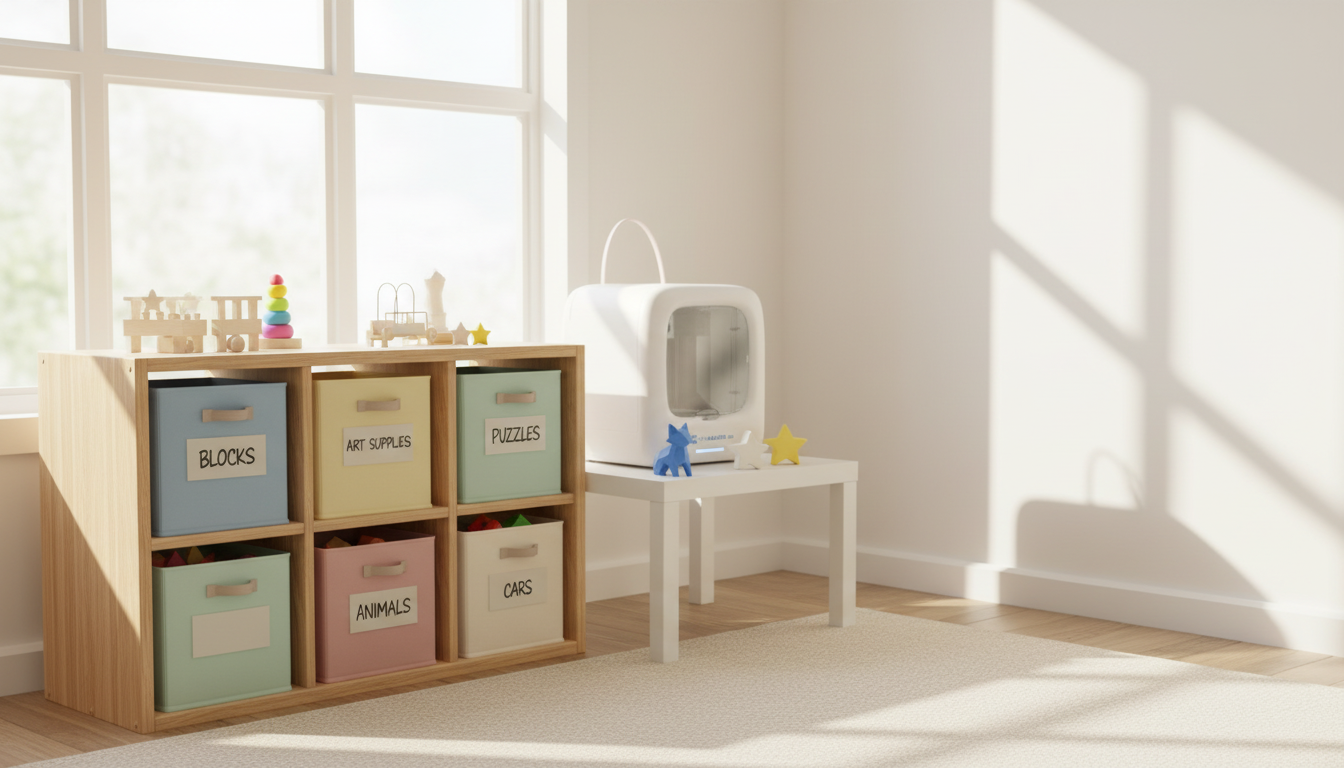
The Best First Toy Library Categories for Kids Using 3D Printing
Five categories. Fifteen toys. One rotation that takes two minutes a week.
That’s the whole system.
A toy library organizes what children already own into something they actually use. A 3D printer adds what no store supplies on demand: models sized exactly right for this month’s skill level, replacement pieces for sets missing their most useful part, and a print-on-demand answer to whatever the child is currently obsessed with that nobody makes commercially.
This guide covers the five core toy library categories, where 3D printing fits inside each one, how to run the rotation system at home, and the safety basics for beginners.
Toy Library Categories for Kids: Why 3D Printing Helps
Most home toy collections have the same problem. Too much stuff. Not enough variety. The same things come out every day because they’re visible. The rest gets buried and forgotten.
A toy library fixes that with one rule: one bin at a time, on rotation. A child who chooses what to borrow is more engaged than one who grabs whatever was on top. The CDC’s child development guidance identifies structured, varied play environments as a factor in early cognitive milestone progress. A toy library is the cheapest way to build that environment at home.
3D printing extends the logic. Instead of buying every new interest, you print it. Instead of throwing out a puzzle missing two pieces, you reprint them. The library stops being static and starts being a pipeline.
Categories Beat Random Collections
Five categories — building, imaginative play, puzzles, active/sensory, and STEM — cover everything a child needs across the developmental window from toddler to early school age. Sorting by category makes gaps visible. If the active bin is empty, something’s missing. If puzzles have eight options and STEM has none, that’s a rotation call, not a shopping trip.
The Five Core Toy Library Categories
Get one or two strong items per category and rotate them. That beats twenty mediocre toys in a pile.
|
Category |
Core Skill |
Best Traditional Items |
What to 3D Print |
|
Building & Construction |
Spatial reasoning, fine motor |
Unit blocks, magnetic tiles, snap kits |
Custom connectors, scaled blocks, track extensions |
|
Imaginative & Pretend |
Language, emotional regulation |
Kitchen sets, dress-up, figures |
Custom props, missing pieces, simple accessories |
|
Puzzles & Problem-Solving |
Logic, concentration, patience |
Jigsaws, tangrams, shape sorters |
STEM-themed jigsaws, interlocking solids, brainteasers |
|
Active & Sensory |
Gross motor, sensory regulation |
Balance boards, toss rings, textured tiles |
Lightweight rings, stackable discs, sensory tiles |
|
STEM & Educational |
Science curiosity, STEM reasoning |
Circuit kits, fraction tiles, models |
Solar systems, molecules, geometry sets, custom enclosures |
1. Building & Construction

Blocks, snap kits, magnetic tiles, interlocking sets. This category builds more skills per hour than almost anything else in a child’s library — spatial reasoning, cause-and-effect, fine motor control, early engineering logic.
The NICHD’s research on early learning puts block play among the strongest early predictors of later STEM performance. A block tower falls and a child adjusts. A structure leans and they add a brace. Every failure is a one-second experiment.
3D printing fits naturally here. Custom snap-fit blocks scaled to small hands. Extension pieces for discontinued track sets. Geometric connectors that let magnetic tiles go vertical. The category grows indefinitely at near-zero cost once a printer is in the house.
|
Age Range |
What to Stock |
3D Print Opportunity |
|
12 – 24 months |
Soft blocks, large stacking rings, shape sorters |
Oversized stackable discs (PLA, smooth edges, no small parts) |
|
2 – 4 years |
Wooden unit blocks, Duplo-style bricks, magnetic tiles |
Custom connector pieces, bridge extensions for track sets |
|
4 – 7 years |
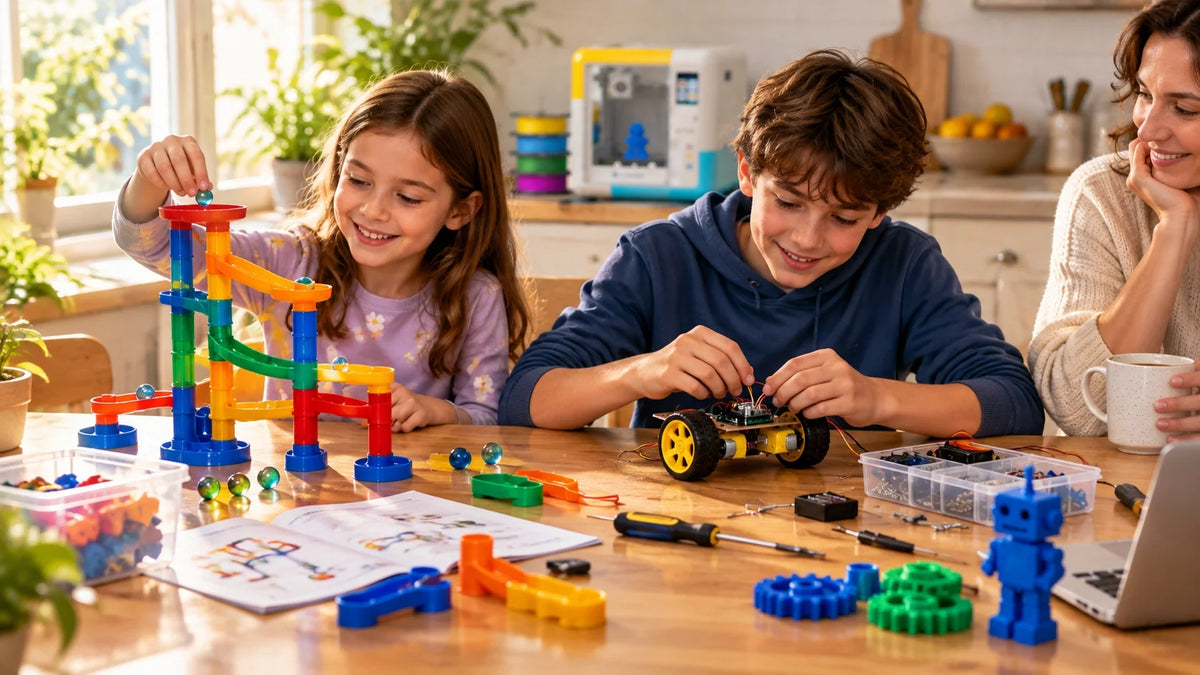
Marble runs, gear sets, interlocking tile systems |
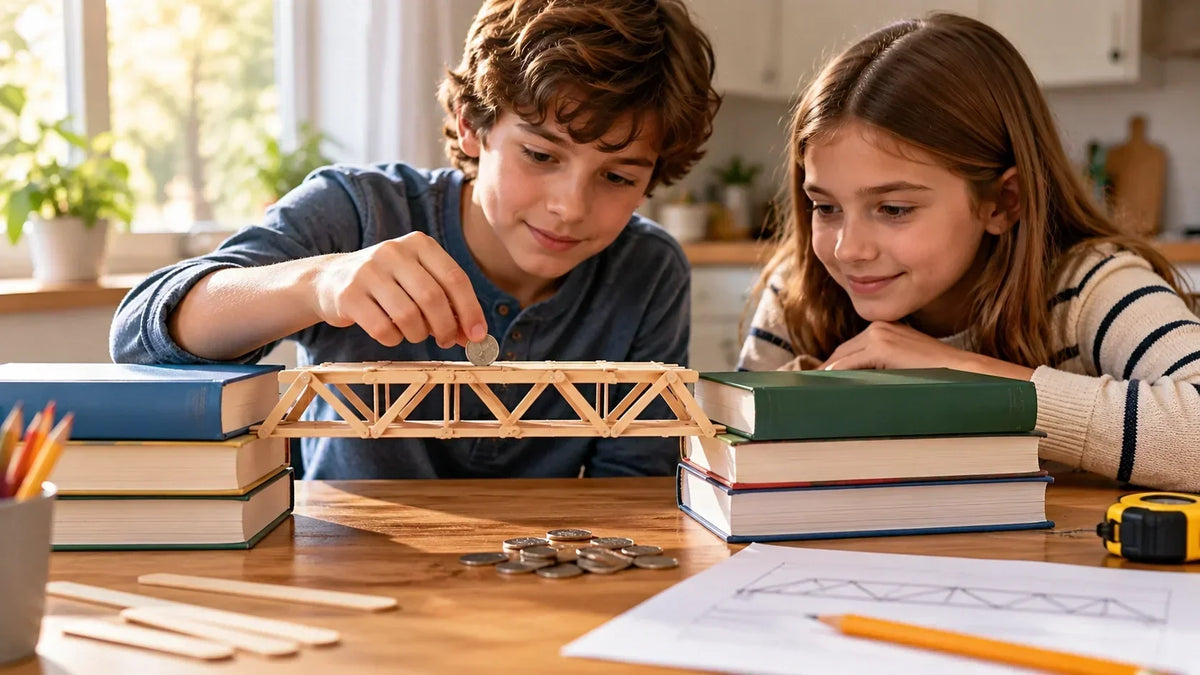
Gear assemblies, marble run extensions, bridge challenge kits |
|
7+ years |
Engineering kits, build challenges with constraints |
Structural pieces, load-bearing challenge kits, custom joints |
For hardware, the AOSEED kids 3D printer lineup includes enclosed models built for home use — hot components behind a door, HEPA filtration, sized to sit on a desk rather than take over a room.
2. Imaginative & Pretend Play
Kitchen sets, dress-up props, miniature figures, story accessories. A child running a toy café is practicing sequencing, turn-taking, and narrative structure without knowing it.
The AAP’s research on play-based learning makes a specific case: imaginative play supports executive function, language development, and emotional regulation in ways structured academic activities can’t replicate at the same developmental stage.
3D printing adds the custom piece the store doesn’t carry. A specific prop for a story the child invented. A replacement piece for a kitchen set missing its banana. A simple crown that makes a costume actually work. Small prints, fast turnaround, immediate use.
|
Tip Print open-ended props over specific characters. A generic figure, a blank cup, a simple hat — these flex across more storylines and print faster with fewer supports than a detailed character model. |
3. Puzzles & Problem-Solving

Jigsaws, tangrams, logic boards, shape sorters, mechanical brainteasers. This category builds one specific thing: tolerance for not knowing the answer yet.
Children who work puzzles regularly develop the habit of trying, failing, adjusting, and trying again. Print a jigsaw at exactly the right difficulty for this month, not last year’s. STEM-themed pieces featuring molecules, circuit diagrams, or anatomical shapes. Two-part interlocking solids that require spatial logic to reassemble take ninety minutes to print and stay in the library for months.
|
Puzzle Type |
Skills Built |
Best Age |
Printable Version |
|
Knob puzzle |
Fine motor, shape recognition |
12 months – 3 years |
Custom animal silhouettes, letter shapes |
|
Interlocking jigsaw |
Spatial reasoning, patience |
3 – 6 years |
STEM-themed 12–24 piece jigsaws |
|
Mechanical puzzle |
Logic, sequential thinking |
6+ years |
Gear puzzles, interlocking 3D solids |
4. Active & Sensory

Balance boards, toss rings, crawl tunnels, weighted objects, textured tiles. Every toy library needs gross motor options, especially for children under six.
The AAP’s toy safety standards flag active toys as the category with the most age-specific requirements. Under three: nothing with cords longer than 30cm, nothing requiring sustained grip a small hand can’t manage, no small detachable parts.
3D-printed contributions here are lightweight and low-stakes — toss rings, stackable sensory tiles, simple balance pieces. Good first prints for a new user. The geometry is simple, the stakes are low, and a two-year-old who finds a finished disc genuinely interesting is better motivation than any tutorial.
5. STEM & Educational Kits

Science, math, engineering toys that double as answers. A printed solar system model, fraction tiles, a circuit housing, a molecular kit — the category earns its place when a child has a question from school and you want to answer it with something physical.
Healthline’s guide to STEM toys for kids identifies early hands-on science exposure as a consistent factor in later STEM interest. A model a child printed themselves produces higher engagement than one that arrived in a box. Ownership changes how children interact with objects.
For families ready to start, a guided STEM 3D printer for kids and teens from AOSEED pairs a guided design app with a printer the child can operate at key steps. The parent steps in for filament loading and support removal. The rest is the child’s project.
How to Organize Your Toy Library at Home

The organization layer is what separates a toy library from a toy pile. It doesn’t need to be elaborate. It needs to be consistent.
Sort by Developmental Stage First
Under three: no small parts, no cords longer than 30cm. Three to six: sort by play type within age bands — building, pretend, active, puzzle, STEM. Six and up: add difficulty levels within each category so children choose something challenging, not just something available.
Label every bin: toy name, age range, play category. For printed items, add the model file name and filament type. That label takes thirty seconds and saves twenty minutes of searching when a piece breaks six months later.
Track, Rotate, Reprint
A simple spreadsheet is enough: item name, category, age range, date added, filament type for printed pieces. Review twice a year as children grow. Rotate bins every one to two weeks.
When a printed piece wears out, check it back in and reprint. A cracked piece creates sharp edges. The reprint takes twenty minutes. Families using AOSEED’s Toy Library of printable ideas can pull the original model directly from the app — no searching required.
|
Works well Involve children from age five in labeling new bins. A child who helps log a new item takes the checkout system more seriously — and reminds you when a bin is overdue. |
Filament Safety and Workspace Rules
Safe filament choices matter even more when printing toy library toys for young children that will be handled every day.

Where the printer sits and what you load into it matter as much as what you print.
What to Print With
|
Filament |
Child Safety |
Best For |
Notes |
|
PLA |
Recommended |
All toy library categories |
Plant-based, low VOC emissions, easy to print. Sand edges before use for under-3s. |
|
PETG |
Recommended |
Active toys, impact-prone items |
More flexible than PLA. Slightly harder to print. FDA food-contact grades available. |
|
ABS |
Use caution |
Adult-supervised prints only |
Higher VOC output. Enclosed printer + ventilated room required. No children during printing. |
|
Resin |
Avoid |
Not for toys |
Uncured residue is skin-irritant. Avoid entirely for children under 5. |
|
HOT PARTS HAZARD Nozzle temperatures run 190–220°C for PLA. The heater block stays warm for ten minutes after the screen reads idle. Children should never reach into the build area during or after a print. Enclosed printers eliminate this risk almost entirely — the hot end stays behind a door. |
Where to Put the Printer
A flat, dedicated surface that doesn’t wobble. Printed in a separate room during operation, or minimum two meters from where children work. Never cover a running printer with cloth. No drinks on the printer table. For ABS or resin: ventilated enclosure or dedicated maker space only.
Common First-Print Problems and Quick Fixes
|
Symptom |
Most Likely Cause |
First Fix |
Time |
|
Print lifts off the bed |
Dirty plate, unlevel bed |
Wipe with IPA, re-level, check Z-offset |
5–10 min |
|
Nozzle keeps clogging |
Wet filament, worn nozzle |
Cold pull, then check filament moisture |
10–15 min |
|
Shifted layers |
Loose belt, debris in rails |
Tension belt, clear debris |
5 min |
|
Brittle, rough layers |
Wet filament |
Dry filament 4–8 hr in sealed bag with desiccant |
Overnight |
|
Gaps in first layer |
Oil or dust on plate |
IPA wipe, dry 30 seconds, reprint |
3 min |
When to Retire or Replace a Toy
Not every printed toy lasts forever. PLA surface-cracks after sustained UV exposure. Thin-walled pieces wear faster than solid ones.
Signs It’s Time to Reprint
Visible cracks. A sharp edge at a layer line. A piece now small enough to mouth because the child has grown. Surface pitting that collects debris. None of these retire the bin — they trigger a reprint. Adjust wall thickness if needed, reprint. Twenty minutes.
Matching Printer to Child’s Age
Younger users — ages four to eight — do better with simpler, guided machines. For that age band, a beginner-friendly 3D printer for young creators reduces setup friction and produces better first-project results. Older students wanting larger STEM builds can step up to the X-MAKER, which handles classroom-scale projects.
Conclusion
Five categories, a rotation schedule, and a printer that adds whatever's missing. That's the system.
Building, imaginative play, puzzles, active/sensory, and STEM cover everything a child needs from toddler through early school age. A toy library organizes access. A 3D printer makes the collection expandable indefinitely. Together, they turn a finite toy budget into something that grows with the child — and keeps getting used after week one.
Most families hit the same wall six months in. The child loses interest. The printer sits idle. The bins stop rotating. That's not a hardware problem — it's a routine problem. A toy library solves it before it starts, because the rotation is the habit, not the novelty.
The categories matter because children's needs shift faster than parents expect. A three-year-old obsessed with stacking becomes a five-year-old who wants to build something that actually works. The STEM bin that sat untouched for months suddenly becomes the only bin they want. Having the structure already in place means you're not scrambling to keep up — you're just swapping what's in rotation.
And the printer isn't a toy factory. It's a gap-filler. The piece that broke. The prop that doesn't exist commercially. The puzzle level that's just slightly harder than anything you can buy. Those small, specific additions are what keep a toy library from going stale — and they cost a few grams of filament, not a new purchase.
Start small. Five bins, one per category. A handful of strong traditional items in each. One or two printed pieces where the store falls short. That's it. You don't need twenty toys to make this work. You need five categories and the discipline to rotate them.
The child who never sees the library run out of ideas is the child who keeps coming back to it. That's the real return on a 3D printer in a family setting — not the prints themselves, but the fact that there's always a next one.
AOSEED's family creativity platform — deployed in over 5,000 schools worldwide — is built around exactly this idea: the most important thing a 3D printer does in a family setting isn't the first print. It's the tenth.
|
THE TOY LIBRARY CATEGORIES FOR KIDS Five categories. One bin at a time. Rotate every one to two weeks. Reprint when worn. No storage overhaul required. No new purchases every time an interest shifts. Just a structure that keeps existing toys fresh and lets the printer fill every gap. |
FAQs
What are the different categories of toys?
Building, imaginative play, puzzles, active/sensory, and STEM. A well-stocked toy library has at least one or two items per category — that variety is what keeps rotation working.
How do I categorize children’s toys by age?
Sort by developmental stage first: under 3 (no small parts), 3–6 (by play type), 6+ (by difficulty within category). Label every bin with age range and play type.
Can toddlers safely play with 3D-printed toys?
Yes — PLA only, no small detachable parts, smooth sanded edges, close supervision. No resin pieces for children under five, ever.
How often should toys be rotated in a library?
Every one to two weeks. Consistency matters more than the exact interval. Most children respond well to a predictable swap day.
What is the easiest 3D printer for beginners?
An enclosed FDM printer with auto-leveling, a touchscreen, and a guided model library. The AOSEED X-MAKER JOY is built for this: app-guided, one-touch setup, child-friendly design.
Are 3D-printed toys safe for children?
PLA and PETG are non-toxic in printed form. Keep the printer in a separate ventilated room during operation. No resin printing for children’s toys.
Where can I find safe, ready-to-print models for kids?
Printables, MyMiniFactory, and the AOSEED Toy Library. Always check completed print photos before downloading — untested models are a gamble.
Are 3D-printed toys better than traditional toys?
Not better — additive. Traditional toys provide the developmental foundation. Printed toys extend every category with custom, affordable options that grow with the child.
Sources
- American Academy of Pediatrics. “The Power of Play: How Fun and Games Help Children Thrive.” 2018.
- NICHD / National Institutes of Health. “How Does Child Care Affect Child Development?.” 2024.
- Healthline (medically reviewed). “The Best STEM Toys for Kids.” 2025.
- AOSEED. “X-MAKER JOY 3D Printer for Kids.”
- 8. AOSEED. “AOSEED Toy Library.”


Further reading

Graduation Gifts for Kids: Keepsakes for Kindergarten to Fifth Grade

How to Clean a 3D Printer: A Routine for Families

3D Printer Filament Holder: Options, Setup and a Version You Can Print


