What Can You Make with a 3D Printer: Top 10 Cool FDM Projects
A 3D printer can make almost any solid plastic object that fits on its build plate. That’s the honest one-line answer — and it’s also useless if you’re trying to picture what you’d actually do with one. So here’s the practical version: the ten FDM projects below are what real owners print most, ordered by how often they come up and how fast they pay the printer back.
FDM is the filament-based technology in nearly every home printer. Cheap to run, forgiving to learn, and the project range is wider than most guides admit. None of these ten needs design skill. Most start with a free file and finish in an afternoon.
What Is FDM Printing?

FDM stands for fused deposition modeling. The printer melts a strand of plastic filament and lays it down in fine lines, one layer at a time, until the shape is built. Most home machines work this way. The U.S. Department of Energy describes the idea plainly — the printer adds material only where the design calls for it, layer by layer (how 3D printers work).
Day to day you’ll use PLA, the easiest filament to print, or PETG when a part needs to handle heat or water. There’s also resin printing, which is sharper on fine detail but needs gloves, washing, and curing. For everything on this list, FDM is the right tool.
1. Household Organizers and Storage
This is the use that converts skeptics. Drawer dividers sized to your actual drawer, not the nearest size a store happened to stock. Cable clips, wall hooks, shelf brackets, headphone stands, modular bins.
None of it is exciting on its own. All of it quietly removes friction you’d stopped noticing. Most pieces print in under an hour for a few cents of filament — which is why people who buy a printer for one reason end up printing organizers for years.
2. Replacement Parts and Repairs

You rarely plan this one. You run into it. The clip on the vacuum snaps. A stove knob cracks. A battery cover vanishes. Someone has usually already shared a model for the exact part, and a print costs a dollar or two against $14 plus shipping for the original.
Indoor parts hold up fine in PLA. Anything near heat, water, or sunlight wants PETG or ABS instead. After a few saves like this, the printer stops feeling like a hobby and starts feeling like a tool.
3. Toys and Articulated Models

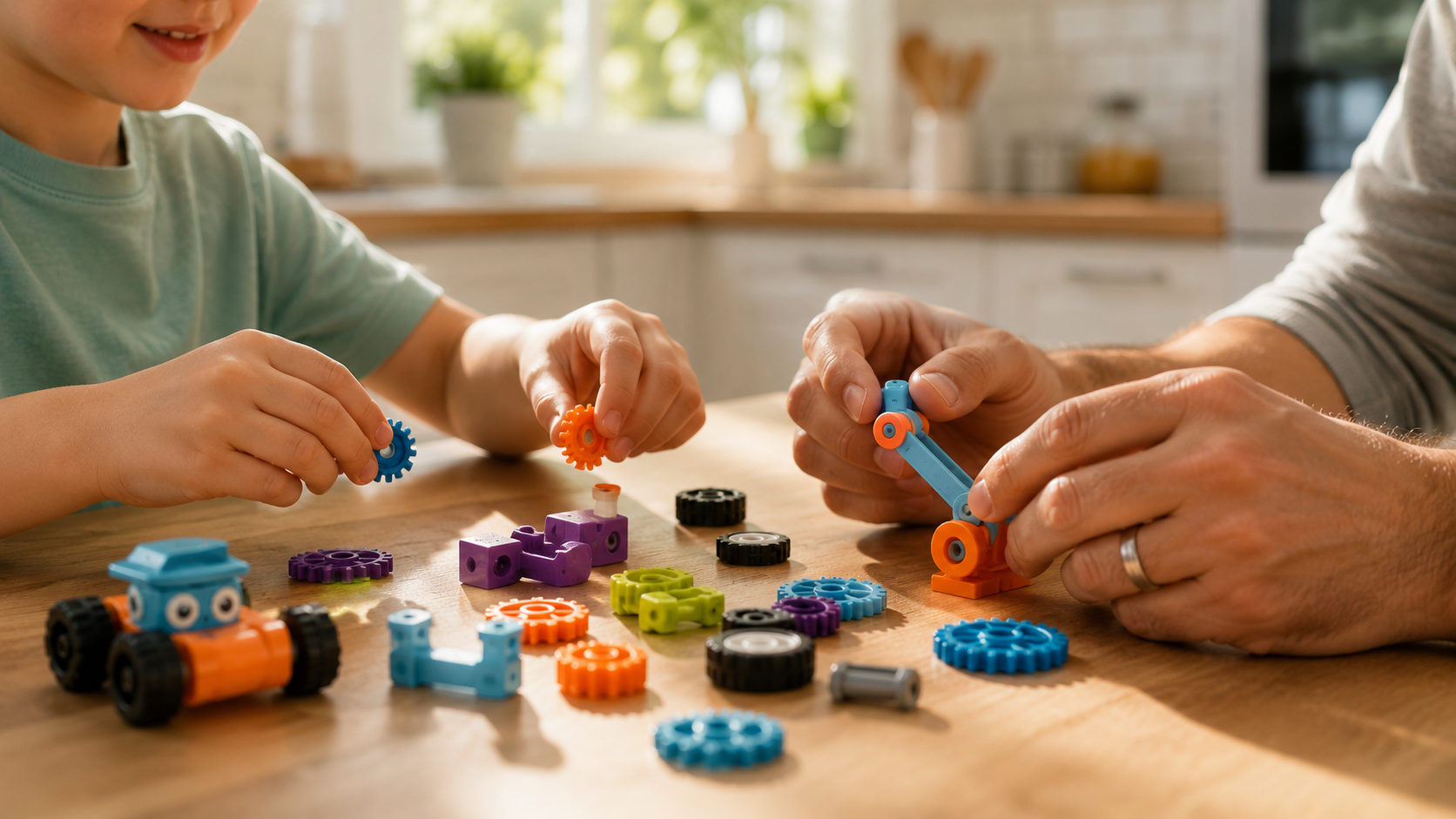
Articulated dragons, sharks, and cats come off the build plate already moving — no glue, no assembly. Add fidget toys, puzzle cubes, board game replacements, and parts for an RC car.
A printed toy runs about thirty cents in filament where the shelf version is $5 to $15. The trade is time: a couple of hours of printing for a few dollars saved. For a lot of families that’s a good deal — and the kid watching it build is half the appeal.

|
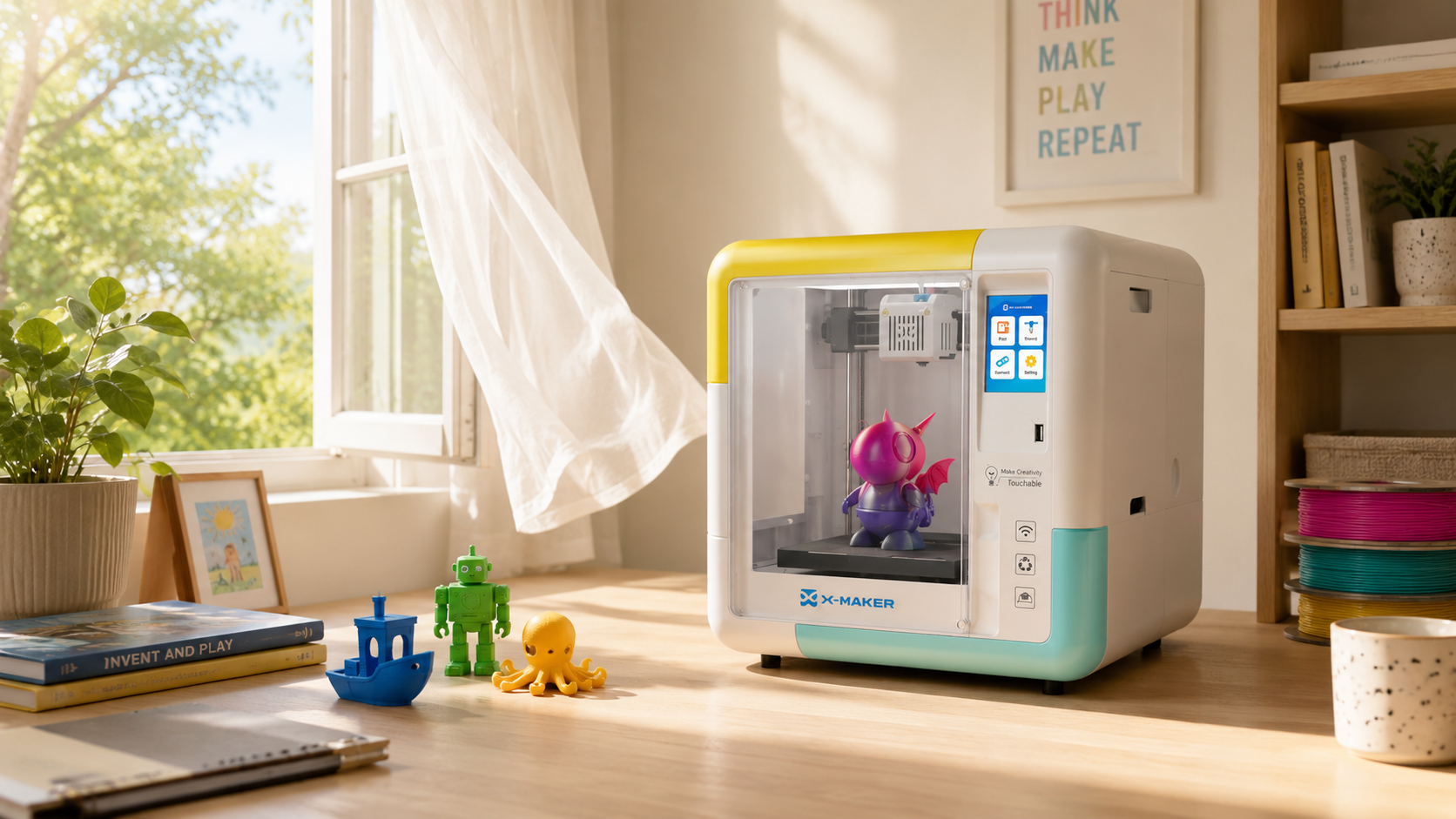
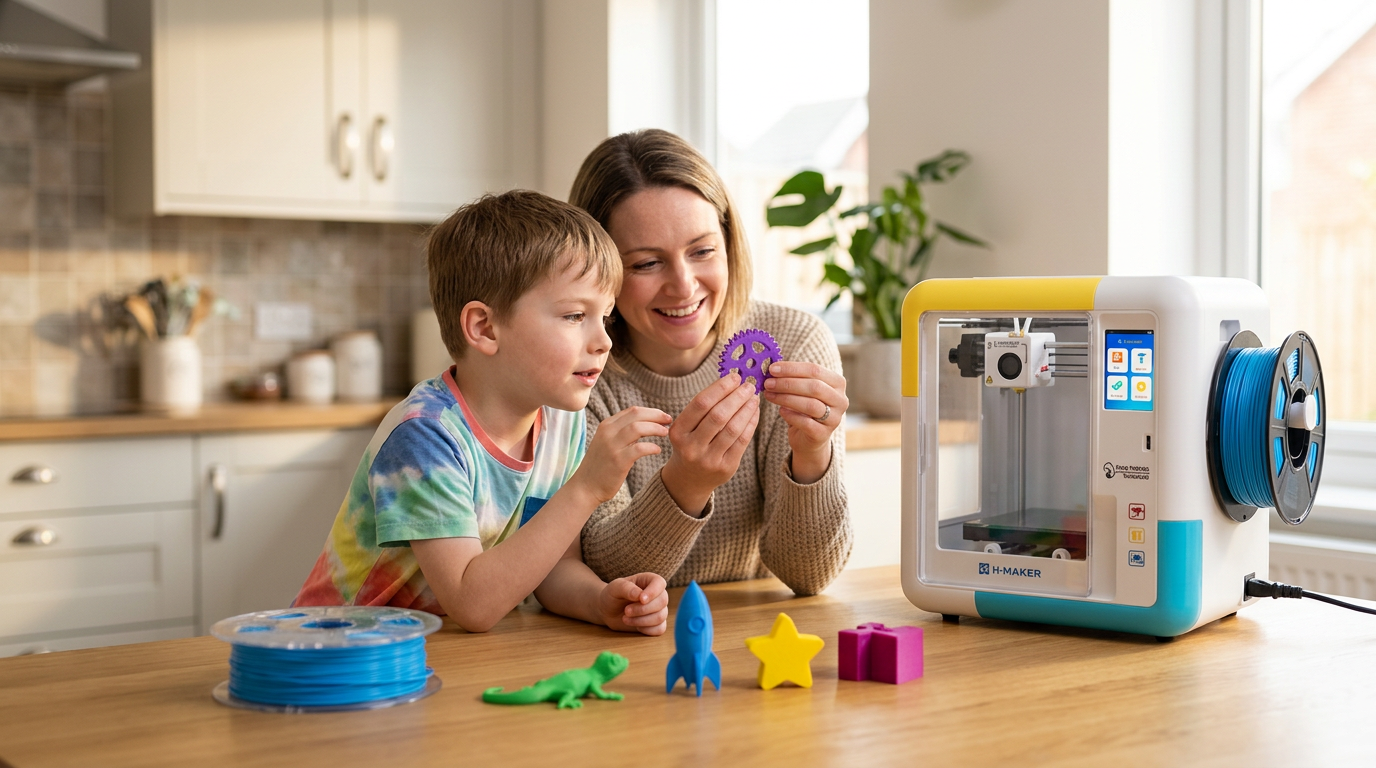
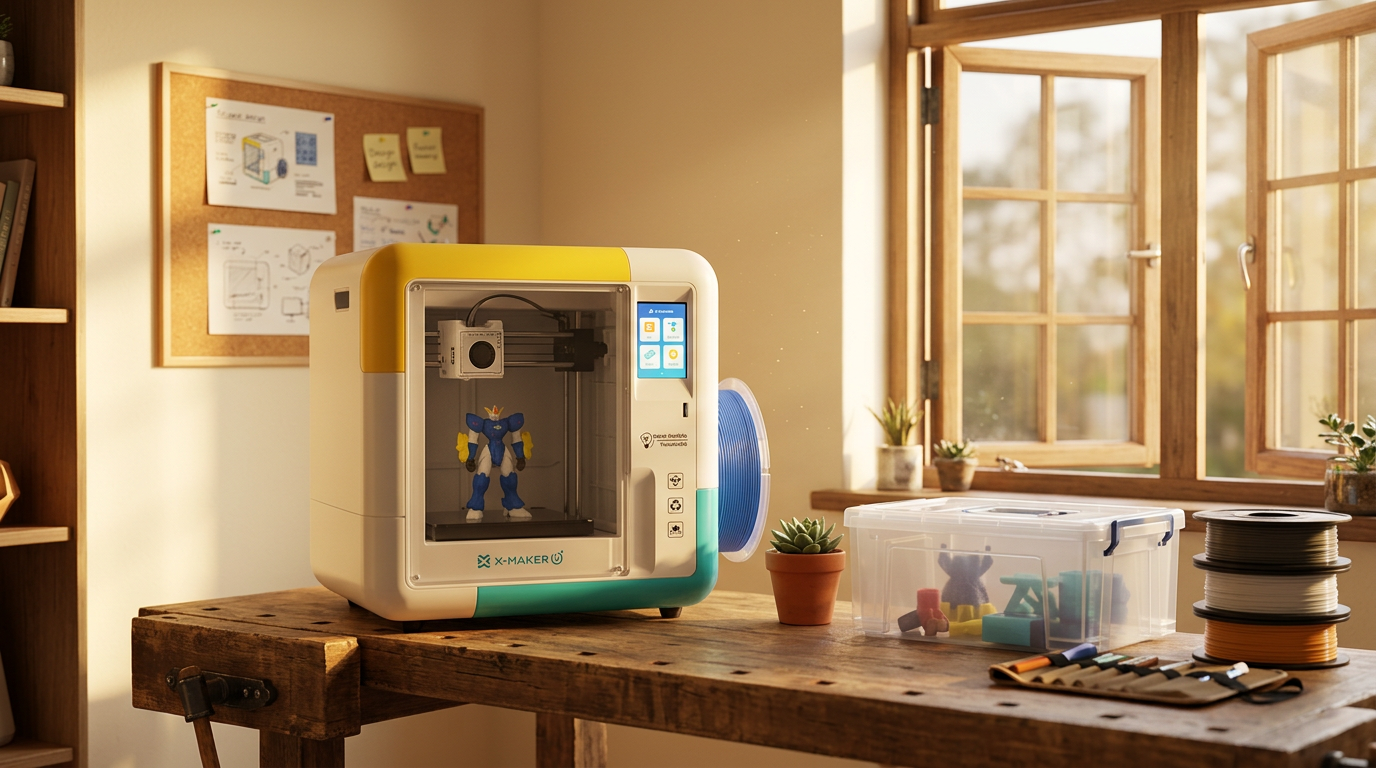
WHEN A KID IS THE ONE PRINTING A kid doesn’t want a parts catalog. They want to design a shape, watch it print, fix the version that didn’t quite work, and try again. That’s a creative tool, not a household one — and it asks for a different kind of printer. Open-frame budget kits tend to end with a parent troubleshooting on a Saturday morning. A pre-assembled, enclosed machine built for ages 4 to 12 — like the AOSEED X-MAKER JOY at around $299, which ships with 1,500+ ready-to-print models — removes most of that. If a child is the main user, starter toy-making 3D printer options are worth the extra hundred dollars. |
4. Tabletop Gaming Miniatures and Terrain
Resin gets the credit for fine miniatures, but FDM handles the bigger pieces well — terrain, buildings, scenery, dice towers, card holders, full table sets.
The detail won’t match a resin print up close, and that’s fine for anything you’re handling and sliding around a board. Gamers tend to be patient, repeat printers, so this is one of the categories where a printer earns back its cost fast.
5. Personalized Gifts and Lithophanes
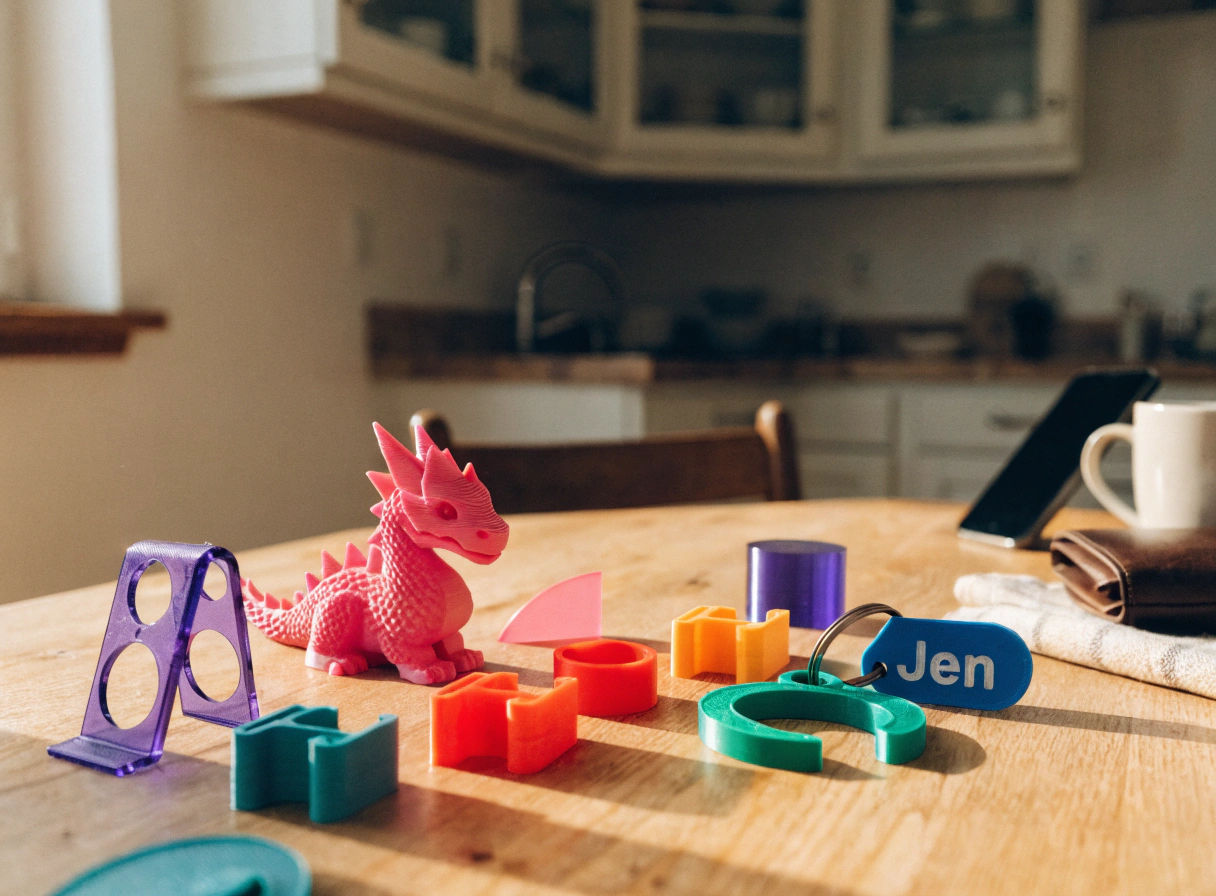
A lithophane turns a photo into a thin panel that hides its image until you backlight it — a genuinely surprising gift for a few cents of white filament. Name pendants, custom keychains, ornaments, fridge magnets all fall here too.
The appeal isn’t the plastic. It’s that the object is specific to one person and can’t be bought off a shelf. Holidays are easy: one afternoon produces a full set of matching ornaments or party favors.
6. Kitchen Tools and Gadgets
Measuring scoops, bag clips, spice racks sized to your cabinet, utensil holders, a bracket that holds plastic wrap under the counter. Useful, fast, and tailored to your space in a way store products aren’t.
One caveat worth respecting: standard PLA isn’t certified food-safe. Anything with repeated food contact is better in a documented food-safe filament, or kept to dry, brief contact only.
Which Material for Which Project?
|
Material |
Best Projects |
Why |
|
PLA |
Toys, organizers, models, gifts, decor |
Easiest to print; softens in a hot car or window |
|
PETG |
Kitchen items, functional parts |
Stronger and more heat- and water-resistant than PLA |
|
ABS / ASA |
Outdoor parts, repairs near heat |
Durable in sun and heat; wants an enclosed printer |
|
TPU |
Grips, straps, flexible pieces |
Rubber-like — bends instead of snapping |
7. Educational and STEM Models

This is where the failures are the point. A kid prints a rocket, a fin snaps off the plate, they thicken it and print again. Anatomical models, gear trains, a working solar system, topographic maps — abstract lessons turned into something with weight in the hand. Classroom research links 3D printing to stronger student motivation in science and engineering, partly because trial and error teaches judgment a worksheet can’t (Dept. of Education / ERIC).
8. Cosplay Props and Wearables
FDM suits large, segmented builds — armor panels, masks, helmets, prop weapons — printed in pieces and joined. The plastic is light enough to wear for a full convention day.
It won’t make soft fabric. But for the rigid parts of a costume, a printer replaces a lot of foam-and-glue work with parts that fit because you sized them yourself.
|
QUICK BENCHMARK A 50-gram toy prints in about 90 minutes on a 250mm/s entry-level machine. The same toy takes 30 to 45 minutes on a faster 500mm/s printer. For a kid’s attention span, that gap is the difference between “this is fun” and “are you sure it’s working?” |
9. Desk and Tech Accessories
Headphone stands, controller mounts, laptop risers, webcam covers, phone stands, a cable tray that clips under the desk. With remote work settled in, this category keeps growing.
These are quick prints, often under two hours — the kind of thing you’d pay $15 to $30 for at a store and print for under a dollar.
10. Custom Jewelry and Keychains
Geometric earrings, linked bracelets, pendants, keychains — lightweight, low material cost, and easy to make one-of-a-kind.
It’s also a common first step for people who end up selling prints, since the material cost is tiny and the perceived value is high. FDM won’t match a jeweler’s finish, but for fashion pieces and everyday accessories it’s more than enough.
What You Can’t Make (Yet)

A home FDM printer has real limits. It makes the case, not the circuit board inside. It can’t reliably print metal — that needs industrial machines. Objects bigger than the build plate get split and joined, or they don’t happen. Soft fabric clothing is out; rigid accessories are in. And detailed prints take hours, not minutes. The ceiling does climb far higher than a desktop — the FDA notes 3D-printed implants, dental crowns, and prosthetics are already standard medical devices (FDA) — but that’s industrial territory, not your desk. None of this is a dealbreaker. It just sets the honest edge of the list above.
How to Start: Your First Print
|
# |
What to do |
How it works |
Tip / time |
|
1 |
Plug in & auto-level |
Modern printers self-calibrate after you plug them in. Just wait. |
~15 minutes |
|
2 |
Load filament |
The printer walks you through it with on-screen prompts. |
~2–3 minutes |
|
3 |
Pick a model |
Use the built-in library or download from Printables or Thingiverse. |
Skip designing for now |
|
4 |
Send to print |
App-driven printers: one tap. SD-card printers: slice, transfer, start. |
~1–5 min setup |
|
5 |
Wait for it |
Don’t open the lid, don’t move the printer, don’t peel until the bed cools. |
Flex the plate to release |
Start with something small and reliable — a phone stand or a drawer organizer — before the forty-segment dragon. If a child is the main user, AOSEED’s kid-friendly 3D printer lineup is built around guided apps and a model library, so the first print needs almost no parent setup.
Conclusion
So, what can you make with a 3D printer? More than you'd guess before you own one, and more than you'll plan for. Most people buy theirs for a single reason: a broken part, a kid who wants a dragon and then the thing quietly becomes a fixture. You stop ordering small plastic stuff online. You start noticing problems around the house that a twenty-minute print could solve.
The ten projects here are just the ones that come up most often. Don't try to do all of them in week one. Print something small and genuinely useful first: a phone stand, a drawer organizer, get a feel for how the machine behaves, then work up to the ambitious stuff. The people who give up on 3D printing usually started with the forty-segment dragon and got discouraged.
For families with kids in the 4 to 12 range,AOSEED's family-friendly 3D printing platform is built around that design-it-then-play-with-it loop, where the printed object is the point rather than the process. Whatever you make first, the rule holds: pick the project, then match the printer to it — not the other way around.
FAQs
What items can you make with a 3D printer?
Most solid plastic objects that fit on the build plate. The common ones are household organizers, replacement parts, toys, gaming terrain, personalized gifts, kitchen tools, STEM models, cosplay props, desk accessories, and jewelry. What it can’t do on its own is produce working electronics, soft fabric, or food. A useful way to think about it: the printer makes the shape, and you decide whether your machine and material can handle that particular job.
Can a 3D printer make anything?
Not literally anything. A home printer can’t produce working electronics, soft fabric, or food, and it can’t reliably print metal. The answer also depends on scale — desktop machines handle household-size objects, while industrial printers build car parts and even house walls. Within those limits, though, the range is wide enough that most people are surprised by what does work.
What cannot be printed on a 3D printer?
On a home FDM machine: working circuitry, soft woven fabric, food-grade items in standard filament, most metals, and anything larger than the build plate in one piece. Very fine detail is also a stretch for FDM; that's where resin printers do better. Knowing these edges up front saves a lot of wasted filament and frustration.
Can I 3D print clothes?
You can print rigid wearable items, jewelry, glasses frames, buckles, costume armor — but not soft fabric clothing on a standard home printer. Flexible TPU filament can make bendable pieces, yet it still isn’t cloth. Some designers create fabric-like garments by linking many small printed segments, but that takes advanced design skill and a lot of print time. For most people, “3D printed clothes” realistically means accessories and cosplay props.
Is 3D printing a cheap hobby?
Compared to most hobbies? Easily. A kilogram spool of PLA is $20 to $30, and that's a lot of plastic dozens of small prints before you reorder. Power barely registers, a few cents an hour. Where it adds up is the stuff nobody warns you about: a fancier nozzle here, a print that fails at hour six there, the upgrade you didn't need but bought anyway. Keep it pointed at things you'd actually use and it stays cheap. Let it turn into a shelf of printed knickknacks and, well, that's on you.
Can I legally sell 3D prints?
Yes the catch is the design, not the printing. Sell prints of your own models all day. The trouble starts when people print copyrighted characters or branded logos and list them, which isn't allowed and gets stores shut down. The safest route is to design your own work or use files licensed for commercial use, and actually read the rules on whatever marketplace you're selling on. They're not identical, and "I didn't know" doesn't hold up.
What is the biggest disadvantage of 3D printing?
Speed, mostly. A detailed model can tie up the printer for hours, so it's great for one-offs and custom parts but useless if you need fifty of something fast. Prints fail too, sometimes halfway through, and that's wasted plastic and time you don't get back. There's a learning curve on top of that, though decent machines and guided apps take a lot of the sting out of it. Start small and reliable, and the slow part stops bothering you pretty quickly.
Why is a 3D print failing?
Usually it's one of the usual suspects. The first layer didn't grip the bed. The bed wasn't level to begin with. Filament jammed, or the spool ran dry mid-print. Or the model had overhangs that needed support and didn't get any. Wrong temperature for the filament causes its own headaches. The good news is the list is short and it repeats — so when something goes wrong, check bed leveling and that first layer before you go down a rabbit hole.
Sources
- U.S. Department of Energy, "How 3D Printers Work."
- U.S. Department of Education, ERIC, "Exploring the Impact of 3D Printing Integration on STEM Education."
- NASA, Marshall Space Flight Center, "Latest Updates on the 3D-Printed Habitat Competition."
- U.S. Food and Drug Administration, "3D Printing of Medical Devices."
- National Center for Biotechnology Information, "Additively Manufactured Medical Products — the FDA Perspective."
- Markforged, "What Can You Make with a 3D Printer?"


Further reading
AI vs CAD for Kids: Which Design Path Fits Each Age?

AI-Generated 3D Models for Kids: 9 Printability Checks Before You Print

How to Fund a Classroom 3D Printer: Grant Budget and Proposal Checklist