

Live Q&A: The Most Common Parent Questions About Kids' 3D Printing
Three questions. One Saturday. A printer that actually gets used.
Is it safe? What age is right? What will my kid actually make? Most parents ask those three first. The answers fit on one page. The rest you'll figure out at the printer.
This Q&A walks through what parents ask before, during, and after buying a kids' 3D printer — with concrete rules, real numbers, and the small details that decide whether the printer becomes a real family tool or another shelf-bound gadget.
Is a Kids' 3D Printer Safe at Home?
Short answer: yes, with the right setup and a few clear rules. The longer answer matters more, because the risks aren't mysterious — they come down to heat, moving parts, air quality, and how the printer is supervised. Most families improve kids' 3D printer safety by choosing an enclosed 3D printer for kids, running it in a ventilated shared space, and sticking with PLA filament safety guidelines for beginner projects.

The Three Risks Every Parent Should Know
Heat is the obvious one. A nozzle running PLA sits around 200°C — hotter than an oven element. The print bed warms up too. Kids don't touch the nozzle, the bed, or a fresh print until everything has cooled.
Moving parts come next. Belts, fans, stepper rails, and the print head can pinch fingers or grab loose sleeves, long hair, and hoodie strings. It sounds dramatic until you watch a curious six-year-old lean in while the head is racing back and forth.
Air quality is the quieter risk. NIOSH's Approaches to Safe 3D Printing guide notes that some printers release ultrafine particles and chemicals while printing, and how much depends on the printer, filament, room, and controls. The headline isn't "don't print" — it's "don't print for hours in a sealed bedroom."
Why Enclosed Printers Win for Younger Kids
An enclosure is a physical wall between curious hands and hot parts. That's the whole pitch — and it's a big one. For kids under 10, an open-frame printer is almost always the wrong choice, no matter how affordable it looks on a shopping site.
Enclosures also corral particles and odors. Pair one with a filtered exhaust or a well-ventilated room, and everyday emissions stay manageable. Two house rules cover the rest: nobody opens the door during a live print, and an adult is the one who removes finished pieces.
PLA vs. ABS vs. Resin: What to Use, What to Skip
PLA wins the comparison most of the time for a first family setup. It prints at lower temperatures, it's plant-based, and it doesn't throw off the sharp smell that turns a print into a household debate. PLA isn't a free pass to print all weekend in a closed room — but it's the safest starting point by a wide margin.
|
Material |
Family-friendly? |
Why |
|
PLA |
Yes |
Lower print temps, plant-based, mild odor, beginner-forgiving. |
|
PETG |
Maybe later |
Tougher than PLA, but stringier. Save it for once you've mastered PLA. |
|
ABS |
Skip |
High temps, strong fumes, needs serious ventilation. |
|
Resin (SLA) |
Skip |
Liquid chemistry, gloves, IPA wash — adult-only workflow. |
|
WHAT NOT TO 3D PRINT FOR KIDS Skip ABS without proper ventilation, resin printers around younger kids, and anything load-bearing or food-contact. For children under 3, any part smaller than 1.25 inches is a choking hazard — the CPSC's toy safety standards apply to 3D printed items exactly as they do to any manufactured toy. |
What Age Is the Right Time to Start?
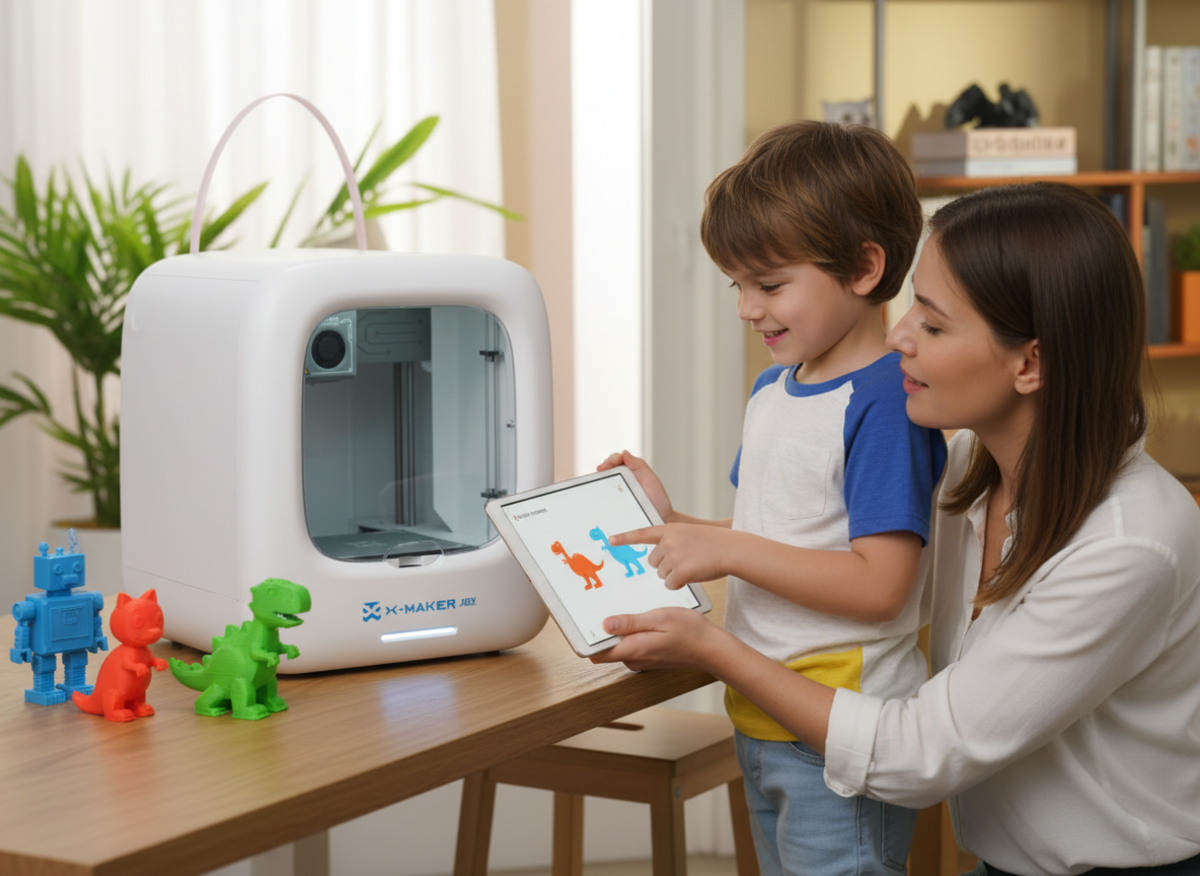
For most families, the best age for 3D printing starts around 5–7 with close supervision, short PLA projects, and a printer that keeps hot parts enclosed.

There's no magic age. Some 6-year-olds handle the routine better than some 12-year-olds, because the real readiness signals are patience, the ability to follow a multi-step rule, and how a child reacts when something doesn't work the first time.
|
Age |
What kids do |
Parent role |
Best first projects |
|
5–7 |
Pick models, choose colors, watch the print |
Runs the printer end-to-end |
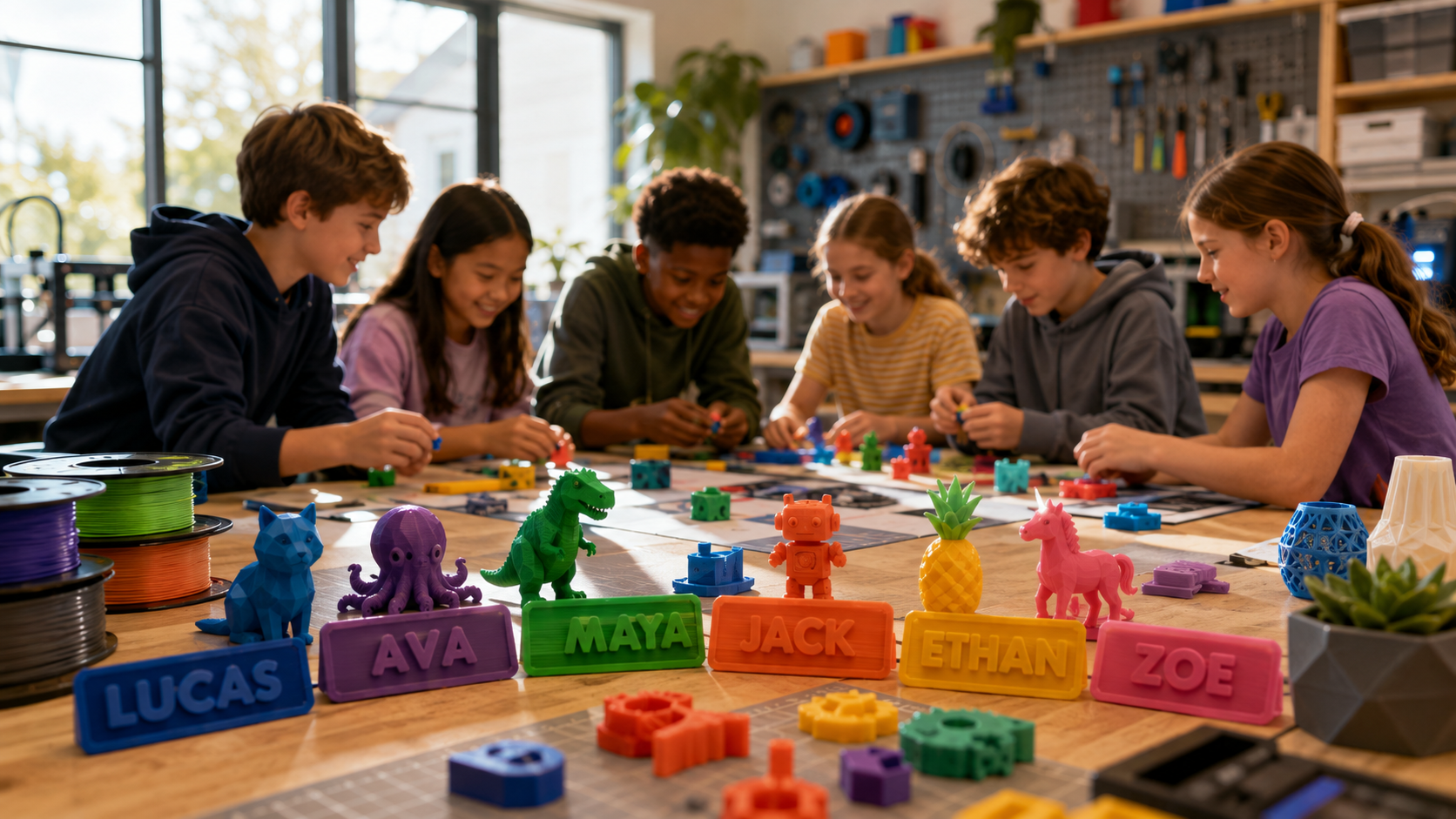
Animals, name tags, coins, fidget shapes |
|
8–10 |
Resize designs, try beginner CAD, plan projects |
Close supervision through cooldown |
Bookmarks, game pieces, desk signs |
|
11+ |
Light CAD, slicer tweaks, troubleshooting |
Approves prints, reviews cleanup |
Phone stands, cable clips, replacement parts |
Ages 5–7: Watch, Choose, Wait

At this age, the printer is mostly a magic box that turns a screen tap into a toy. That's a feature, not a problem. Let the child pick a model from the library, choose the color, and stand at a safe distance while the first layer goes down. The parent does everything else. For this stage, a guided toy-making printer for younger kids with a fully enclosed build area and a guided app library removes most of the friction that frustrates younger kids — no slicer setup, no leveling, no "why won't it stick."
Three rules cover almost everything: hot parts stay closed, ask before touching, wait until it cools. Drilling those three is more useful than a long lecture.
Ages 8–10: Plan, Modify, Print
This is the age where 3D printing stops being entertainment and starts being a tool. Kids can browse a library on their own, resize a design, pick a color scheme, and ask smart questions about why a print failed. Free beginner software like Autodesk's Tinkercad is the gentlest on-ramp before they touch a slicer.
The lessons land better when the project has a point. A bookmark with the child's name. A label for a sock drawer. A missing piece for a chewed-up board game. The print becomes something to use, not just look at.
Ages 11+: Design, Troubleshoot, Iterate
By 11, a kid who's been printing for a year is often better at the slicer than the parent. That's fine. The shift now is from "Did you watch me?" to "Did you log what went wrong?" A small notebook by the printer — model name, time, result, one thing to try next — turns prints into projects.
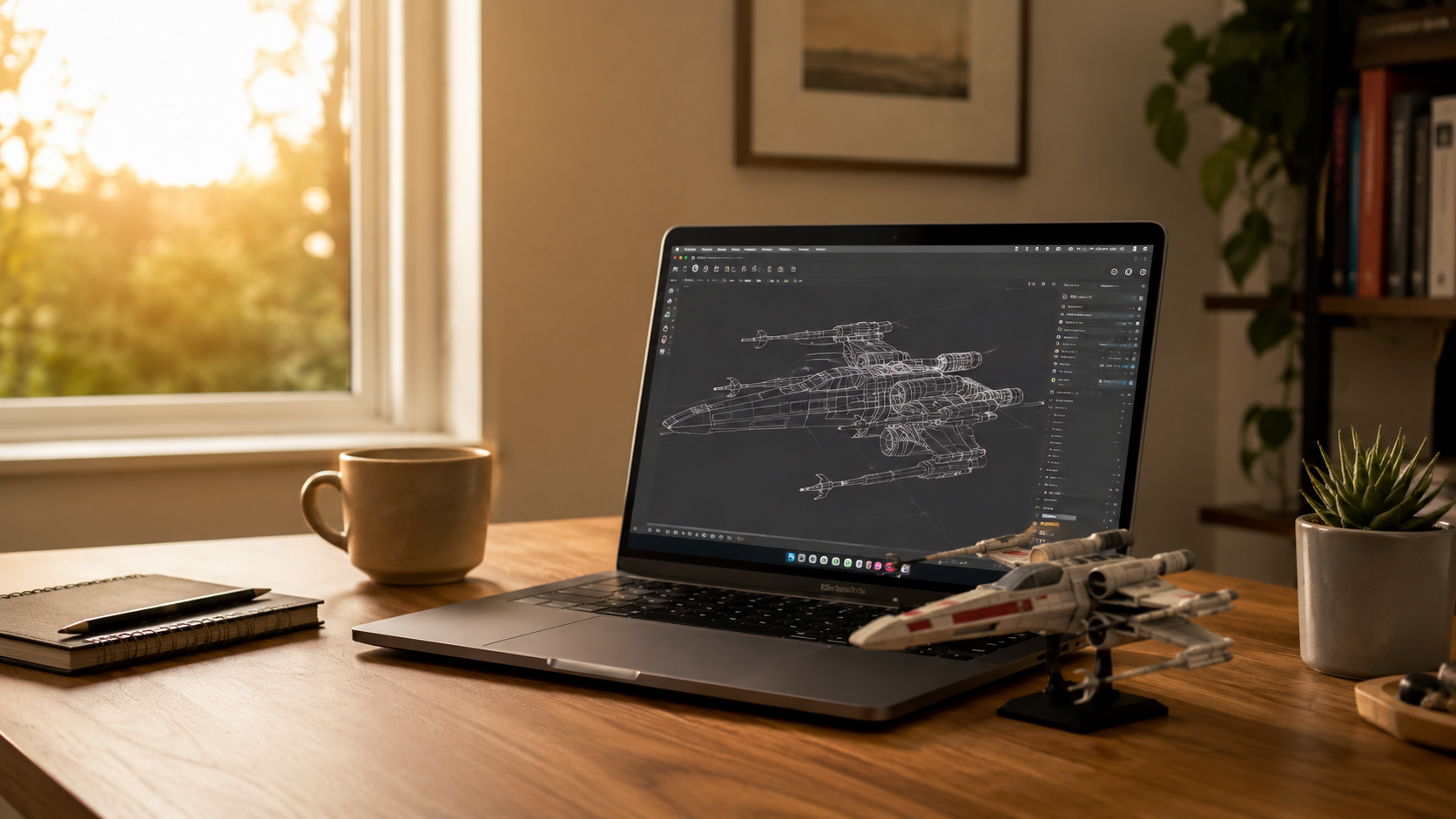
This age group thrives on usefulness. A clip for tangled charging cables. A bracket for a soap dispenser. A custom case for a class science fair sample. For kids ready to design their own STEM-grade builds, a guided STEM 3D printer for tweens and teens opens up bigger build sizes and more advanced design tools.
What Should I Look for When Buying?
A printer that looks great in a product video can still be the wrong fit for a family. When choosing a kid-friendly 3D printer, focus on enclosure, controls, supervision, and first-print success. Families should compare kid-friendly 3D printers by safety, age fit, and ease of use before looking at price alone.
Enclosure, Doors, and Child Controls
Start here. An enclosure does most of the safety work. Clear doors are a bonus — kids get to watch without the temptation to reach in. Beyond the enclosure, look for a clear touchscreen, an app that handles slicing behind the scenes, a real pause button, and a power switch that isn't behind the desk. Families comparing kid-friendly 3D printers should sort by enclosure type and age band before looking at price.
Auto-Leveling and One-Touch Apps
Bed leveling is the most common reason first prints fail. An off-level bed makes the first layer fail to stick, which makes the child think they did something wrong. Auto-leveling solves the problem before it becomes a story.
One-touch printing lets younger kids start from a ready-made design instead of staring at slicer menus on day one. Early success buys patience for later complexity. Skip a few of those wins, and the printer joins the closet.
Library Depth and Real Support
A printer with a strong starter library is worth more than a printer with a bigger build plate. Kids want to print something now — not three days from now after a CAD tutorial. Look for age-appropriate templates, weekly updates, and pre-sliced files that skip the slicer step entirely.
Support matters too. Nozzle clogs, broken build plates, app glitches — they all happen. A printer with clear help pages and real warranty terms is the value play, even at a slightly higher price. Cheap printers with no support get expensive fast.
What's the Real Cost Over a Year?

The printer is the down payment, not the whole bill. Filament, accessories, and the occasional replacement part add up over a year — though still less than a season of most travel sports.
|
Cost line |
Typical range (USD) |
Notes |
|
Starter kids' printer |
$250–$400 |
Enclosed, app-led, beginner-friendly |
|
PLA filament (per kg) |
$15–$25 |
Dozens to hundreds of small prints per spool |
|
Basic accessory kit |
$20–$40 |
Storage box, scraper, cutters, safety glasses |
|
Replacement nozzle |
$5–$15 |
Expect to swap one within year one |
|
Electricity per print hour |
$0.05–$0.15 |
Small toy print: about $0.30–$0.75 in material |
|
Year-one all-in estimate |
$330–$520 |
Less than a season of most travel sports |
How Long a Spool Actually Lasts
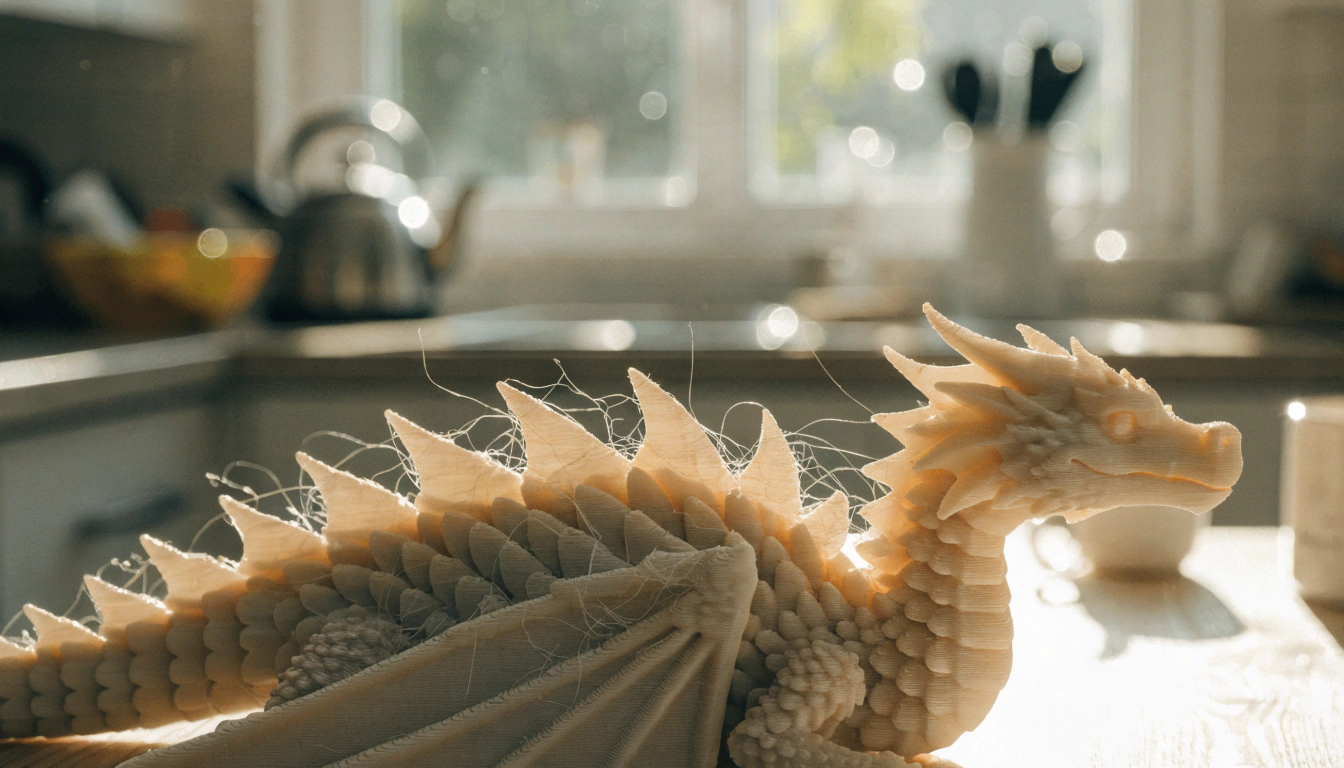
One kilogram of PLA prints a surprising amount — somewhere between 30 small name tags and a couple dozen palm-sized toys. The variation is huge because infill, model size, and supports all eat plastic at different rates. A solid 4-inch dragon swallows 80–120 grams. A flat keychain uses four.
Capping early projects at a fixed size — say, fits-in-your-palm — keeps the spool lasting and trains the planning muscle. Kids who learn to scale a model down before printing waste less filament and learn faster.
When a 3D Pen Is the Smarter Buy
Not sure your child will stick with it? A 3D pen is the lower-stakes test. It draws raised plastic shapes by hand, costs $30–$60, and feels like a craft tool rather than a machine. It won't teach digital design or slicing — but if the kid loves crafts and wants instant results, the pen is the right starting point.
What Will My Kid Actually Make?
The list is bigger than most parents expect. The best projects connect to a child's actual life: their hobbies, their homework, their room, their problems.

First Prints That Build Confidence
Small, flat, useful. That's the formula for a first print. A name tag, bookmark, keychain, coin, fidget shape, or pencil topper — anything that finishes in 30 minutes and looks recognizable. Skip the giant first projects. The maker community at Printables.com tags beginner-friendly models with the highest first-print success rates.
Let the child pick color and shape whenever possible. Tiny choices make the print feel theirs. Short successes teach the printer's rhythms — the heating beep, the first layer pause, the cooling silence at the end.
School Models and Household Fixes
Some ideas are easier to hold than to picture. A cell model with labeled organelles. A topographic landform. A bridge truss for a physics project. A gear assembly for a math demo. Each one is more memorable when the student can rotate it in their hand.
Household fixes teach a different lesson. A cable clip for the spaghetti behind a desk. A missing pawn for Monopoly. A backpack tag. A plant marker. Useful prints turn the printer into a tool, not a gadget. Just skip anything load-bearing, food-contact, or electrical — those aren't kid projects, not because of the printer but because the consequences of failure are sharper.
When to Push the Difficulty
After ten finished prints, most kids are ready for articulated models — print-in-place octopi, hinged dragons, gear puzzles. These hold attention longer because they move. A six-year-old plays with the movement. A ten-year-old starts asking why it works.
Articulated designs also come off the bed already functional — no assembly, no instructions, instant payoff. That's the magic that earns a printer its weekly slot.
How Much Should I Supervise?
A lot at first. Less over time. Never zero. The goal isn't to do every step for the child — it's to build safe habits and step back as those habits stick.

Adult Jobs, Kid Jobs
Adults handle setup, plugging in, file checks, starting the print, removing finished pieces, anything hot, anything stuck, anything sharp. Slicer settings stay with the parent until they understand what each one changes.
Kids pick the model. Choose the color. Watch the first layer. Name the file. Help organize the workspace. Older kids measure objects, plan simple designs, keep the print log. Useful jobs that don't involve cutting fingers.
Six House Rules That Hold
Short rules work. Long rules don't. Post six things near the printer and follow them yourself:
- Ask before starting any print
- Never touch the nozzle or print bed
- Keep the door closed while printing
- No food or drinks within arm's reach of the printer
- Clean scraps after every session
- Stop and find an adult if anything smells, sounds, or looks wrong
Review them out loud before the first print of the day. Thirty seconds. That's often the difference between a calm session and a rushed mistake.
Handling the First Failed Print
A failed print is information. Treat it that way, and the child does too. Ask the small questions first. Did the first layer stick? Was the model too thin? Did it need supports? The AOSEED Learning Center hosts step-by-step setup and troubleshooting guides that cover the most common first-print symptoms in plain language.
End with one next step, not a list of five. Reprint smaller. Pick a simpler model. Change one setting. Small adjustments teach more than big rewrites.
|
THE ASSEMBLY MOMENT The first time a child holds something they designed, picked the color of, and watched build layer by layer — that's the moment the printer earns its shelf space. Don't rush it. Those ten quiet minutes are often the most engaged they get all week. |
Conclusion
A kids' 3D printer turns into a real family tool when the basics are right: adult supervision, PLA filament, an enclosed machine, decent airflow, and a printer space that isn't a bedroom. Treat ventilation as setup, not an afterthought. Treat house rules as a thirty-second routine, not a lecture. Treat the first failed print as a conversation, not a frustration.
The real value isn't the toys. It's what kids learn while making them — patience, measuring, design thinking, and the deeply useful habit of treating failure as data. AOSEED's family creativity platform is running in over 5,000 schools on exactly that rhythm — start small, plan the first week, and let each printed object earn its own story. The printer that earns its shelf space isn't the one with the biggest build volume. It's the one used every weekend.
|
THE FIRST-PRINT MINDSET Pick the simplest model in the library on Saturday. Print it Sunday morning. Let your child name it before it exists. Three small habits — pick, plan, play — turn a box on the floor into a printer that gets used for years. |
FAQs
What questions should parents ask about 3D printing?
Safety, age fit, cost, materials, ventilation, supervision, and where the printer will live. Those seven cover almost every buying decision. Use those seven points as a kids 3D printer parent questions checklist before buying, so safety, age fit, cost, materials, ventilation, supervision, and setup are all covered.
Should a 7 year old have a 3D printer?
Yes, with close adult help. The child picks models and colors, the adult runs the machine. Stick to PLA and keep first projects under 90 minutes.
Are 3D printers for kids worth it?
For kids who like building, designing, and figuring things out — absolutely. The value is what gets learned along the way, not the plastic.
What is the best age to start 3D printing?
Most kids can start meaningful printing around age 8 with supervision. Younger kids enjoy watching, choosing models, and learning the safety routine.
How do I convince my parents to get me a 3D printer?
Walk in with a plan, not a wishlist. List where it will sit, what you'll print first, and how you'll handle cleanup.
What is a fun fact about 3D printing?
A printer builds objects one thin layer at a time — usually 0.2mm thick, about twice a sheet of paper. The same tech prints toys, dental aligners, and rocket parts.
What should you not 3D print for kids?
Skip ABS without ventilation, resin printers near younger kids, load-bearing parts, food-contact items, and small parts for children under 3.
How much does it cost to run a 3D printer for one hour?
Electricity runs $0.05–$0.15 per hour. Filament adds $0.30–$0.75 for a typical small toy. Most family-sized builds cost under $3 total.
Sources
- U.S. Consumer Product Safety Commission — Toy Safety Education
- CDC / NIOSH — Approaches to Safe 3D Printing
- CDC / NIOSH — Safe 3D Printing Is for Everyone, Everywhere
- Autodesk Tinkercad — Free browser-based 3D design tool
- Printables.com — Toys & Games



Further reading

Thanksgiving STEM Activities for Kids: Table Projects and Simple Engineering Challenges

Halloween STEM Activities for Kids: Spooky Builds That Teach Real Science

STEM Crafts for Kids: Build, Decorate and Test



